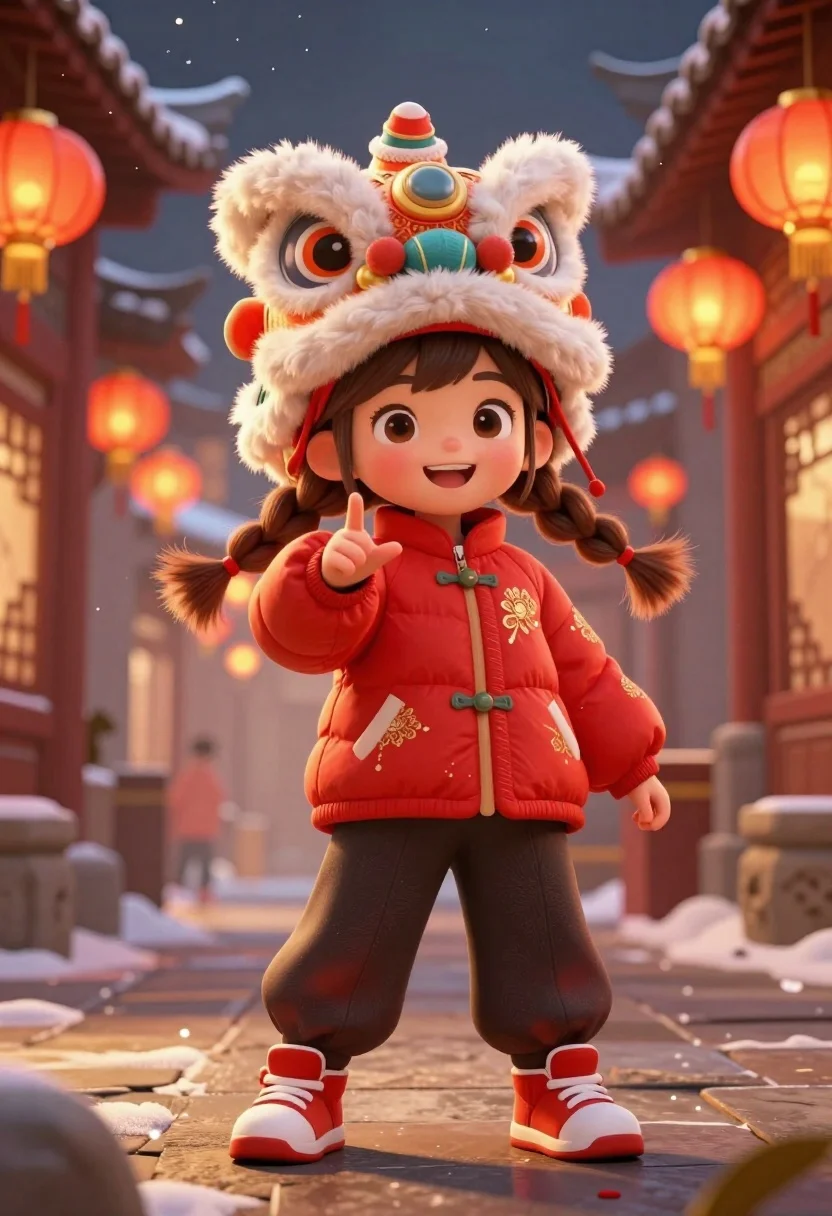
Cheerful young girl in red traditional clothing at chinese new year street
Prompt
A cheerful young girl stands confidently in a festive Chinese street scene, wearing a large lion dance headpiece and traditional red winter clothing.

Subject: A cute young girl with brown hair tied in long braids, wide expressive eyes, and a bright happy smile.

Clothing: She wears a puffy red jacket with gold floral embroidery, dark loose trousers, and chunky red sneakers with white soles; the lion headpiece is large, fluffy, and orange and white with intricate details.

Action: The girl stands facing forward with her right hand raised in a playful gesture near her chest, looking directly at the viewer.

Environment: A traditional Chinese street decorated for the Lunar New Year, featuring hanging red lanterns, snow-dusted rooftops, and warm glowing lights creating a magical atmosphere.

Lighting: Warm golden light from the lanterns illuminates the scene with soft shadows and sparkling particles floating in the air, enhancing the festive mood.

Camera: Medium shot capturing the girl from head to toe, slightly low angle to emphasize her presence, with shallow depth of field blurring the background for focus on the subject.

Style Details: Digital illustration style with vibrant colors, glowing effects, and a whimsical anime-inspired aesthetic reminiscent of high-quality concept art.
Description
This prompt is useful for creating festive cultural advertising, animated character concept sheets, and storybook illustrations depicting celebration scenes. The combination of 'vibrant colors' with the 'warm golden light from the lanterns' ensures that the subject pops against the detailed background, while the 'whimsical anime-inspired aesthetic' prevents the scene from looking like a flat photograph, making it suitable for stylized media.
Suggestions
- Change 'puffy red jacket' to 'silk embroidered jacket' for a more luxurious feel.
- Add 'bokeh effect' to the lighting description for stronger background blur.
- Swap 'orange and white' on the headpiece for 'gold and crimson' for color harmony.
Category
Tags
3dBrown HairCasual WearFemaleFull BodyLow AngleMedium ShotOutdoorsStreetTraditional Wear
Date added
July 3, 2026
Added by
PromptDexter Team
Related Prompts
More prompts with similar categories and tags.

Cheerful chibi pirate character standing on treasure chest in studio
Young woman in pink puffer jacket standing by counter with minions
Cheerful cartoon boy in racing suit standing next to formula one car

Full body studio shot of woman standing between large mario and luigi

Full body studio shot of woman and anthropomorphic fox character
Young woman in blue traditional outfit standing next to her animated 3d
Chibi girl in grey pinstriped school uniform holding black umbrella against white
Joyful young female tennis player celebrates victory on green court holding racket
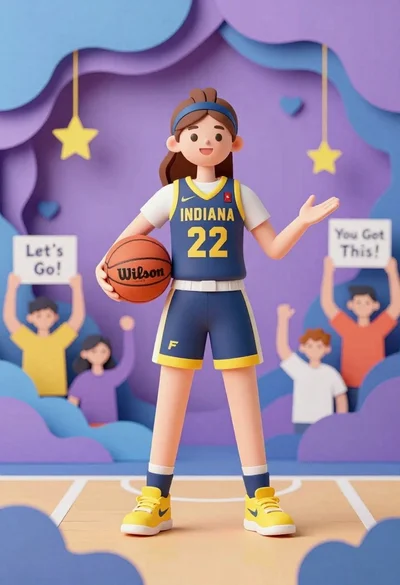
Cheerful female basketball player in navy jersey holding orange ball on court
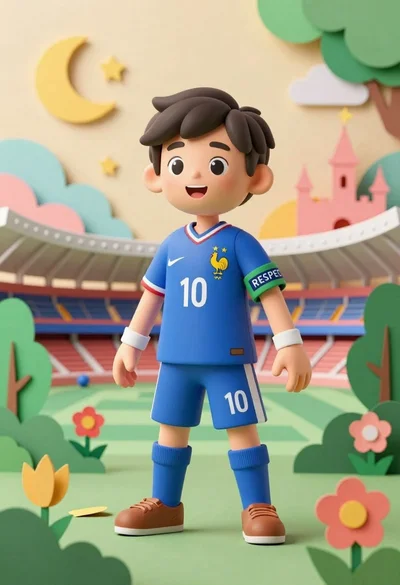
Cheerful young boy in blue france soccer jersey standing on a colorful