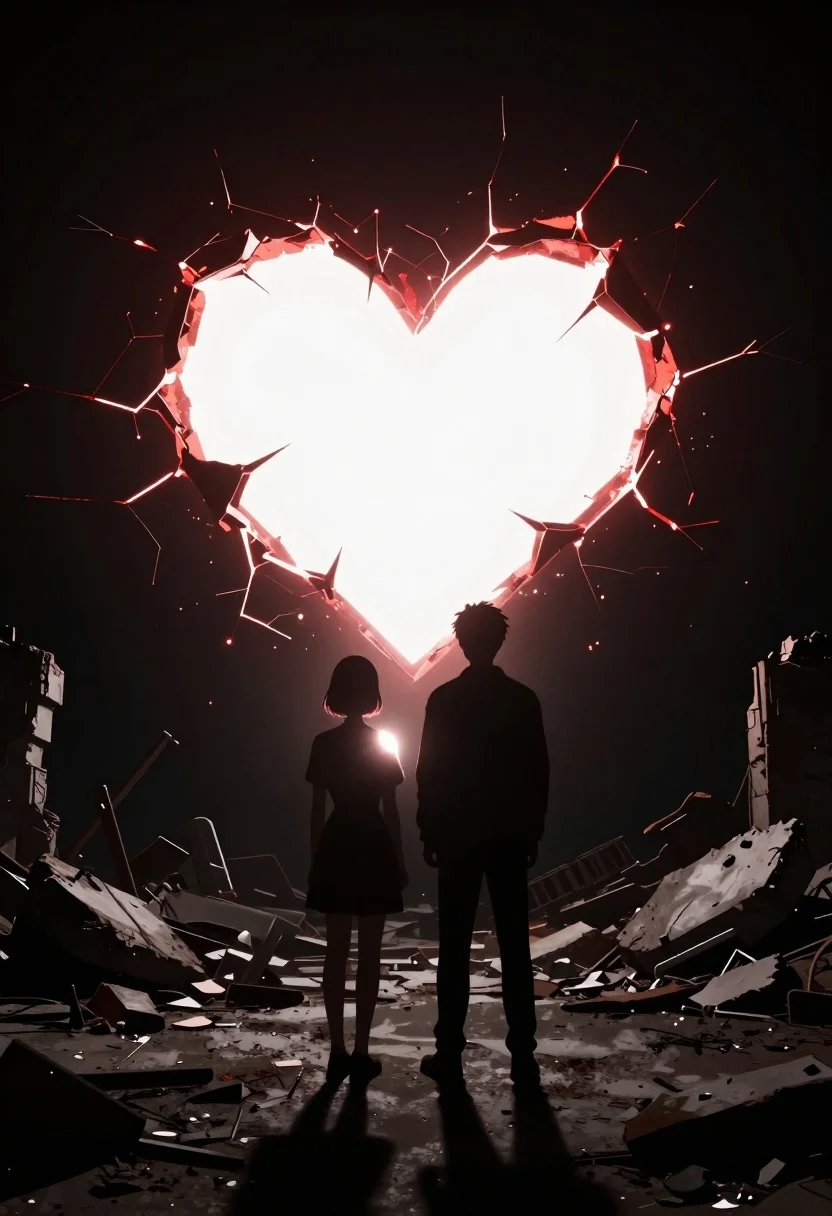
Two silhouettes in abandoned ruins facing glowing rift
Prompt
A cinematic digital art scene featuring a dark silhouette of two young people standing back-to-back in an abandoned ruin.

Subject: Two silhouetted figures facing away from the viewer; one with short hair and a dress-like outfit, the other taller wearing trousers and a jacket.

Environment: A debris-strewn floor littered with broken concrete chunks and twisted metal wreckage set against a deep black void.

Action: The two individuals stand still in profile while gazing forward at a massive glowing object behind them.

Objects: A gigantic heart-shaped rift burns open in the dark space, radiating blinding white light from its center framed by jagged red cracks resembling shattered glass or roots.

Lighting: Dramatic backlighting floods the scene through the giant heart, casting long shadows and leaving only silhouettes of the subjects while glowing softly on their shoulders.

Style Details: Dark fantasy aesthetic with high contrast between deep blacks and intense light sources creating a moody cinematic atmosphere.
Description
This prompt is useful for generating dark fantasy concept art, dramatic movie poster key art, and narrative sequence illustrations depicting moments of awe or confrontation. The combination of 'dark silhouette' subjects against the 'blinding white light' from the heart-shaped rift ensures maximum contrast, which prevents flat rendering and forces the viewer to focus on the composition established by the glowing object.
Suggestions
- Change 'heart-shaped rift' to 'cyclopean portal' for a more ominous feel.
- Add 'volumetric dust motes' to enhance the atmosphere in the ruins.
- Swap 'deep black void' for 'nebula backdrop' if you want an otherworldly setting.
Category
Tags
Back ViewDigital ArtFull BodyRuinsWide Shot
Date added
June 19, 2026
Added by
PromptDexter Team
Related Prompts
More prompts with similar categories and tags.
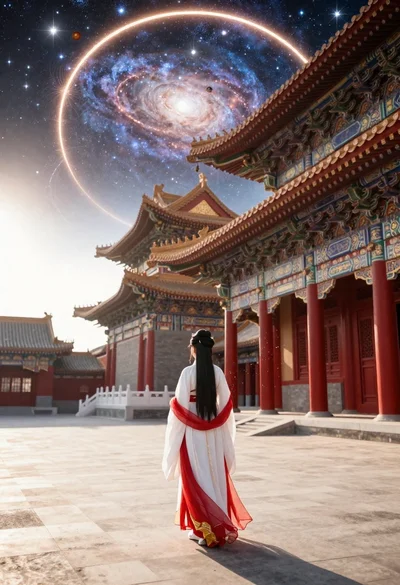
Figure in hanfu dress before cosmic portal in courtyard
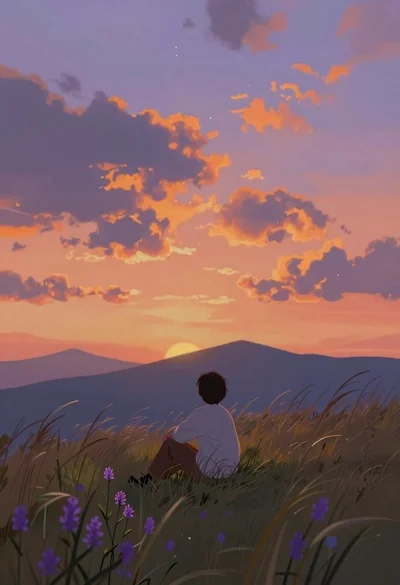
Lone figure sitting in meadow at twilight under dramatic sky
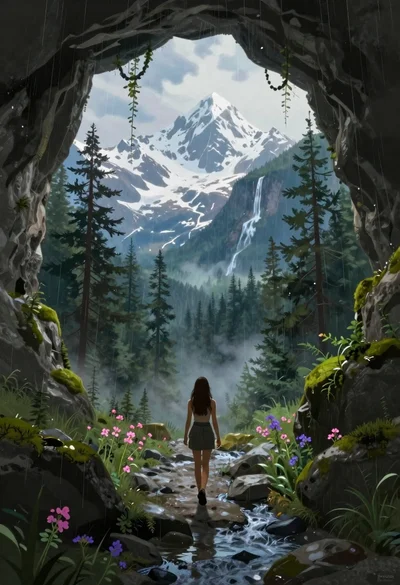
Woman walking from mossy cave to mountain landscape
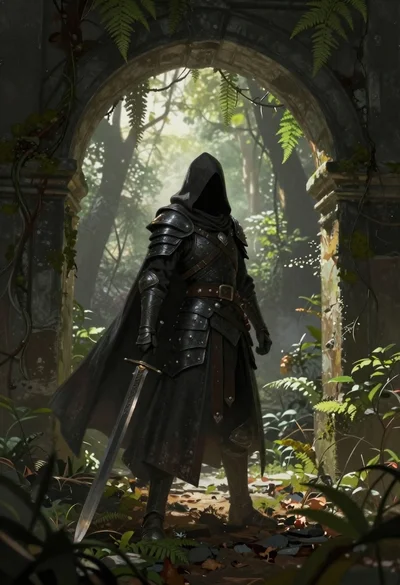
Warrior in dark armor within ancient overgrown stone archway
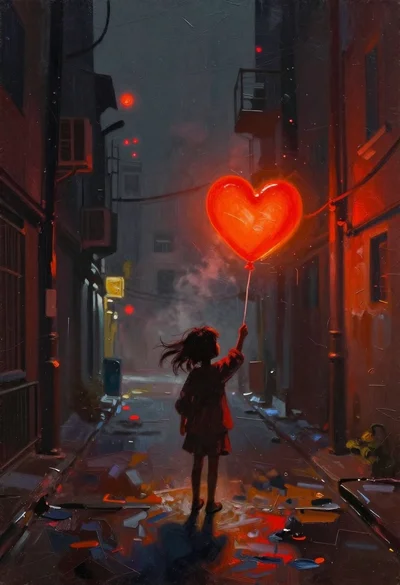
Child holding glowing balloon in dimly lit alleyway
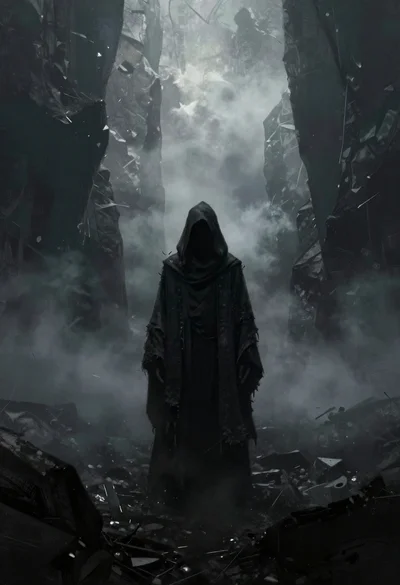
Hooded figure in misty dark canyon gorge
Supernatural entity in stone archway with blue lightning

Futuristic android woman in metallic corridor
