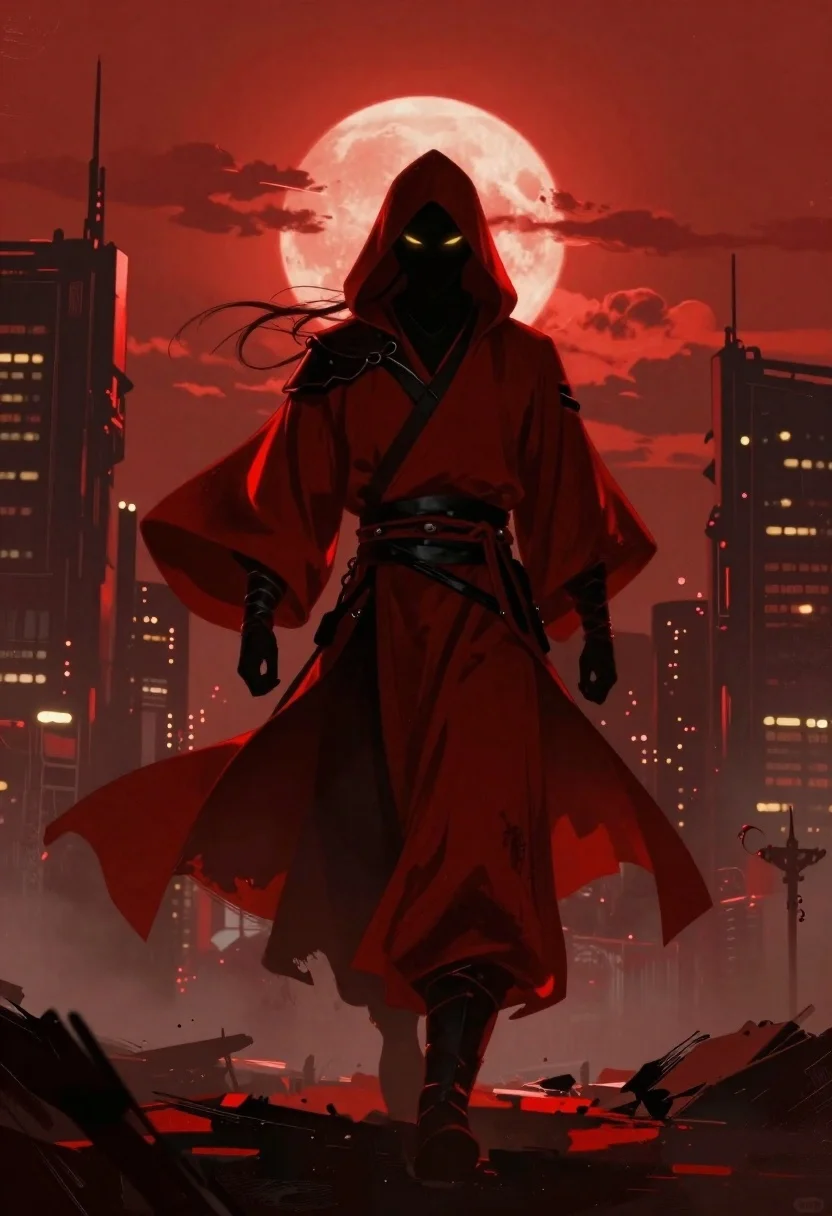
Warrior in red robes against crimson sky silhouette
Prompt
A dramatic digital painting of a hooded warrior striding forward in silhouette against crimson sky with blood-red moon.

Subject: Masked figure with glowing yellow eyes and flowing dark hair under hood.

Clothing: Deep red traditional robes with black leather accents at waist and wrists.

Action: Confident stride mid-motion with wind-swept cloak trailing behind.

Environment: Ruined futuristic skyscrapers rising from foggy ground, partially obscured clouds, distant city lights.

Camera: Full-body centered shot with shallow depth of field blurring background.

Lighting: Intense red ambient glow casting deep shadows, highlighting fabric folds for moody cinematic contrast.

Style Details: Painterly brushwork, high-contrast chiaroscuro reminiscent of fantasy concept art.
Description
This prompt is useful for creating dramatic movie poster concepts, dark fantasy book covers, and epic video game key art. The combination of 'intense red ambient glow' and 'high-contrast chiaroscuro' ensures that the warrior remains a focal point against the 'crimson sky,' while the specified 'painterly brushwork' prevents the scene from looking like a flat digital render, giving it tangible texture.
Suggestions
- Change 'blood-red moon' to 'binary moons' for a more alien feel.
- Swap 'deep red traditional robes' for 'charcoal armored plating' to change the material focus.
- Add 'volumetric fog' to enhance the obscuring effect of the ground.
Category
Tags
Digital ArtFull BodyRooftopRuinsTraditional WearWide Shot
Date added
June 19, 2026
Added by
PromptDexter Team
Related Prompts
More prompts with similar categories and tags.
Warrior in dark armor within ancient overgrown stone archway
Samurai warrior roaring in dark armor against pink background
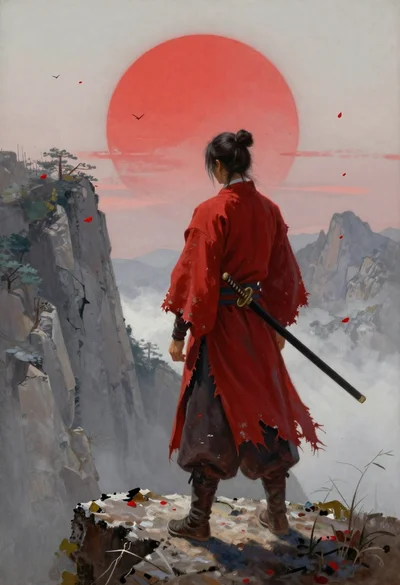
Warrior in red robes on a rocky cliff edge
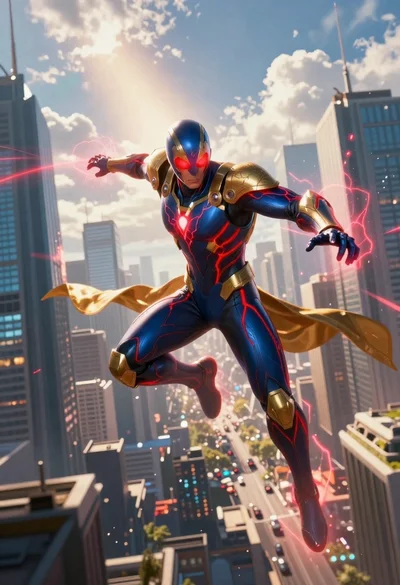
Superhero leaping through a futuristic cityscape under cloudy sky
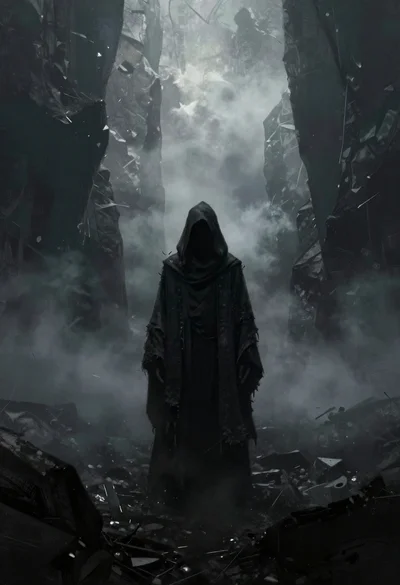
Hooded figure in misty dark canyon gorge
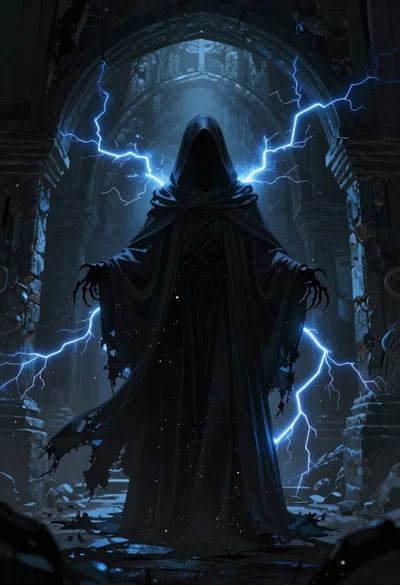
Supernatural entity in stone archway with blue lightning

Warrior woman riding wolf through snowy mountains

Obsidian humanoid in neon cube holding glowing heart
