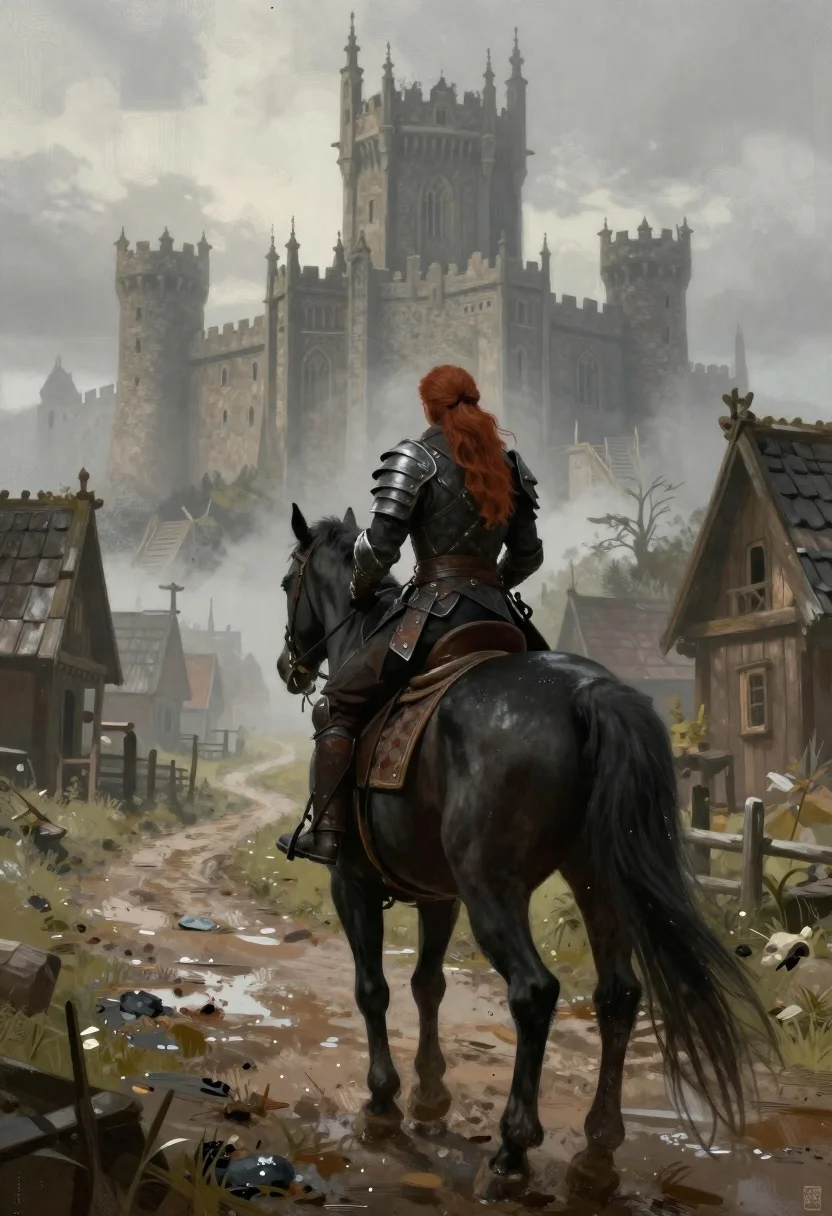
Warrior on black horse approaching gothic castle in fog
Prompt
Subject: A warrior with long reddish-brown hair riding a large black horse away from the viewer toward a looming castle.

Clothing: Dark leather armor and trousers on both rider and horse, featuring intricate metal accents around shoulders and legs; weathered saddle gear.

Action: The rider sits poised in profile view while walking forward along a muddy path into misty distance.

Environment: Overcast medieval village with wooden houses lining the road leading toward an imposing gothic-style castle shrouded in fog at the horizon.

Camera: Medium shot capturing full body of horse and rider from behind, centered composition emphasizing journey ahead.

Lighting: Diffused daylight under heavy clouds creating soft shadows and muted tones throughout scene; wet surfaces reflect ambient light subtly.

Style Details: Dark fantasy aesthetic with painterly digital art style blending realism and atmospheric depth; textured brushwork enhances mood and detail richness.
Description
This prompt is useful for creating dark fantasy concept art, book cover illustrations, and cinematic scene visualizations of epic journeys. The combination of 'diffused daylight under heavy clouds' with the 'fog at the horizon' establishes a muted palette that prevents harsh highlights, allowing the 'dark leather armor' and 'intricate metal accents' to read as tangible, weighty elements within the atmospheric depth.
Suggestions
- Change 'reddish-brown hair' to 'silver braided hair' for a more ethereal warrior look.
- Swap 'muddy path' for 'cobblestone bridge' to change the ground texture.
- Adjust 'medium shot' to 'wide shot' to emphasize the scale of the castle.
Category
Tags
ArmorBrown HairForestFull BodyMaleMedium ShotRealisticRed HairSide ProfileWide Shot
Date added
June 19, 2026
Added by
PromptDexter Team
Related Prompts
More prompts with similar categories and tags.

Warrior woman riding wolf through snowy mountains
Superman standing in a fiery ruined battlefield setting
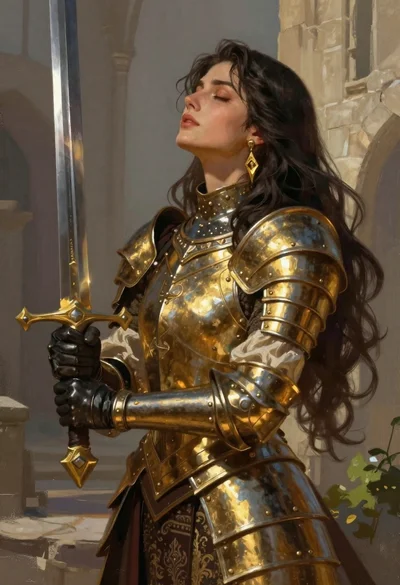
Fantasy warrior woman with ornate sword in stone courtyard
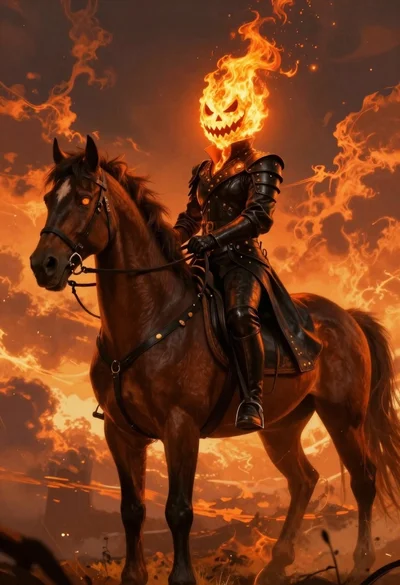
Fiery rider on horseback against apocalyptic sky

Cybernetic android portrait in red scifi setting
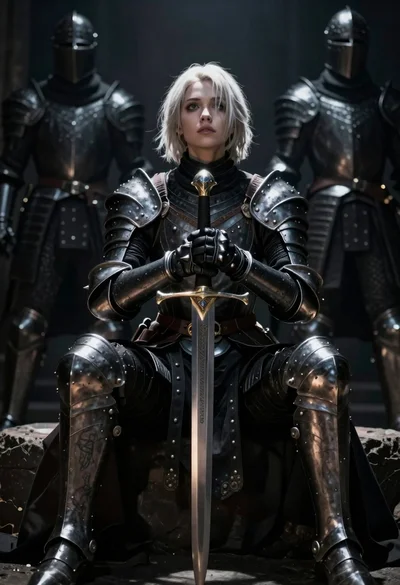
Warrior woman in dark armor seated with ornate sword
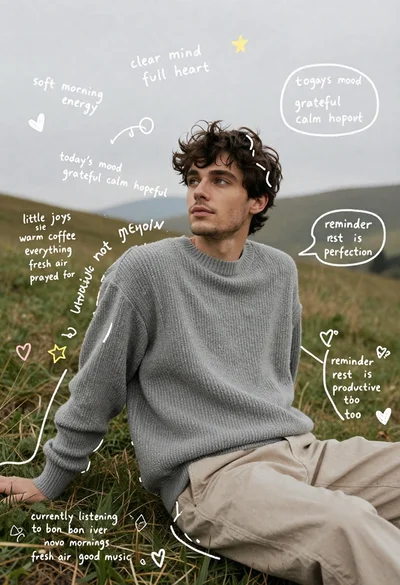
Young man in grey sweater sitting on a grassy hillside looking up

Futuristic android woman in metallic corridor