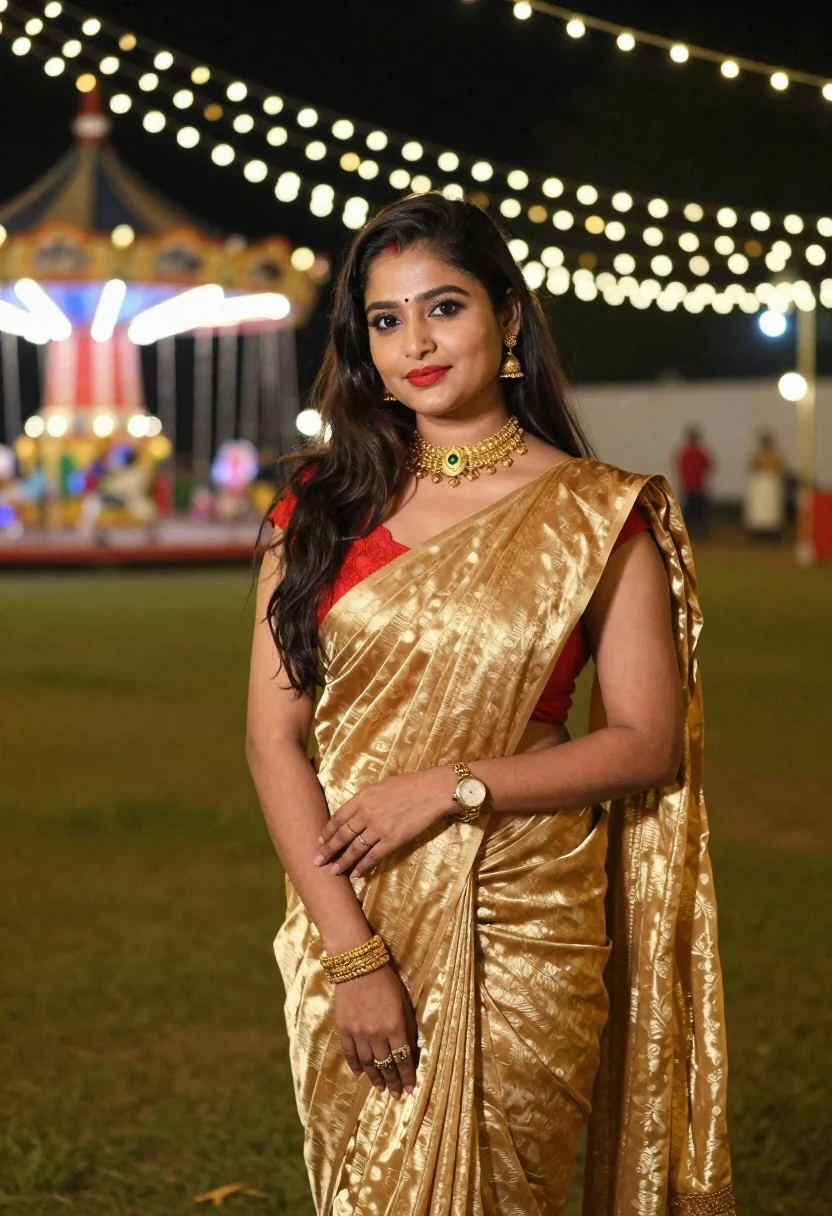
Woman in golden saree stands outdoors at night under fairy lights
Prompt
A woman stands in a festive outdoor setting at night wearing a golden saree with a red blouse and traditional jewelry.

Subject: A woman with long dark hair, fair skin, and a bindi on her forehead. She has defined eyebrows, eyeliner, and bright red lipstick. Her expression is calm and pleasant as she looks directly at the camera.

Clothing: She wears a shimmering golden saree with subtle patterns draped over her left shoulder. Underneath, a red lace or embroidered blouse is visible. She wears a wide gold choker necklace, a gold watch on her left wrist, a woven gold bracelet on her right wrist, and rings on her fingers.

Action: She stands in a relaxed pose with her arms crossed gently at her waist. Her body is angled slightly to the side while her face remains forward-facing.

Environment: The background features a grassy area illuminated by strings of warm white fairy lights hanging overhead and cascading down. Behind her, there is a blurred structure resembling a swing ride or carousel with red accents and blue lighting in the distance.

Lighting: The scene is lit by artificial string lights that create a soft, bokeh effect in the background. The subject is well-lit, highlighting the texture of her saree and the shine on her skin.

Camera: A medium shot captures the subject from the waist up with a shallow depth of field that blurs the background significantly to emphasize the foreground subject.

Style Details: The image has a warm color palette dominated by golds and greens with a soft, slightly grainy texture typical of night photography in festive environments.
Description
This prompt is useful for creating cultural portraiture, festive event documentation, and evocative mood shots for wedding or festival promotions. The combination of 'shimmering golden saree' against the bokeh from 'warm white fairy lights' ensures that the subject remains the focal point while the background suggests a celebratory atmosphere, preventing the scene from looking flat by using controlled depth of field.
Suggestions
- Change 'red lace or embroidered blouse' to 'deep emerald velvet blouse' for color contrast.
- Swap 'golden saree' for 'maroon silk saree' to adjust the primary tone.
- Add 'bokeh effect with hexagonal shapes' to refine the background lighting.
Category
Tags
Fair SkinFemaleMedium ShotOutdoorsRealisticTraditional Wear
Date added
June 19, 2026
Added by
PromptDexter Team
Related Prompts
More prompts with similar categories and tags.
Young woman with brown hair and traditional shawl in misty mountains

Young woman in denim dress standing on balcony before hawa mahal

Woman in traditional thai dress standing before a grand golden temple
Young woman in leather jacket standing before traditional japanese temple gate
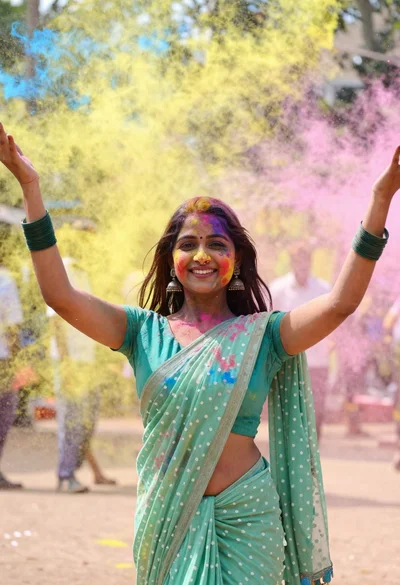
Young woman in traditional saree celebrating with vibrant colored powder explosion
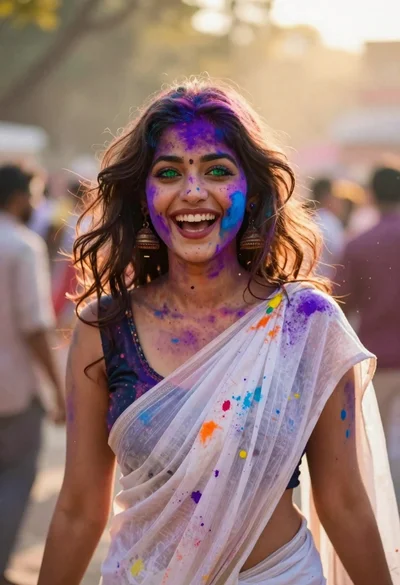
Joyful young woman in white sari covered in colorful powder at festival
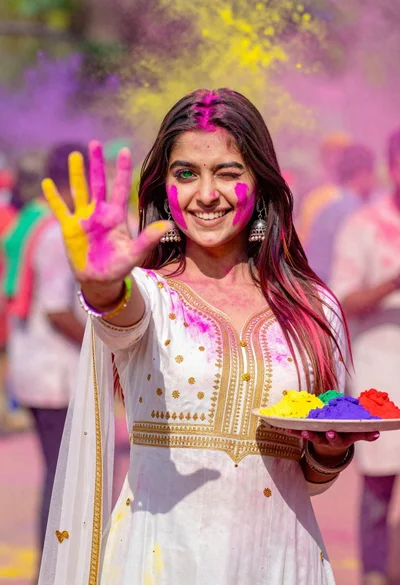
Young woman in traditional dress celebrating holi festival with colorful powders
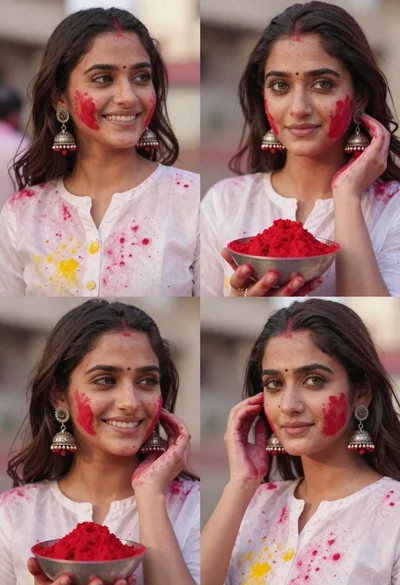
Portrait collage of young woman celebrating holi festival with red powder
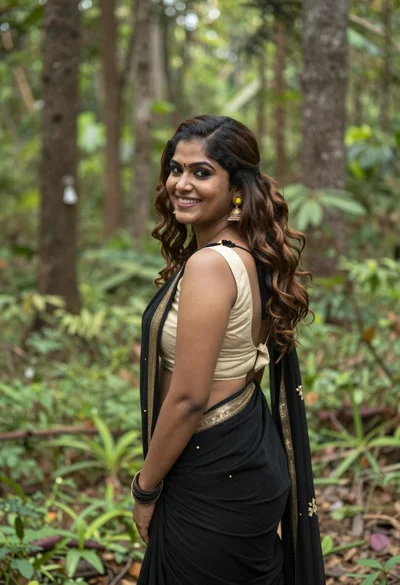
Smiling woman in black saree looking over shoulder in lush green forest
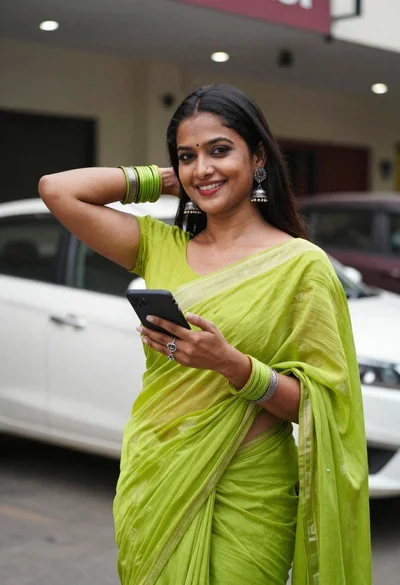
Smiling woman in lime green saree posing outdoors near white car
