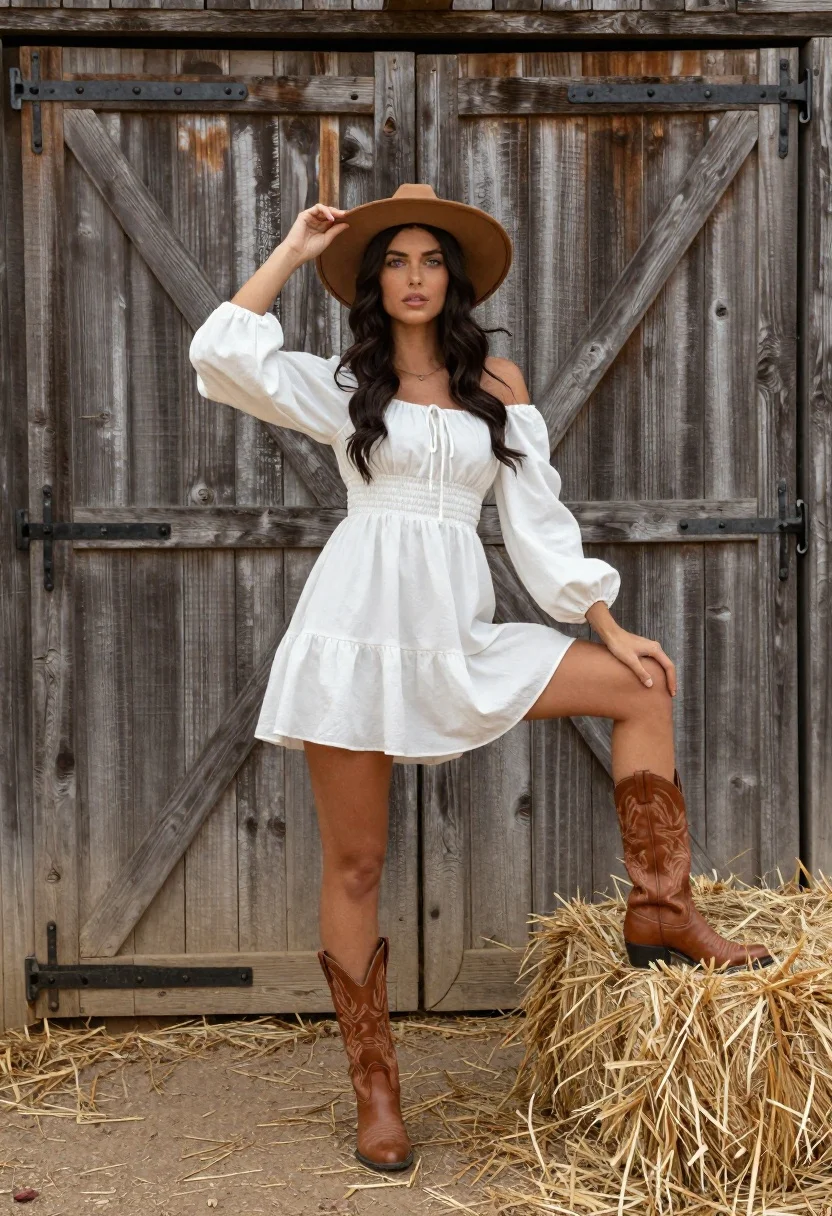
Woman in white dress and brown hat posing by rustic barn door
Prompt
A young woman stands confidently in a rustic outdoor setting, posing with one foot on a hay bale against a weathered wooden barn door.

Subject: A fair-skinned woman with long, dark wavy hair and light-colored eyes, wearing a wide-brimmed brown hat which she holds gently with her left hand.

Clothing: She wears a white off-the-shoulder dress featuring voluminous puffy sleeves, a gathered waist, and a drawstring detail at the neckline, paired with tall brown leather cowboy boots that have intricate stitching patterns.

Action: She stands in a relaxed pose with her right leg raised onto a hay bale, her left hand resting on her thigh, while her gaze is directed straight ahead.

Environment: The background consists of a large wooden barn door made of vertical planks with visible metal hinges and diagonal bracing, set against a backdrop of dry straw and dirt ground.

Lighting: Soft natural daylight illuminates the scene from the front, casting gentle shadows that highlight the texture of the wood and fabric without harsh contrast.

Camera: The shot is framed at eye level with a medium-full body composition that captures the subject from head to toe, emphasizing her posture and attire.

Style Details: The image features a clean, high-resolution aesthetic with a focus on natural textures like wood grain and fabric folds, rendered in warm earth tones.
Description
This prompt is useful for creating rustic editorial fashion spreads, country lifestyle branding materials, and vintage catalog photography. The combination of 'soft natural daylight' casting gentle shadows ensures that the visible texture of the wood grain and fabric folds are highlighted without harsh contrast, which grounds the subject in the believable environment suggested by the 'weathered wooden barn door'.
Suggestions
- Change 'brown hat' to 'felt fedora' for a more specific style.
- Add 'golden hour backlighting' to enhance the hair texture.
- Swap 'hay bale' for 'stacked firewood' to change the foreground element.
Category
Tags
Brown HairFair SkinFemaleFull BodyMedium ShotOutdoorsRealisticTraditional Wear
Date added
June 21, 2026
Added by
PromptDexter Team
Related Prompts
More prompts with similar categories and tags.
Young woman in cream gown looking back over shoulder at wooden pavilion
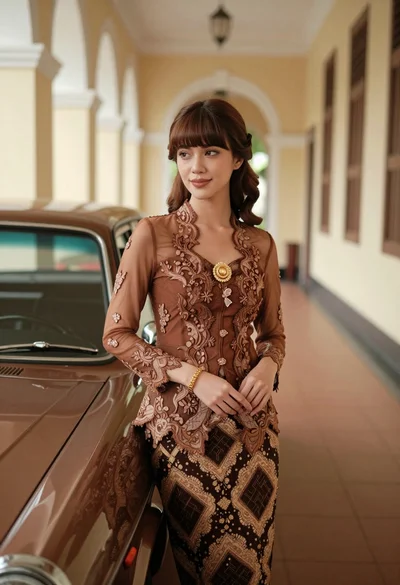
Young woman in kebaya beside vintage car in sunlit architectural corridor

Woman standing barefoot in dry autumn field at golden hour
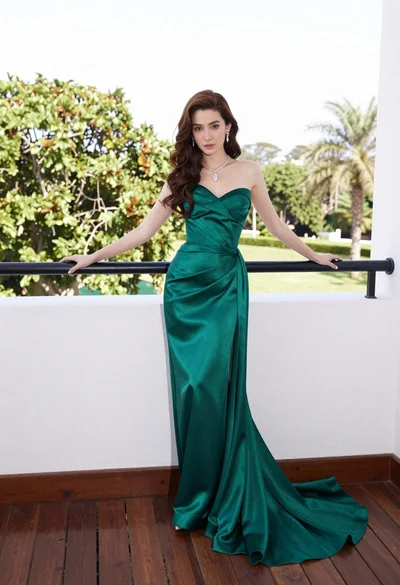
Woman in emerald green gown standing on an outdoor balcony overlooking trees

Woman in bikini relaxing in wicker hanging chair outdoors
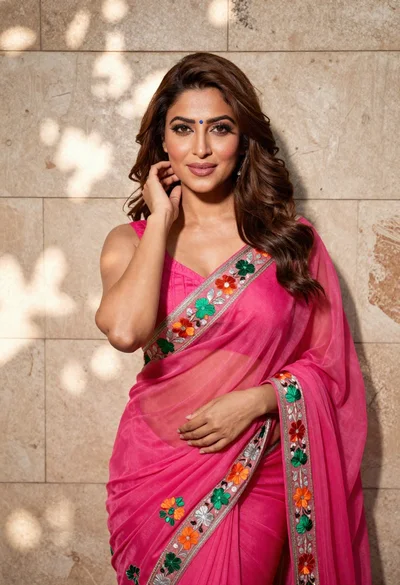
Woman in fuchsia saree posing against textured beige stone wall
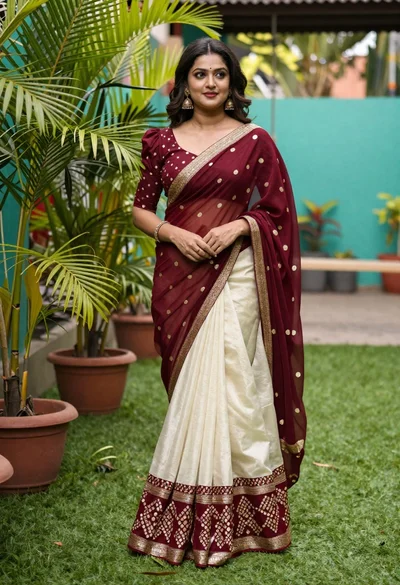
Young woman in maroon and cream saree standing in lush garden setting

Young woman sitting among colorful clothes in minimalist studio setting