
Young woman in knit top and boots sitting inside modern car at
Prompt
A young woman with long brown hair tied in a high ponytail sits inside the back seat of a car at night.

Subject: A young woman with tanned skin and a confident expression looking over her shoulder toward the camera, featuring defined facial features and glossy lips.

Clothing: She wears a cream-colored short-sleeved knit top that is slightly open to reveal a pearl choker necklace around her neck, paired with dark brown shorts and tall black leather boots.

Action: She sits with one leg crossed over the other, resting her hand on her knee while looking back at the viewer with a relaxed posture.

Environment: The interior of a modern vehicle with grey leather seats, visible seatbelt mechanisms, and a dark dashboard overhead console.

Camera: Shot from a low angle inside the car looking up at the subject, capturing the interior details and creating an intimate perspective.

Lighting: Dim ambient lighting typical of nighttime in a car, with soft highlights on her skin and hair contrasting against the dark background.

Style Details: Candid social media aesthetic photography with natural skin tones and a focus on fashion and lifestyle.
Description
This prompt is useful for creating intimate automotive editorial spreads, casual influencer lifestyle content, and moody portraiture featuring strong foreground elements. The combination of 'low angle' perspective looking up at the subject enhances the perceived height and dominance within the confined space, while the 'dim ambient lighting' ensures that the glossy lips and visible seatbelt mechanisms catch just enough soft highlight to prevent the scene from becoming a flat black void.
Suggestions
- Change 'cream-colored short-sleeved knit top' to 'oversized charcoal knit sweater' for more texture.
- Swap 'dark brown shorts' for 'black faux leather mini skirt' to update the silhouette.
- Adjust 'low angle' to 'eye level' if you want a less imposing portrait.
Category
Tags
Brown HairCasual WearFemaleLow AngleMedium ShotRealistic
Date added
June 19, 2026
Added by
PromptDexter Team
Related Prompts
More prompts with similar categories and tags.
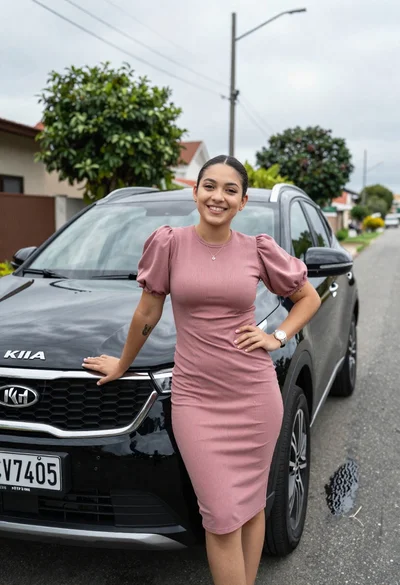
Smiling young woman leaning on black suv parked on paved street
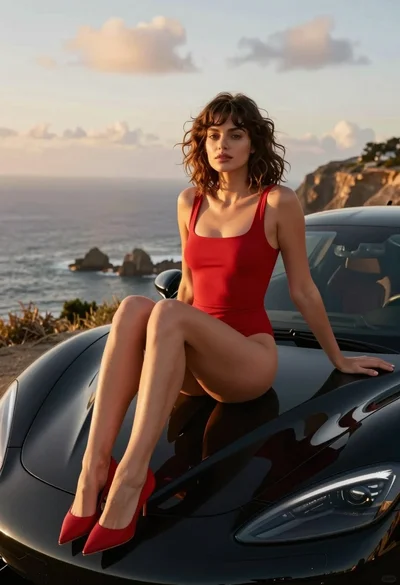
Woman in red swimsuit sitting on black sports car at coastal sunset
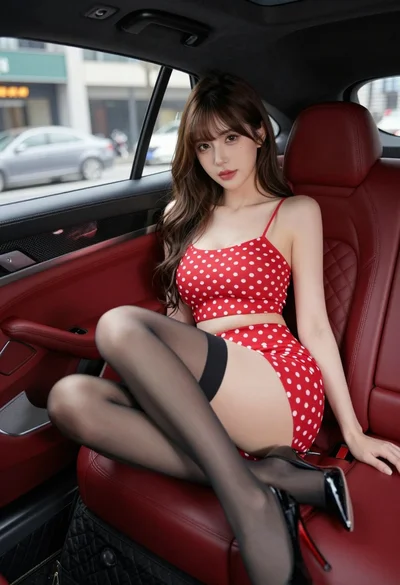
Young woman in red polka dot outfit seated inside luxury car cabin
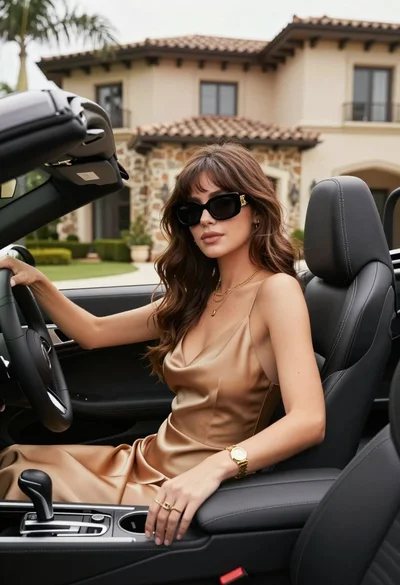
Stylish woman in satin slip dress driving convertible car outside luxury home
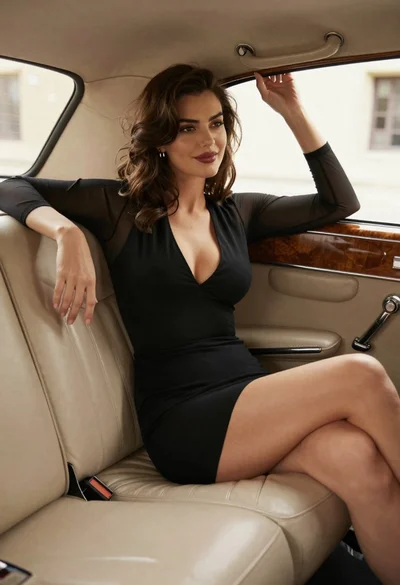
Woman in black dress sitting inside vintage car interior looking back
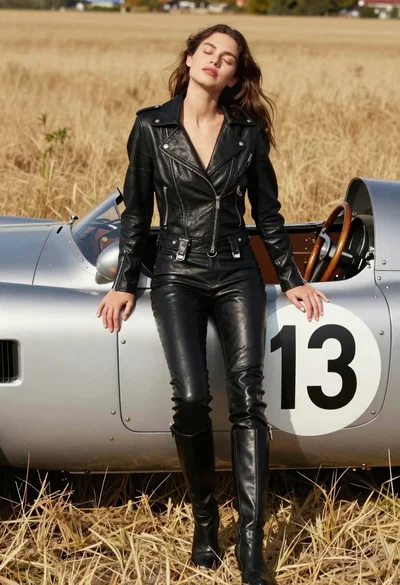
Woman leaning against vintage race car in golden grass field
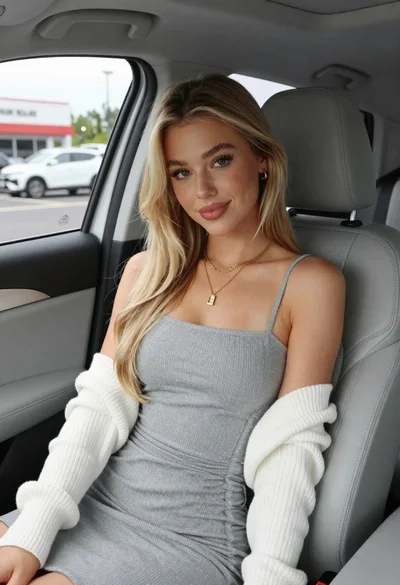
Young blonde woman in grey dress seated inside modern car interior
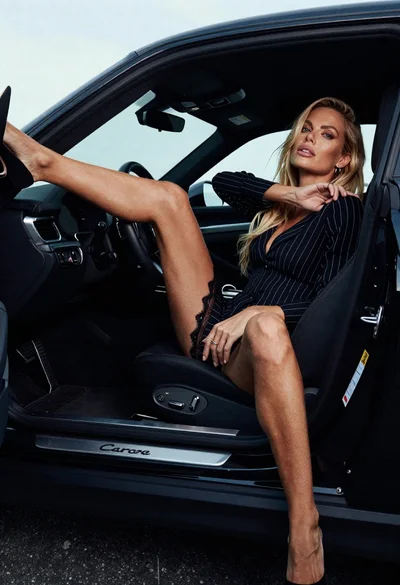
Blonde woman in black striped dress reclines in luxury car cabin
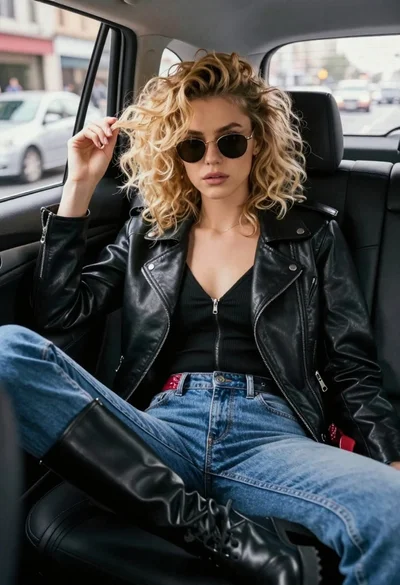
Young woman in black moto jacket sitting inside car looking at camera
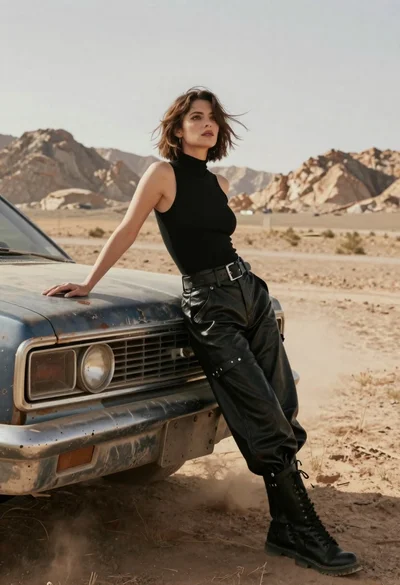
Woman in black leather outfit leaning on vintage car in desert