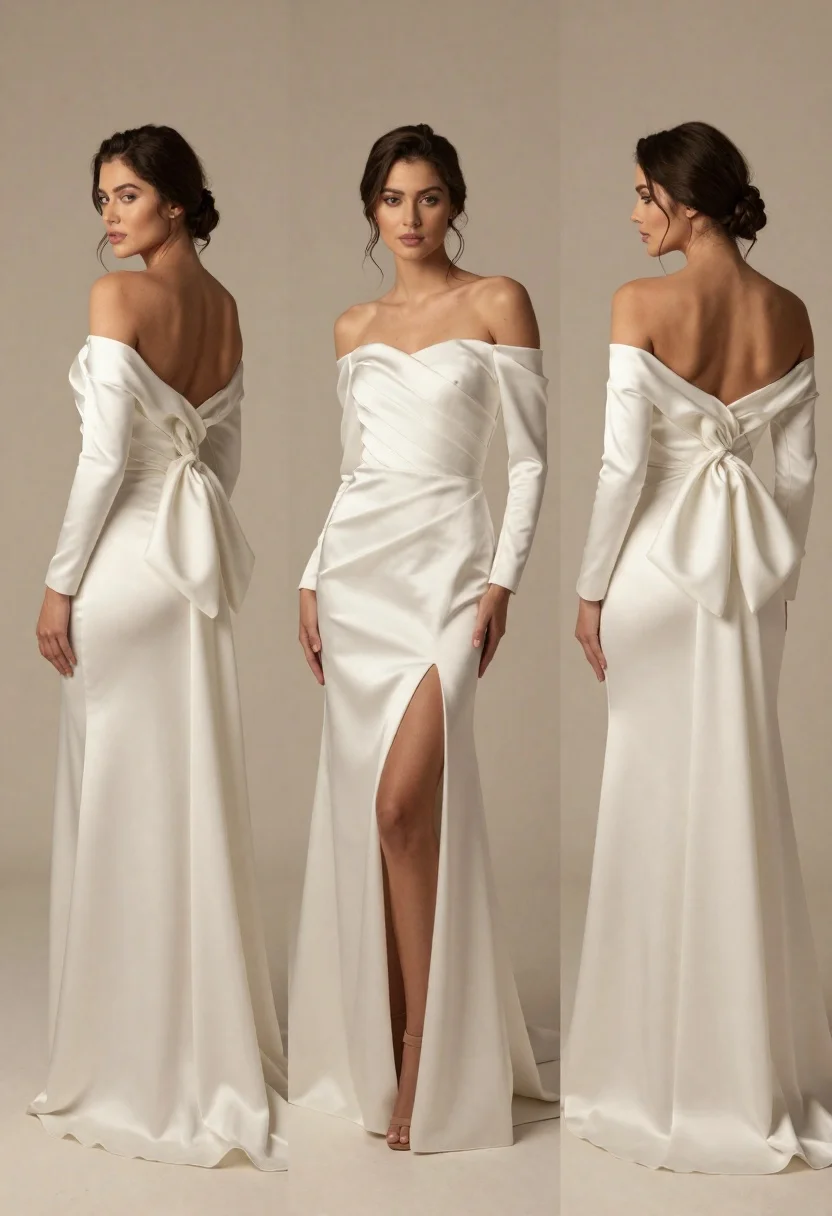
Woman modeling an elegant offtheshoulder wedding gown in studio
Prompt
A triptych of a woman modeling an elegant off-the-shoulder wedding gown from three angles: back-left, front, and back-right.

Subject: A woman with dark hair styled in a loose updo with tendrils framing her face, featuring soft makeup and a neutral expression.

Clothing: She wears a floor-length ivory satin gown with long sleeves, an off-the-shoulder neckline, a high thigh slit on the front panel, and a massive fabric bow attached to the back of the dress.

Action: The woman stands in three distinct poses; she looks over her shoulder in the left panel, faces forward with one hand resting near her hip in the center, and displays the open back design in the right panel.

Environment: A plain, seamless beige studio background that provides a neutral backdrop for the garment.

Camera: A medium-full shot composition that captures the full length of the dress and body posture across three vertical panels.

Lighting: Soft, diffused studio lighting that creates gentle highlights on the satin fabric and casts minimal shadows to emphasize the gown's texture.

Style Details: High-fashion editorial aesthetic with a focus on elegant drapery, smooth skin tones, and a clean, minimalist color palette.
Description
This prompt is useful for creating bridal lookbooks, high-end catalog spreads, and fashion editorials showcasing garment details across multiple views. The combination of 'ivory satin gown' with its visible sheen, paired against the 'plain, seamless beige studio background,' ensures that the focus remains entirely on the dress's structure and the 'elegant drapery,' preventing any distracting environmental elements from competing with the fabric's texture.
Suggestions
- Change 'ivory satin gown' to 'matte crepe wedding gown' for a different textural feel.
- Add 'rim lighting' to the environment description to separate the subject more dramatically.
- Modify 'medium-full shot composition' to 'full body shot' to better capture the massive fabric bow.
Category
Tags
FemaleFormal WearMedium ShotPortrait ShotRealisticStudio
Date added
June 23, 2026
Added by
PromptDexter Team
Related Prompts
More prompts with similar categories and tags.
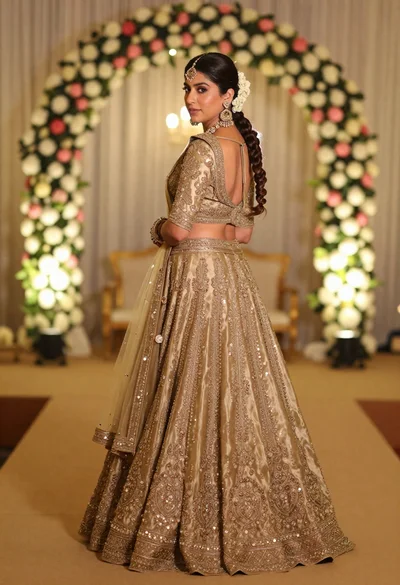
Woman in embroidered gold lehenga standing in floral archway interior
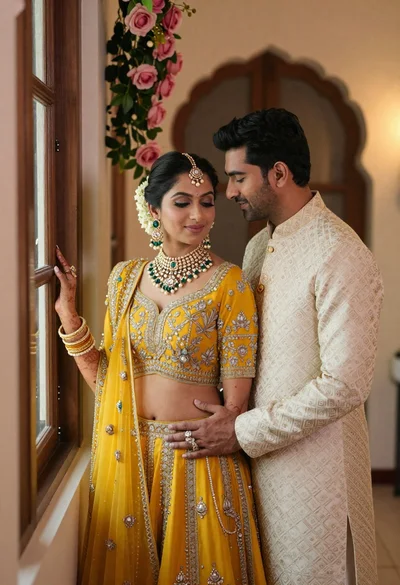
Indian couple in traditional wedding attire posing near a wooden window
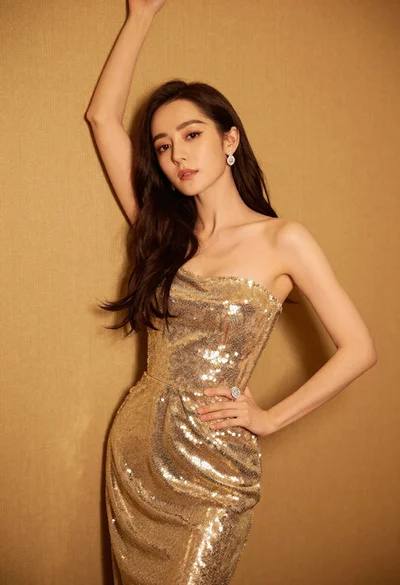
Glamorous woman in shimmering gold gown posing against warm textured wall
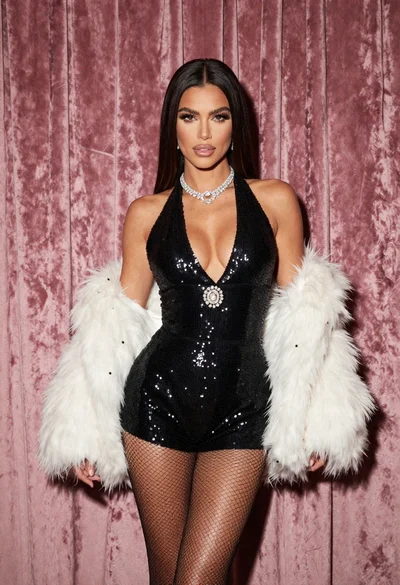
Glamorous woman in black sequined romper standing before dusty rose velvet curtains
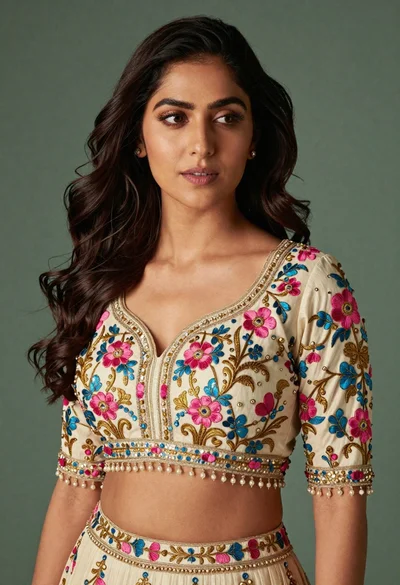
Medium close up portrait of woman in ornate cream lehenga choli

Portrait of woman in elaborate red feathered gown against vivid blue background

Woman in red oneshoulder dress posing by wooden railing against teal wall
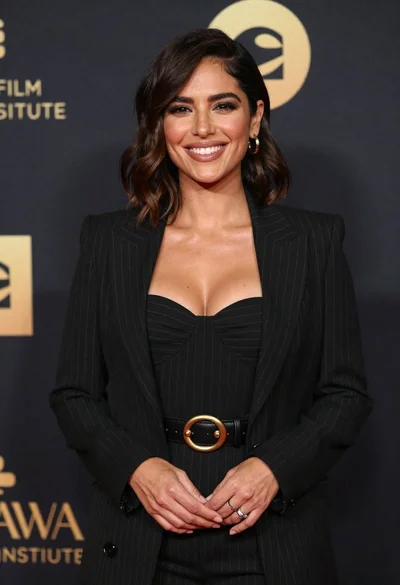
Smiling woman in black pinstripe suit jacket against dark backdrop