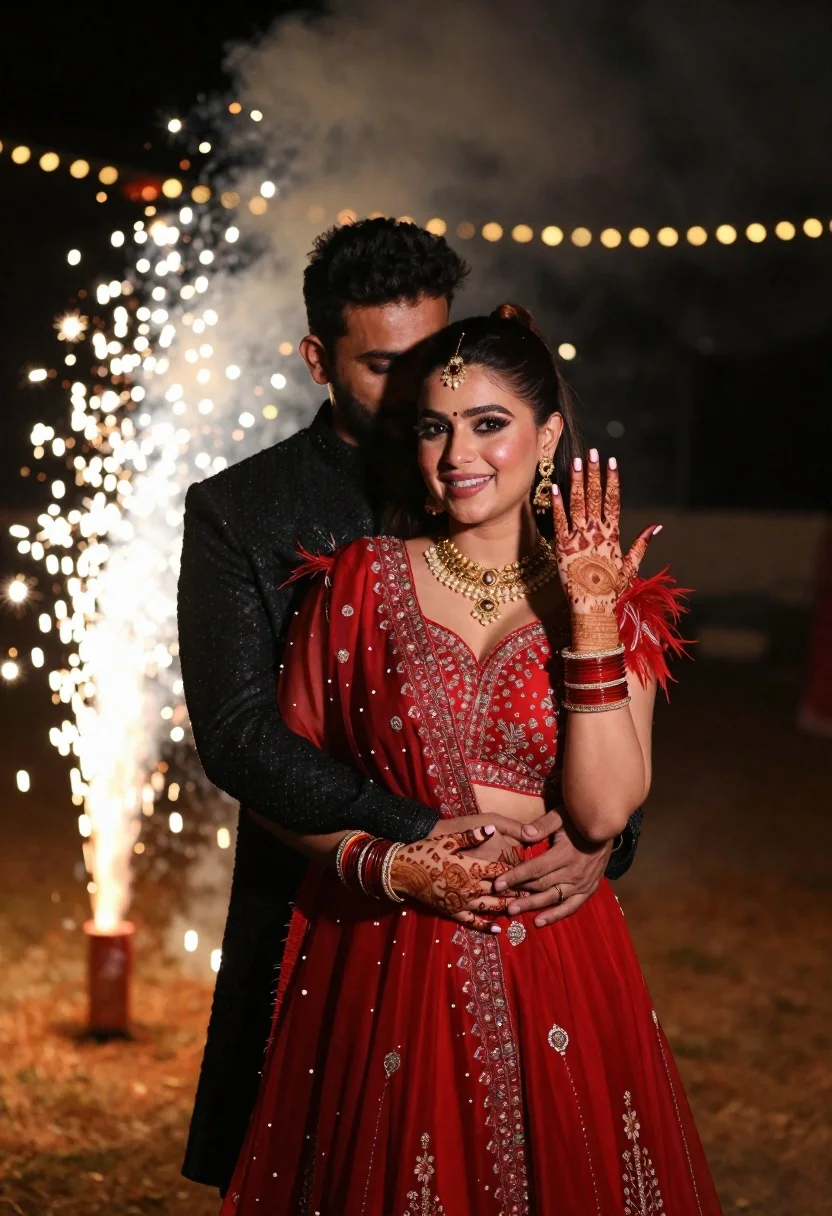
Smiling woman in red gown and man embracing at night fireworks
Prompt
A romantic night scene featuring a smiling woman in a red dress embracing a man from behind as fireworks sparkle in the background.

Subject: A beautiful woman with long dark hair styled in a high ponytail, wearing a traditional maang tikka on her forehead and a radiant smile while looking at the camera.

Clothing: She wears an elaborate red gown featuring intricate embroidery, sheer sleeves with feather trim, heavy gold jewelry including a necklace and earrings, and multiple bangles on her wrists. The man stands behind her wearing a black textured sherwani or jacket.

Action: The woman holds up her left hand to display detailed henna designs on her palm and fingers, while the man embraces her from behind with his arms wrapped around her waist.

Environment: An outdoor nighttime setting illuminated by bright, out-of-focus bokeh lights and active ground-level fireworks creating a festive atmosphere.

Camera: Medium shot capturing the couple from the waist up with a shallow depth of field that blurs the background lights into soft glowing orbs.

Lighting: Warm ambient lighting enhanced by the glow of fireworks and decorative string lights, casting a soft radiance on the subjects' faces and highlighting the red fabric.

Style Details: Cinematic photography style with high contrast between the dark clothing and bright festive lights, featuring rich color grading that emphasizes deep reds and warm gold tones.
Description
This prompt is useful for creating cinematic wedding album covers, dramatic couple portraits, and festive cultural event promotions. The combination of 'warm ambient lighting' with the 'out-of-focus bokeh lights' ensures that the background fireworks remain visually exciting without competing with the subjects, while the 'high contrast between the dark clothing and bright festive lights' keeps the focus sharply on the richly detailed red gown.
Suggestions
- Change 'traditional maang tikka' to a specific piece of jewelry like 'polki maang tikka' for more detail.
- Swap 'red dress' for 'crimson silk lehenga' to better match the cultural tags.
- Adjust 'shallow depth of field' to 'bokeh effect, 1.
Category
Tags
Brown HairFemaleMaleMedium ShotOutdoorsPortrait ShotRealisticRed HairTraditional Wear
Date added
June 21, 2026
Added by
PromptDexter Team
Related Prompts
More prompts with similar categories and tags.
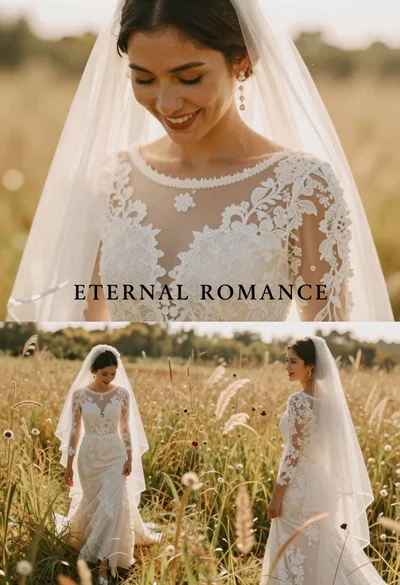
Smiling bride in white lace dress standing in a sunlit field
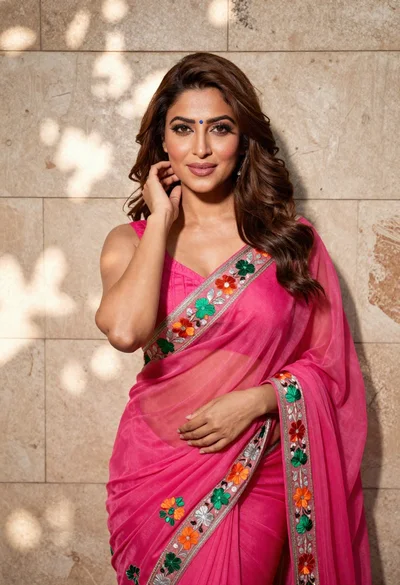
Woman in fuchsia saree posing against textured beige stone wall

Young woman in red top sitting at cafe table during christmas
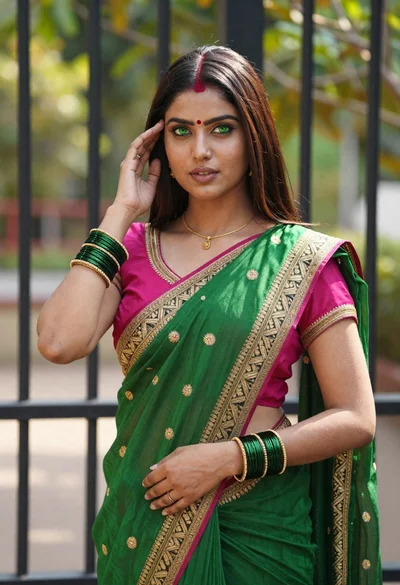
Young indian woman in green saree posing in front of garden
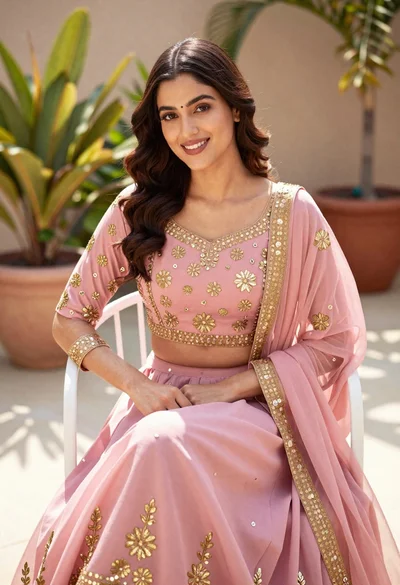
Young woman in pink traditional lehenga sitting on chair outdoors
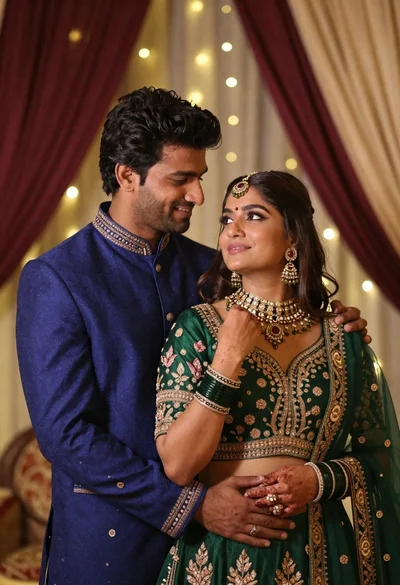
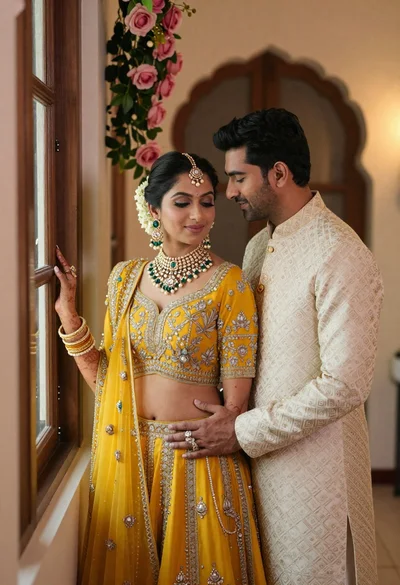
Indian couple in traditional wedding attire posing together in festive indoor setting
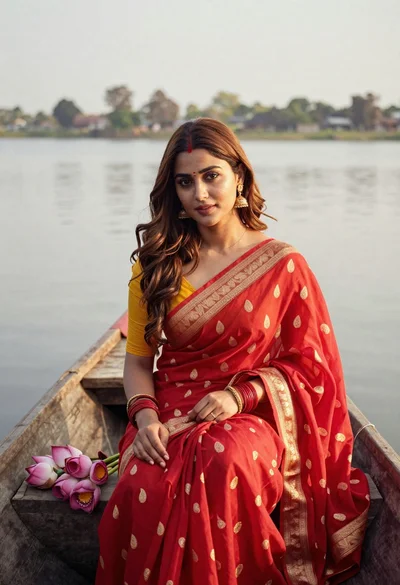
Young woman in red saree sitting in wooden boat on calm water

Blonde woman reading at a cafe table with roses
