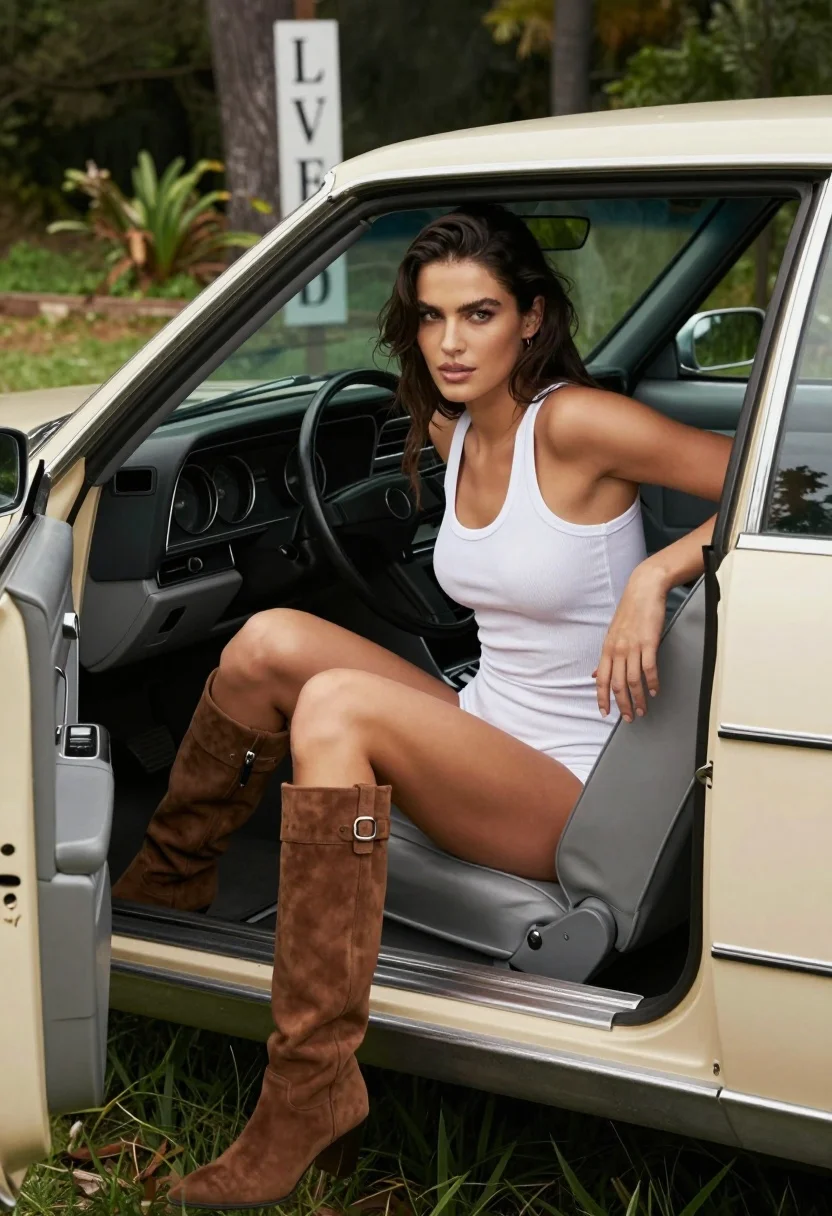
Woman seated in vintage convertible car parked on grass in woods
Prompt
A woman sits in the open door of a vintage beige convertible car with her legs extended and one hand resting on the seat behind her.

Subject: A woman with long dark hair pulled back from her face, featuring defined eyebrows and glossy lips.

Clothing: She wears a tight white ribbed tank bodysuit and tall brown suede boots that reach mid-calf.

Action: She leans slightly forward with an intense gaze directed at the camera, her body angled toward the viewer while seated in the driver's seat.

Environment: The car is parked on grass in a wooded area with trees and greenery visible in the background, including a vertical sign reading LOVE.

Camera: Medium shot framed from outside the vehicle looking into the cabin, capturing the interior dashboard and steering wheel alongside the subject.

Lighting: Soft natural daylight illuminates the scene, creating gentle highlights on her skin and clothing with subtle shadows inside the car.

Style Details: Photorealistic image with high detail in textures like suede and fabric, warm color tones, and a cinematic composition.
Description
This prompt is useful for creating vintage lifestyle editorials, rustic portraiture, and automotive fashion features. The combination of 'soft natural daylight' and the inclusion of specific textures like 'suede' and 'ribbed tank bodysuit' ensures that the scene feels grounded in reality while allowing the cinematic composition to frame the subject against the wooded backdrop.
Suggestions
- Change 'vintage beige convertible car' to '1950s cherry red convertible' for a bolder pop of color.
- Add 'bokeh background' to enhance the separation between the subject and the greenery.
- Swap 'glossy lips' for 'matte nude lipstick' if you want a more understated, natural look.
Category
Tags
Brown HairBrunetteFemaleMedium ShotOutdoorsRealistic
Date added
August 5, 2026
Added by
PromptDexter Team
Related Prompts
More prompts with similar categories and tags.
Two young women posing by a teal muscle car outside adobe building
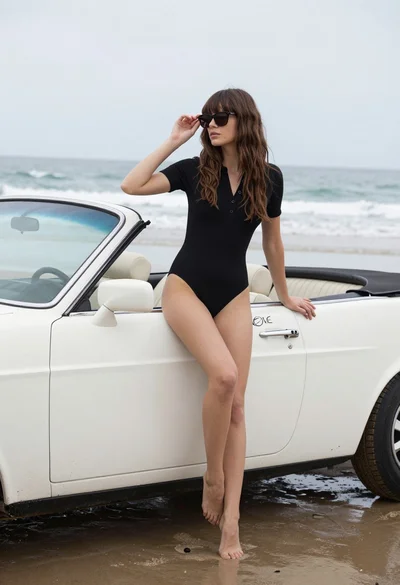
Woman with brown hair sitting on a white vintage convertible at wet
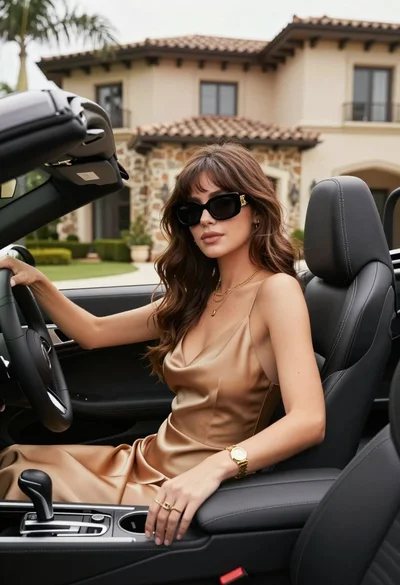
Stylish woman in satin slip dress driving convertible car outside luxury home
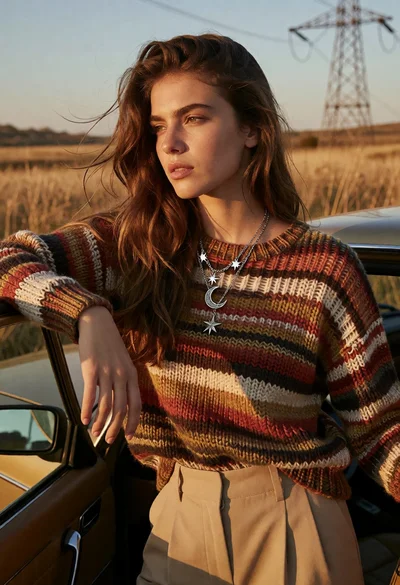
Young woman leaning by vintage car in golden field at sunset
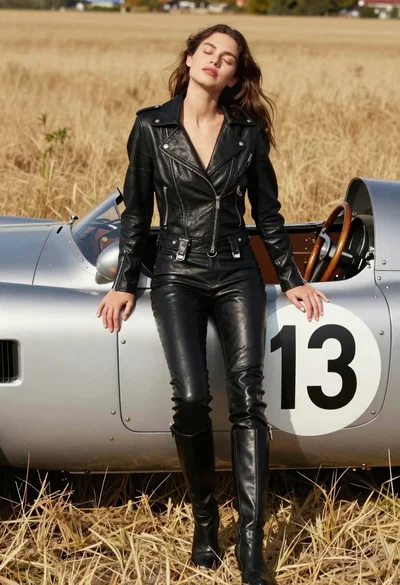
Woman leaning against vintage race car in golden grass field
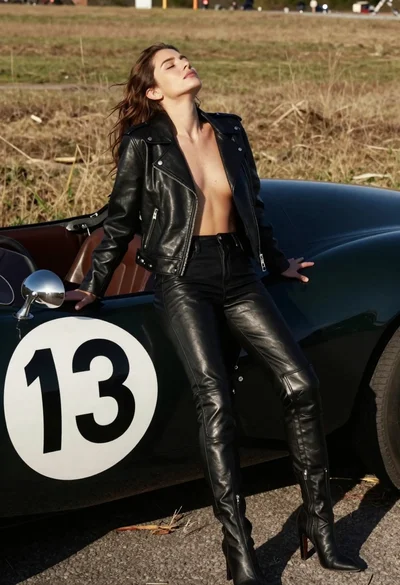
Woman leaning against vintage race car in dry grassy field
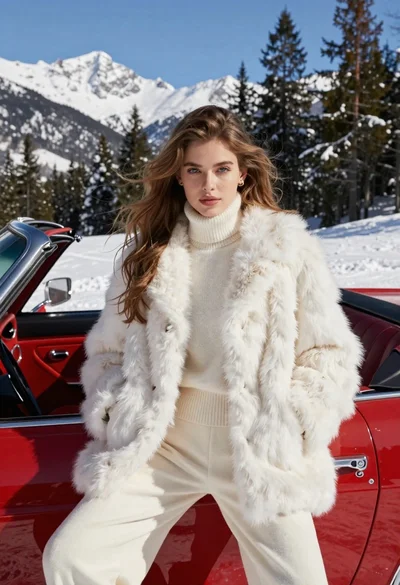
Woman in white fur coat seated in vintage red convertible car
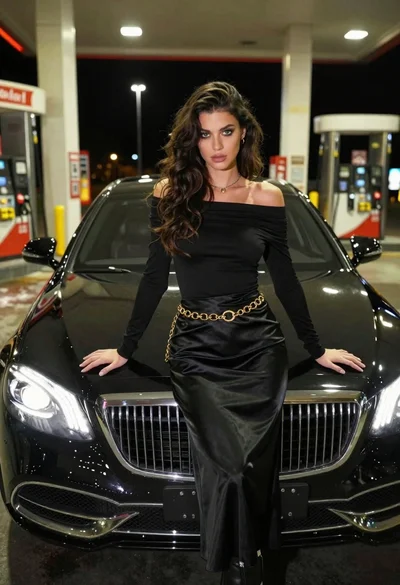
Confident woman in black dress posing by luxury sedan at gas station
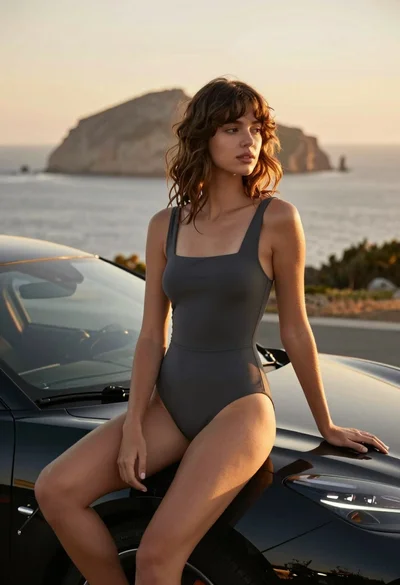
Young woman in swimsuit on black sports car against coastal sunset backdrop

Woman in red swimsuit sitting on black sports car at coastal sunset