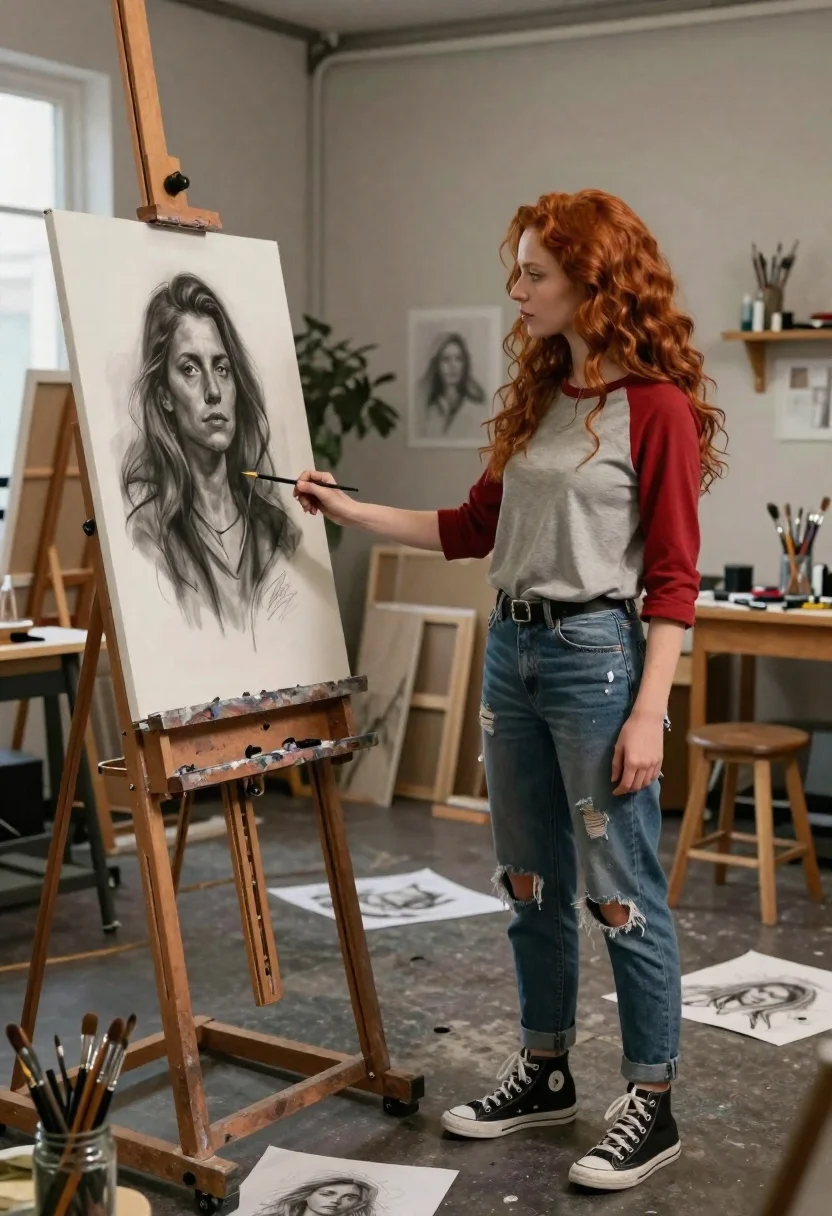
Woman shaking hands with charcoal portrait in spacious art studio
Prompt
A woman with long red hair stands in an art studio shaking hands with a charcoal portrait of herself on an easel.

Subject: A young woman with long wavy red hair and a contemplative expression standing next to a large canvas.

Clothing: She wears a grey baseball-style t-shirt with red sleeves, ripped blue jeans, and black high-top sneakers.

Action: The woman extends her right hand to shake hands with the painted figure on the canvas, while looking at the portrait with a soft gaze.

Environment: A spacious art studio filled with wooden easels, workbenches, scattered sketches on the floor, and jars of paintbrushes.

Camera: Medium shot capturing the full body of the woman and the easel, framed to show the depth of the studio space.

Lighting: Soft ambient light coming from the left side, casting gentle shadows and highlighting the texture of the charcoal drawing.

Objects: Wooden easels, glass jars filled with paintbrushes, scattered sketch papers on the floor, and a stool in the background.

Style Details: Realistic digital art style with high detail, soft focus depth of field, and a cinematic color palette.
Description
This prompt is useful for creating conceptual fine art photography, character concept sheets exploring self-identity, and narrative editorial spreads about artistic process. The combination of 'soft ambient light' and the inclusion of tangible elements like 'wooden easels' and 'scattered sketch papers on the floor' grounds the surreal interaction between the woman and her portrait within a believable, richly textured environment.
Suggestions
- Change 'grey baseball-style t-shirt' to 'oversized knit sweater' for a different silhouette.
- Swap 'charcoal portrait' for 'oil painting self-portrait' to alter the medium contrast.
- Adjust 'soft focus depth of field' to 'shallow depth of field' for more subject isolation.
Category
Tags
Brown SkinFemaleFull BodyMedium ShotOutdoorsRealisticRed HairStudio
Date added
June 19, 2026
Added by
PromptDexter Team
Related Prompts
More prompts with similar categories and tags.
Woman in black saree raising arms in a sunlit forest clearing
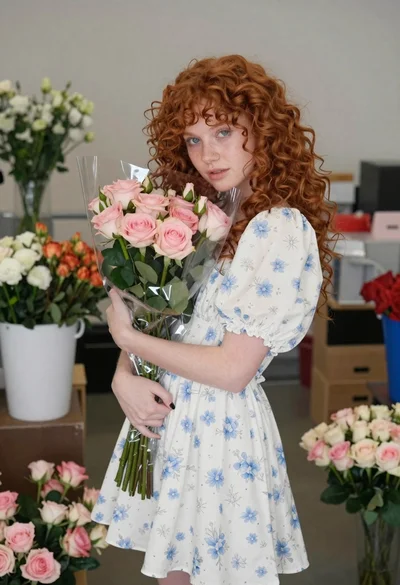
Young woman with red hair holding flowers indoors
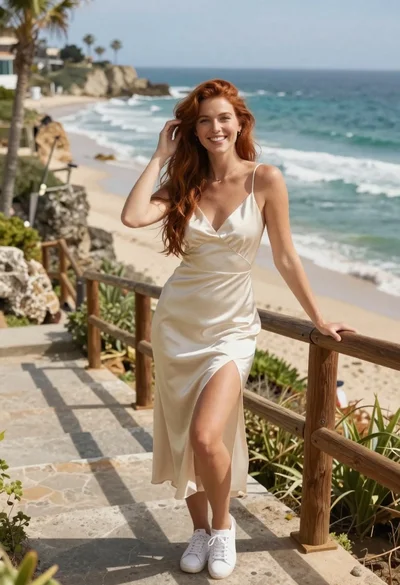
Smiling woman in cream dress on stone stairs by the ocean
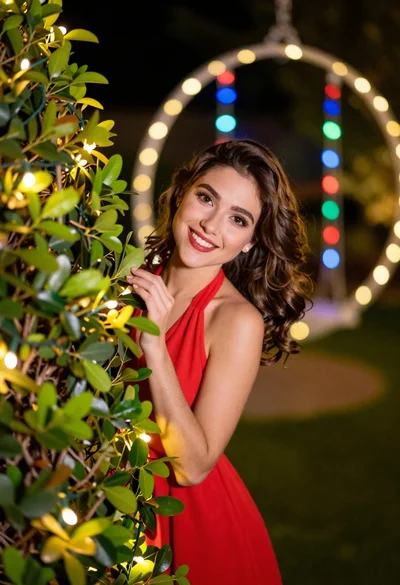
Young woman in red top peeking from behind garden hedge at night

Woman in black velvet cheongsam holding katana against red background
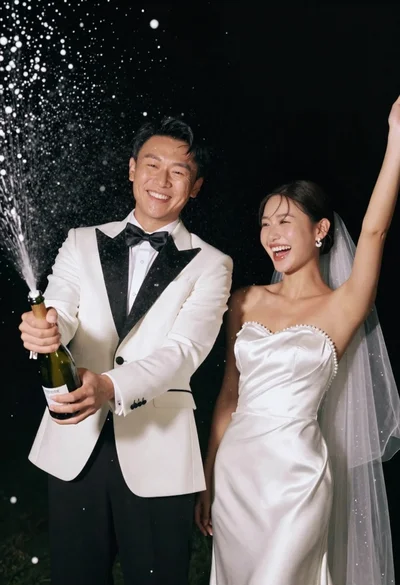
Joyful wedding couple celebrating with spraying champagne in studio
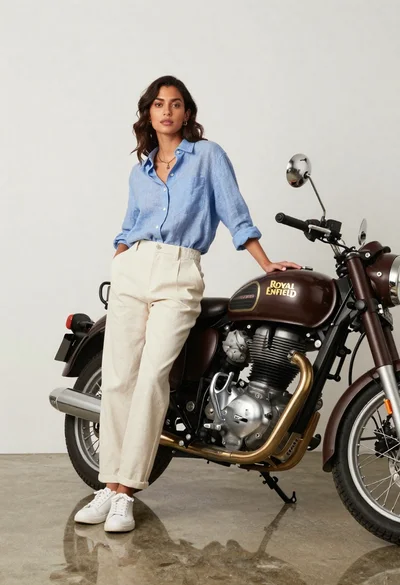
Stylish woman posing next to vintage motorcycle in minimalist studio
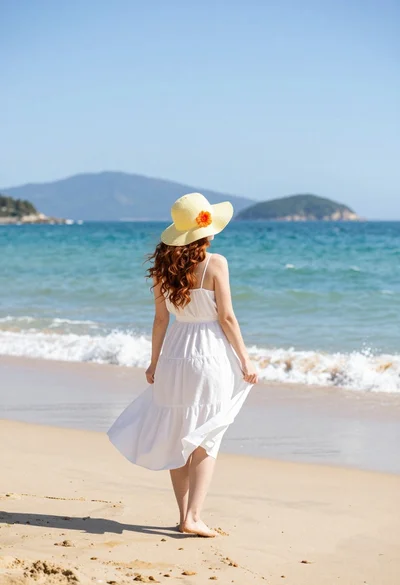
Woman in white dress on sunny beach looking at turquoise ocean waves
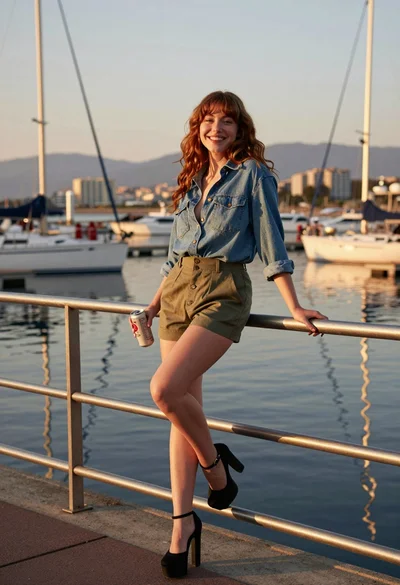
Young woman leaning on railing at marina during golden hour sunset

Photorealistic portrait of woman in red gold armor holding shield studio shot