
Woman taking a selfie in large football stadium with red seats
Prompt
A woman takes a selfie in a large football stadium with red seating and green grass visible behind her.

Subject: A woman with long brown hair, heavy makeup including winged eyeliner and glossy lips, looking directly at the camera.

Clothing: She wears a black blazer featuring a wide lapel covered in silver rhinestones over a black top.

Action: She holds a microphone in one hand while extending her arm to take a selfie with the other.

Environment: The background shows a vast stadium interior with red seats, advertising hoardings for UEFA Champions League and Heineken, and a large roof structure overhead.

Objects: A blue foam microphone windscreen is held near her chest, displaying the UEFA Champions League logo and the Mediaset brand name.

Lighting: Soft, diffused natural light illuminates the scene under an overcast sky, creating even lighting on her face.

Camera: The shot is a close-up selfie angle with a shallow depth of field that blurs the stadium background to focus on the subject.

Style Details: High-resolution photography with sharp focus on the foreground and realistic skin texture.
Description
This prompt is useful for creating concert promotional materials, sports event lifestyle content, and personal social media posts documenting attendance at major venues. The combination of 'soft, diffused natural light' and a 'close-up selfie angle' ensures the subject remains sharply focused against the intentionally blurred stadium background, preventing distracting details from competing with her face or the visible 'silver rhinestones'.
Suggestions
- Change 'black blazer' to 'sequined jacket' for more visual impact.
- Replace 'red seating' with 'blue seating' to contrast the outfit.
- Adjust 'overcast sky' to 'dusk lighting' for warmer tones.
Category
Tags
Brown HairCasual WearClose UpFemaleRealisticSelfieStudioUrban
Date added
June 19, 2026
Added by
PromptDexter Team
Related Prompts
More prompts with similar categories and tags.
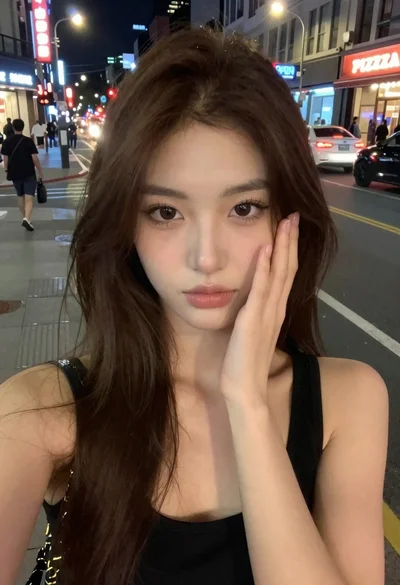
Selfie portrait of woman on busy city street at night

Young woman with brown hair under pink umbrella at outdoor cafe setting

Close up portrait of woman in car seat with dark hair
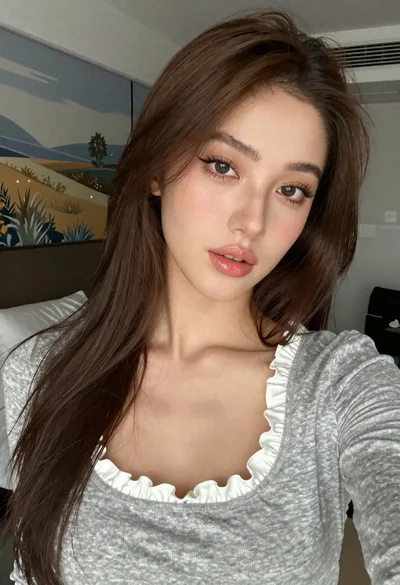
Close up selfie portrait of young woman with brown hair indoors
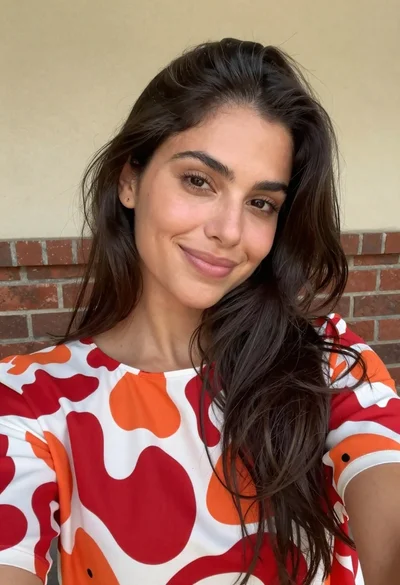
Close up selfie of woman with dark hair smiling against beige brick

Close up portrait of young woman in gaming chair indoors

Selfie portrait of woman in cozy living room
Selfie portrait on busy hollywood boulevard at night
Young woman lying on grey rug viewed from high angle sunlight
Close up selfie of young woman in pink track jacket indoors