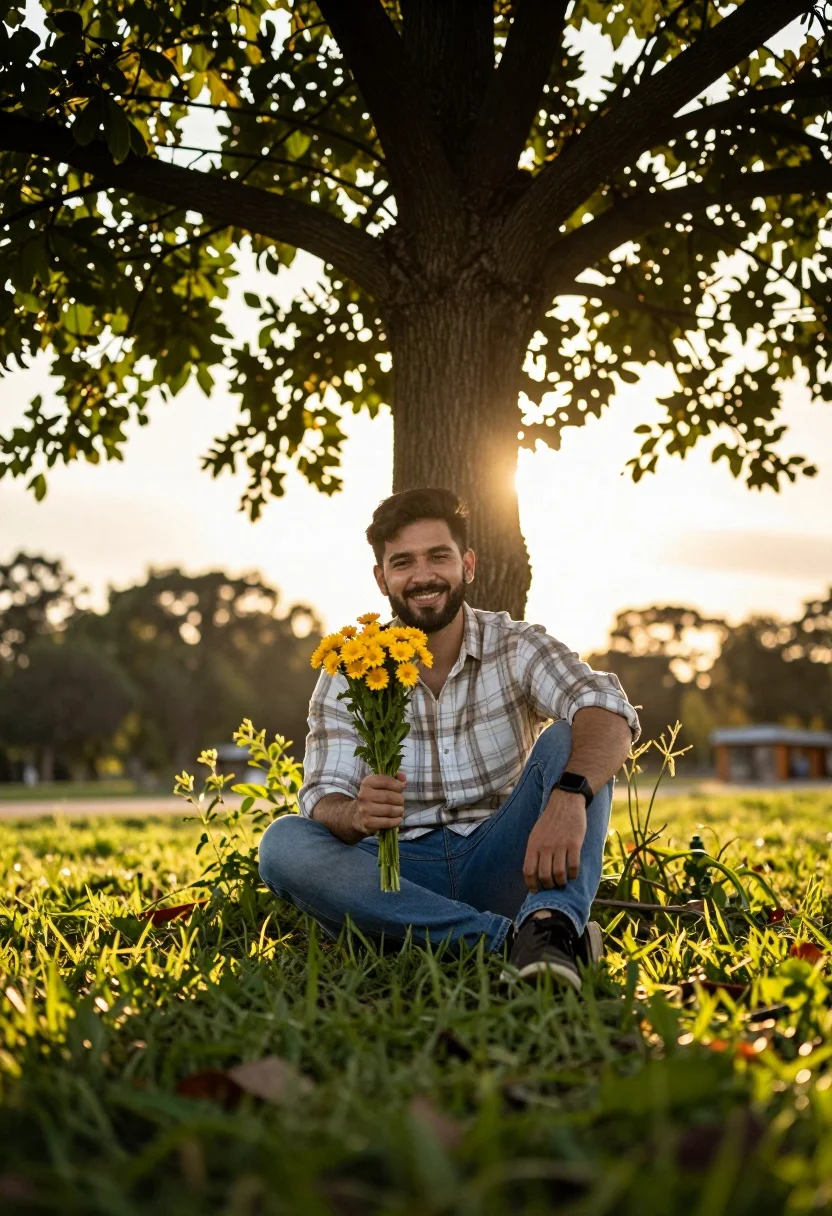
Young bearded man smiling with yellow flowers under dappled sunlight in park
Prompt
A man sits cross-legged in a grassy area holding a small bouquet of yellow flowers under a large tree with dappled sunlight filtering through the leaves.

Subject: A young man with a beard and dark hair smiling warmly at the camera while holding a bouquet of bright yellow flowers in his right hand.

Clothing: He wears a light-colored plaid button-down shirt with rolled-up sleeves, blue jeans, and a black smartwatch on his left wrist.

Action: The man is seated comfortably on the ground with one leg bent and the other extended slightly, looking directly at the viewer with a relaxed and happy expression.

Environment: The setting is an outdoor park or garden featuring lush green grass in the foreground, a large tree providing shade behind him, and a bright sky suggesting late afternoon light.

Camera: Shot from a low angle looking up at the subject to emphasize the height of the tree canopy above, utilizing a shallow depth of field that blurs the immediate foreground grass and background foliage into soft bokeh.

Lighting: Warm golden hour sunlight bathes the scene, creating a backlit effect with lens flares visible in the upper branches and casting soft shadows on the subject's face.

Objects: A large tree trunk rises directly behind the man, and green plants grow around his seated position.

Style Details: The image has a cinematic color grading style with high contrast between the warm yellow sky and the deep greens of the foliage, resembling a professional portrait photograph.
Description
This prompt is useful for creating lifestyle portraits, rustic wedding album inserts, and editorial content emphasizing natural connection. The combination of 'low angle' perspective with 'warm golden hour sunlight' accentuates the subject against the towering tree canopy, while the shallow depth of field ensures that the focus remains sharply on the man's smile despite the detailed foreground grass.
Suggestions
- Change 'yellow flowers' to 'wild daisies' for a more natural feel.
- Adjust 'light-colored plaid button-down shirt' to 'khaki linen shirt' for better texture reading.
- Swap 'low angle' for 'eye-level shot' if you want a less imposing portrait.
Category
Tags
Casual WearFull BodyLow AngleMaleOutdoorsPortrait ShotRealistic
Date added
July 12, 2026
Added by
PromptDexter Team
Related Prompts
More prompts with similar categories and tags.
Young man in grey sweater on green hillside overlooking misty distant hills
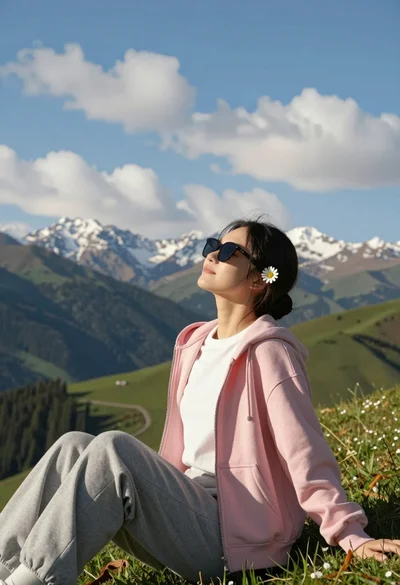
Young woman relaxing on grassy hillside with mountains under blue sky
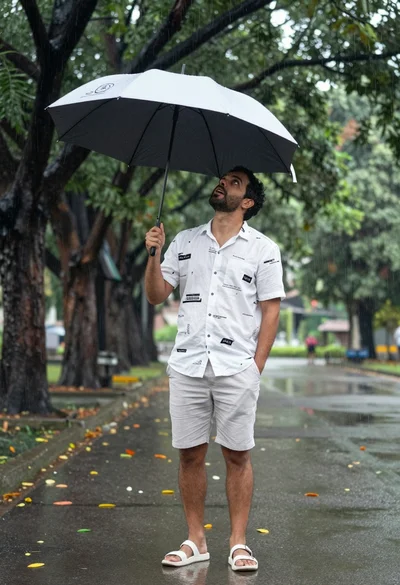
Man under black and white umbrella standing on paved road surrounded by

Man standing in green field with outstretched arms facing snow capped mountain
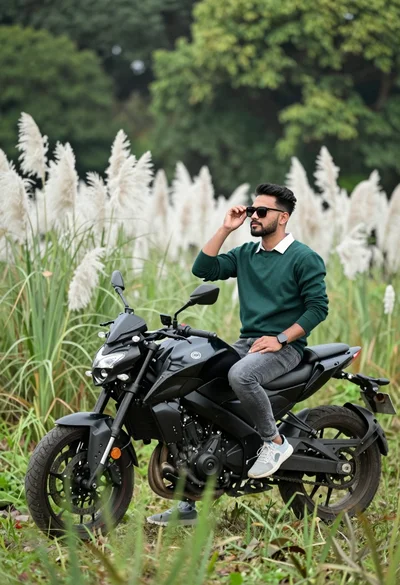
Man sitting on black motorcycle in tall grass with blurred forest background
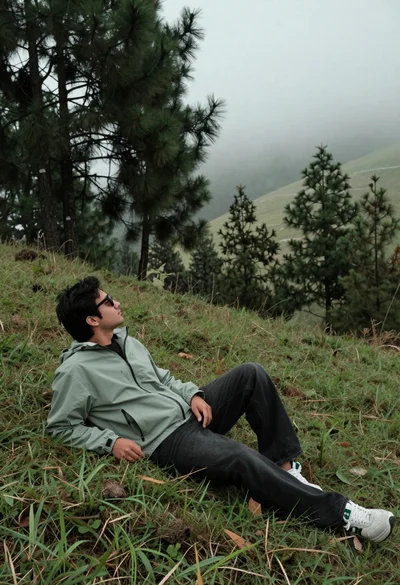
Man reclining on grassy hillside looking up at misty forest landscape
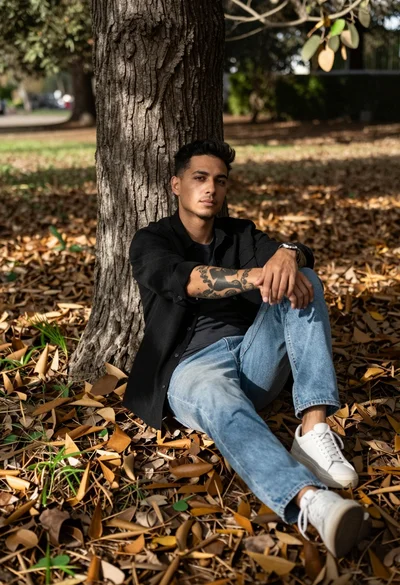
Man with tattoos sitting against a tree trunk in fallen leaf covered
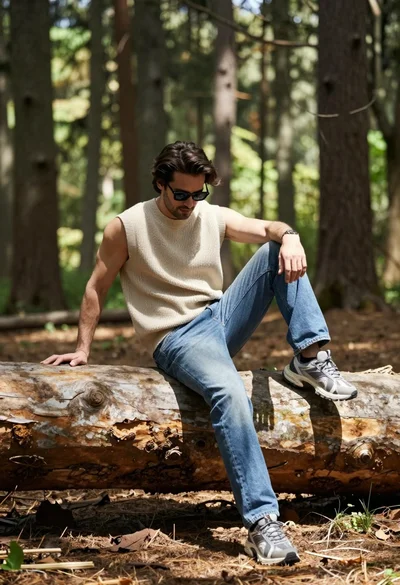
Man sitting casually on fallen log in sun dappled forest setting
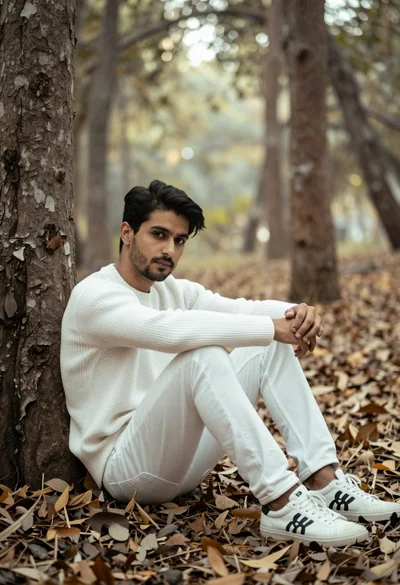
Man sitting against tree trunk in forest with soft sunlight filtering through
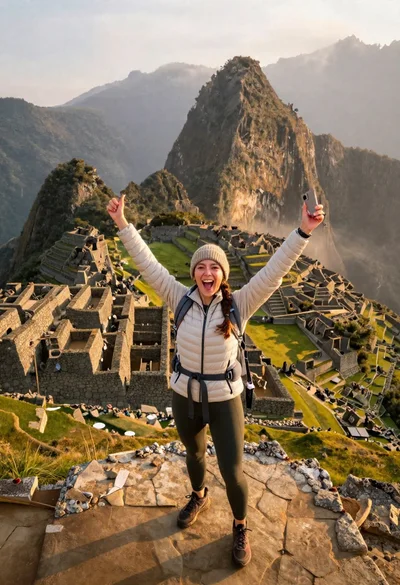
Exhilarated tourist woman at machu picchu summit at dawn