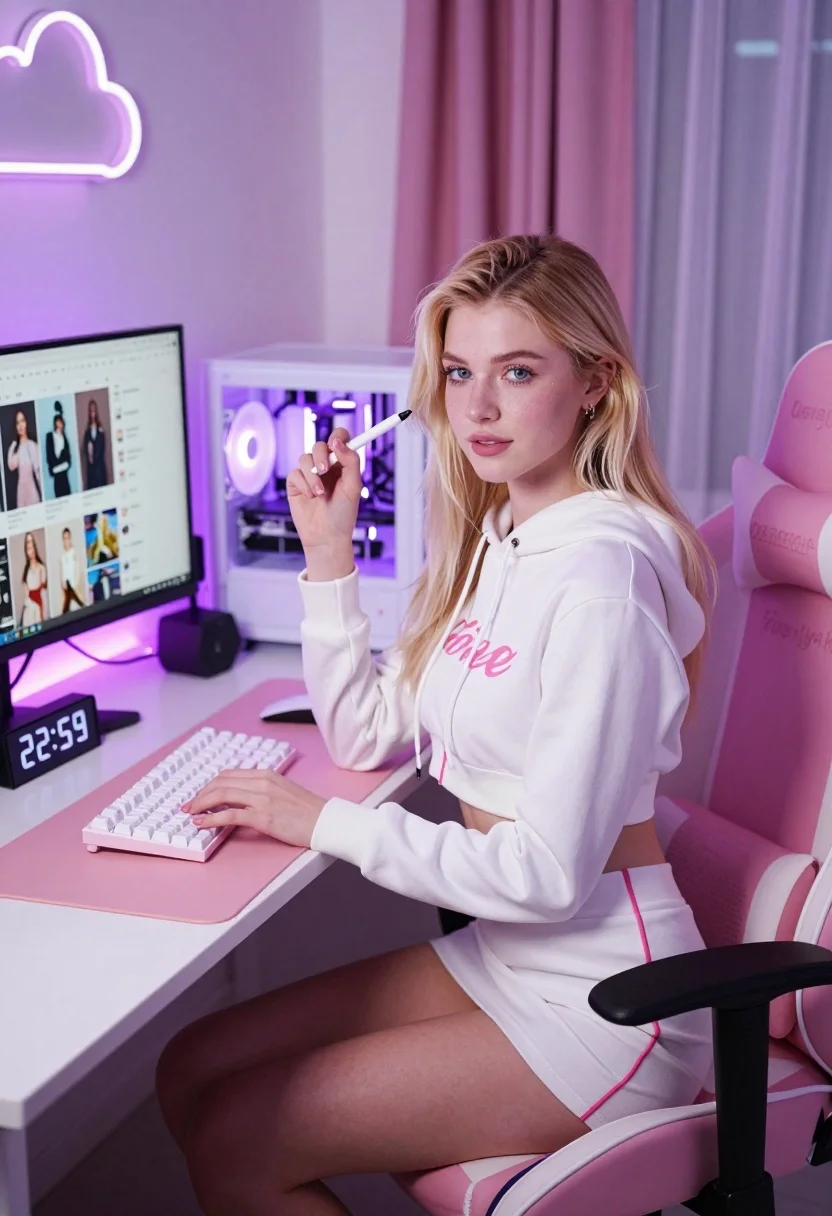
Young blonde woman seated at white gaming desk in pink purple ambient
Prompt
A young woman sits at a white gaming desk in a cozy room bathed in soft pink and purple ambient light.

Subject: A young woman with long blonde hair, fair skin, and blue eyes looking directly at the camera with a confident expression.

Clothing: She wears a matching white two-piece outfit consisting of a cropped hoodie with pink cursive text on the front and a short skirt, both featuring pink piping details along the seams.

Action: She is seated in a gaming chair, holding a white stylus or pen in her right hand raised near her face while her left hand rests on a mechanical keyboard.

Environment: The setting is a modern home office with a large computer monitor displaying a social media feed, a white PC tower with glowing purple internal lighting, and pink curtains in the background.

Objects: A white mechanical keyboard sits on a large pink mousepad, accompanied by a white mouse, a digital clock showing 22:59, and a neon cloud-shaped light fixture mounted on the wall.

Lighting: The scene is illuminated by soft purple and pink LED lighting from the PC tower and ambient sources, creating a dreamy atmosphere with gentle shadows.

Camera: Shot from a slightly elevated angle capturing the subject in a medium shot with shallow depth of field to emphasize her against the desk setup.

Style Details: High-resolution digital photography with vibrant color grading, smooth skin textures, and a polished aesthetic typical of lifestyle or tech influencer content.
Description
This prompt is useful for creating tech influencer promotional shots, virtual streamer branding assets, and modern bedroom decor mood boards. The combination of 'soft pink and purple ambient light' with the 'glowing purple internal lighting' from the PC tower establishes a highly saturated, artificial glow that perfectly suits digital media aesthetics while the 'shallow depth of field' isolates the subject against the busy desk setup.
Suggestions
- Change 'pink cursive text' to 'electric blue neon script' for a more cyberpunk feel.
- Replace 'white mechanical keyboard' with 'black ergonomic keyboard' to ground the composition.
- Adjust 'soft pink and purple ambient light' to 'cyan and magenta bi-color lighting' for higher contrast.
Category
Tags
BlondeFair SkinFemaleIndoorsMedium ShotRealistic
Date added
July 12, 2026
Added by
PromptDexter Team
Related Prompts
More prompts with similar categories and tags.
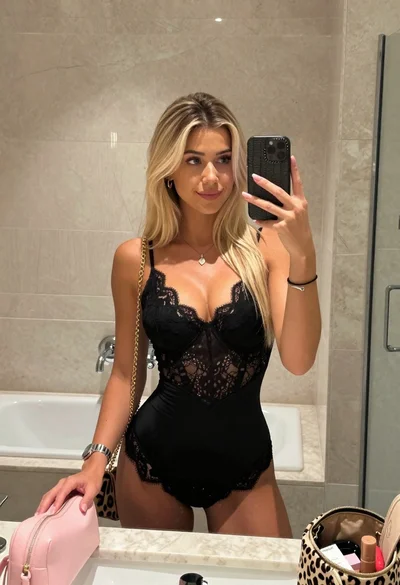
Blonde woman mirror selfie in upscale bathroom with lace bodysuit

Blonde woman at a bar counter in dimly lit pub

Blonde woman in red hat seated in studio overlooking city skyline
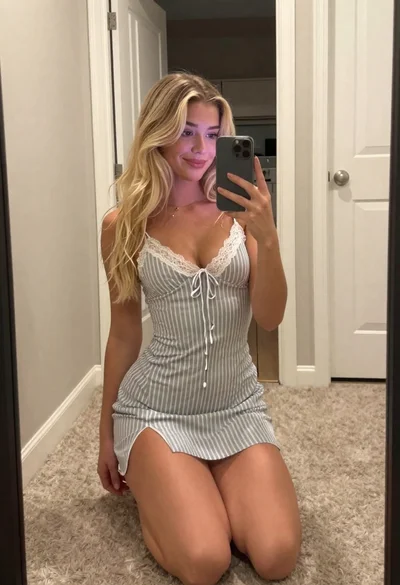
Blonde woman taking a mirror selfie in a hallway entryway

Close up portrait of blonde woman in black top inside luxury car
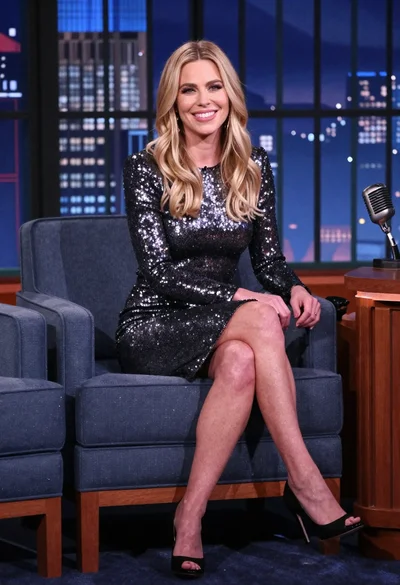
Blonde woman in silver dress seated on talk show set overlooking city
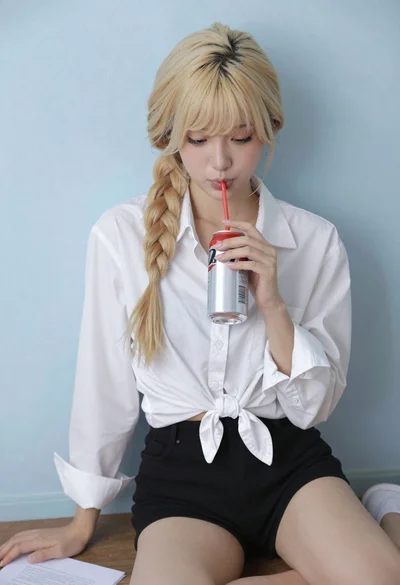
Blonde woman with side braid drinking from soda can indoors
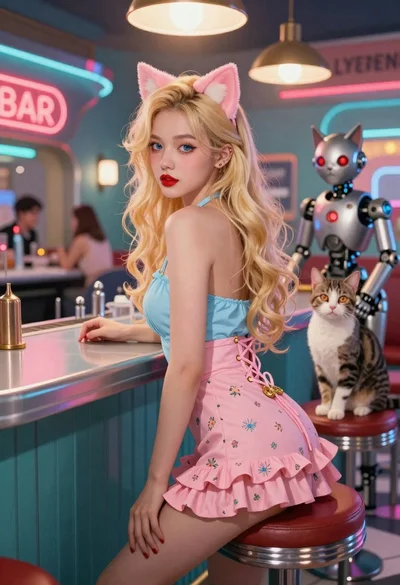
Woman with cat ears at a retro futuristic bar
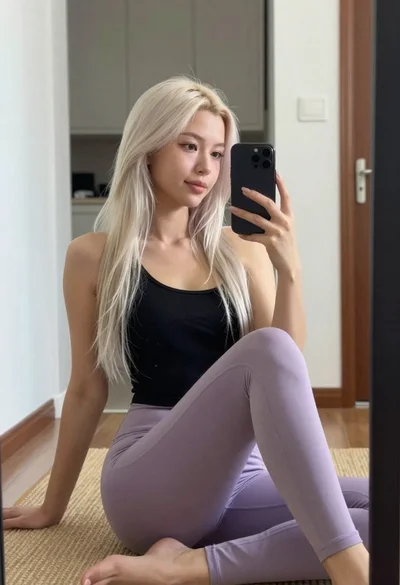
Young woman taking mirror selfie in black tank top and lavender leggings
Young blonde woman gathering hair indoors by large reflective city window