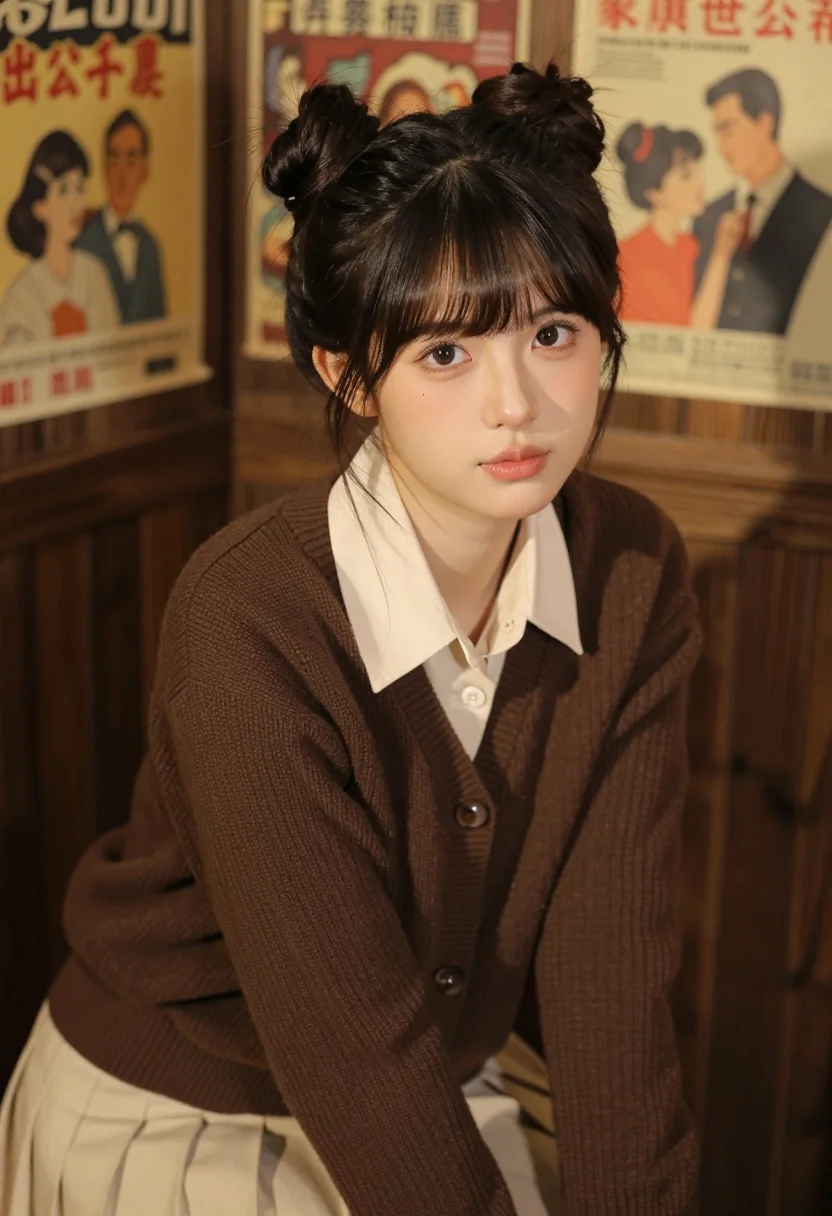
Young east asian woman in cream outfit seated against dark wood paneling
Prompt
A young woman with dark hair styled in two high buns and bangs looks directly at the camera with a soft expression.

Subject: A young East Asian woman with fair skin, large expressive eyes, and a small beauty mark on her left cheek. Her hair is dark brown, cut into straight bangs, and tied up into two neat buns on top of her head. She has a gentle, neutral facial expression with slightly pursed lips.

Clothing: She wears a cream-colored collared shirt underneath a dark brown ribbed knit cardigan sweater. The outfit is completed by a pleated cream skirt visible at the waist.

Action: She is seated and leaning slightly forward, looking directly into the lens with a calm gaze. Her posture is relaxed but posed for the portrait.

Environment: The background consists of a dark wood-paneled wall adorned with vintage-style posters featuring retro illustrations and text in Asian characters.

Lighting: Soft, warm indoor lighting illuminates her face from the front, creating a gentle glow on her skin while casting soft shadows that define her features.

Camera: A medium close-up shot framed to focus on her upper body, utilizing a shallow depth of field to keep the background slightly blurred.

Style Details: The image has a nostalgic, vintage aesthetic with warm color tones and a smooth, cinematic rendering quality reminiscent of 1950s film photography.
Description
This prompt is useful for creating character portraits for indie films, editorial lifestyle features, or mood boards evoking mid-century nostalgia. The combination of 'soft, warm indoor lighting' and the 'dark wood-paneled wall' grounds the subject in a specific, intimate setting, while the 'shallow depth of field' ensures that the focus remains sharply on her face despite the detailed background elements.
Suggestions
- Change 'ribbed knit cardigan sweater' to 'cashmere wrap' for a more luxurious feel.
- Swap 'dark wood-paneled wall' for 'deep emerald velvet backdrop' to shift the mood.
- Adjust 'soft, warm indoor lighting' to 'rim light from the side' to add drama.
Category
Tags
Brown HairCasual WearFair SkinFemaleIndoorsPortrait ShotRealistic
Date added
July 12, 2026
Added by
PromptDexter Team
Related Prompts
More prompts with similar categories and tags.

Woman in green satin slip dress standing in sunlit elegant interior room
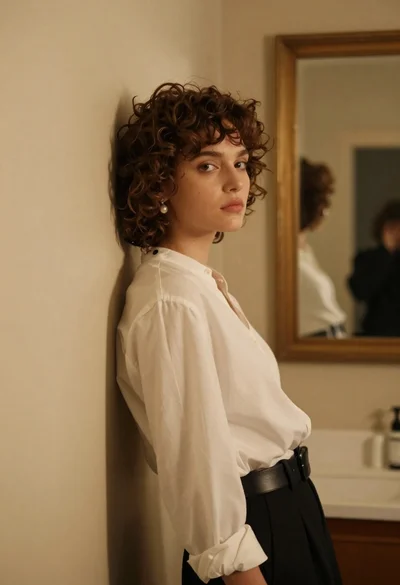
Young woman in white blouse leaning against beige wall near mirror
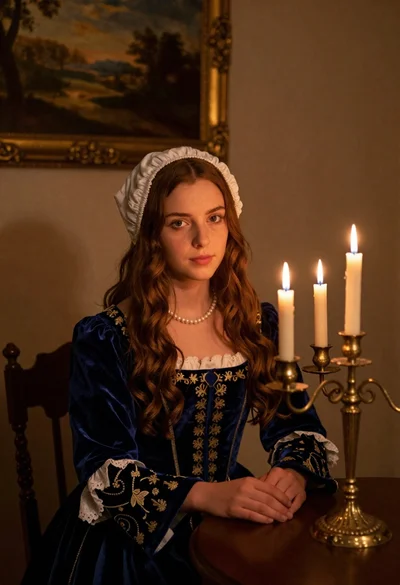
Young woman in blue velvet dress with candelabra in dimly lit room
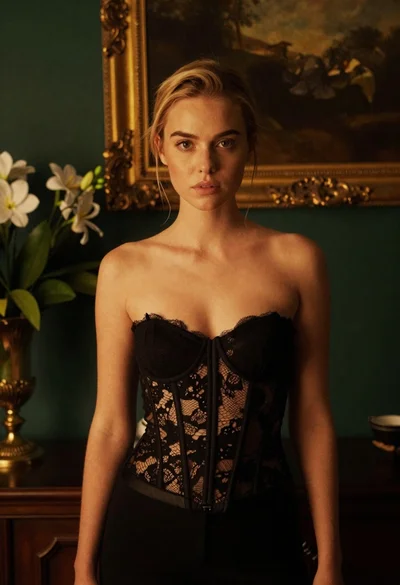
Blonde woman in black lace corset top against dark green wall
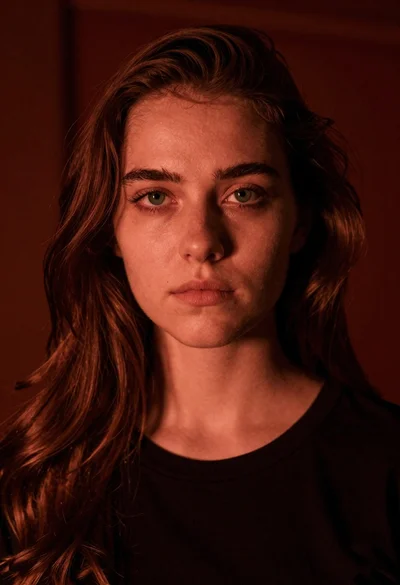
Closeup portrait of young woman with brown hair and green eyes in
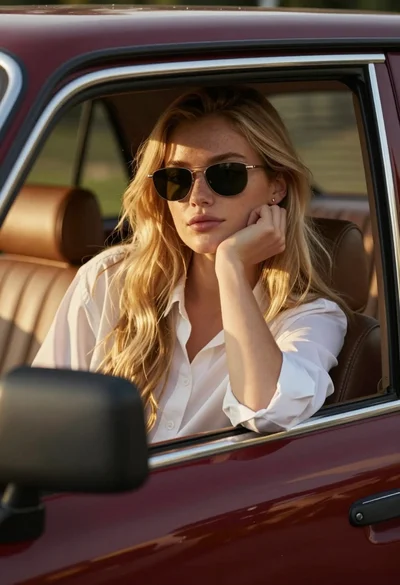
Young woman blonde hair leaning from vintage maroon car window at golden
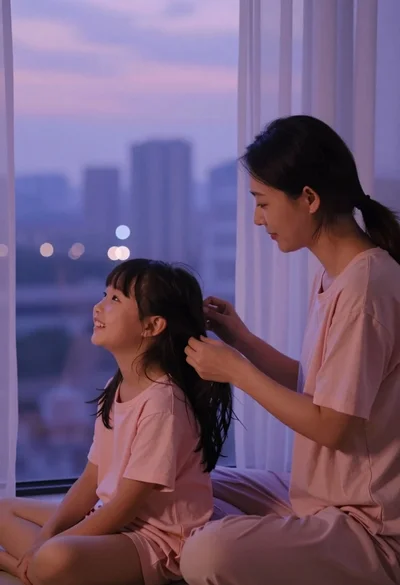
Mother gently grooming daughters hair by window overlooking city at dusk
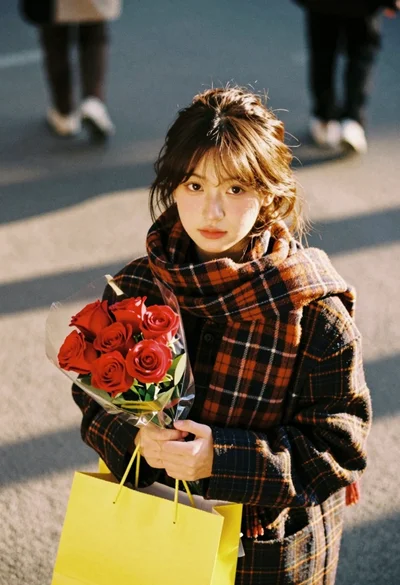
Young woman with brown hair holding roses on an urban street at
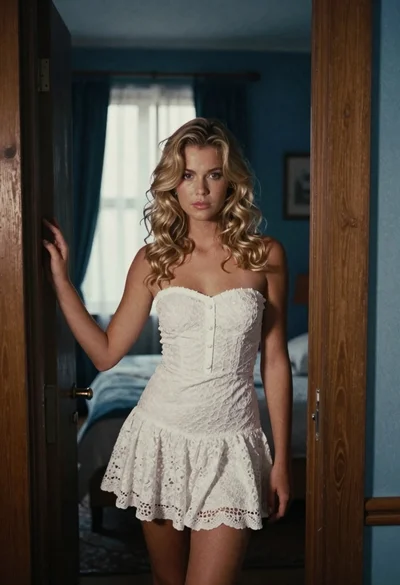
Young blonde woman in white lace dress standing in blue doorway
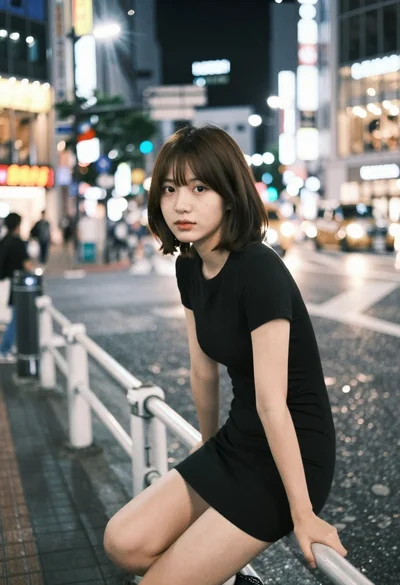
Young east asian woman on railing in busy japanese city street at