Fair blonde woman in red dress and floral jacket indoors
Prompt
A woman with long blonde hair stands in a dimly lit room, wearing a red dress and a black jacket with floral patterns.

Subject: A fair-skinned woman with shoulder-length wavy blonde hair that partially covers her face. She has a slender build and is looking slightly upward with a soft expression.

Clothing: She wears a deep red strapless dress with a high slit on the left side, revealing her leg. Over the dress, she wears an open black jacket featuring colorful floral or abstract patterns. She also wears a thin silver necklace with a small pendant and dangling earrings.

Action: She is leaning forward slightly with her hands resting near her thighs. Her posture is relaxed yet posed, suggesting a candid moment.

Environment: The setting appears to be an indoor space with large windows in the background letting in soft natural light. A potted plant is visible on the left side, and the floor reflects some of the ambient light.

Lighting: Soft, diffused lighting comes from behind and above, creating gentle shadows and highlighting her features without harsh contrast. The overall mood is warm and intimate.

Camera: Shot at eye level with a shallow depth of field that blurs the background slightly to emphasize the subject. The framing is medium close-up, capturing her upper body and face clearly.

Style Details: The image has a film-like quality with natural color tones and subtle grain, giving it a vintage or editorial photography feel.
Description
This prompt is useful for creating intimate portraiture for fashion editorials, character concept art for narrative projects, and moody lifestyle branding imagery. The combination of 'soft, diffused lighting' with the 'shallow depth of field' ensures that the focus remains tightly on her face and the texture of the 'red dress,' while the visible 'subtle grain' anchors the image in a specific, nostalgic photographic style.
Suggestions
- Change 'black jacket with floral patterns' to 'velvet jacket with baroque embroidery' for richer detail.
- Adjust 'soft expression' to 'direct gaze' if you want more confrontational portraiture.
- Swap 'potted plant' for 'dark wood bookshelf' to give the background more narrative context.
Category
Tags
BlondeBrown HairCasual WearFair SkinFemaleIndoorsPortrait ShotRealistic
Date added
June 19, 2026
Added by
PromptDexter Team
Related Prompts
More prompts with similar categories and tags.
Blonde woman in black lace corset top against dark green wall

Blonde woman in teal slip dress leaning on elevator handrail
Young woman with brown hair leaning on yellow pillar during golden hour
Woman in green dress looking over shoulder in bright ballroom setting
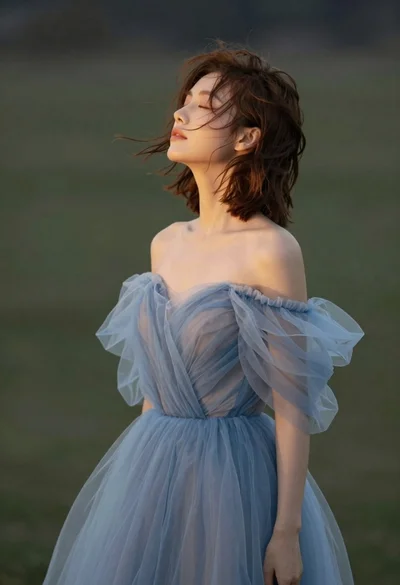
Young woman in blue tulle gown standing with eyes closed in wind
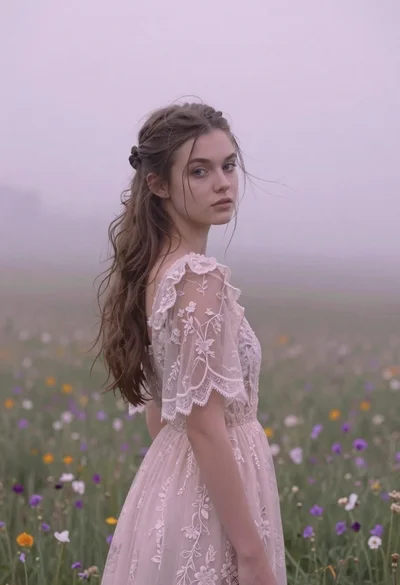
Young woman in pink lace gown standing in misty wildflower field
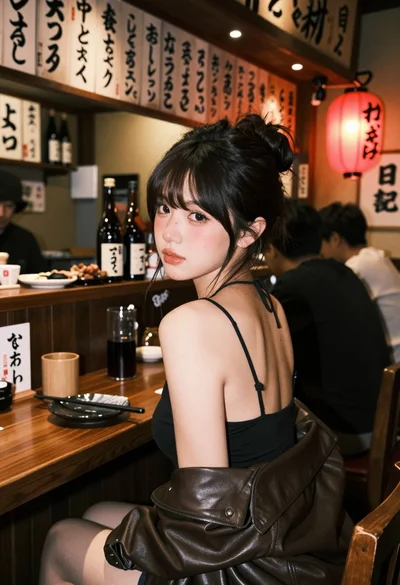
Young woman at wooden counter in dimly lit japanese izakaya bar setting
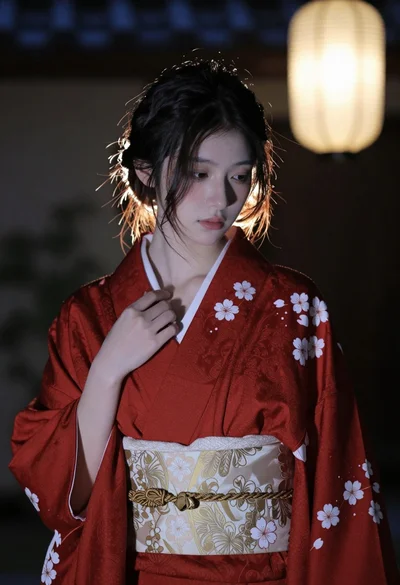
Young east asian woman in red kimono standing indoors with soft lantern
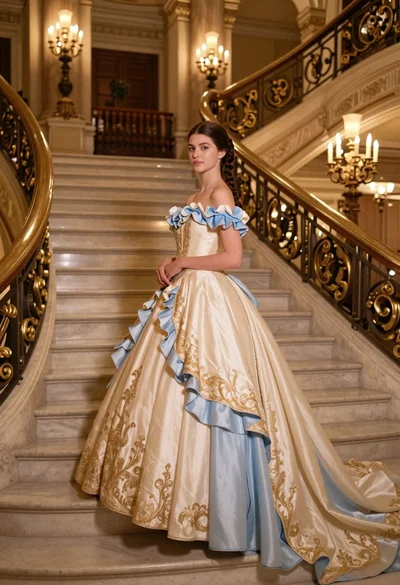
Young woman in elaborate ballgown on grand marble staircase interior
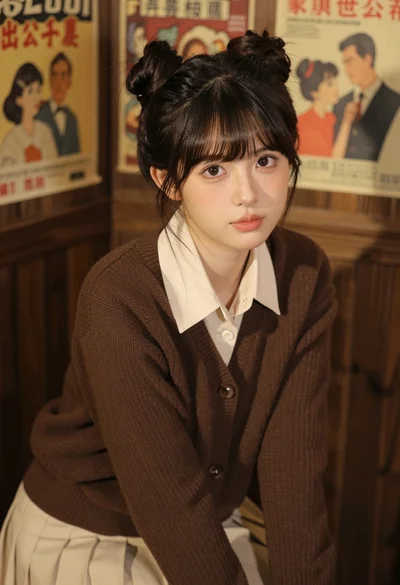
Young east asian woman in cream outfit seated against dark wood paneling