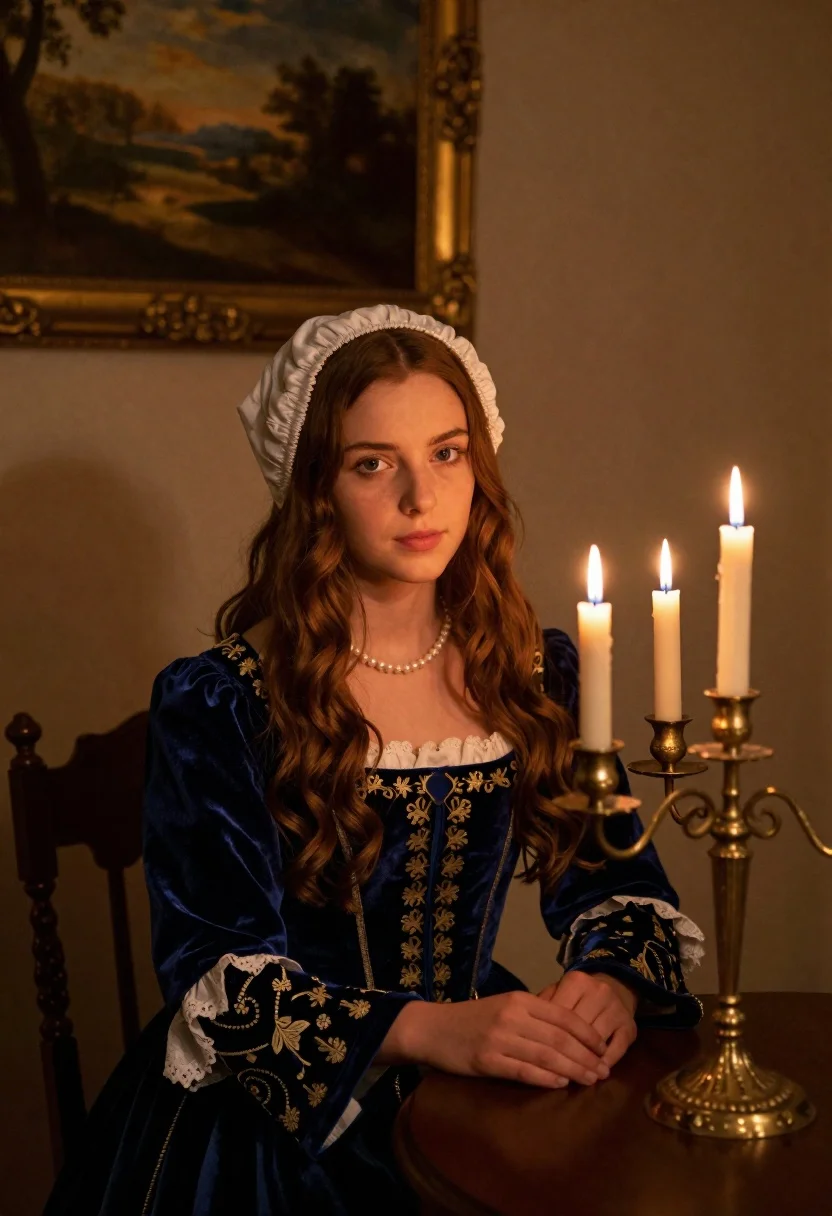
Young woman in blue velvet dress with candelabra in dimly lit room
Prompt
A young woman with long wavy brown hair sits at a table in a dimly lit room, gazing directly at the viewer.

Subject: A young woman with fair skin and long, wavy chestnut-brown hair cascading over her shoulders, wearing a white bonnet that frames her face.

Clothing: She wears a deep blue velvet dress featuring intricate gold embroidery on the bodice and sleeves, layered over a white underdress with lace trim at the neckline, accessorized with a pearl necklace.

Action: Her hands are clasped together resting gently on the edge of the table, and she maintains a calm, direct gaze toward the camera.

Environment: The setting is an intimate interior room with muted beige walls, featuring a framed landscape painting hanging in the background.

Objects: A brass candelabra holding five lit white candles stands prominently on the table to her right, casting a warm glow.

Lighting: Soft, warm light emanates from the candle flames, creating gentle highlights on her face and hands while leaving the surrounding corners in deep shadow.

Camera: The shot is framed as a medium close-up with a shallow depth of field that blurs the background slightly to emphasize the subject.

Style Details: The image exhibits a classical portrait aesthetic reminiscent of Renaissance oil paintings, characterized by rich textures, dramatic chiaroscuro lighting, and a timeless composition.
Description
This prompt is useful for creating historical character portraits, moody cinematic stills, and vintage editorial spreads evoking old master painting styles. The combination of 'deep blue velvet' against the 'muted beige walls' utilizes dramatic chiaroscuro lighting, which sculpts the subject's face and hands by emphasizing highlights from the 'brass candelabra' while allowing deep shadow to obscure distracting background details.
Suggestions
- Change 'chestnut-brown hair' to 'raven black hair' for higher contrast.
- Swap 'white bonnet' for 'silk headwrap' to update the period feel.
- Adjust 'deep blue velvet' to 'emerald green velvet' for a richer color pop.
Category
Tags
Brown HairFair SkinFemaleIndoorsPortrait ShotRealistic
Date added
June 19, 2026
Added by
PromptDexter Team
Related Prompts
More prompts with similar categories and tags.
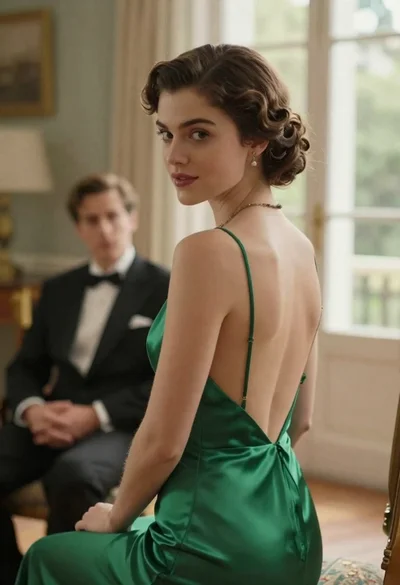
Woman in green dress looking over shoulder in bright ballroom setting
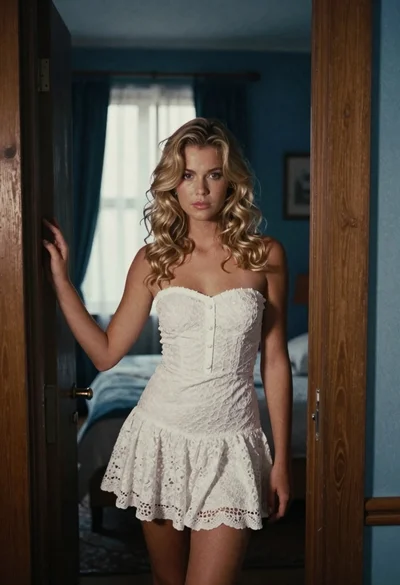
Young blonde woman in white lace dress standing in blue doorway
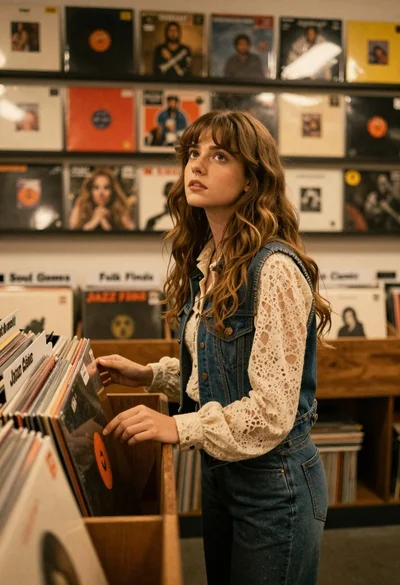
Young woman with brown hair browsing vinyl records in cozy store
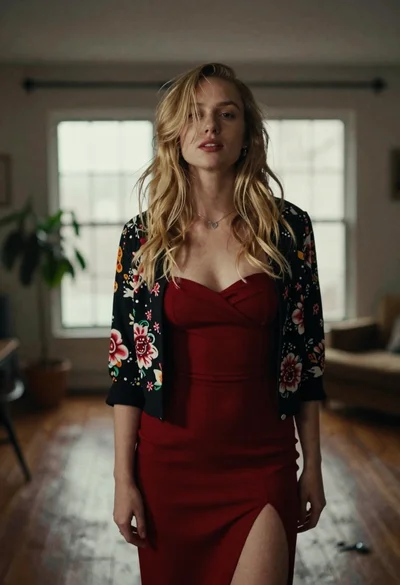
Fair blonde woman in red dress and floral jacket indoors
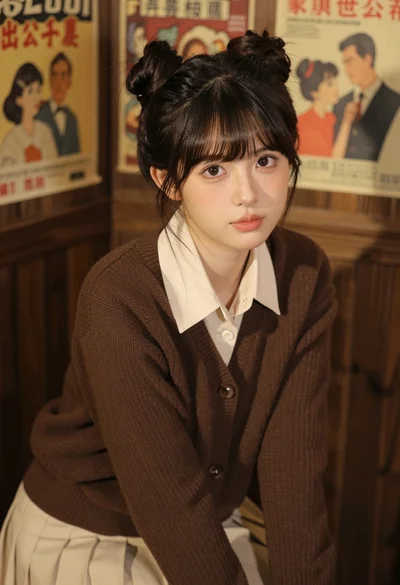
Young east asian woman in cream outfit seated against dark wood paneling

Young woman in white blouse leaning against beige wall near mirror
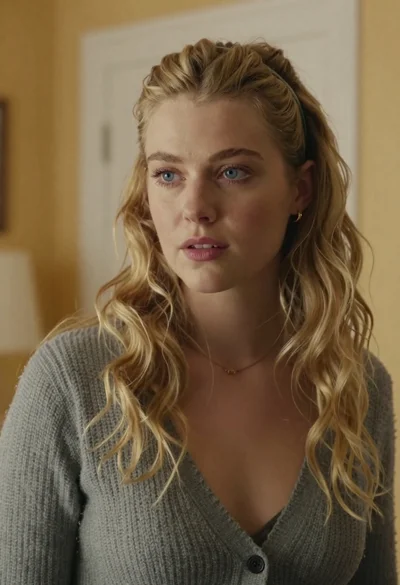
Medium close up portrait of blonde woman in grey cardigan indoors
Blonde woman in black lace corset top against dark green wall
Young woman in white lace outfit standing in sunlit meadow
Woman in white dress holding lotus flower in shallow pool with fish