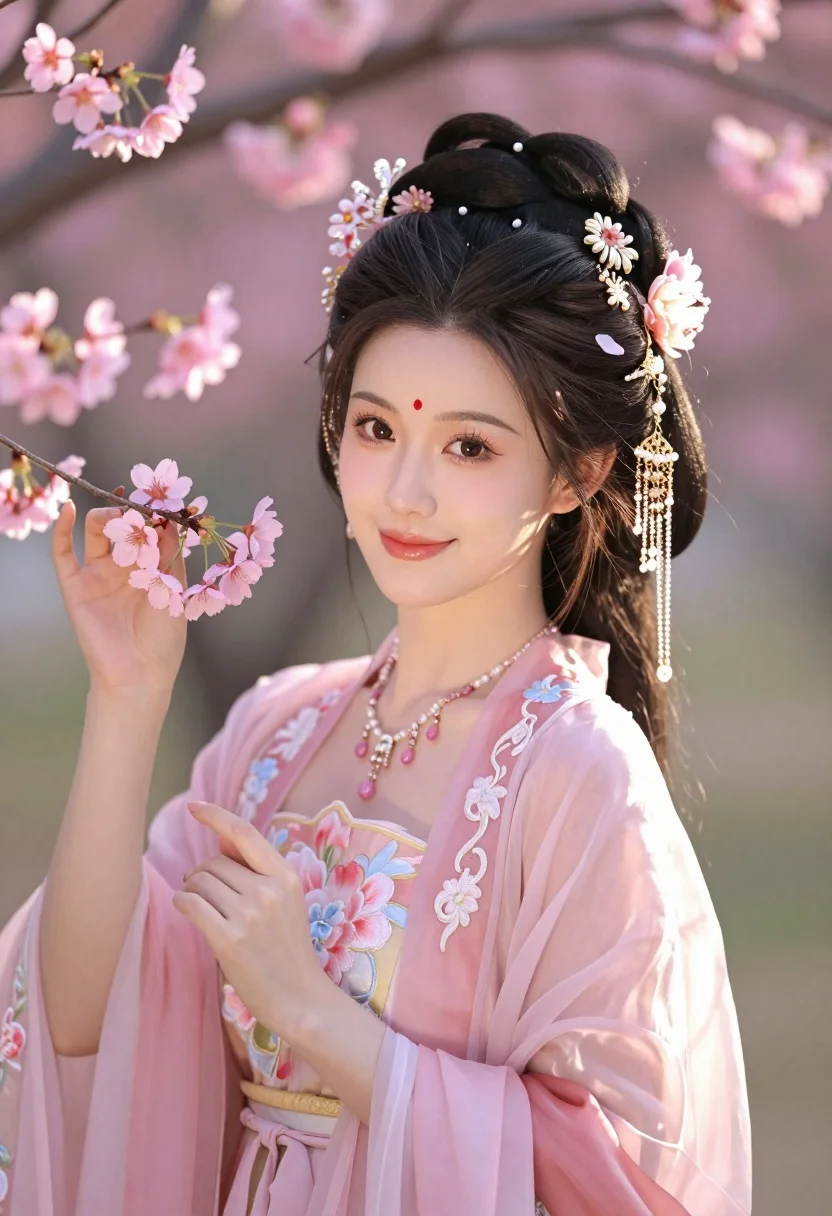
Young east asian woman in pink hanfu amidst blooming cherry blossoms garden
Prompt
A beautiful young woman in traditional Chinese attire stands amidst blooming cherry blossoms.

Subject: A young East Asian woman with fair skin and a gentle smile, featuring a prominent red bindi on her forehead. Her dark hair is styled in an elaborate updo adorned with intricate gold and pearl hairpins, dangling chains of beads, and pink floral ornaments.

Clothing: She wears a delicate, translucent pink Hanfu gown with sheer sleeves, featuring embroidered floral patterns and a golden waist sash. A matching necklace with pink gemstones rests on her chest.

Action: She holds a branch of pink cherry blossoms gently in her hands, looking directly at the viewer with a soft expression.

Environment: The setting is a garden filled with blooming pink flowers, likely cherry blossoms or plum blossoms, creating a dreamy and romantic atmosphere.

Camera: A medium close-up shot that focuses on the subject's upper body and face, utilizing a shallow depth of field to blur the background softly.

Lighting: Warm, golden hour sunlight illuminates her face and hair from the side, casting soft highlights and creating a gentle glow around the petals.

Style Details: The image has a high-quality photography aesthetic with vibrant colors, smooth textures, and a romantic, ethereal mood reminiscent of high-end fashion photography.
Description
This prompt is useful for creating editorial fashion lookbooks, cultural portraiture pieces, and romantic concept art for lifestyle branding. The combination of 'translucent pink Hanfu gown' with the soft focus achieved by a 'shallow depth of field' ensures that the subject remains the primary focal point while the surrounding 'blooming cherry blossoms' provide context without distracting from the delicate embroidery or her gentle smile.
Suggestions
- Change 'red bindi' to 'delicate jade hairpin' for a more traditional accessory.
- Swap 'golden waist sash' for 'silver embroidered obi' to shift the metallic tone.
- Adjust 'medium close-up shot' to 'full body shot' to better showcase the gown.
Category
Tags
Fair SkinFemaleFull BodyMedium ShotNatureRealisticTraditional Wear
Date added
July 3, 2026
Added by
PromptDexter Team
Related Prompts
More prompts with similar categories and tags.
Young woman in elaborate red and pink traditional indian attire indoors
Smiling woman with red hair in floral twotoned dress outdoors
Woman in orange dress among marigolds under blue sky
Young woman in white lace outfit sitting on stone ledge in garden
Indian woman in cream silk saree reclining on ornate red patterned rug
Smiling woman in embroidered top standing in field of wildflowers
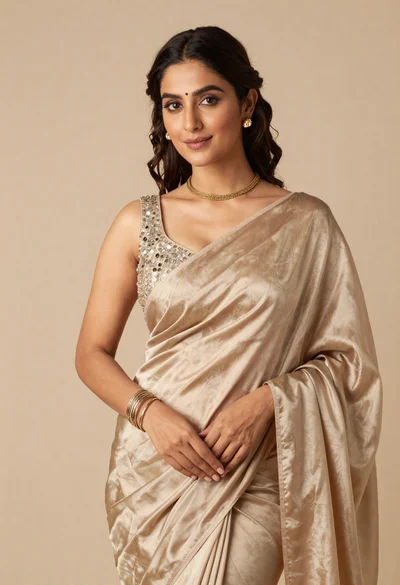
Portrait of woman in shimmering beige silk saree posing in studio
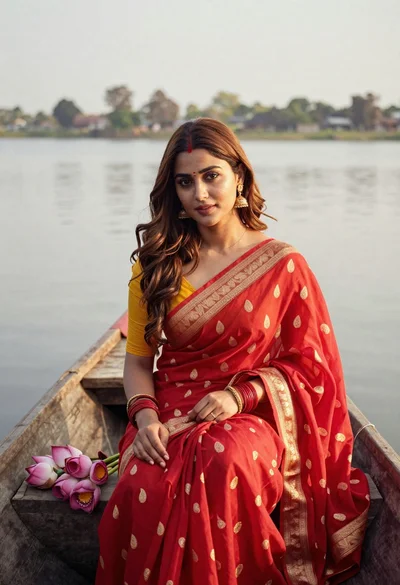
Young woman in red saree sitting in wooden boat on calm water
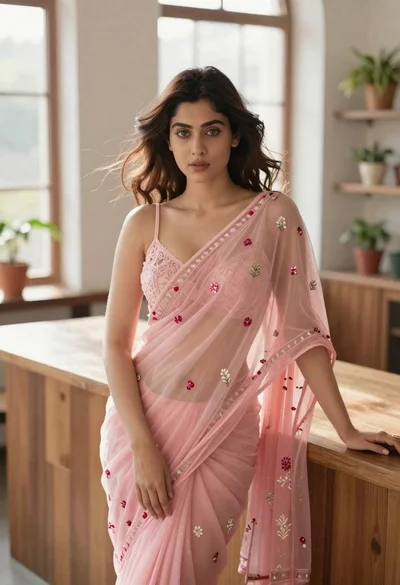
Young woman in pink saree leaning against counter in sunlit room
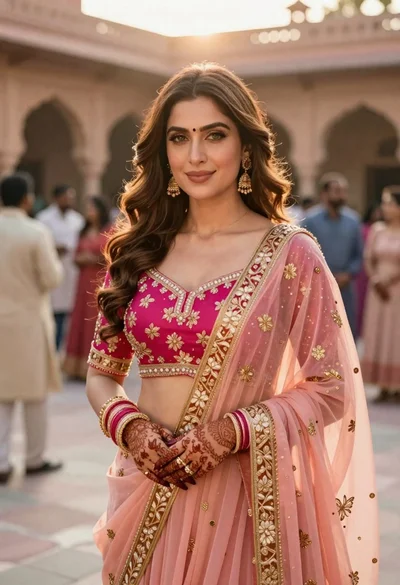
Indian woman in pink and peach traditional dress in sunlit courtyard