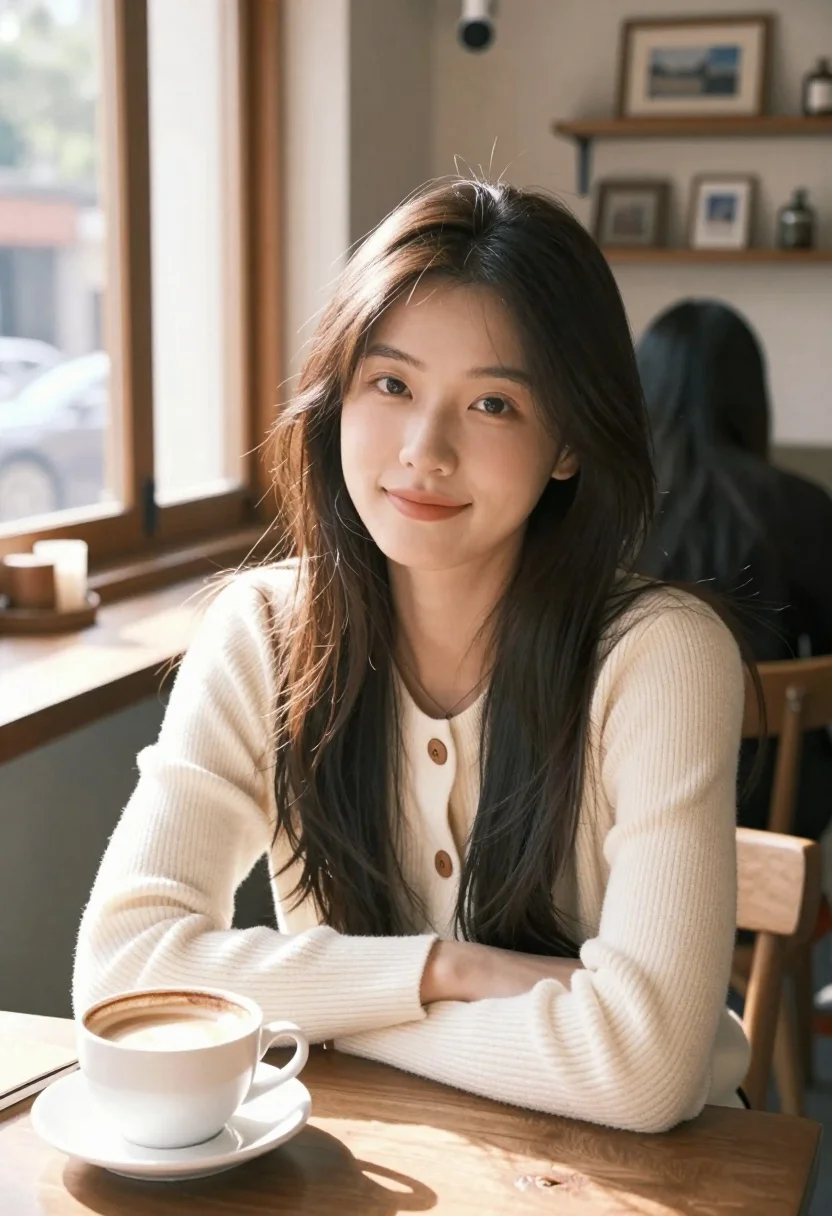
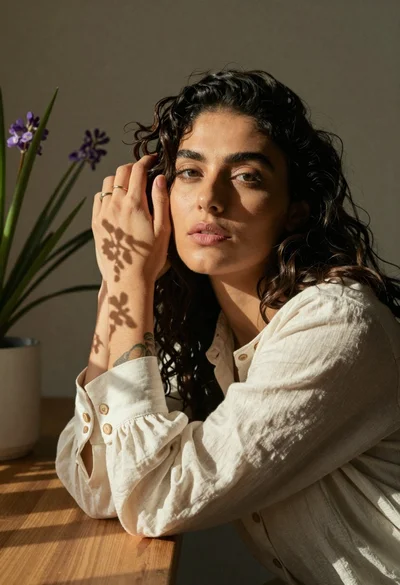
Young east asian woman smiling in cozy cafe setting with natural light
Prompt
A young woman with long dark hair sits at a wooden table in a cozy cafe, looking directly at the camera with a gentle smile.

Subject: A young East Asian woman with soft features and long, slightly messy dark brown hair that falls over her shoulders. She has a fair complexion and a calm, pleasant expression.

Clothing: She wears a cream-colored, ribbed knit cardigan with wooden buttons over a simple white top. A delicate necklace is visible at her neckline.

Action: She is seated and leaning slightly forward, resting her arms on the table, gazing directly into the lens with a soft, inviting smile.

Environment: The setting is a warm, rustic cafe interior with large windows letting in natural light. In the background, another person with dark hair sits at a separate table facing away, near wooden shelves and framed pictures.

Camera: A medium close-up shot taken from a slightly low angle, creating an intimate perspective that focuses on the subject's face and upper body.

Lighting: Soft, diffused natural light streams in from the left side, illuminating her face and hair while casting gentle shadows that add depth to the scene.

Objects: A white ceramic coffee cup with foam sits on a saucer in the foreground, alongside a notebook or book lying flat on the wooden table surface.

Style Details: The image features a soft-focus aesthetic with a shallow depth of field that blurs the background, creating a dreamy and cinematic atmosphere reminiscent of high-quality lifestyle photography.
Description
This prompt is useful for creating intimate portraiture for lifestyle blogs, editorial beauty spreads, and cozy brand advertisements. The combination of 'soft, diffused natural light' and the 'shallow depth of field' ensures the subject remains the clear focus while the background elements—like the 'wooden shelves'—provide contextual warmth without distracting from her gentle smile.
Suggestions
- Change 'ribbed knit cardigan' to 'cashmere sweater' for a more luxurious feel.
- Swap 'white ceramic coffee cup' for 'dark espresso mug' to deepen foreground contrast.
- Adjust 'slightly low angle' to 'eye-level shot' for a more direct connection.
Category
Tags
Brown HairCafeFair SkinFemaleIndoorsLow AngleRealistic
Date added
July 3, 2026
Added by
PromptDexter Team
Related Prompts
More prompts with similar categories and tags.
Young woman reclining on beige sofa with brown knit dress indoors
Smiling woman with dark hair at wooden table wearing blue ribbed outfit

Young blonde woman in brown top seated in modern living room setting
Close up portrait of woman in emerald gown against dark blurred background
Portrait of young woman with light brown hair in black shirt
Smiling blonde woman in black dress at sports illustrated event backdrop
Young woman with brown hair sitting on white sofa in bright modern

Portrait of woman in white satin dress near sheer curtains

Medium close up portrait of woman on beige sofa in modern room
Woman with dark wavy hair in cream blouse near potted plant
