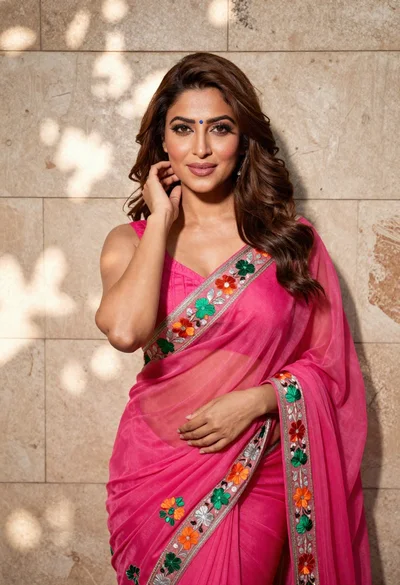
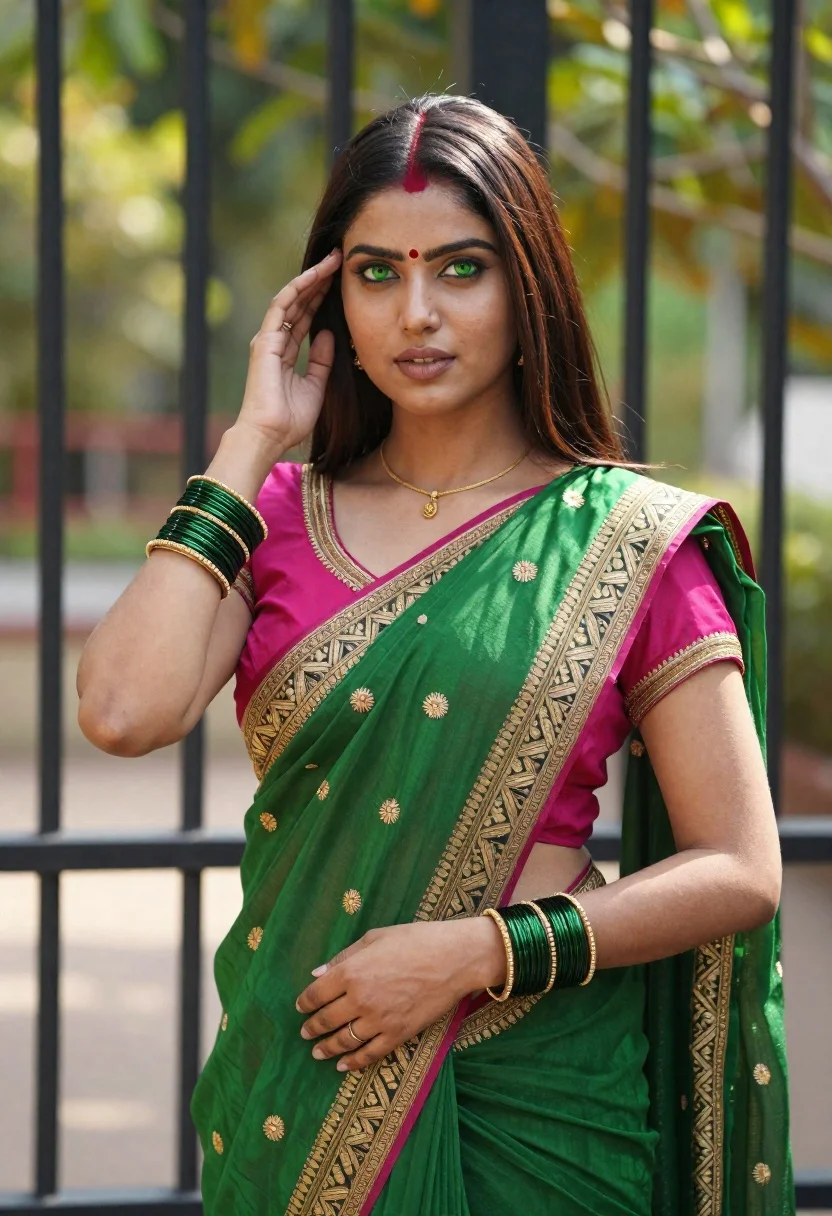
Young indian woman in green saree posing in front of garden
Prompt
A young woman with long dark brown hair stands in a poised pose against a blurred garden background.

Subject: A fair-skinned woman with striking green eyes and straight dark brown hair parted in the center. Her face features traditional Indian bindi markings on her forehead, consisting of red dots arranged in a horizontal line above a central vertical dot. She has a calm, direct gaze looking forward.

Clothing: She wears an elaborate green saree with intricate gold embroidery along the border and scattered motifs across the fabric. The blouse is a vibrant magenta pink with heavy gold detailing around the neckline and sleeves.

Action: Her right hand is raised to her temple in a graceful gesture, while her left arm rests gently against her waist. She wears multiple gold bangles on both wrists and a delicate gold necklace at her neck.

Environment: The background consists of vertical black metal bars, likely part of a gate or fence, with soft-focus green foliage visible behind them suggesting an outdoor garden setting.

Lighting: Natural sunlight illuminates the scene from above, casting soft highlights on her hair and face while creating gentle shadows that define her features and clothing folds.

Style Details: The image exhibits a high-resolution, photorealistic quality with rich color saturation and detailed texture rendering typical of modern digital photography or AI-generated portraiture.
Description
This prompt is useful for creating cultural editorial spreads, bridal lookbooks featuring traditional wear, and fine art portraiture showcasing intricate textiles. The combination of 'elaborate green saree with intricate gold embroidery' against the structured 'vertical black metal bars' grounds the subject while the 'natural sunlight...
Suggestions
- Change 'green saree' to 'emerald silk saree' for a deeper jewel tone.
- Adjust the background by replacing 'vertical black metal bars' with 'stone archway' for more architectural interest.
- Modify the lighting by adding 'rim light from the side' to separate her silhouette more dramatically.
Category
Tags
Brown HairFair SkinFemaleMedium ShotOutdoorsPortrait ShotRealisticTraditional Wear
Date added
June 21, 2026
Added by
PromptDexter Team
Related Prompts
More prompts with similar categories and tags.
Young woman in pink traditional lehenga sitting on chair outdoors
Young woman in red saree sitting in wooden boat on calm water
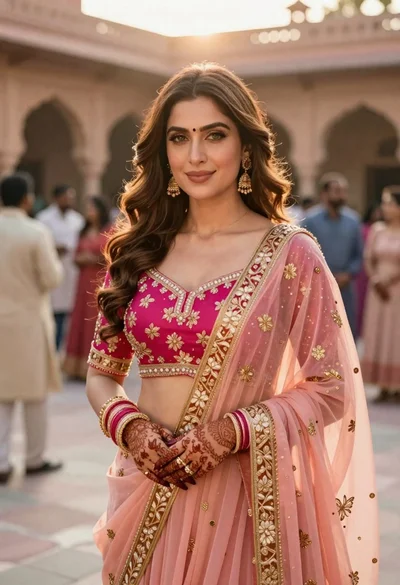
Indian woman in pink and peach traditional dress in sunlit courtyard

Woman in red halter dress sitting on stones against textured rock wall

Young woman with braided hair in misty woodland setting
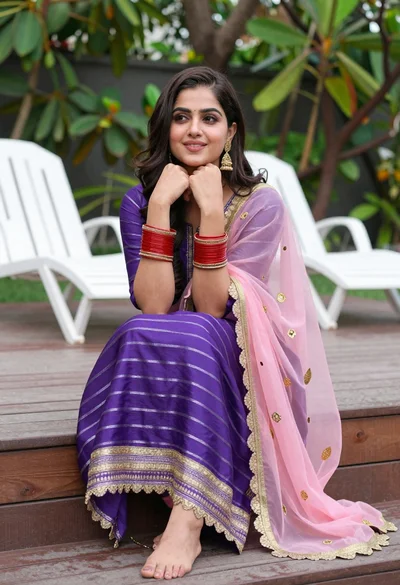
Young woman in purple salwar kameez on wooden garden deck

Smiling young woman in pink top and white skirt before sandstone palace

Woman in black dress by window overlooking ocean at golden hour
