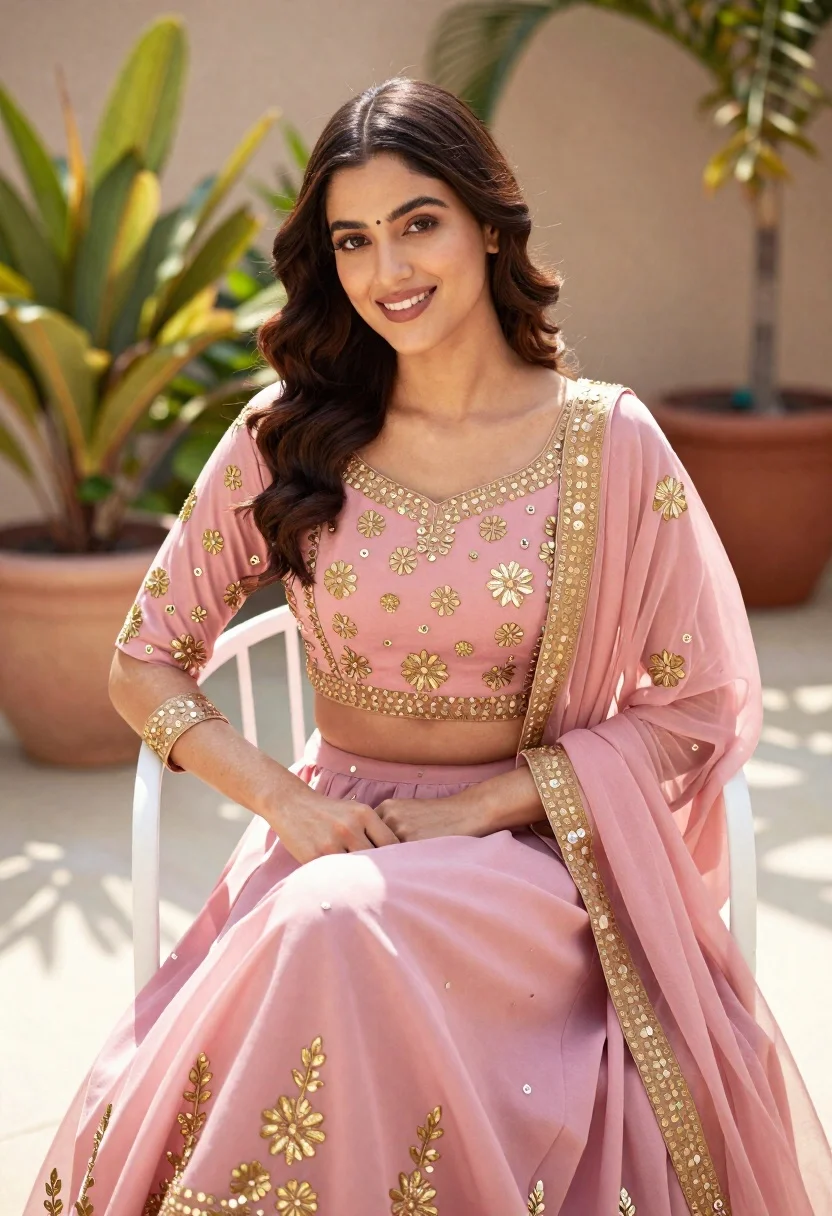
Young woman in pink traditional lehenga sitting on chair outdoors
Prompt
A young woman with wavy dark brown hair sits gracefully on a white metal chair, smiling warmly at the camera while wearing an elegant pink traditional outfit adorned with gold embroidery.

Clothing: She wears a soft pink lehenga choli featuring delicate gold floral motifs and sequin embellishments along the neckline, sleeves, and hemline of the blouse and skirt, paired with a matching sheer dupatta draped over her shoulders.

Action: Her posture is relaxed yet poised, with one hand resting gently on her lap and the other leaning against the armrest of the chair, exuding calm confidence.

Environment: The setting is an outdoor terrace or patio bathed in natural daylight, surrounded by potted plants and greenery that add a lush, serene backdrop to the scene.

Camera: Shot from a medium close-up angle with soft depth of field, focusing sharply on the subject while gently blurring the background for a dreamy, portrait-like quality.

Lighting: Bright, even sunlight illuminates her face and outfit from above, casting subtle shadows that enhance texture and dimension without harsh contrast.

Style Details: High-resolution digital photography with warm color grading, smooth skin tones, and a polished aesthetic reminiscent of fashion editorial portraiture.
Description
This prompt is useful for creating bridal lookbooks, cultural portraiture editorials, and high-end lifestyle advertising featuring traditional wear. The combination of 'soft pink lehenga choli' with 'delicate gold floral motifs' ensures the garment remains the focal point, while the 'medium close-up angle' combined with soft depth of field keeps the background greenery from competing with the subject’s expression.
Suggestions
- Change 'white metal chair' to 'ornate carved wooden chair' for a richer setting.
- Swap 'soft pink lehenga choli' for 'deep magenta lehenga choli' to shift the mood.
- Add 'golden hour backlight' to enhance the gold embroidery.
Category
Tags
Brown HairFair SkinFemaleMedium ShotOutdoorsPortrait ShotRealisticTraditional Wear
Date added
June 21, 2026
Added by
PromptDexter Team
Related Prompts
More prompts with similar categories and tags.
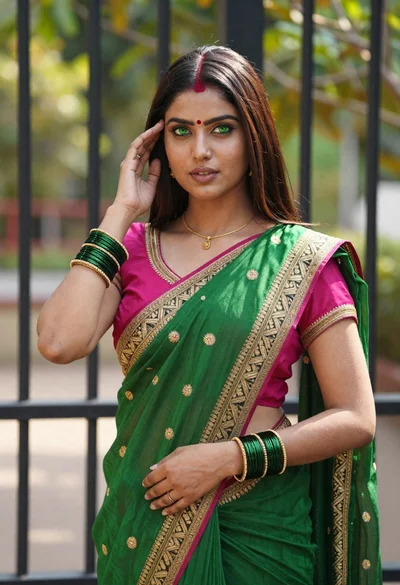
Young indian woman in green saree posing in front of garden
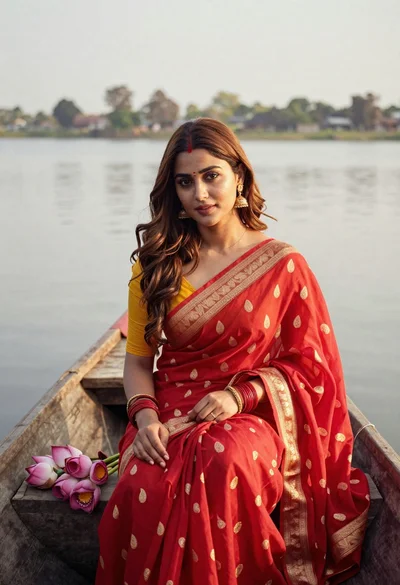
Young woman in red saree sitting in wooden boat on calm water
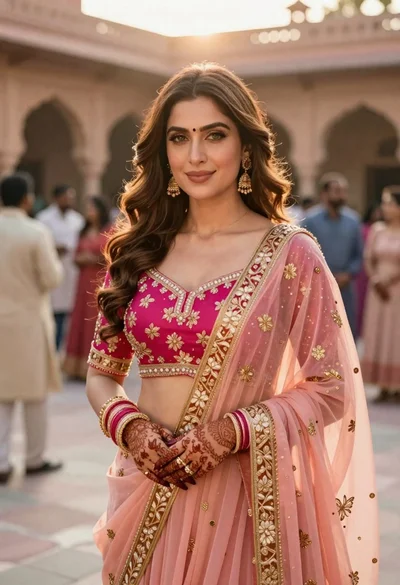
Indian woman in pink and peach traditional dress in sunlit courtyard
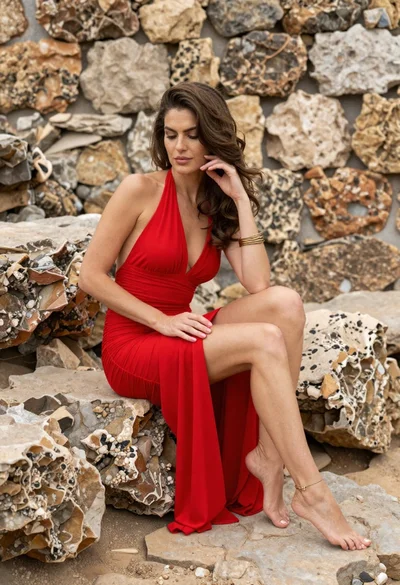
Woman in red halter dress sitting on stones against textured rock wall

Young woman with braided hair in misty woodland setting
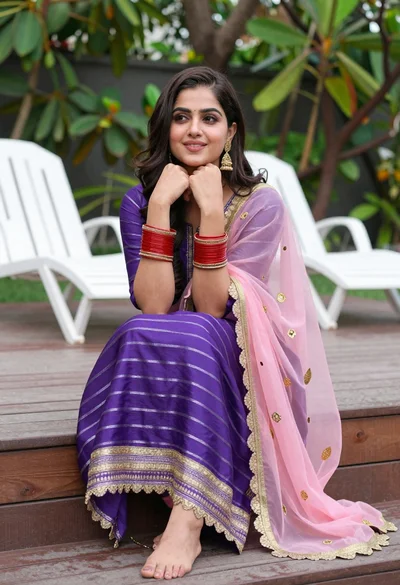
Young woman in purple salwar kameez on wooden garden deck

Smiling young woman in pink top and white skirt before sandstone palace

Woman in black dress by window overlooking ocean at golden hour
