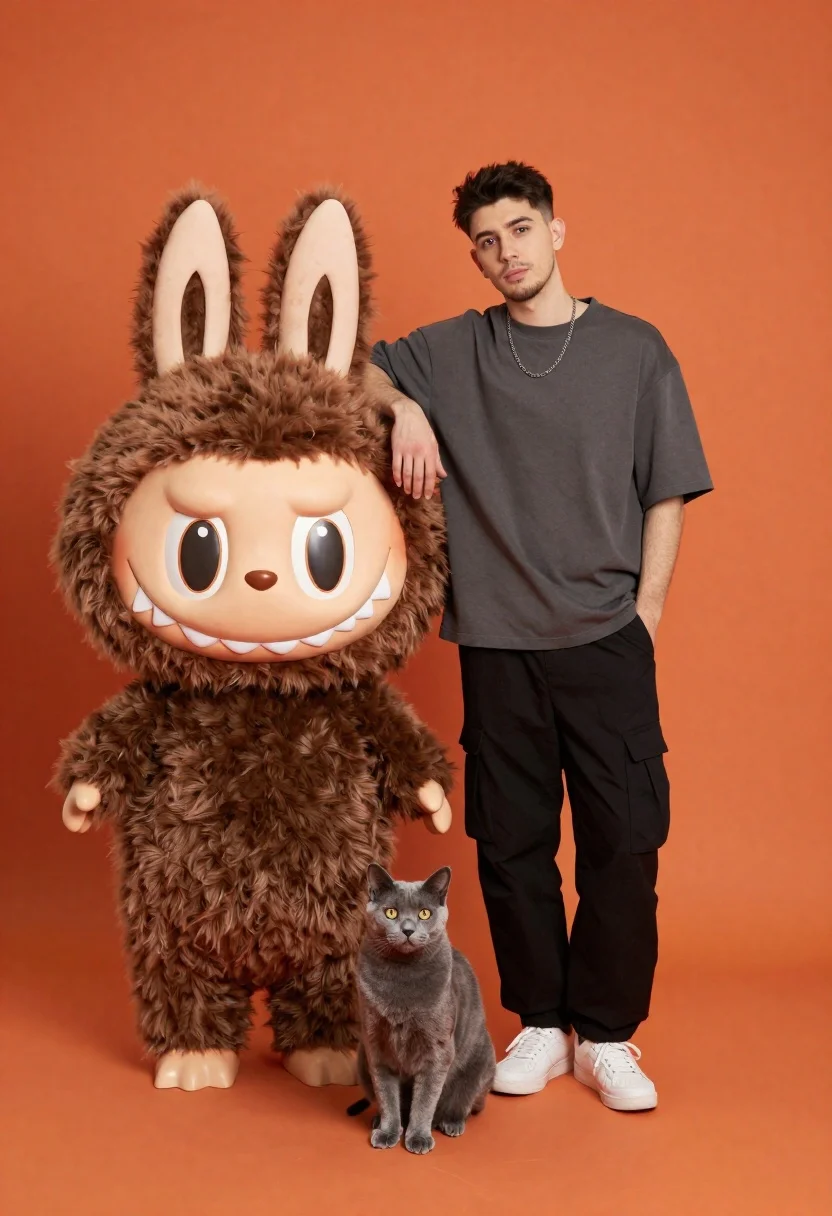
Young man posing with plush rabbit mascot and grey cat studio portrait
Prompt
A young man stands confidently next to a large brown plush rabbit mascot and a grey cat against a solid orange background.

Subject: A young man with short dark hair and light stubble standing upright with a neutral expression.

Clothing: He wears a loose-fitting charcoal grey t-shirt, black cargo pants, white sneakers, and a silver chain necklace.

Action: The man leans his right arm on the mascot's head while keeping his left hand in his pocket; he looks directly at the camera.
Second

Subject: A large brown furry rabbit mascot with big cartoon eyes and sharp teeth stands to the left of the man.

Objects: A grey cat sits calmly between the mascot and the man's legs.

Environment: The scene is set against a seamless solid orange backdrop with an orange floor.

Lighting: Studio lighting illuminates the subjects evenly from the front, creating soft shadows and highlighting textures.

Camera: Eye-level medium shot capturing full bodies with a straight-on angle and clean composition.

Style Details: High-quality commercial photography with vibrant colors and sharp focus on the subjects.
Description
This prompt is useful for creating character promotional materials, quirky brand advertising campaigns, or stylized portrait sessions involving props. The combination of 'studio lighting' ensuring even illumination across the 'charcoal grey t-shirt' and 'solid orange backdrop' prevents harsh shadows that would distract from the interaction between the man and the mascots, maintaining a clean commercial aesthetic.
Suggestions
- Change 'brown plush rabbit mascot' to 'blue plush rabbit mascot' for color contrast.
- Swap 'neutral expression' for 'slight smirk' to add personality.
- Adjust 'solid orange backdrop' to 'muted terracotta backdrop' for a more sophisticated feel.
Category
Tags
AnimalsFemaleFull BodyMedium ShotPortrait ShotRealisticStudio
Date added
June 19, 2026
Added by
PromptDexter Team
Related Prompts
More prompts with similar categories and tags.
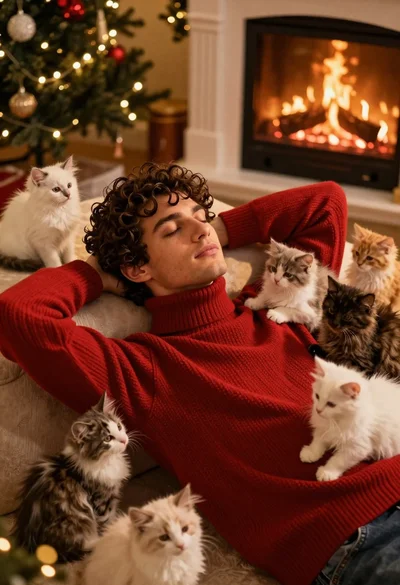
Young man in red sweater surrounded by fluffy kittens near fireplace
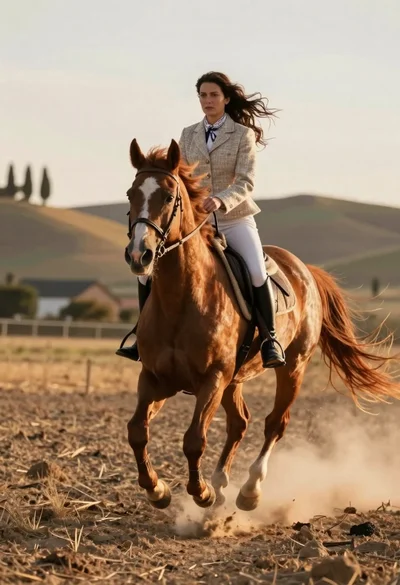
Woman riding chestnut horse galloping across dusty rural field at golden hour
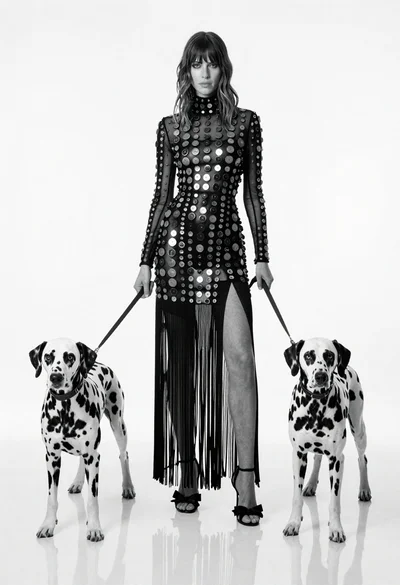
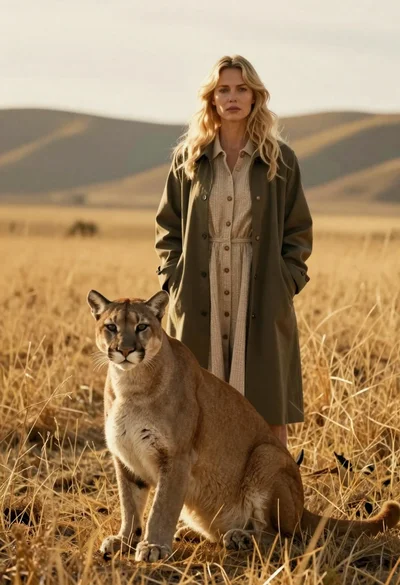
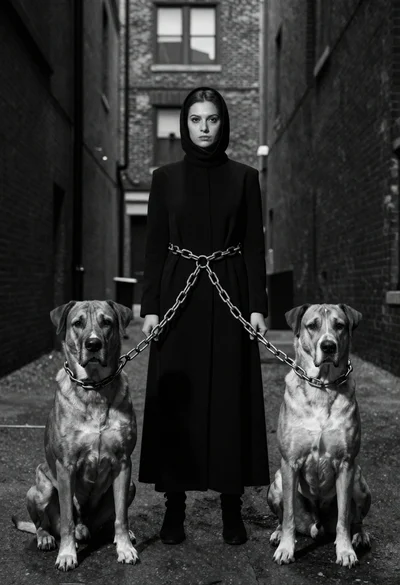
Full length black and white portrait of woman with two dalmatian dogs
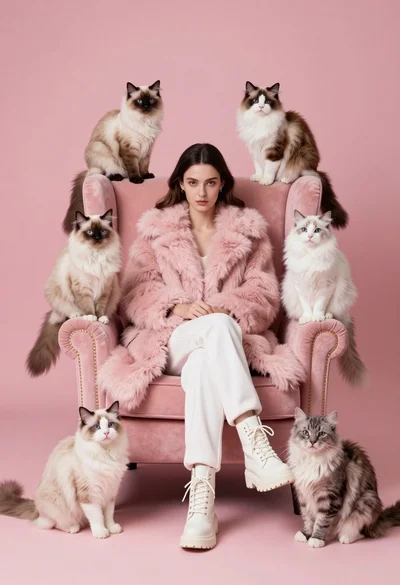
Woman in pink fur coat surrounded by six fluffy cats on pink
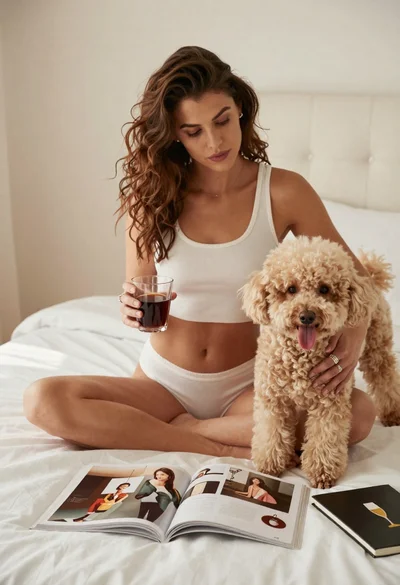
Woman with poodle on white bed reading magazine in bright bedroom
Woman kissing unicorn nose under starry night sky

Young woman with dog sitting on green grass in a garden setting

Young woman in white lehenga sitting with beagle dog in studio setting
Smiling woman in magenta saree with dog near lit oil lamps indoors
Man in white coat standing with white lion studio portrait