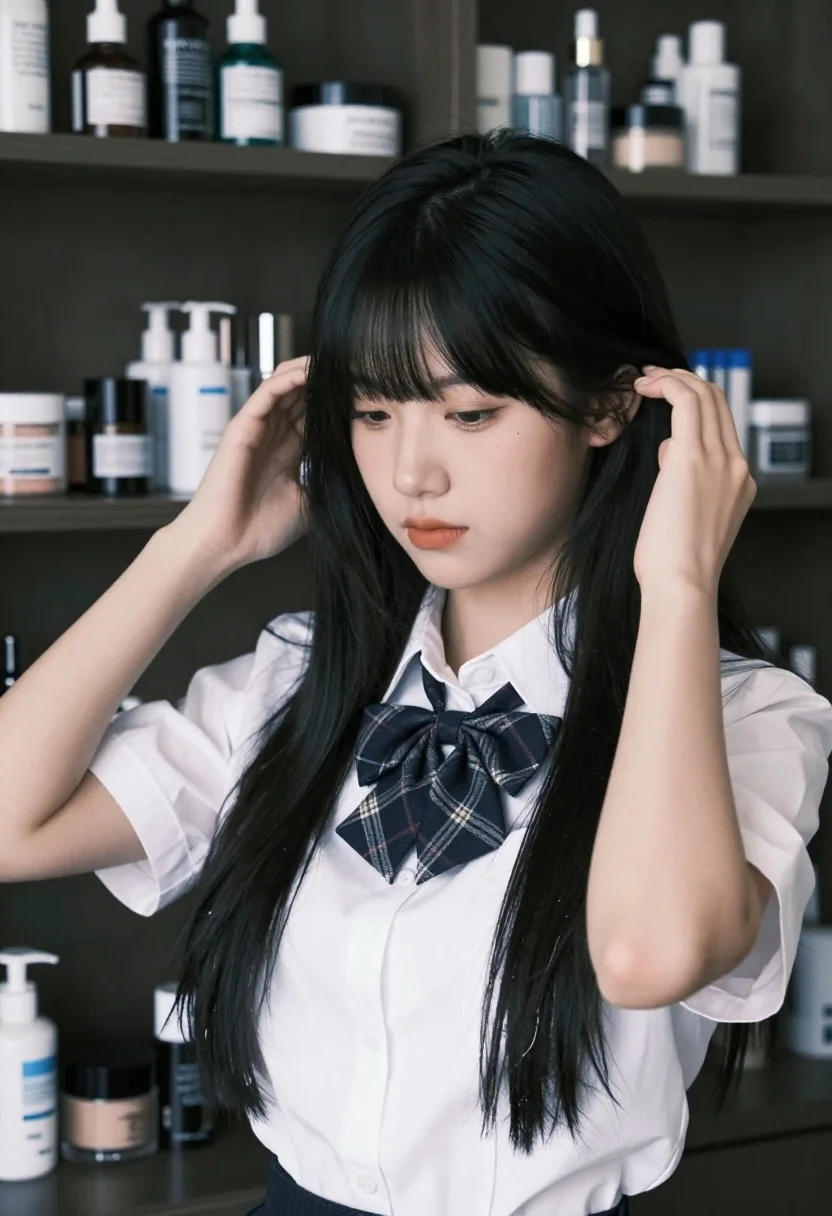
Young woman adjusting black hair in a dimly lit cosmetic filled room
Prompt
A young woman with long black hair and bangs stands in a dimly lit room filled with shelves of cosmetic bottles.

Subject: A young woman with fair skin, dark eyes looking downward, and long straight black hair with bangs framing her face.

Clothing: She wears a white button-up shirt with rolled-up sleeves and a plaid bow tie at the collar.

Action: Her hands are raised to the sides of her head as she adjusts or touches her hair, with her gaze directed down and away from the camera.

Environment: The background consists of shelves packed with various cosmetic bottles, jars, and makeup products, suggesting a vanity or dressing area.

Lighting: Soft, cool-toned lighting illuminates the scene from the front-left, casting gentle shadows and highlighting the subject’s features against the darker background.

Style Details: High-resolution portrait photography with shallow depth of field, soft focus on background elements, and a clean, modern aesthetic typical of beauty or fashion portraiture.
Description
This prompt is useful for creating intimate beauty advertisements, editorial skincare features, and mood boards for cosmetic brand storytelling. The combination of 'soft, cool-toned lighting' and 'shallow depth of field' directs the viewer's focus entirely onto the subject's hands and face, while the detailed background of 'shelves packed with various cosmetic bottles' provides contextual richness without becoming distracting.
Suggestions
- Change 'plaid bow tie' to 'silk ribbon' for a more delicate touch.
- Adjust 'soft, cool-toned lighting' to 'rim light from above' for more drama.
- Swap 'long straight black hair' for 'wavy voluminous black hair' to change the silhouette.
Category
Tags
Black HairFair SkinFemaleIndoorsPortrait ShotRealisticStudio
Date added
July 3, 2026
Added by
PromptDexter Team
Related Prompts
More prompts with similar categories and tags.
Young woman with red hair seated at wooden desk in cozy studio

Woman with black hair leaning indoors by glass railing in bright modern

Young woman in black crop top and cream trousers indoors looking over
Portrait of woman in black dress with rose arch backdrop

Young woman with black hair making ok sign under pink neon light

Woman in black dress seated in dimly lit diner booth
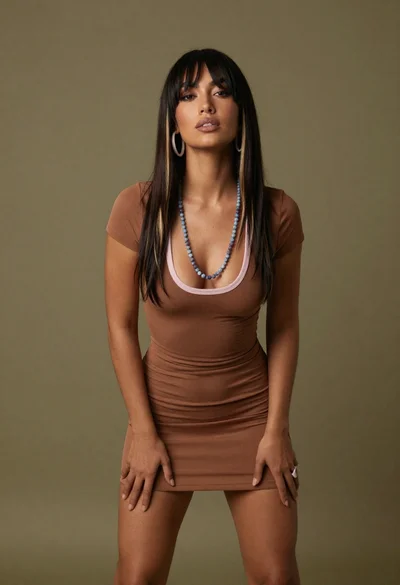
Medium full length portrait of woman in brown mesh dress
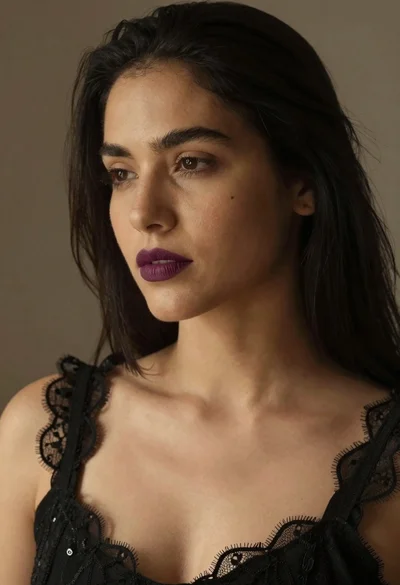
Close up portrait of woman with dark hair wearing black lace top

Close up portrait of blonde woman blowing kiss in black sweatshirt
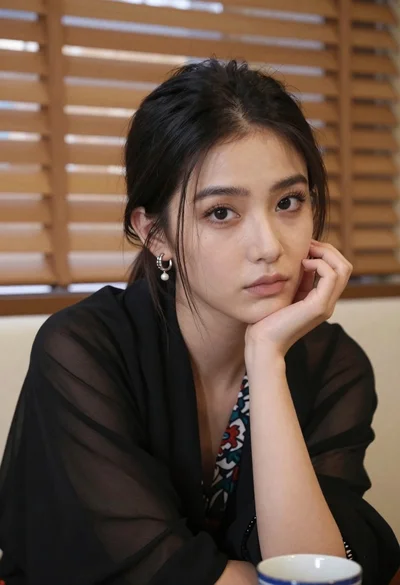
Closeup portrait of young woman with dark hair by window blinds