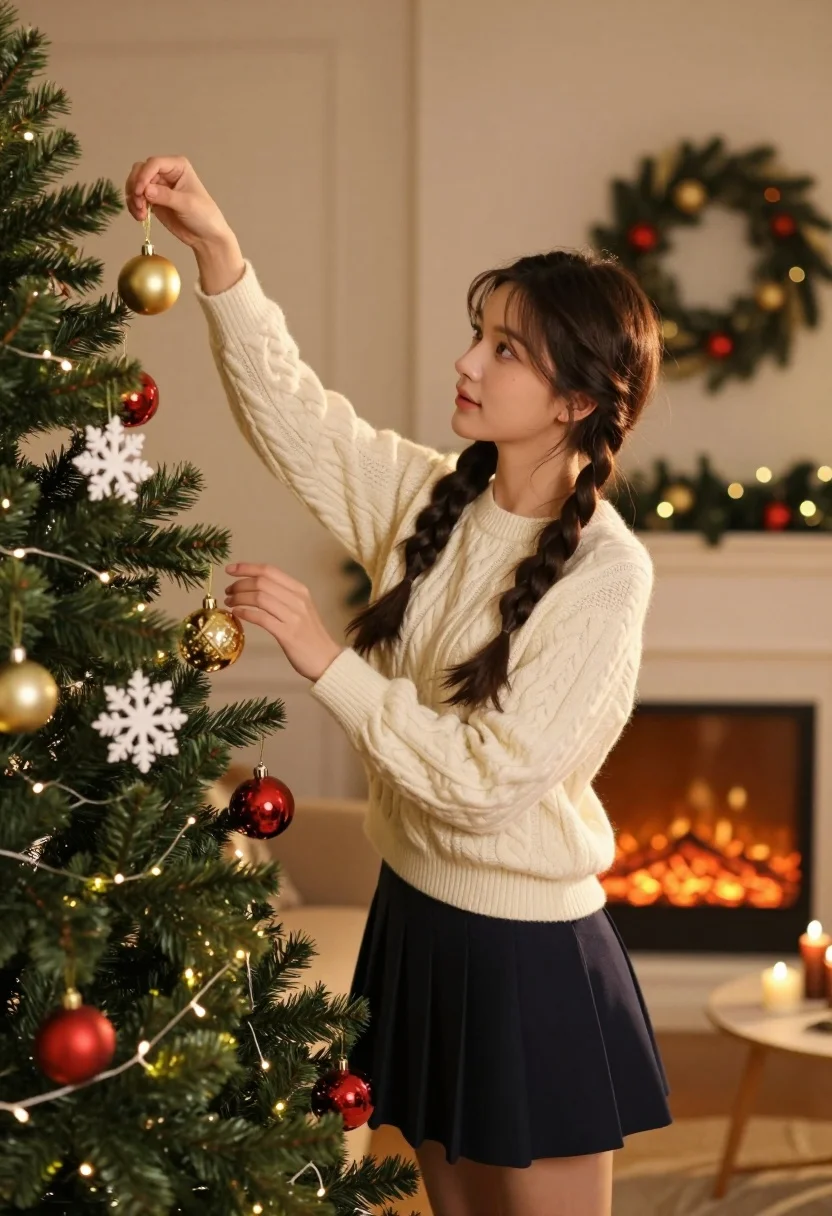
Young woman decorating christmas tree in cozy living room setting
Prompt
A young woman with long dark hair styled in two braids stands beside a lush Christmas tree, gently hanging ornaments on its branches.

Subject: A young woman with fair skin and long dark brown hair styled into two thick braids that fall over her shoulders. She has a focused and gentle expression as she looks at the tree.

Clothing: She wears a cream-colored cable-knit sweater with long sleeves and a dark navy blue pleated mini skirt.

Action: Her right arm is raised to hang a gold bauble near the top of the tree, while her left hand hovers near another ornament, capturing a moment of careful decoration.

Environment: The setting is a cozy living room featuring a fireplace with a glowing fire in the background and a festive wreath hanging on the wall above it. A beige sofa and a small side table are visible in the softly blurred background.

Camera: The shot is framed at eye level, focusing closely on the woman and the tree with a shallow depth of field that blurs the room behind her to emphasize the foreground activity.

Lighting: Warm, golden light emanates from the Christmas tree lights and the fireplace, casting a soft glow on the woman's face and sweater while creating gentle shadows in the background.

Objects: The Christmas tree is decorated with red and gold baubles, white snowflake ornaments, and strings of warm fairy lights. A wreath hangs on the wall behind her.

Style Details: The image has a cinematic, high-quality aesthetic with rich color saturation and a soft focus that enhances the cozy holiday atmosphere.
Description
This prompt is useful for creating seasonal lifestyle advertisements, intimate family portraiture, and festive editorial spreads capturing domestic moments. The combination of 'warm, golden light' emanating from both the tree lights and the fireplace ensures a consistent glow across the scene, which prevents harsh shadows on her 'fair skin' while the 'shallow depth of field' isolates the careful action of decorating against the softly blurred background.
Suggestions
- Change 'cream-colored cable-knit sweater' to 'burgundy velvet sweater' for richer holiday tones.
- Swap 'red and gold baubles' for 'deep emerald and silver ornaments' for a more sophisticated look.
- Adjust 'soft focus' to 'slight film grain' for an aged, nostalgic feel.
Category
Tags
Fair SkinFemaleFull BodyIndoorsMedium ShotRealistic
Date added
July 12, 2026
Added by
PromptDexter Team
Related Prompts
More prompts with similar categories and tags.

Smiling blonde woman in boutique wearing navy blouse and black skirt

Full length shot of woman in dusty pink lace gown at indoor

Blonde woman seated sideways in black mini dress by window
Woman in white dress seated in plush armchair within library bookshelves
Young woman playing cello in sunlit room with pink flowers
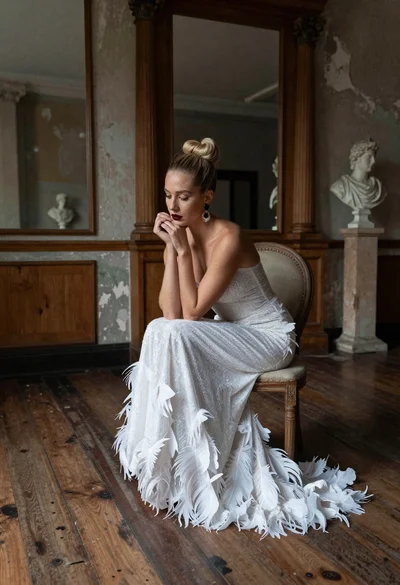
Blonde woman in white feather gown sitting in rustic high ceiling room
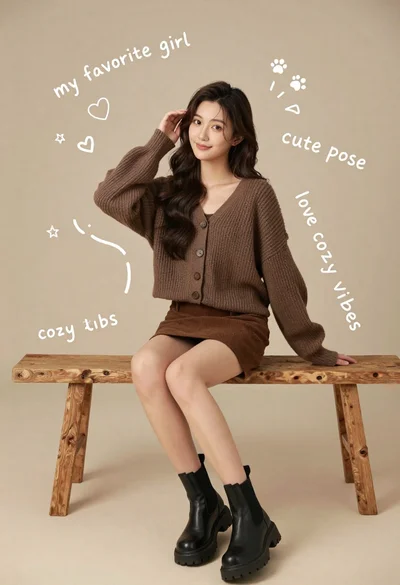
Young woman in brown knit cardigan sitting on bench in studio
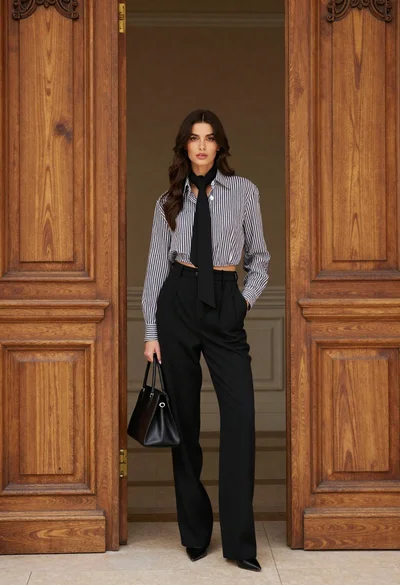
Stylish woman in striped shirt standing between large ornate wooden doors
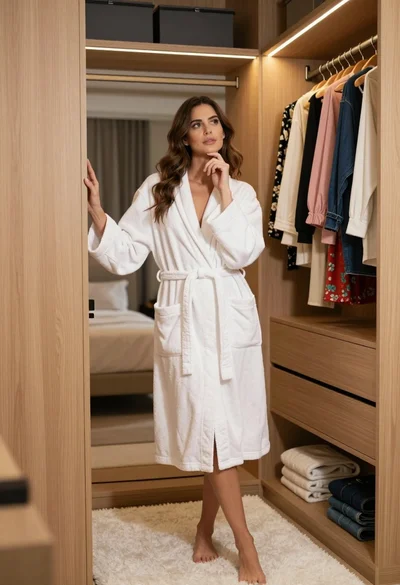
Woman in white bathrobe standing thoughtfully inside spacious walkin closet

Woman in yellow dress sitting on grand marble staircase with roses