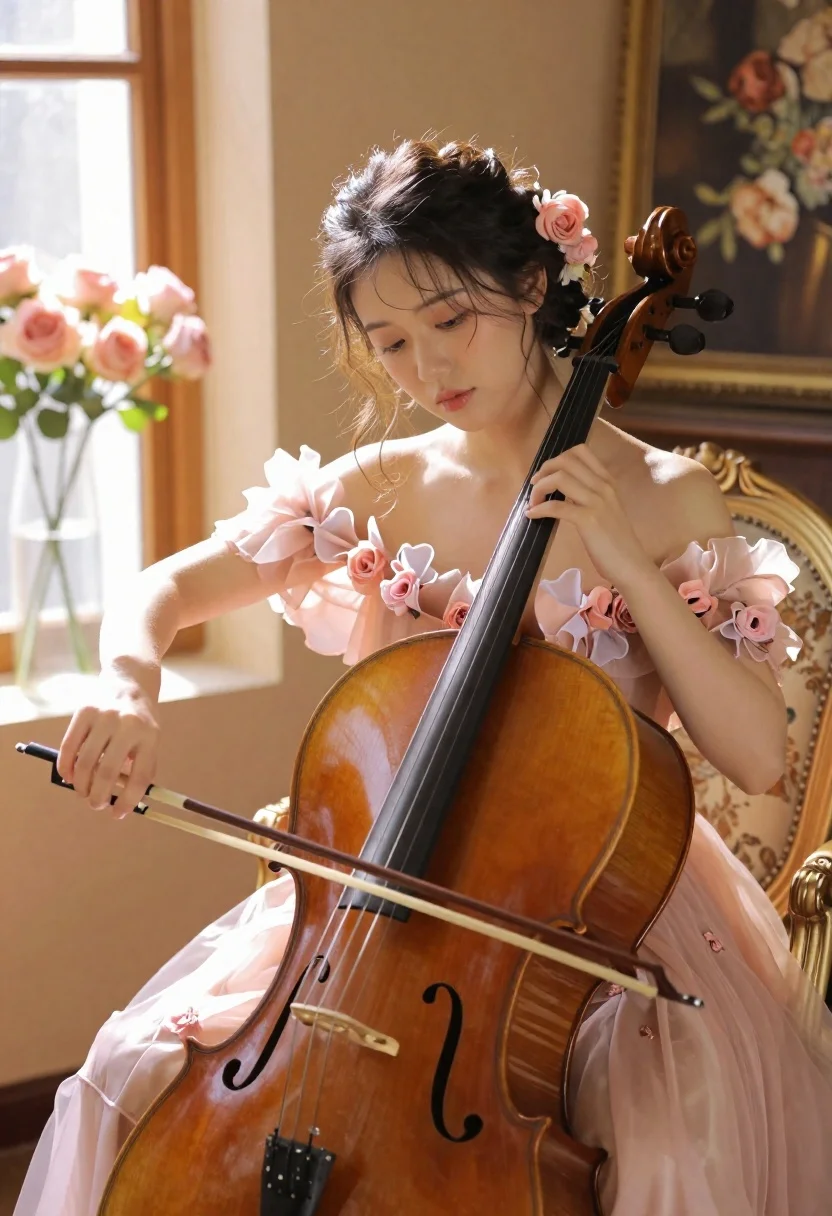
Young woman playing cello in sunlit room with pink flowers
Prompt
A young woman with dark hair styled in an updo adorned with flowers plays a cello in a sunlit room.

Subject: A beautiful young woman with dark, wavy hair pulled back into an elegant updo decorated with soft pink flowers. She has fair skin and her eyes are cast downward in concentration as she plays the instrument.

Clothing: She wears a delicate, pale pink off-the-shoulder gown made of sheer, ruffled fabric that resembles organza or tulle, featuring floral embellishments on the bodice and sleeves.

Action: She holds a large wooden cello between her legs with her left hand positioned on the fingerboard and her right hand drawing the bow across the strings. Her expression is serene and focused.

Environment: The setting is an elegant interior room with a large window to the left letting in bright, warm light. A vase of pink roses sits on the windowsill. In the background, there is a glimpse of a painting or mirror reflecting flowers, and she is seated on an ornate, gold-framed chair with floral upholstery.

Camera: The shot is a medium close-up focusing on the upper body and instrument, utilizing a shallow depth of field to blur the background slightly while keeping the subject sharp.

Lighting: Soft, golden sunlight streams in from the left side window, creating a warm glow and highlighting the texture of her hair and dress.

Style Details: The image has a soft, romantic, and dreamy aesthetic with high-quality rendering that emphasizes skin texture and fabric details.
Description
This prompt is useful for creating fine art portraiture, classical music album artwork, and bridal editorial spreads emphasizing romance. The combination of 'soft, golden sunlight' streaming from the left side window and the 'sheer, ruffled fabric' ensures that the light interacts with the subject's form, preventing harsh shadows while allowing the delicate texture of the gown to remain visible against the blurred background.
Suggestions
- Change 'pale pink off-the-shoulder gown' to 'ivory silk gown' for a more timeless feel.
- Swap 'pink roses' for 'white peonies' to shift the color palette.
- Adjust 'medium close-up' to 'full body shot' to better incorporate the cello.
Category
Tags
Fair SkinFemaleFull BodyIndoorsMedium ShotRealistic
Date added
June 19, 2026
Added by
PromptDexter Team
Related Prompts
More prompts with similar categories and tags.

Smiling blonde woman in boutique wearing navy blouse and black skirt

Full length shot of woman in dusty pink lace gown at indoor

Blonde woman seated sideways in black mini dress by window

Woman in white dress seated in plush armchair within library bookshelves
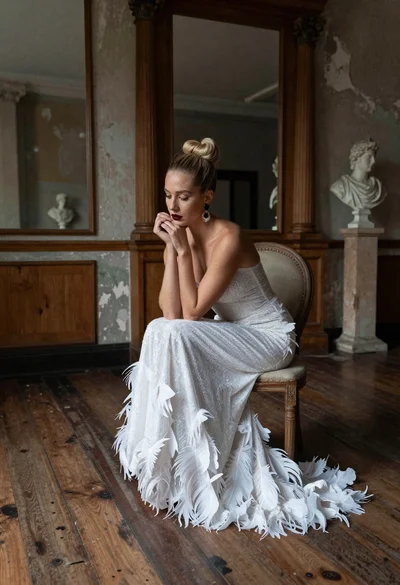
Blonde woman in white feather gown sitting in rustic high ceiling room

Young woman in brown knit cardigan sitting on bench in studio
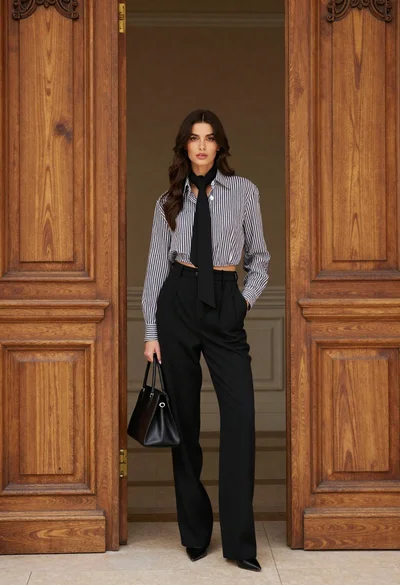
Stylish woman in striped shirt standing between large ornate wooden doors
Woman in white bathrobe standing thoughtfully inside spacious walkin closet
Woman in yellow dress sitting on grand marble staircase with roses
Woman in elaborate gown standing in grand hall with marble columns