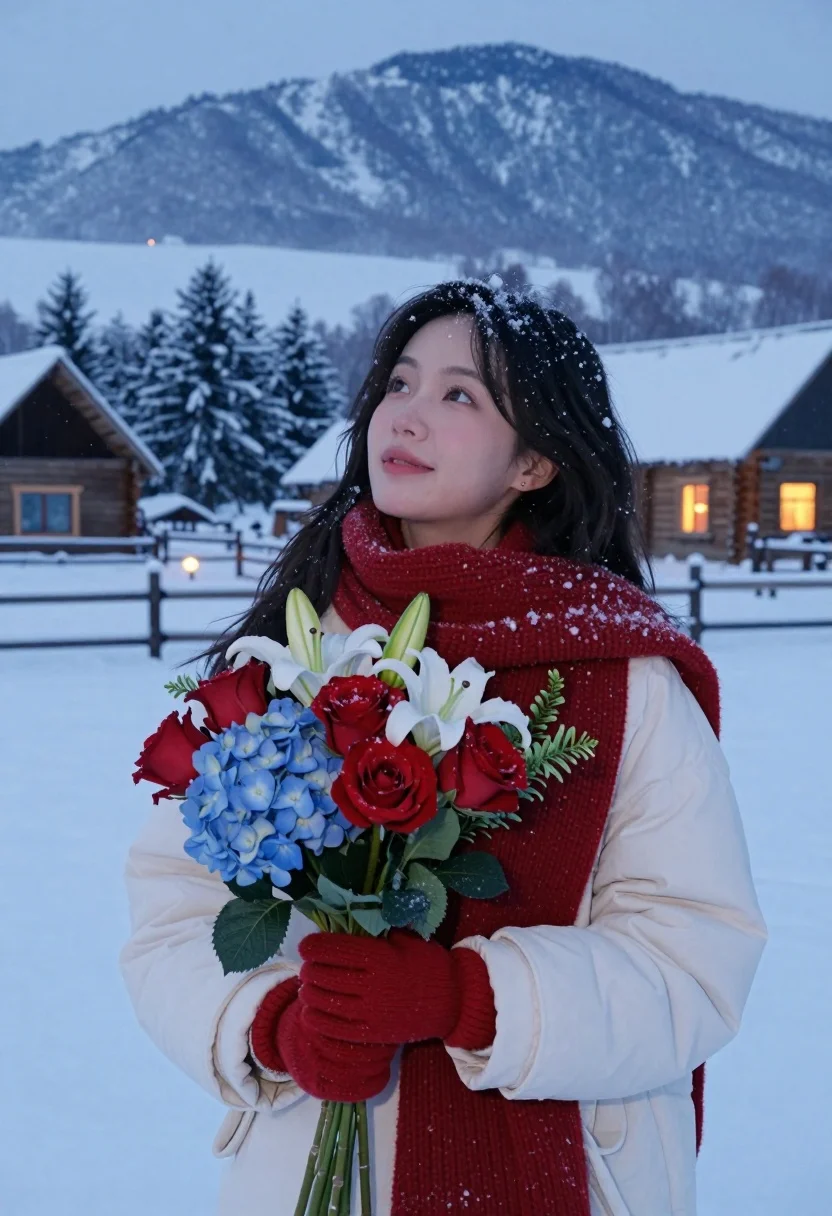
Young woman holding flowers in snowy mountain village at twilight
Prompt
A young woman stands in a snowy landscape holding a bouquet of flowers, looking upward with a gentle expression.

Subject: A young woman with long dark wavy hair and fair skin, dusted lightly with falling snowflakes.

Clothing: She wears a thick red knitted scarf wrapped around her neck, a white winter coat, and matching red gloves.

Action: She holds a colorful bouquet of flowers in front of her chest with both hands while gazing upward to the left with a soft smile.

Environment: A snowy mountain village scene featuring wooden cabins with warm glowing windows, snow-covered pine trees, and distant snow-capped mountains under a twilight sky.

Camera: Medium shot framing the subject from the waist up, with a shallow depth of field that blurs the background slightly to emphasize her face and bouquet.

Lighting: Soft diffused natural light typical of winter dusk, complemented by warm ambient glow from cabin windows creating a cozy atmosphere against the cool blue tones of the snow.

Objects: A vibrant bouquet of red roses, blue hydrangeas, white lilies, and green foliage held gently in her gloved hands.

Style Details: Cinematic photography style with high detail, soft focus background, and realistic texture rendering that captures the falling snow and fabric weave clearly.
Description
This prompt is useful for creating cinematic travel posters, romantic portraiture featuring seasonal elements, and storybook-style editorial spreads. The combination of 'soft diffused natural light' against the cool blue tones of the snow, contrasted by the 'warm ambient glow from cabin windows,' establishes a cozy narrative tension that draws the viewer into the scene, while the 'shallow depth of field' ensures the focus remains tightly on her face and the vibrant bouquet.
Suggestions
- Change 'red roses' to 'deep purple flowers' for a more dramatic color contrast.
- Adjust 'twilight sky' to 'blue hour' for cooler overall tones.
- Replace 'white winter coat' with 'cream wool coat' to soften the bright white areas.
Category
Tags
Fair SkinFemaleMedium ShotOutdoorsRealistic
Date added
August 5, 2026
Added by
PromptDexter Team
Related Prompts
More prompts with similar categories and tags.

Woman in red velvet dress at dinner table near eiffel tower
Stylish woman in lime green leaning on railing overlooking city skyline at
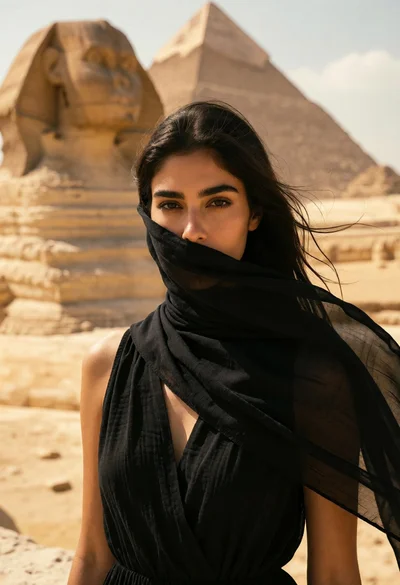
Woman in black scarf before great sphinx and pyramid under bright sky

Photorealistic close up portrait of young woman with blonde hair
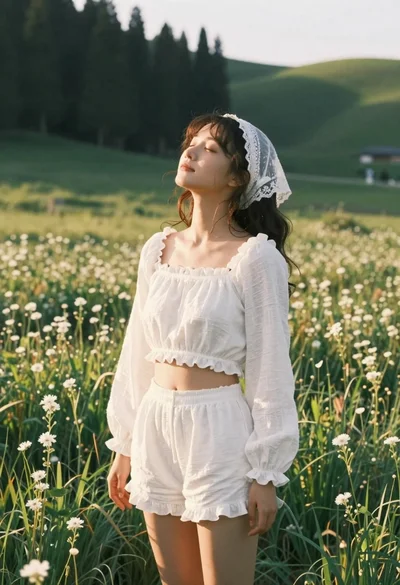
Young woman in white lace outfit standing in sunlit meadow
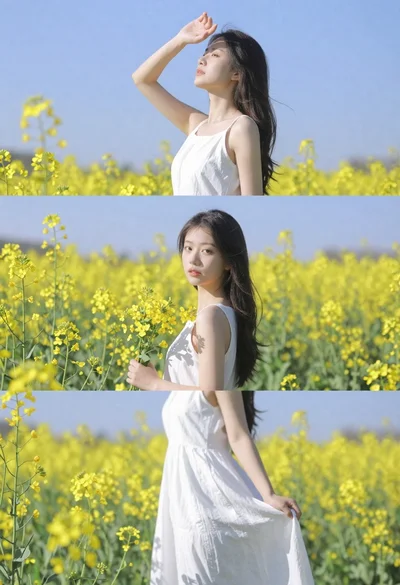
Woman in white dress standing in a field of yellow flowers

Romantic couple embracing on a sandy beach during sunset golden hour

Woman in pink dress standing among ancient stone pillars in water
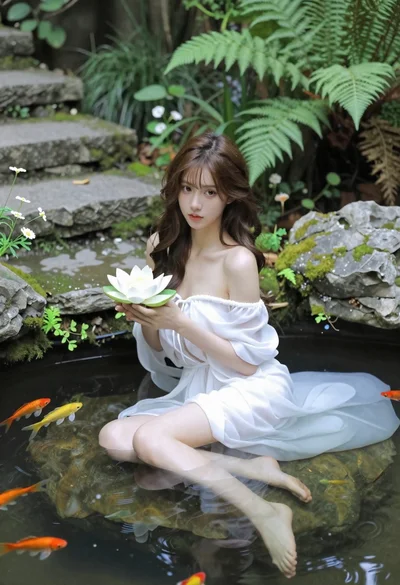
Woman in white dress holding lotus flower in shallow pool with fish
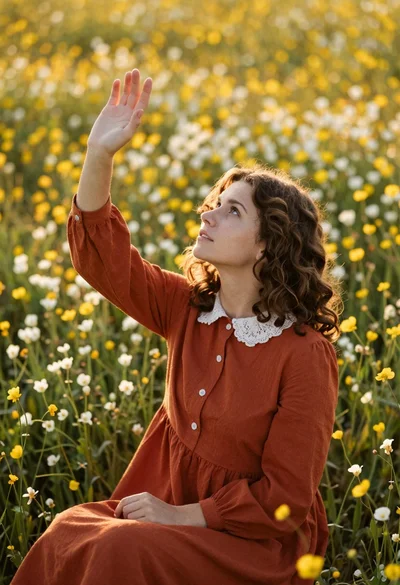
Young woman in rust dress reaching toward sky in wildflower meadow