Young woman in blue denim vest against warm wooden background portrait
Prompt
A young woman with reddish-brown hair styled in a half-up ponytail with bangs looks directly at the camera against a wooden background.

Subject: A young woman with fair skin and expressive green eyes, wearing a high-necked denim vest with frayed edges and gold-tone buttons.

Clothing: She wears a sleeveless blue denim vest featuring a ruffled collar, a front zipper, chest pockets with stitching details, and a small black tag on the side pocket; she has a silver heart-shaped earring in her left ear and a small sun tattoo on her upper right arm.

Action: The subject stands facing forward with a neutral expression, gazing directly into the lens while turning her head slightly to the side.

Environment: A warm-toned wooden wall or door panel serves as the background, featuring vertical wood grain and a dark vertical handle recessed into the surface on the right.

Camera: Medium close-up shot framed from the chest up, utilizing a shallow depth of field that keeps the subject in sharp focus while softly blurring the wooden background.

Lighting: Warm, directional lighting illuminates the scene from the front-left, casting soft shadows and highlighting the texture of the denim fabric and the wood grain.

Style Details: High-resolution photography with natural skin tones, realistic textures, and a clean, modern aesthetic.
Description
This prompt is useful for creating character portraits for indie film concepts, rustic lifestyle branding, or detailed fashion lookbooks emphasizing texture. The combination of 'warm, directional lighting' and the focus on 'frayed edges' in the denim vest ensures that the subject pops against the 'warm-toned wooden wall,' preventing the background from becoming a flat wash while giving the clothing tactile interest.
Suggestions
- Change 'reddish-brown hair' to 'dark brown hair' for a more versatile look.
- Swap 'blue denim vest' for 'olive green canvas vest' to shift the color palette.
- Adjust 'shallow depth of field' to 'medium depth of field' if you want more background context.
Category
Tags
BrunetteFair SkinFemalePortrait ShotRealisticRed Hair
Date added
June 19, 2026
Added by
PromptDexter Team
Related Prompts
More prompts with similar categories and tags.
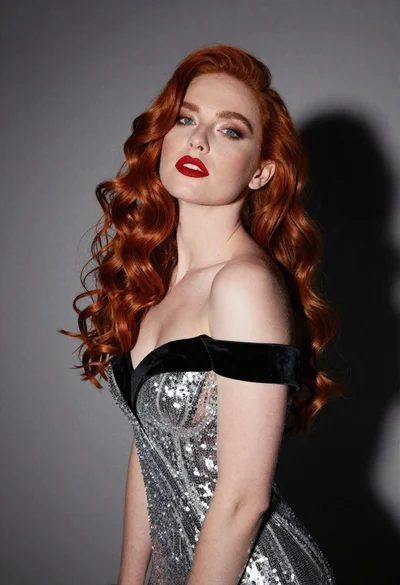
Glamorous portrait of woman with red hair in silver gown
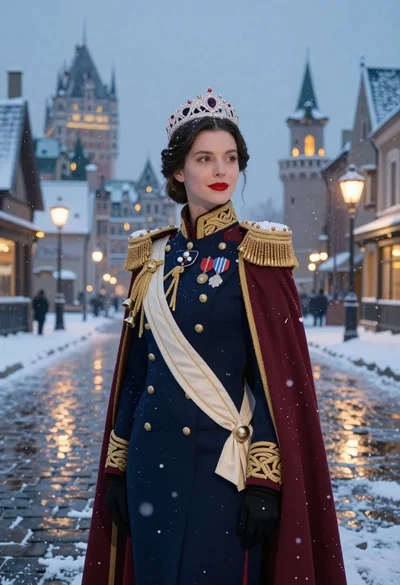
Woman in military uniform on snowy cobblestone street
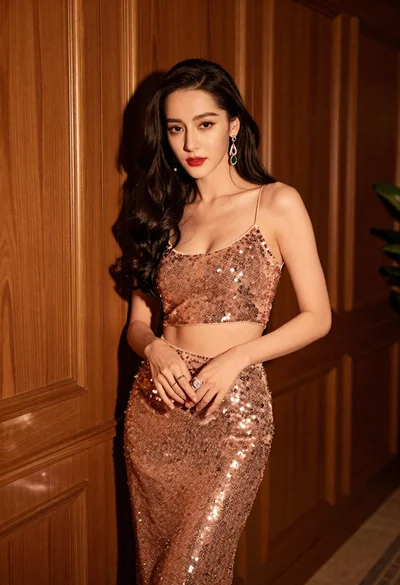
Glamorous woman in rose gold sequins against textured wood paneling
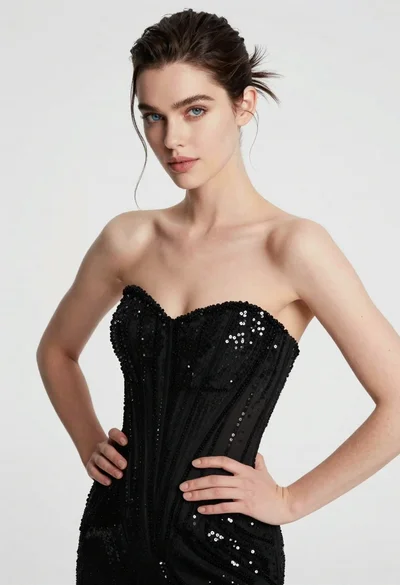
High fashion portrait of woman in sequined black gown against white studio
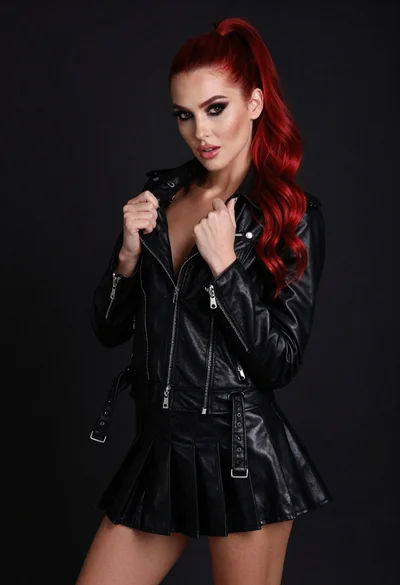
High fashion portrait of woman with red hair in black jacket

Young woman in blue denim jacket posing against pale pink seamless background
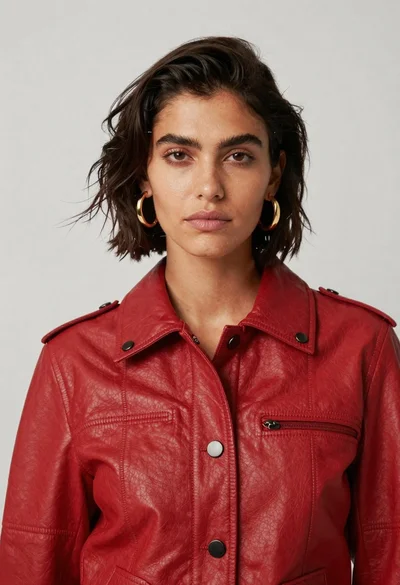
High fashion portrait of woman in red leather jacket
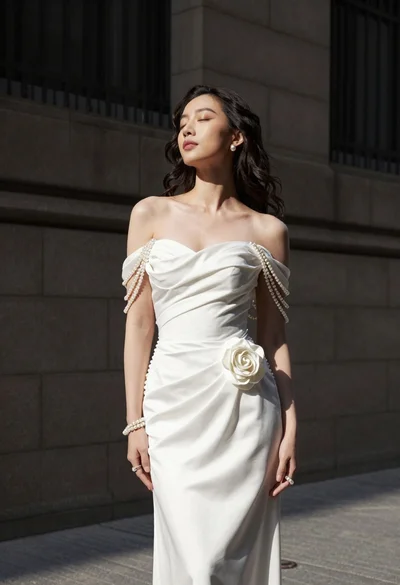
Woman in white gown standing against dark stone architectural wall outdoors

Blonde woman in striped swimsuit seated on sofa indoors studio shot
Medium close up portrait of woman in black embroidered jacket studio