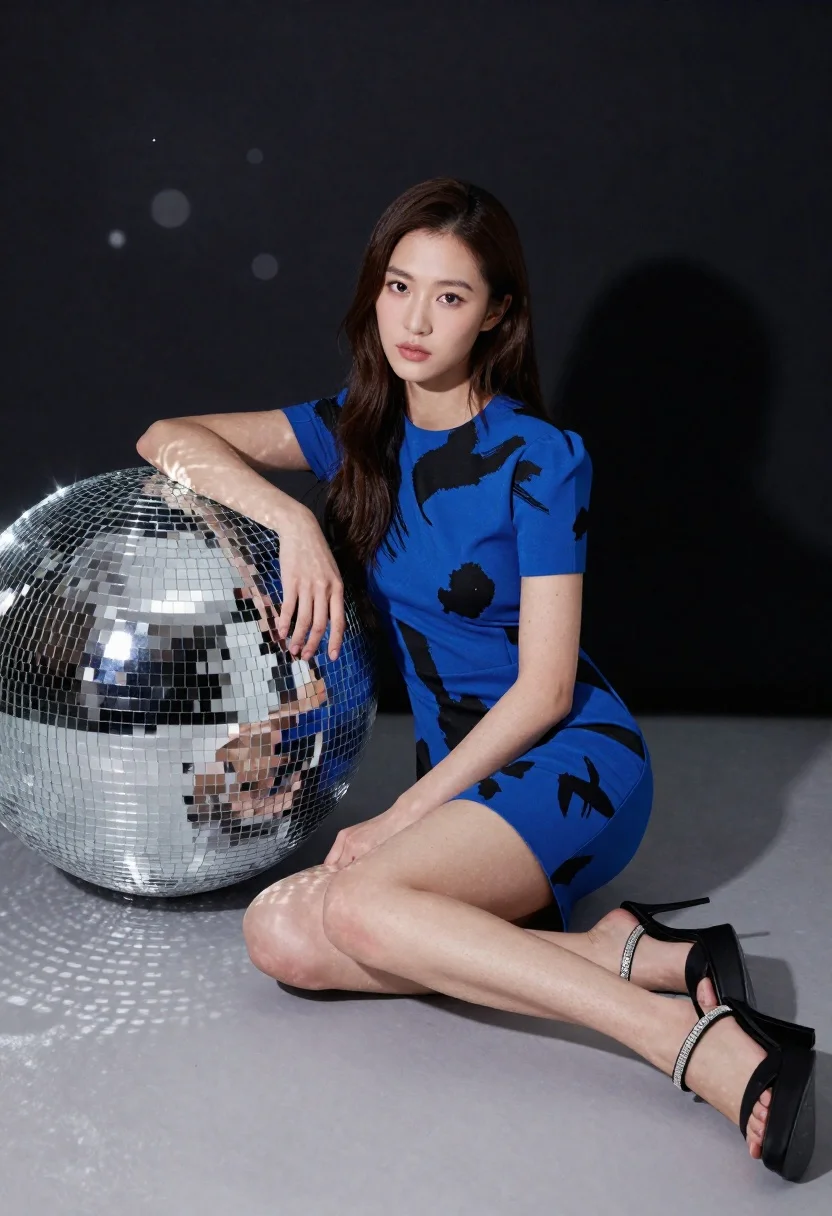
Young woman in blue dress sitting next to large disco ball
Prompt
A woman with long dark hair sits cross-legged on a grey floor next to a large silver disco ball.

Subject: A young woman with long straight brown hair and fair skin looking directly at the camera with a neutral expression.

Clothing: She wears a short-sleeved royal blue dress featuring a black abstract brushstroke pattern, paired with black platform high heels that have rhinestone straps around the ankles.

Action: She is seated on the ground with her left arm resting on a large disco ball and her right hand placed near her knee.

Environment: The setting is a studio space with a dark background featuring faint bokeh lights and a soft shadow cast behind the subject.

Objects: A large spherical disco ball made of mirrored tiles sits to the left of the woman, reflecting light onto the floor.

Lighting: Studio lighting illuminates the scene from the front, creating soft highlights on her skin and dress while casting a distinct shadow behind her.

Camera: The shot is framed at eye level with a shallow depth of field that keeps the subject in sharp focus while blurring the background.

Style Details: High-resolution photography with a polished commercial aesthetic and vibrant color saturation.
Description
This prompt is useful for creating music video concept art, high-fashion editorial spreads, and stylized portraiture promoting nightlife themes. The combination of 'royal blue dress' against the reflective surface of the disco ball, coupled with 'vibrant color saturation,' ensures that the subject pops dramatically while the 'shallow depth of field' isolates her from the background bokeh lights.
Suggestions
- Change 'disco ball' to 'chrome sphere' for a more industrial feel.
- Swap 'royal blue dress' for 'sequined black mini-dress' to increase sparkle.
- Adjust 'neutral expression' to 'smirking confidently' for more attitude.
Category
Tags
Brown HairFair SkinFemaleFull BodyMedium ShotPortrait ShotRealisticStudioUrban
Date added
June 21, 2026
Added by
PromptDexter Team
Related Prompts
More prompts with similar categories and tags.

Woman in traditional thai dress standing before a grand golden temple

Photorealistic portrait of woman in red gold armor holding shield studio shot
Young woman pointing playfully at cheek in deep red studio dress
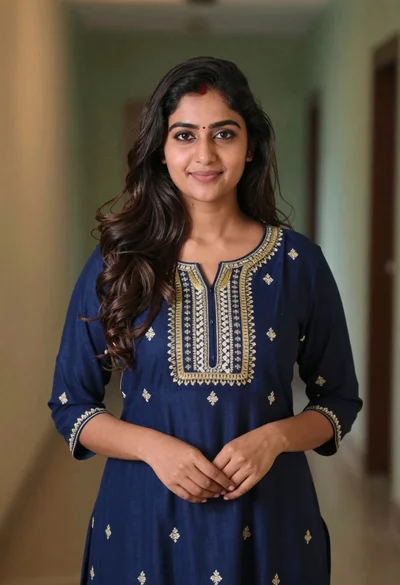
Young woman in navy embroidered traditional dress indoors medium shot
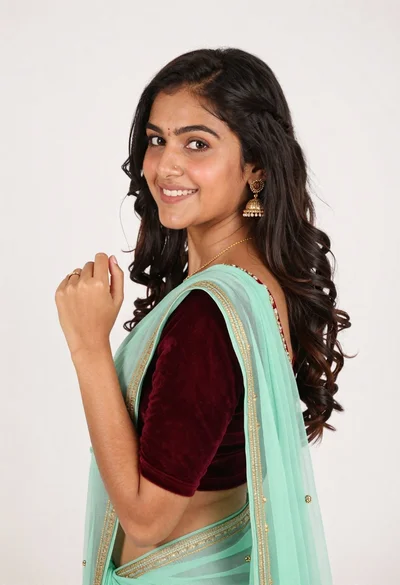
Smiling young woman in maroon velvet and mint saree studio portrait

Woman leaning on silver sports car in showroom
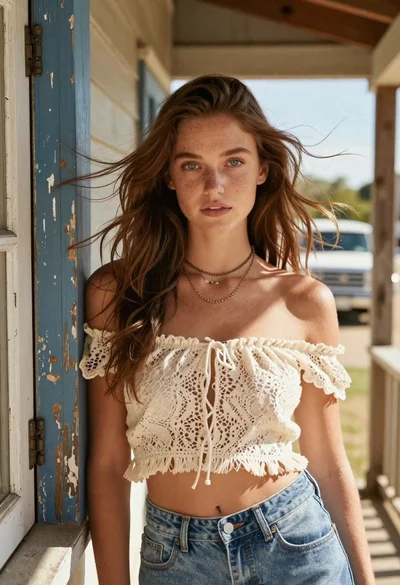
Young woman with brown hair on a sunlit rustic porch
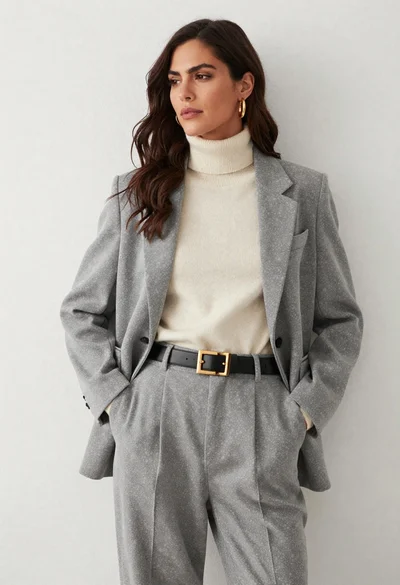
Woman in grey suit and cream turtleneck standing against white wall