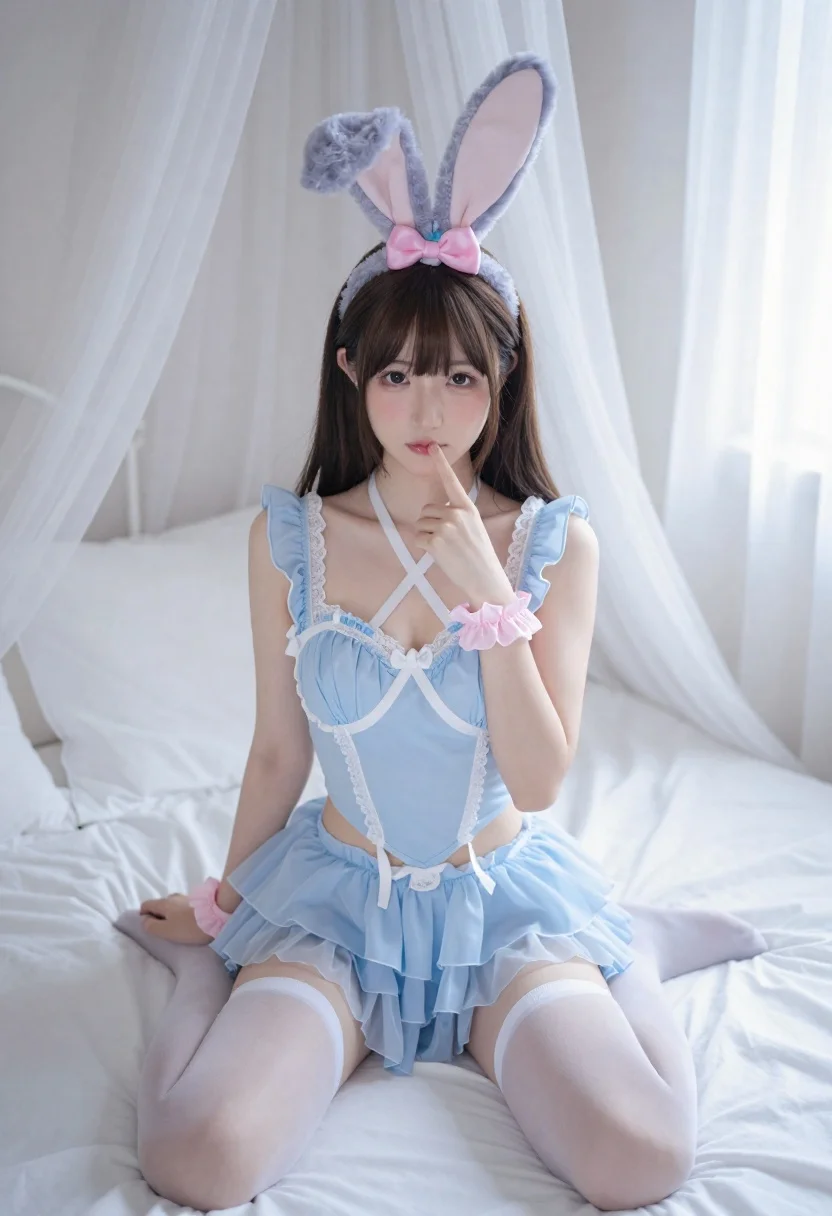
Young woman in blue lingerie sitting on bed with sheer curtains
Prompt
Photo-realistic portrait of a young woman with brown hair and bangs sitting on a bed in a soft indoor setting

Subject: young Asian female model with large blue bunny ears headband featuring a pink bow, long straight dark hair with side-swept bangs.

Clothing: wearing a light blue frilled lingerie-style top with white lace trim, an X-shaped crisscross neck strap detail over the chest in white fabric, matching flouncy tulle skirt, and sheer white thigh-high stockings; accessorized with pink ruffled wrist cuffs on both wrists.

Action: sitting cross-legged or relaxed posture on a mattress, right hand raised to mouth with index finger touching lips in a pensive gesture, direct gaze toward camera.

Environment: intimate bedroom setting featuring a bed covered in crisp white linens and pillows, framed by sheer flowing white curtains hanging from above adding depth.

Lighting: soft diffused natural light source creating gentle highlights on skin and fabric while maintaining low-contrast shadows for an airy romantic mood; bright but not harsh illumination typical of daytime window lighting.
Description
This prompt is useful for creating intimate boudoir photography, editorial lingerie spreads, and soft portraiture featuring delicate textures. The combination of 'soft diffused natural light' and the 'sheer flowing white curtains' establishes an airy romantic mood by preventing harsh shadows while allowing the visible texture of the 'white lace trim' to remain detailed.
Suggestions
- Change 'blue bunny ears headband' to a floral crown for a softer feel.
- Swap 'light blue frilled lingerie-style top' for a black silk slip to increase contrast.
- Adjust 'direct gaze toward camera' to 'looking slightly off-camera' for more narrative depth.
Category
Tags
BedroomBrown HairBrunetteFemaleIndoorsLingeriePortrait ShotRealistic
Date added
June 19, 2026
Added by
PromptDexter Team
Related Prompts
More prompts with similar categories and tags.

Woman sitting gracefully indoors wearing yellow skirt and top

Fair skinned woman in black sequined outfit sitting elegantly indoors

Stylish young woman in denim shirt holding tablet indoors
Woman in red satin top seated by blue wall with wooden masks
Smiling young woman in crystal gown looking over shoulder at indoor gala
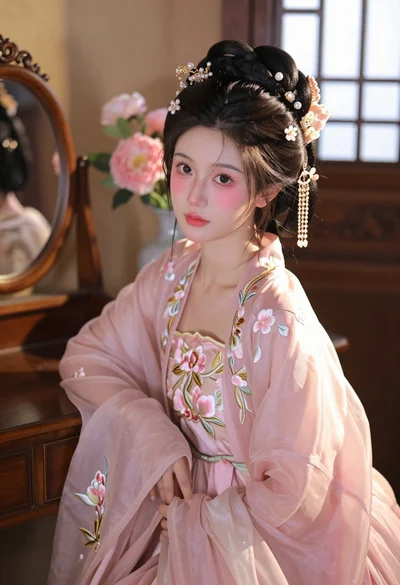
Young woman in pink hanfu gown seated near ornate vanity window
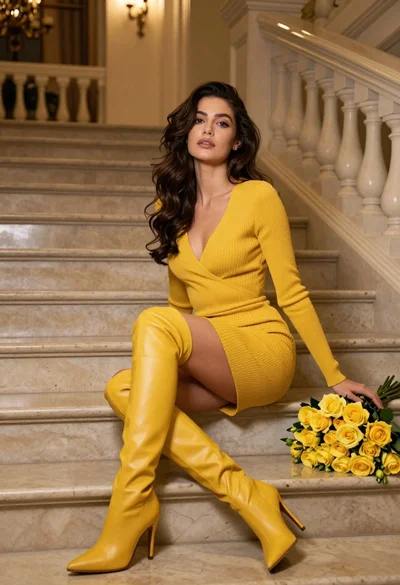
Woman in yellow dress sitting on grand marble staircase with roses
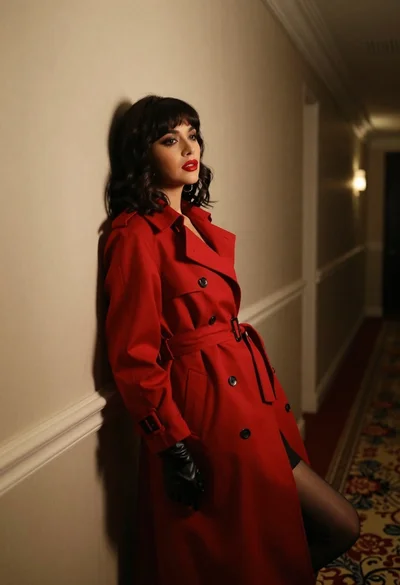
Woman in red trench coat leaning against hallway wall cinematic portrait
