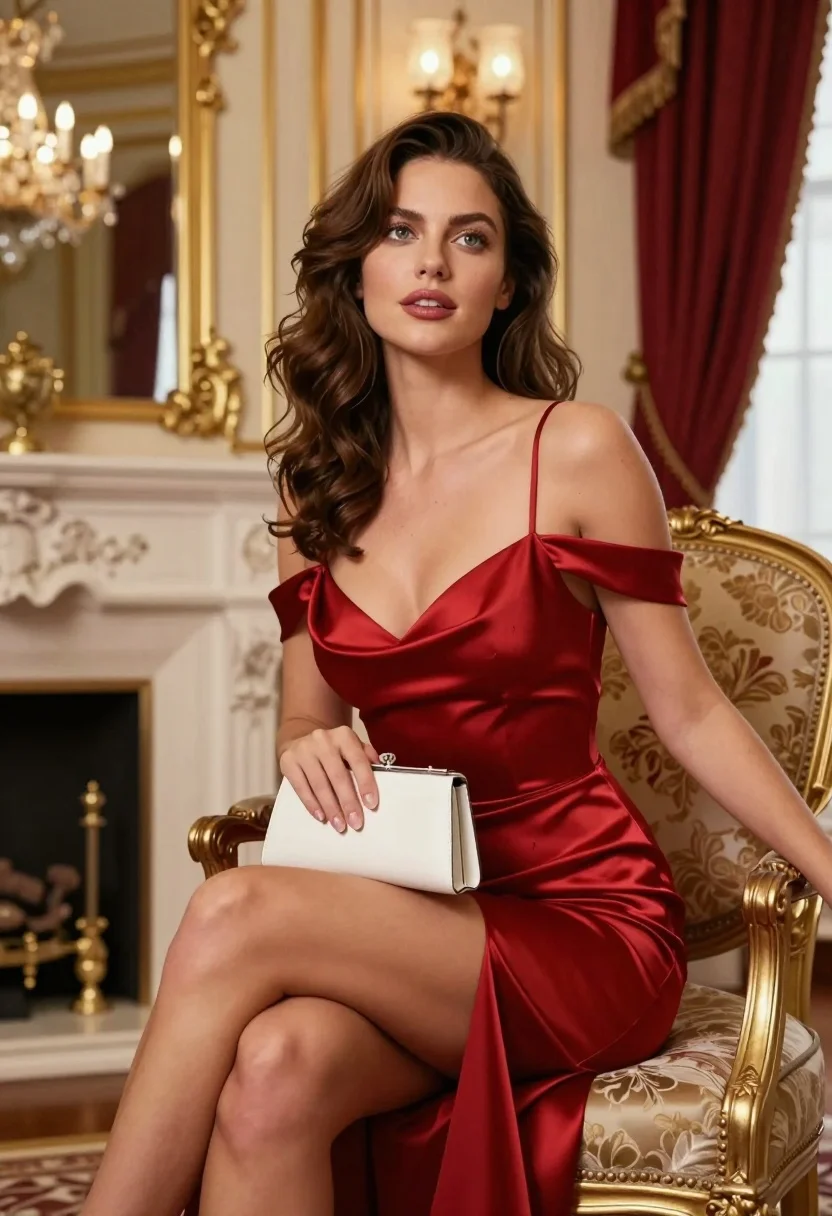
Woman in red satin dress seated elegantly in luxurious room interior setting
Prompt
A woman with wavy brown hair sits elegantly in a luxurious room wearing a red satin dress.

Subject: A woman with shoulder-length wavy brown hair and striking green eyes looking slightly upward.

Clothing: She wears a deep red satin off-the-shoulder slip dress with thin straps, featuring a plunging neckline and a high slit on the left side revealing her leg.

Action: She is seated with one leg crossed over the other, holding a small white clutch purse in her lap while resting her right arm along the back of the chair.

Environment: An opulent interior featuring cream-colored walls with gold molding, a large fireplace with a mirror above it reflecting chandeliers, and heavy red curtains near a window.

Camera: Medium shot capturing the subject from the thighs up, framed to include the ornate furniture and background details with soft depth of field.

Lighting: Warm ambient lighting with soft highlights on her skin and dress, creating a gentle glow that emphasizes the satin texture.

Objects: A small white clutch purse held in her lap and an ornate gold-framed armchair with floral upholstery.

Style Details: Photorealistic rendering with high detail, rich color saturation, and elegant composition reminiscent of high-fashion editorial photography.
Description
This prompt is useful for creating luxury brand advertisements, character concept art for period dramas, and sophisticated portrait editorials. The combination of 'deep red satin' against the 'cream-colored walls with gold molding' establishes a rich, opulent palette that supports high-end commercial use, while specifying 'soft highlights on her skin and dress' ensures the material reflectivity is captured beautifully rather than appearing flat.
Suggestions
- Change 'red satin' to 'emerald velvet' for a different textural contrast.
- Add 'chiaroscuro lighting' to deepen the shadows and drama.
- Specify 'Victorian era furniture' in the environment description.
Category
Tags
Brown HairBrunetteFemaleIndoorsMedium ShotPortrait ShotRealistic
Date added
August 5, 2026
Added by
PromptDexter Team
Related Prompts
More prompts with similar categories and tags.

Woman sitting gracefully indoors wearing yellow skirt and top

Fair skinned woman in black sequined outfit sitting elegantly indoors

Stylish young woman in denim shirt holding tablet indoors
Woman in red satin top seated by blue wall with wooden masks
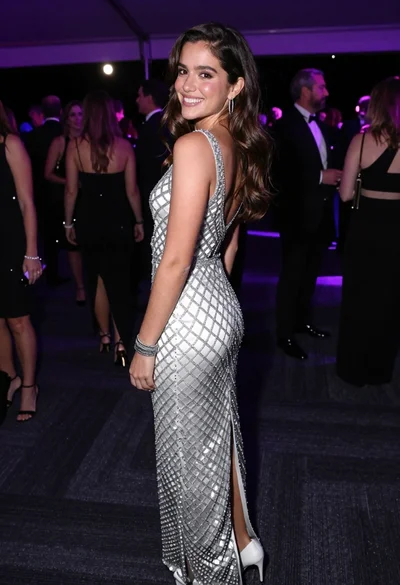
Smiling young woman in crystal gown looking over shoulder at indoor gala
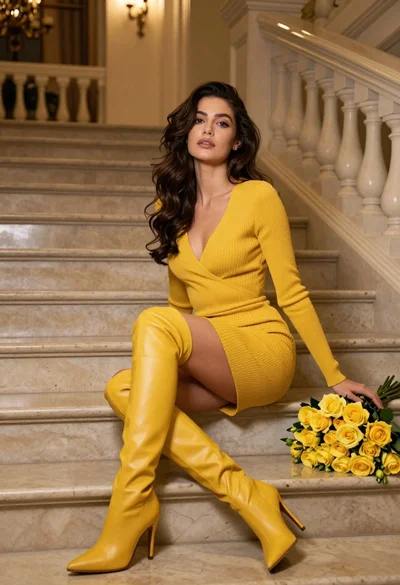
Woman in yellow dress sitting on grand marble staircase with roses
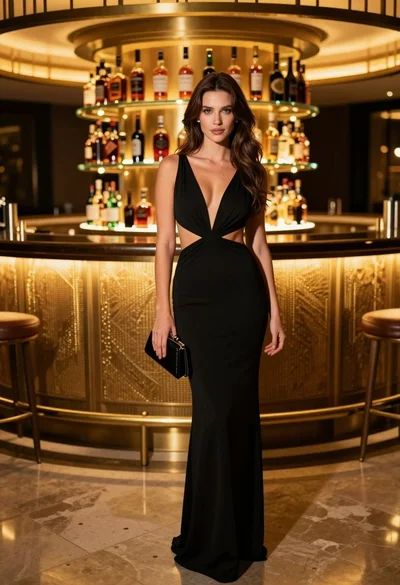
Glamorous woman in black gown standing near illuminated circular bar
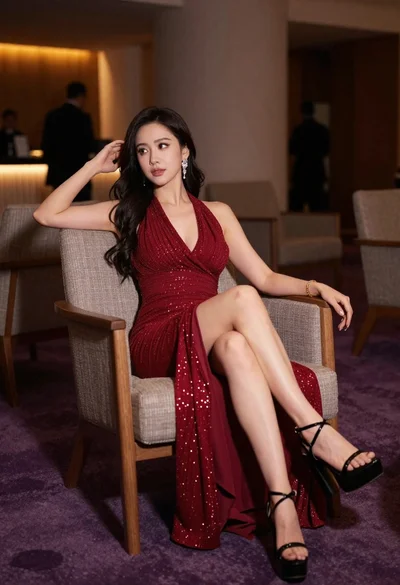
Elegant woman in deep red gown sitting in modern lounge chair indoors
Woman in white polka dot dress seated on green leather sofa
Glamorous woman in metallic bronze gown standing indoors at an elegant setting