
Young woman in bronze satin gown walking down reflective fashion runway
Prompt
A full-length shot of a female model walking confidently down a glossy runway in a high-fashion setting.

Subject: A young woman with long, wavy brown hair and striking blue eyes, looking directly at the camera with a serious expression.

Clothing: She wears a luxurious, floor-length gown made of shimmering bronze or copper satin fabric that drapes elegantly. The dress features an off-the-shoulder neckline, a sheer lace bodice underneath, and a decorative jeweled belt at the waist. A long, flowing capelet made of the same material is draped over her left shoulder and arm.

Action: She strides forward with a poised posture, her right hand slightly raised near her hip while her left arm hangs naturally by her side.

Environment: The setting is a dark fashion runway with a highly reflective black floor that mirrors the models and lights above. In the background, another model wearing large angel wings and a sheer outfit walks away in the distance.

Lighting: Dramatic stage lighting illuminates the foreground subject from the front, highlighting the metallic sheen of her dress and creating soft shadows on the runway floor.

Camera: A medium-full shot capturing the entire length of the gown, taken with a shallow depth of field that keeps the main model sharp while blurring the background figures.

Style Details: High-fashion photography aesthetic with vibrant colors, high contrast, and a focus on texture and fabric movement.
Description
This prompt is useful for creating editorial fashion editorials, concept album art featuring dramatic characters, and luxury brand campaign visuals. The combination of 'shimmering bronze or copper satin fabric' against the 'highly reflective black floor' maximizes specular highlights, which is crucial for selling the luxurious texture required in high-fashion campaigns, while the 'shallow depth of field' isolates the primary subject from distracting background elements.
Suggestions
- Change 'bronze or copper satin fabric' to 'liquid gold lamé' for a more intense metallic look.
- Add 'dramatic rim lighting' to emphasize the silhouette against the dark runway.
- Swap 'medium-full shot' for 'full body, low angle' to make the gown appear grander.
Category
Tags
Brown HairFemaleFormal WearFull BodyMedium ShotRealistic
Date added
June 19, 2026
Added by
PromptDexter Team
Related Prompts
More prompts with similar categories and tags.
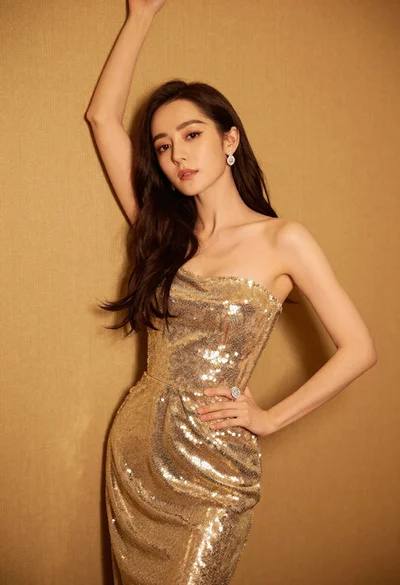
Glamorous woman in shimmering gold gown posing against warm textured wall

Woman in rose gold gown looking over shoulder by large floor mirror

Portrait of woman in elaborate red feathered gown against vivid blue background
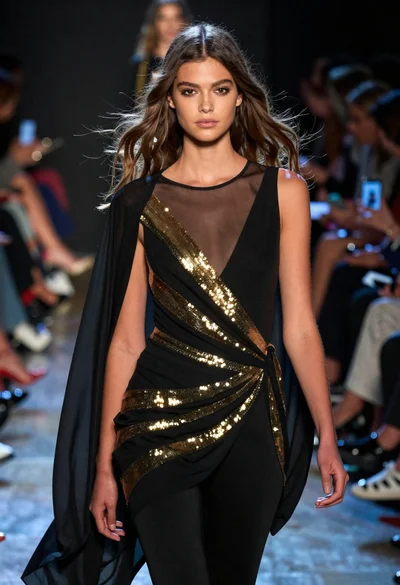
Fashion model walking on runway under dramatic spotlight
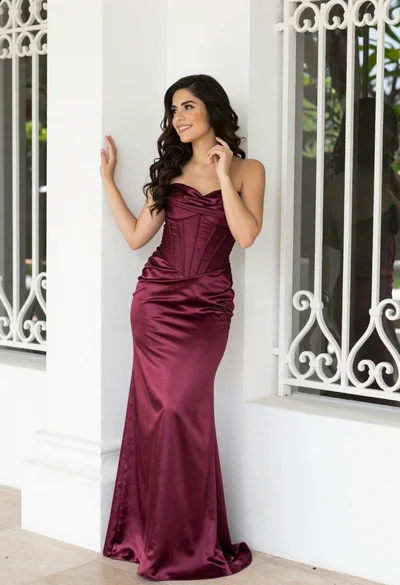
Smiling woman in burgundy satin gown by white architectural pillar
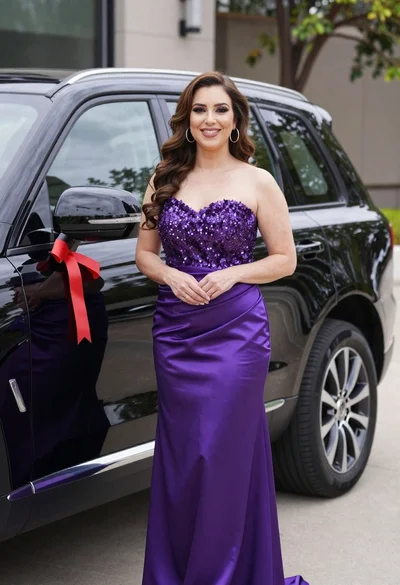
Smiling woman in purple gown next to black suv with red ribbon
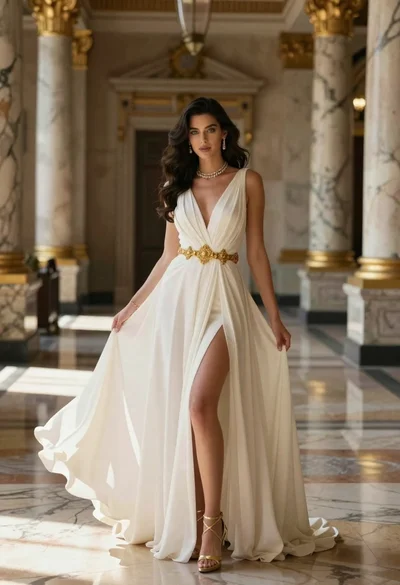
Woman in white gown inside grand hall with marble columns
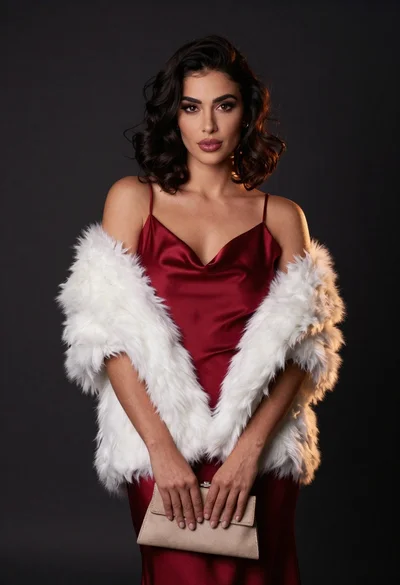
Confident woman in deep red satin slip dress with white fur stole
Woman in black strapless dress posing near white marble fireplace indoors

Woman standing barefoot in dry autumn field at golden hour