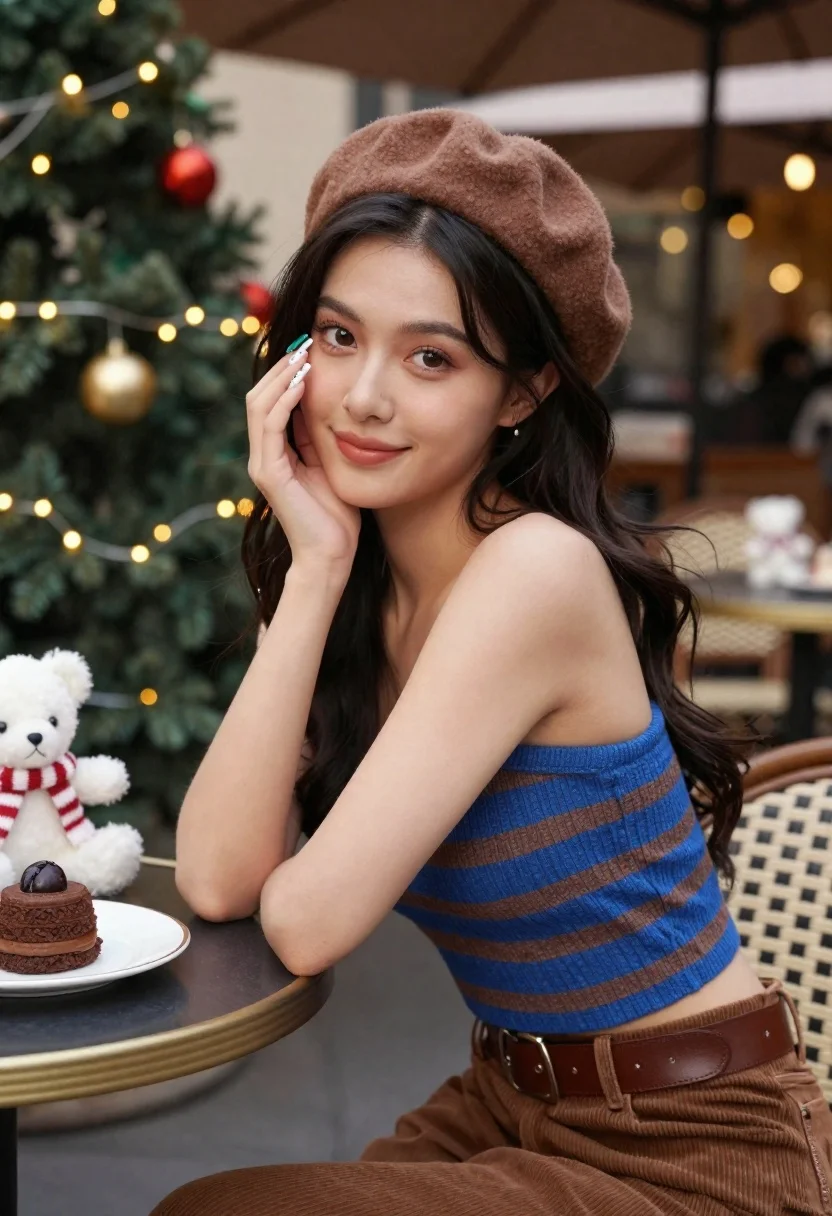
Young woman in brown beret sitting at decorated cafe during holidays
Prompt
A young woman with long dark wavy hair sits at an outdoor cafe table during the holiday season.

Subject: A beautiful young woman with a fair complexion, large expressive brown eyes, and soft glowing skin. She has a gentle smile and is looking directly at the camera. Her fingernails are painted with festive designs featuring red, white, and green colors.

Clothing: She wears a fuzzy brown beret hat, a blue and brown horizontal striped strapless crop top made of a soft textured material, and high-waisted brown corduroy trousers secured with a wide brown leather belt.

Action: She is seated in a relaxed pose, leaning slightly forward with her left hand raised to gently touch her cheek near her eye. Her expression is calm and engaging.

Environment: The setting is an outdoor cafe patio decorated for Christmas. In the background, there are trees wrapped in warm string lights and festive ornaments. On the table next to her are plates of chocolate desserts and small white teddy bear figurines wearing scarves.

Camera: A medium close-up shot with a shallow depth of field that keeps the subject sharp while blurring the background bokeh. The angle is slightly low, looking up at the subject.

Lighting: Soft, warm natural daylight illuminates her face from the front right, creating a gentle glow and soft shadows. The background lights add a festive sparkle to the scene.

Style Details: High-resolution photography with a cinematic color palette featuring rich browns, deep blues, and warm golden tones. The image has a polished, commercial portrait quality with smooth skin texture and vibrant colors.
Description
This prompt is useful for creating holiday advertising campaigns, seasonal lifestyle editorials, and themed character portraits. The combination of 'soft, warm natural daylight' illuminating the subject while the background bokeh captures 'festive sparkle' ensures the focus remains on her engaging expression and rich brown tones, preventing the scene from looking flat or overly staged.
Suggestions
- Change 'fuzzy brown beret hat' to 'velvet brown beret hat' for a more luxurious feel.
- Swap 'chocolate desserts' for 'mistletoe-garnished pastries' to enhance the holiday theme.
- Adjust 'medium close-up shot' to 'head and shoulders portrait' to emphasize the face.
Category
Tags
Brown HairCafeFair SkinFemaleMedium ShotOutdoorsPortrait ShotRealistic
Date added
June 21, 2026
Added by
PromptDexter Team
Related Prompts
More prompts with similar categories and tags.
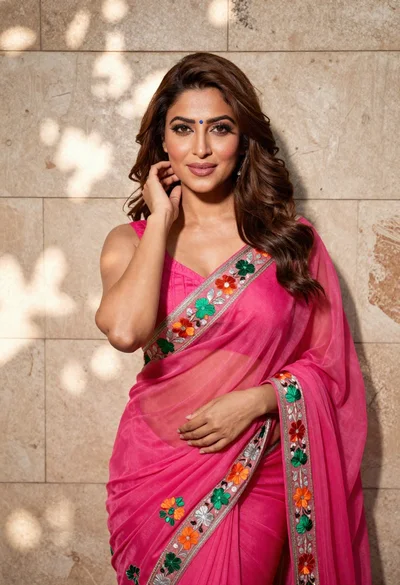
Woman in fuchsia saree posing against textured beige stone wall

Young woman with braided hair in misty woodland setting
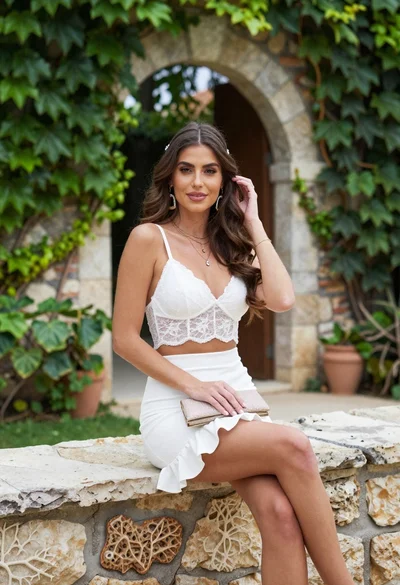
Young woman in white lace outfit sitting on stone ledge in garden
Glamorous woman in pink outfit standing in desert at sunset

Young woman in green jacket holding plush toy at festive carousel
Young woman in fur hat at cozy outdoor cafe during christmas

Young woman in pink cardigan holding camera in front of castle

Blonde woman reading at a cafe table with roses
