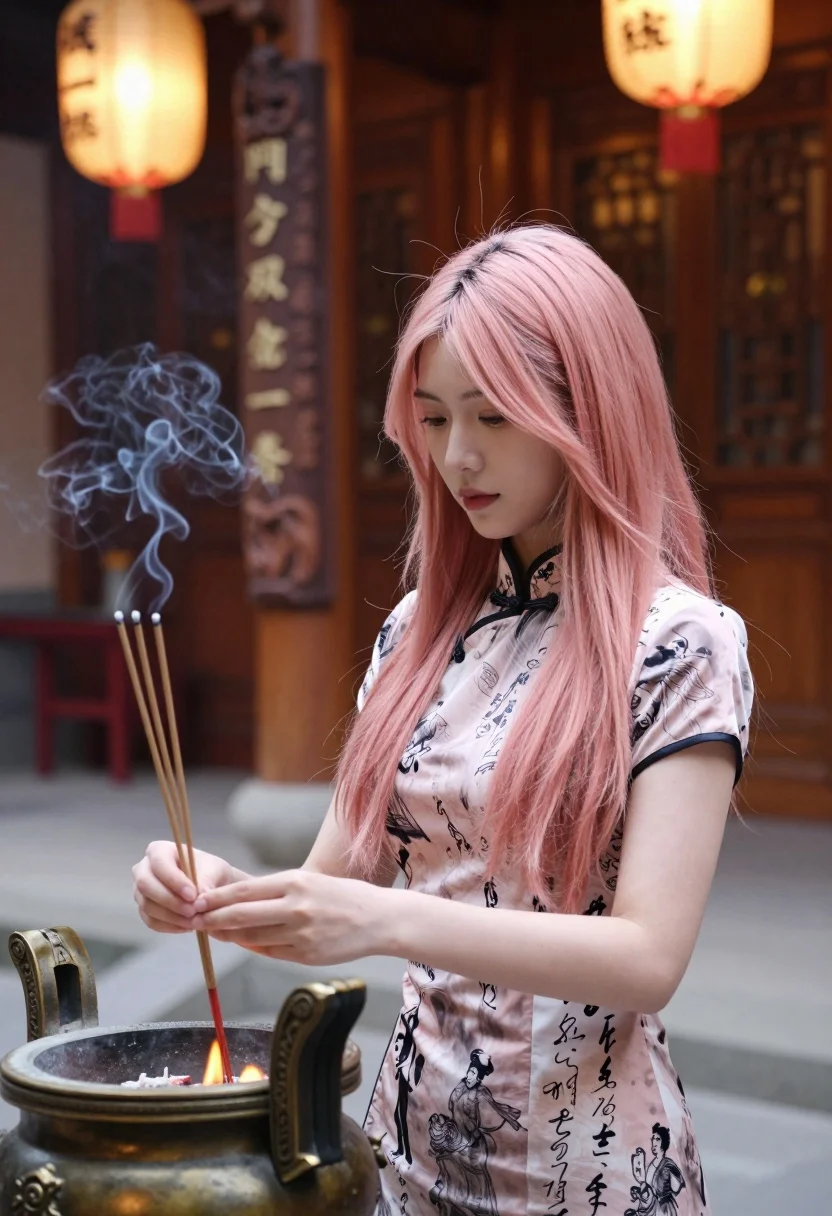
Young woman in cheongsam holding incense sticks in a warm temple setting
Prompt
A young woman with long pink hair stands in a traditional temple setting, holding incense sticks near a bronze burner.

Subject: A young woman with long, straight pink hair and fair skin, looking down with a calm expression.

Clothing: She wears a patterned cheongsam top featuring black ink-style illustrations of figures and calligraphy on a light background, with a traditional mandarin collar.

Action: Her hands are gently holding thin incense sticks over a small flame in a bronze burner, with smoke rising from the sticks.

Environment: The setting is an indoor temple or shrine with warm ambient lighting, featuring hanging paper lanterns and a large carved wooden pillar in the background.

Camera: A medium close-up shot taken at eye level with a shallow depth of field that blurs the background elements to focus on the subject.

Lighting: Warm, soft interior lighting creates a serene atmosphere, highlighting the smoke and the texture of her hair.

Objects: A bronze incense burner with a flame inside, thin wooden incense sticks, and traditional hanging lanterns.

Style Details: The image has a cinematic quality with rich colors and a focus on cultural tradition and tranquility.
Description
This prompt is useful for creating editorial portraiture focused on cultural rituals, atmospheric character studies, and serene lifestyle branding. The combination of 'warm ambient lighting' and the specific inclusion of 'smoke rising from the sticks' directs the model to capture ephemeral moments, preventing a static composition while allowing the 'patterned cheongsam top' to remain visible despite the focus on the ritualistic action.
Suggestions
- Change 'pink hair' to 'raven black hair' for a more traditional aesthetic.
- Swap 'bronze burner' for 'verdigris copper burner' to alter the metallic tone.
- Adjust 'medium close-up shot' to 'head and shoulders portrait' to emphasize the expression.
Category
Tags
Fair SkinFemaleIndoorsPortrait ShotRealisticTraditional Wear
Date added
July 12, 2026
Added by
PromptDexter Team
Related Prompts
More prompts with similar categories and tags.
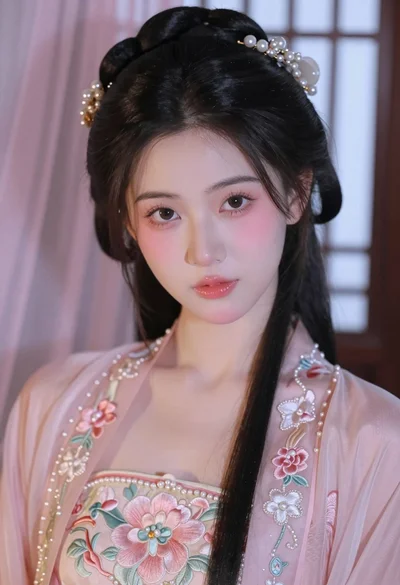
Close up portrait of young woman in pink embroidered robe indoors
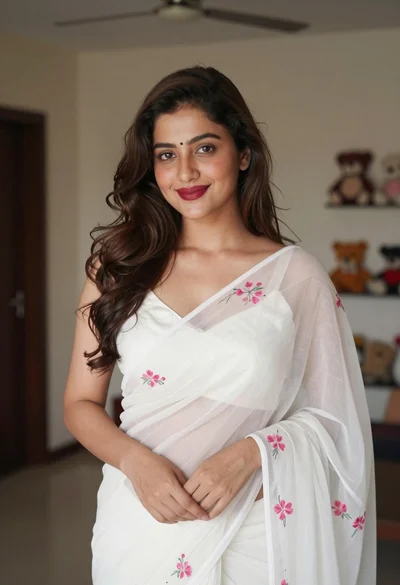
Young woman in white embroidered saree smiling indoors with soft natural light
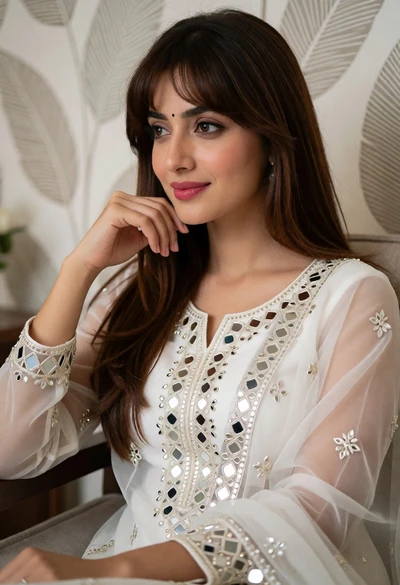
Portrait of young woman in white embroidered traditional outfit indoors
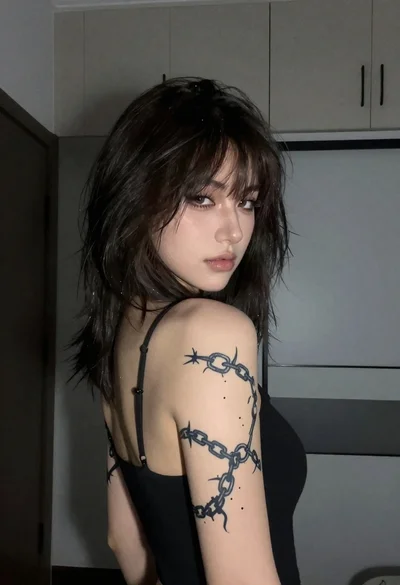
Young woman with tattoo looking over shoulder in dimly lit room
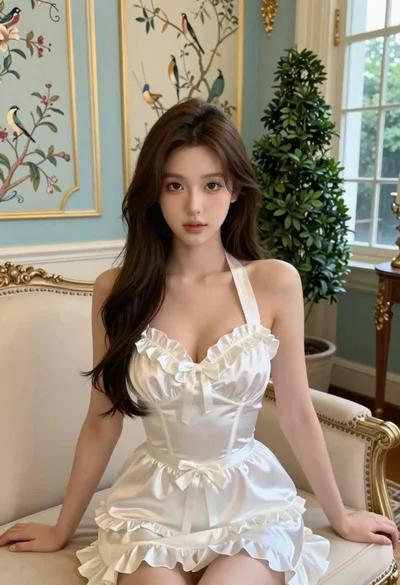
Young woman in white satin dress seated on an ornate sofa indoors
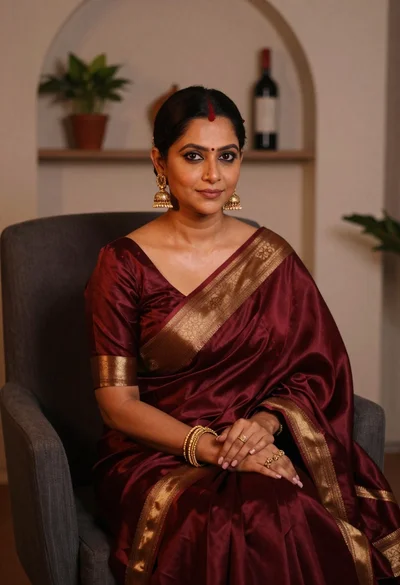
Woman in maroon silk saree seated indoors with gold jewelry
Young woman in red salwar kameez resting chin on hand indoors
Young woman smiling indoors wearing embroidered lehenga choli against red sofa
Close up portrait of smiling woman with dark hair and floral traditional
Portrait of woman in green saree and red blouse indoors
