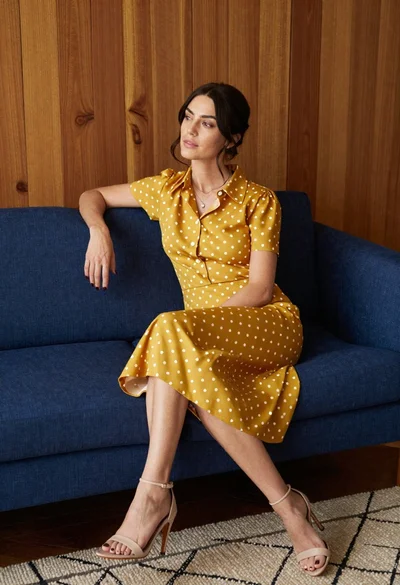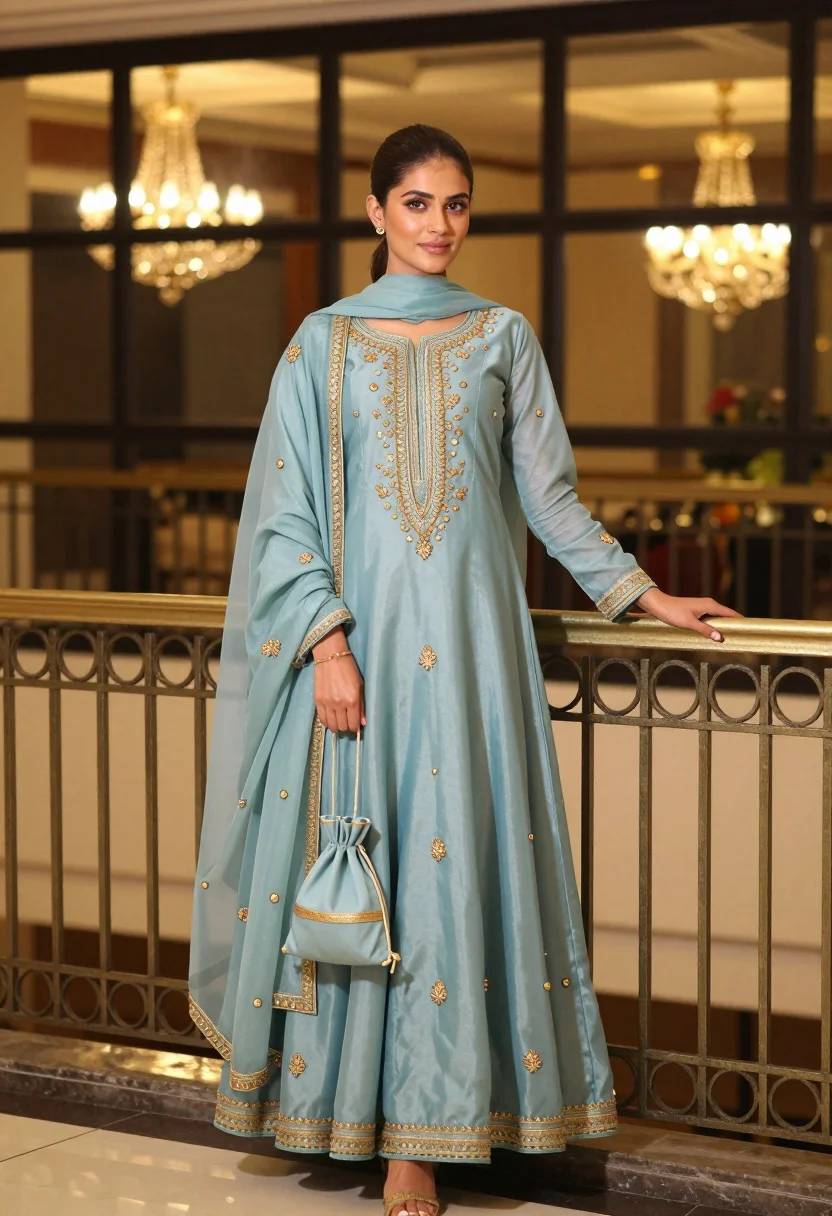
Young woman in light blue embroidered traditional outfit leaning on metal railing
Prompt
A young woman stands elegantly in a light blue traditional outfit, leaning against an ornate metal railing with a soft, confident expression.

Subject: A young woman with dark hair pulled back into a low bun, featuring fair skin and subtle makeup with defined eyebrows and lips.

Clothing: She wears a matching light blue three-piece ensemble consisting of a long kurta tunic, a voluminous floor-length skirt, and a sheer dupatta draped over her shoulders; the outfit is heavily embellished with intricate gold embroidery along the neckline, hemlines, sleeves, and scattered floral motifs across the fabric.

Action: She stands in a relaxed pose, leaning her right hand on the railing while her left hand rests gently near her waist holding a small matching drawstring pouch.

Environment: The setting appears to be an indoor balcony or hallway with large glass windows behind her reflecting warm interior lights; a decorative metal railing with circular patterns runs horizontally across the lower frame.

Objects: A small, round, light blue drawstring bag with gold trim hangs from her left hand.

Lighting: Warm ambient lighting creates a soft glow around the subject, with bokeh effects from hanging crystal chandeliers visible in the background reflections.

Camera: Medium shot capturing full body length with a shallow depth of field that blurs the background lights and windows slightly to emphasize the subject.

Style Details: High-resolution fashion photography with a polished aesthetic, rich color grading emphasizing the soft blue tones against warm golden highlights, and a clean, professional composition.
Description
This prompt is useful for creating editorial fashion moodboards, cultural portraiture for magazines, and luxury brand lookbooks showcasing traditional wear. The combination of 'light blue' textiles with 'intricate gold embroidery' against the backdrop of warm reflections ensures that the subject remains the focal point while the 'bokeh effects from hanging crystal chandeliers' provide an upscale, atmospheric context suitable for high-end editorial spreads.
Suggestions
- Change 'low bun' to 'loose waves' for a softer overall look.
- Swap 'ornate metal railing' for 'minimalist concrete wall' to modernize the setting.
- Adjust 'warm ambient lighting' to 'soft directional sidelight' to enhance fabric texture.
Category
Tags
BrunetteFair SkinFemaleFull BodyIndoorsMedium ShotRealisticTraditional Wear
Date added
August 5, 2026
Added by
PromptDexter Team
Related Prompts
More prompts with similar categories and tags.
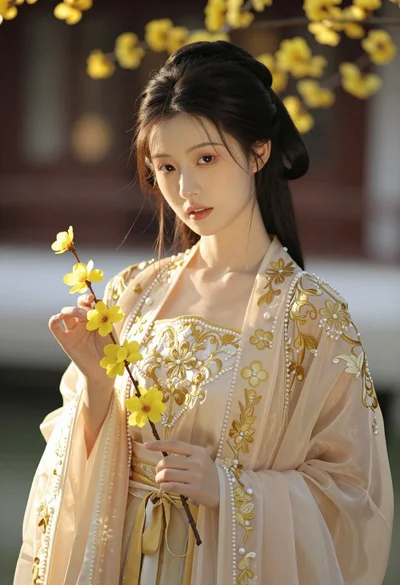
Portrait of young woman in embroidered chinese hanfu gown holding yellow flowers
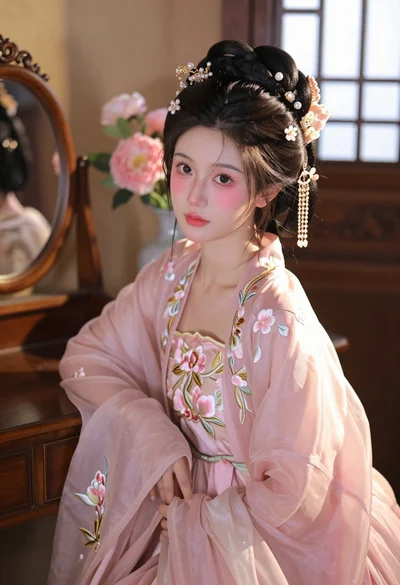
Young woman in pink hanfu gown seated near ornate vanity window
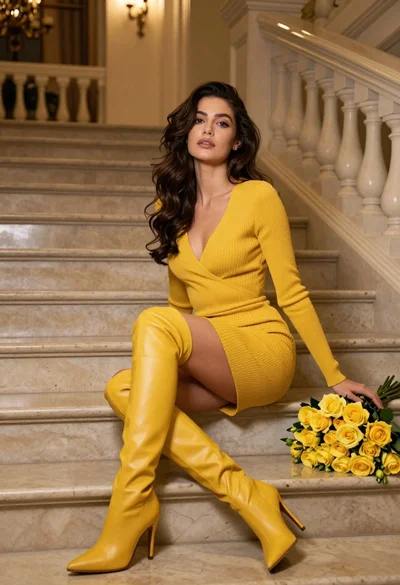
Woman in yellow dress sitting on grand marble staircase with roses
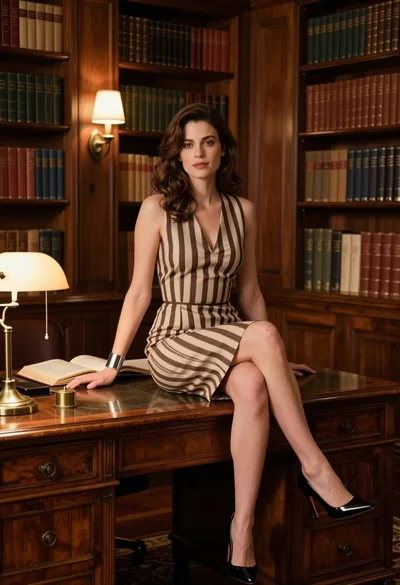
Fair skinned woman in striped dress sitting on wooden desk in library

Woman sitting gracefully indoors wearing yellow skirt and top
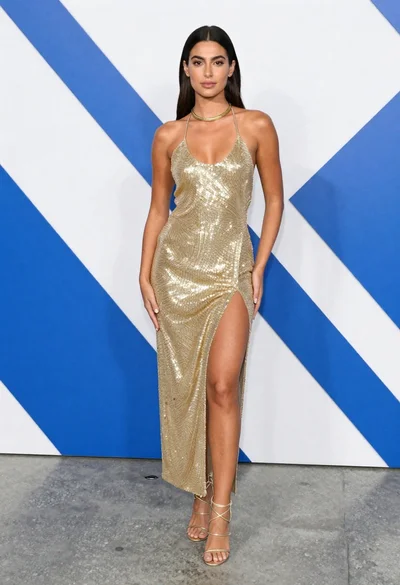
Young woman in shimmering gold halter dress at an indoor event space

Woman in rust gown posing on white step and repeat backdrop

Smiling blonde woman in boutique wearing navy blouse and black skirt

Full length shot of woman in dusty pink lace gown at indoor

Stylish young woman in denim shirt holding tablet indoors