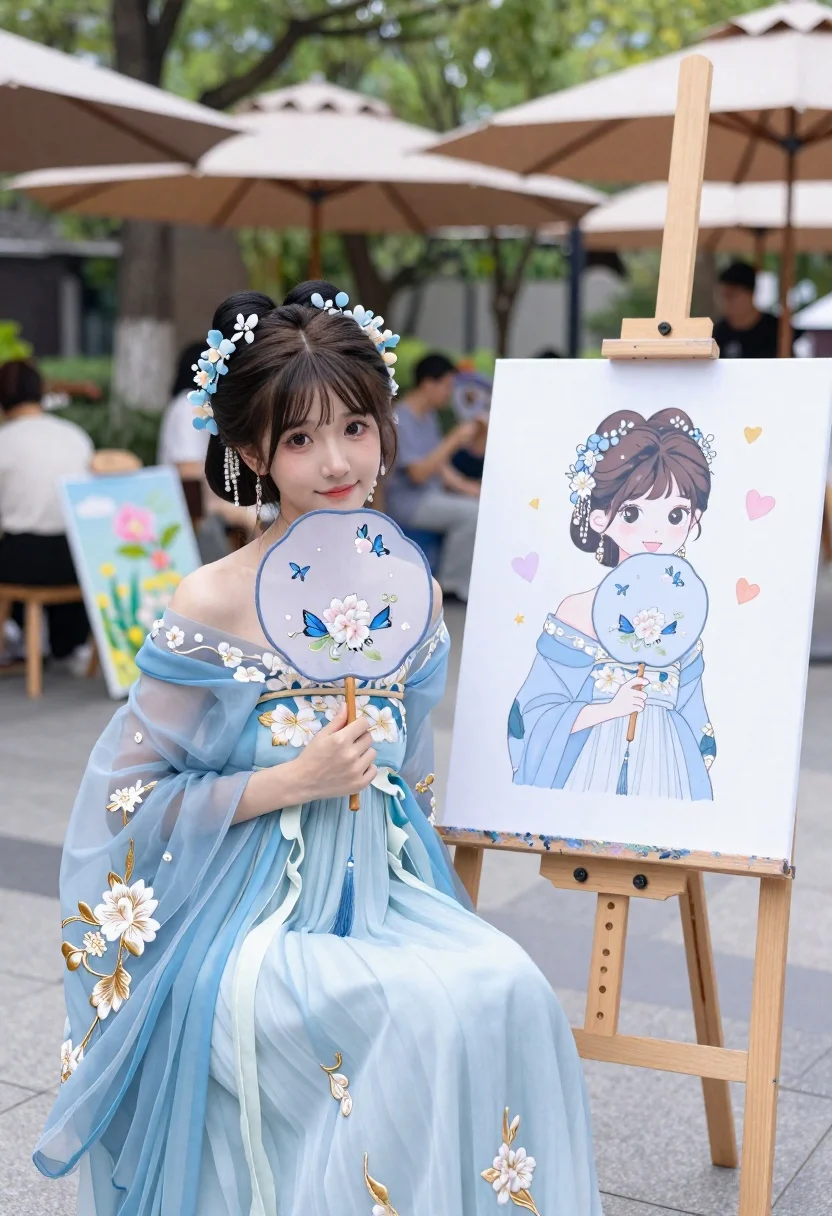
Young woman in light blue floral gown posing beside an easel at
Prompt
A young woman in a light blue floral gown sits beside an easel displaying a cartoon-style portrait of herself holding a matching fan.

Subject: A young woman with dark hair styled in two buns adorned with blue flowers and dangling pearl earrings, featuring large expressive eyes and a gentle smile.

Clothing: An elegant off-shoulder gown made of sheer light blue fabric embroidered with white flowers and gold thread, paired with long flowing sleeves.

Action: She holds a round blue fan decorated with butterflies and flowers near her face while looking directly at the viewer.

Environment: A sunlit outdoor art market or street fair setting with blurred trees, umbrellas, and other people in the background.

Camera: Medium shot capturing both the woman and the easel, with shallow depth of field blurring the background to emphasize the subject.

Lighting: Soft natural daylight illuminating the scene evenly, creating a bright and airy atmosphere with gentle shadows.
Second

Subject: A cartoon-style drawing on the canvas showing the same woman in identical pose and attire, surrounded by pastel hearts and stars.

Objects: A wooden easel holding the artwork, a round blue fan with floral embroidery and a tassel, and blurred paintings in the background.

Interaction: The woman poses beside her own illustrated portrait, creating a visual connection between reality and art.

Style Details: Soft-focus photography blended with anime-inspired illustration on the canvas, pastel color palette, dreamy aesthetic, high detail rendering.
Description
This prompt is useful for creating whimsical character concept sheets, narrative storybook illustrations, and themed portraiture showcasing artistic self-reflection. The combination of 'soft-focus photography blended with anime-inspired illustration' on the canvas directly supports this by establishing a clear visual dialogue between the realistic subject and its stylized representation, while the 'pastel color palette' maintains a cohesive, dreamy aesthetic across both elements.
Suggestions
- Change 'light blue floral gown' to 'sky blue silk gown' for a richer drape.
- Swap 'cartoon-style portrait' for 'watercolor sketch' to vary the art medium.
- Adjust 'sunlit outdoor art market' to 'garden courtyard' for more controlled background elements.
Category
Tags
Casual WearFemaleMedium ShotOutdoorsRealisticTraditinal Art
Date added
June 23, 2026
Added by
PromptDexter Team
Related Prompts
More prompts with similar categories and tags.
Split composition portrait of young woman with headphones on left and colored
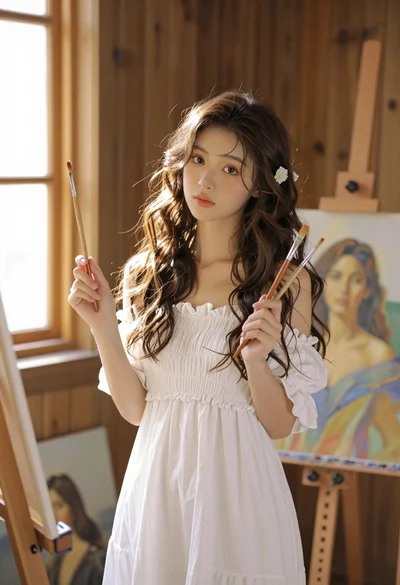
Young woman with brown hair in white dress holding brushes in sunlit
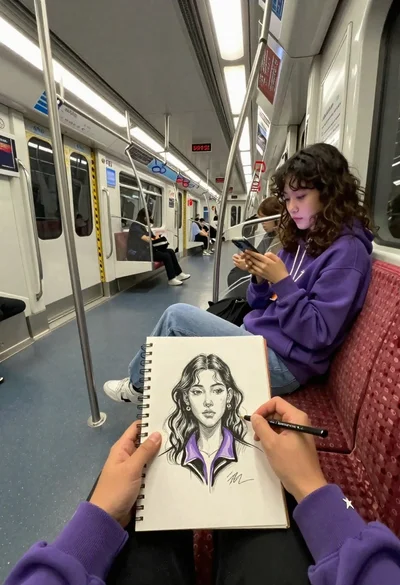
First person view of artist sketching woman on a subway train
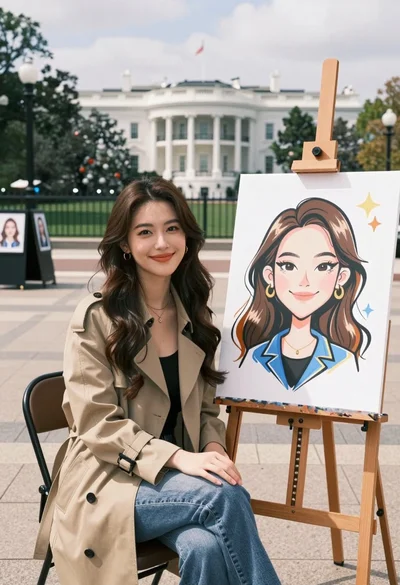
Young woman smiling next to her caricature portrait on an easel outdoors
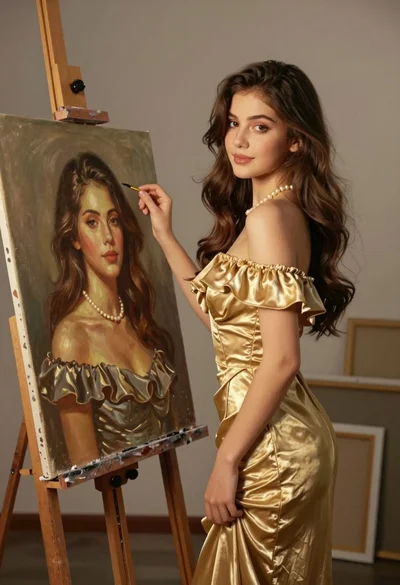
Young woman in gold dress beside her portrait painting in art studio
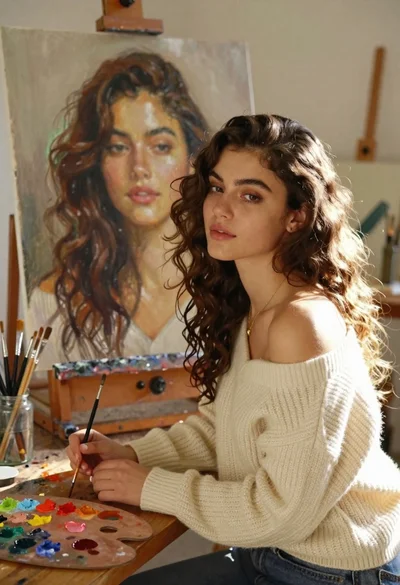
Young woman with brown hair painting a portrait in art studio
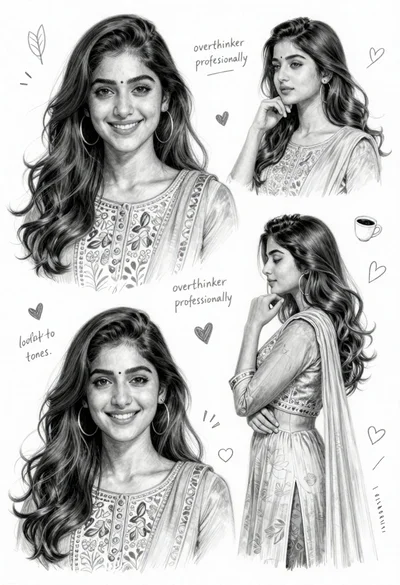
Detailed pencil sketch character sheet of young woman in traditional south asian
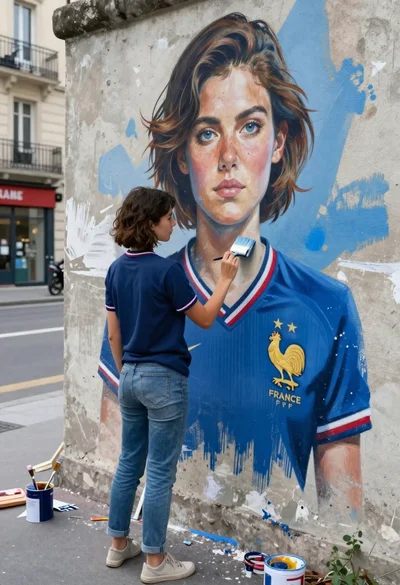
Young woman painting giant mural of herself on weathered concrete wall outdoors