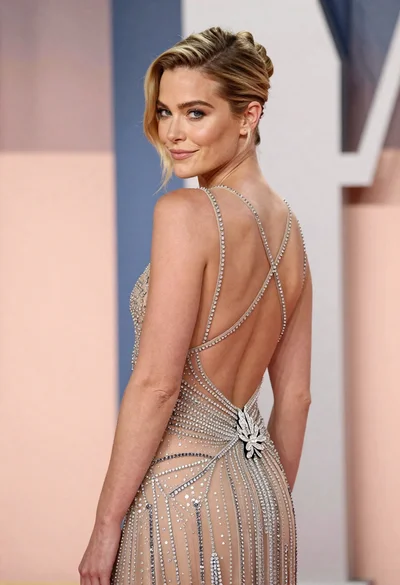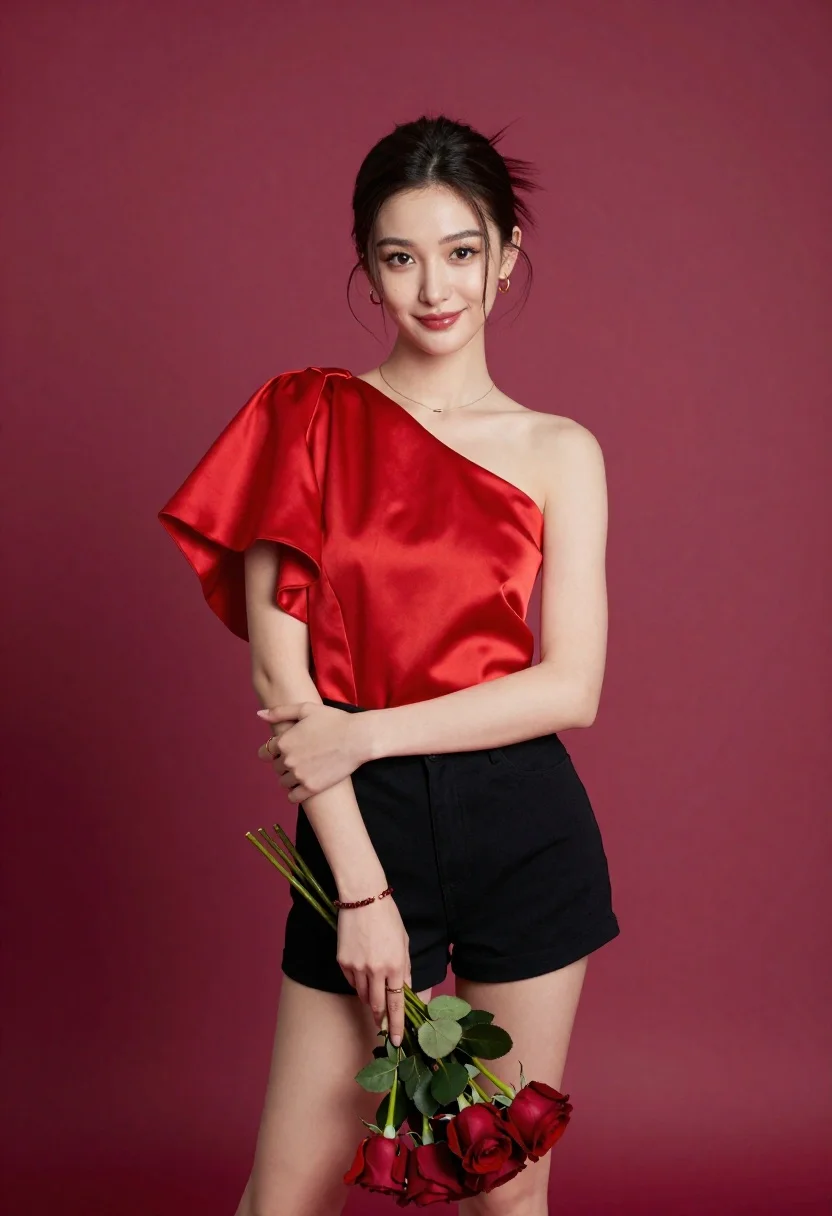
Young woman in one shoulder red top holding red roses against magenta
Prompt
A confident young woman with dark hair styled in a half-updo stands against a solid magenta background.

Subject: A poised young woman with fair skin and dark brown eyes looking directly at the camera with a soft smile, her dark hair pulled back loosely with loose strands framing her face.

Clothing: She wears a striking one-shoulder red top made of a satin-like fabric featuring voluminous draped sleeves on one side and a fitted bodice, paired with black shorts. She is accessorized with small gold hoop earrings, a delicate gold necklace, a beaded bracelet on her wrist, and rings on her fingers.

Action: She stands in a relaxed pose with her arms crossed gently over her waist, holding the stems of a bouquet of red roses down near her legs, tilting her head slightly to the side.

Environment: The setting is a minimalist studio space defined by a seamless, solid magenta backdrop that fills the entire background.

Camera: A medium shot captures the subject from the mid-thigh up, utilizing a soft depth of field that keeps the subject in sharp focus while blurring the background slightly.

Lighting: Soft, diffused studio lighting illuminates her face and body evenly, creating gentle highlights on her skin and the sheen of her red top without harsh shadows.

Objects: A small bouquet of deep red roses with green leaves is held in her hands, hanging down near her knees.

Style Details: The image has a polished, high-fashion portrait aesthetic with smooth skin textures and vibrant, saturated colors.
Description
This prompt is useful for creating editorial fashion lookbooks, commercial beauty campaigns, and stylized portrait photography requiring bold color blocking. The combination of 'solid magenta background' and the 'satin-like fabric' ensures that the subject pops against a highly saturated field while the 'soft, diffused studio lighting' prevents harsh reflections on the red top, maintaining a polished aesthetic suitable for high-end advertising.
Suggestions
- Change 'solid magenta background' to 'deep plum backdrop' for a moodier tone.
- Swap 'satin-like fabric' for 'velvet material' to change the sheen.
- Adjust 'soft smile' to 'direct intense gaze' for a stronger portrait impact.
Category
Tags
Casual WearFair SkinFemaleMedium ShotRealisticStudio
Date added
June 19, 2026
Added by
PromptDexter Team
Related Prompts
More prompts with similar categories and tags.
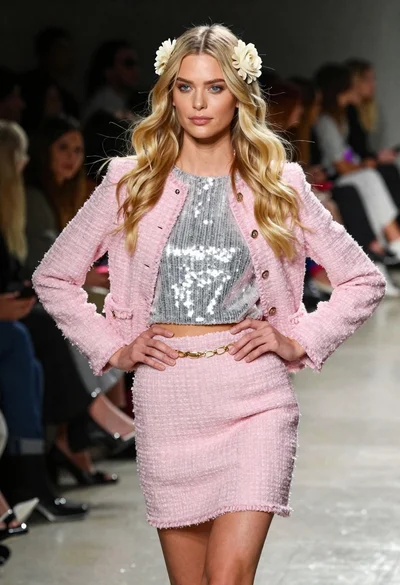
Blonde woman walking fashion runway in pink tweed ensemble
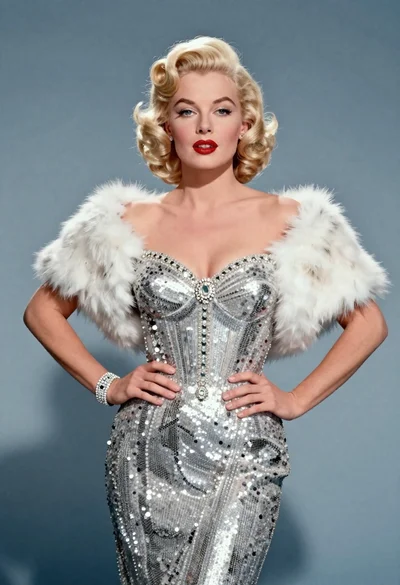
Blonde woman in silver gown with fur stole studio portrait

Young woman in blue denim jacket posing against pale pink seamless background

Blonde woman in striped swimsuit seated on sofa indoors studio shot
Young woman in grey blouse and denim shorts on concrete wall

Fair blonde woman in black corset and denim shorts studio portrait

Young woman in black graphic tshirt against white paneled wall

Blonde woman in cream sweater sitting on beige couch

Glamorous woman posing in shimmering two piece outfit against green backdrop
Blonde woman in white tank top posing against a seamless white studio