
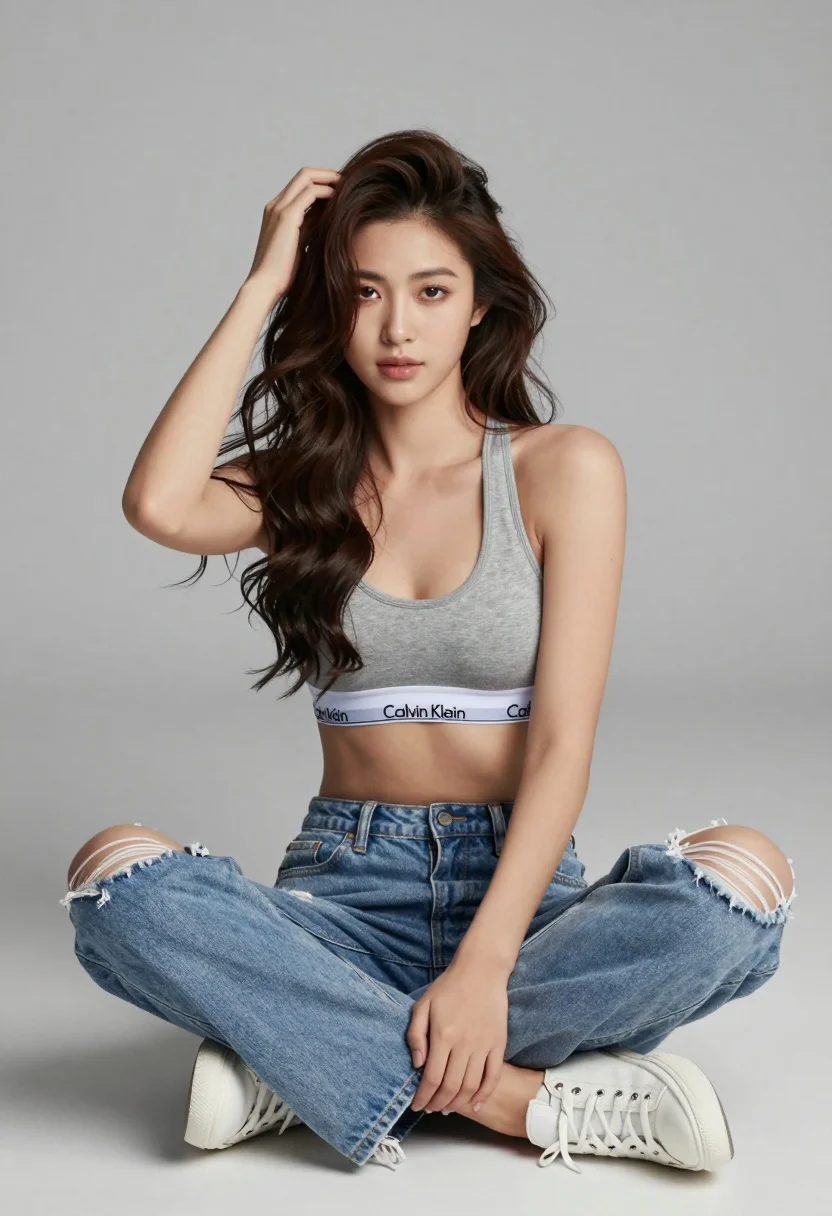
Young woman in sports bra ripped jeans sitting cross legged studio portrait
Prompt
A young woman with long wavy brown hair sits cross-legged on a white floor against a plain light gray background.

Subject: A young woman with long dark wavy hair and fair skin looking directly at the camera with a soft, neutral expression.

Clothing: She wears a heather gray Calvin Klein sports bra with a visible white waistband featuring black text, paired with light blue ripped denim jeans that have frayed holes at the knees, and white low-top sneakers.

Action: Her right hand is raised to her head with fingers running through her hair while her left arm rests on her knee, creating a relaxed and casual pose.

Environment: A minimalist studio setting with a seamless white floor and a solid light gray wall that fills the background.

Lighting: Soft, diffused lighting illuminates the scene evenly from the front, casting gentle shadows and highlighting the texture of the denim and fabric without harsh contrast.

Camera: Shot at eye level with a medium framing that captures the subject from the knees up, utilizing a shallow depth of field to keep the focus sharp on the model while softly blurring the background.

Style Details: High-resolution commercial photography style with clean lines, natural skin tones, and a polished aesthetic typical of fashion editorial work.
Description
This prompt is useful for creating e-commerce product shots for intimate apparel, casual lifestyle catalog imagery, and modern beauty editorials. The combination of 'soft, diffused lighting' with the 'plain light gray background' ensures that the focus remains entirely on the texture of the 'ripped denim jeans' and the visible branding details of the sports bra without any distracting environmental elements or harsh shadows.
Suggestions
- Change 'heather gray Calvin Klein sports bra' to a specific color like 'black seamless sports bra' for versatility.
- Swap 'light blue ripped denim jeans' for 'distressed black denim' to alter the mood.
- Adjust 'soft, diffused lighting' to 'rim lighting' to add more separation from the background.
Category
Tags
Brown HairCasual WearFair SkinFemaleIndoorsMedium ShotPortrait ShotRealisticStudio
Date added
August 5, 2026
Added by
PromptDexter Team
Related Prompts
More prompts with similar categories and tags.

Blonde woman in cream sweater sitting on beige couch

Smiling young woman in pink dress seated indoors with glowing backlight

Young woman in cream blouse leaning against rustic wood
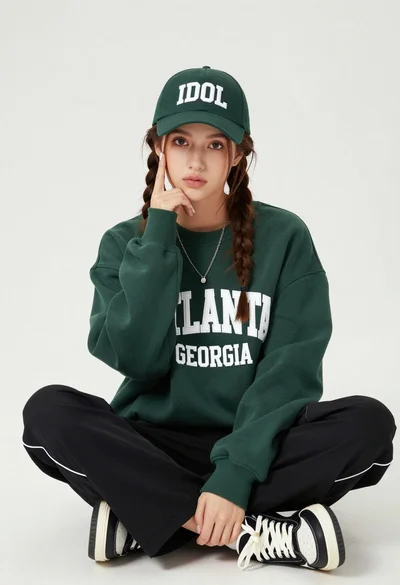
Young woman with braids sitting cross legged in green sweatshirt studio portrait

Young woman in white lace dress seated against soft floral backdrop

Young woman in blue denim jacket posing against pale pink seamless background

Young woman seated on grey sofa against pink wall fashion portrait

Smiling woman in floral kurta dress indoors with sheer dupatta drape
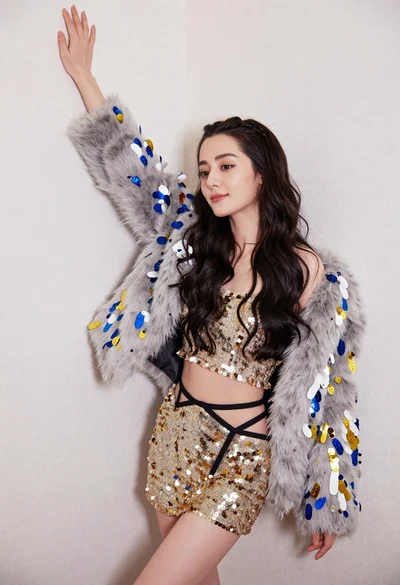
Glamorous woman posing in gold sequins against a white studio wall

Blonde woman in striped swimsuit seated on sofa indoors studio shot
