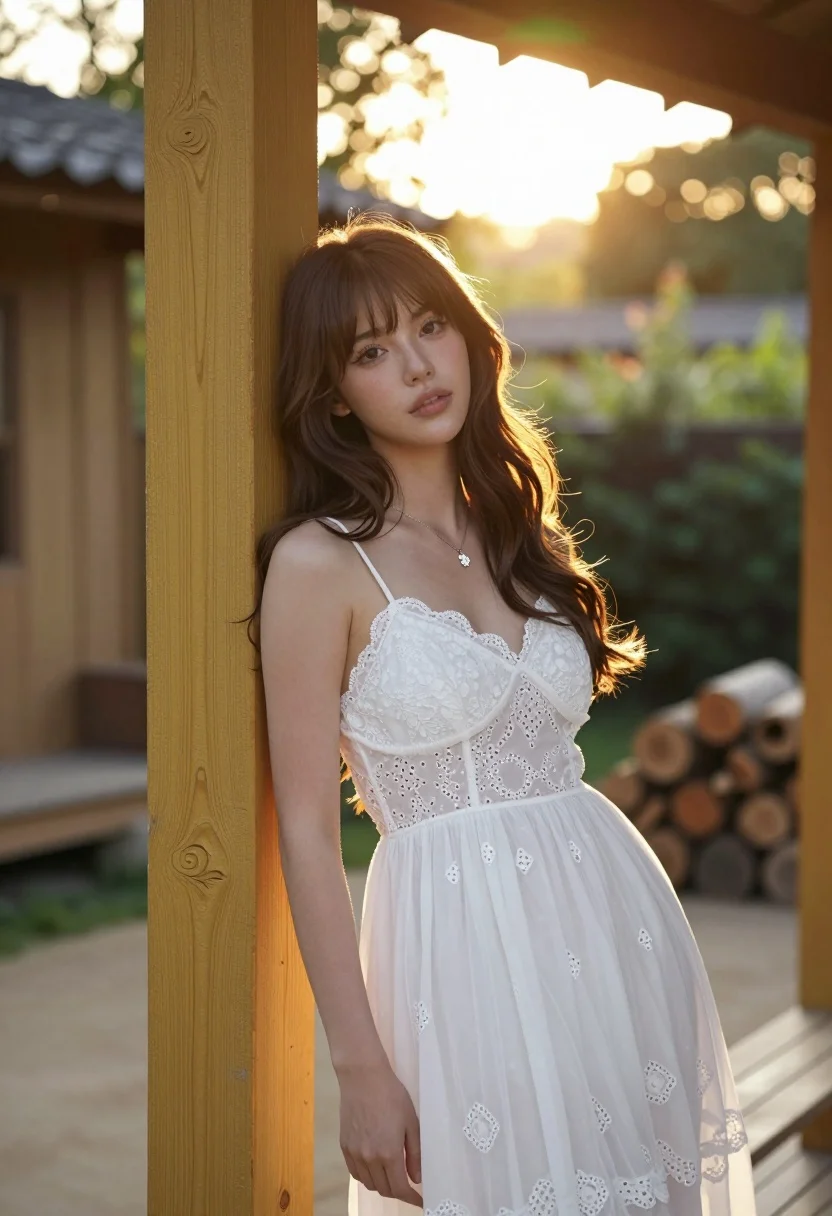
Young woman with brown hair leaning on yellow pillar during golden hour
Prompt
A young woman with long brown hair and bangs leans against a yellow wooden pillar in an outdoor setting.

Subject: A young woman with long wavy brown hair featuring soft bangs framing her face, fair skin, and a gentle, confident expression looking slightly to the side.

Clothing: She wears a white eyelet lace camisole dress with thin spaghetti straps, delicate floral embroidery on the bodice, and a flowing sheer fabric skirt. A silver necklace with a small flower pendant rests at her collarbone.

Action: Leaning casually against a yellow wooden post, her body angled slightly away while her head turns to face the camera, exuding a relaxed and serene mood.

Environment: An outdoor patio or garden area with warm sunlight filtering through trees in the background, featuring blurred greenery and stacked firewood logs near a rustic building structure.

Lighting: Soft golden hour sunlight illuminates the scene from behind and above, creating a glowing halo effect around her hair and casting gentle shadows on her face and dress.

Camera: Shot with a shallow depth of field using a wide aperture lens to blur the background into soft bokeh, emphasizing the subject with a vertical composition that highlights her height and posture.

Style Details: Photorealistic portrait with cinematic lighting, warm color grading, high detail in fabric textures, and a dreamy, romantic atmosphere reminiscent of fashion photography.
Description
This prompt is useful for creating editorial fashion moodboards, lifestyle advertising featuring natural settings, and romantic portraiture collections. The combination of 'soft golden hour sunlight' casting a 'glowing halo effect' around her hair, paired with the 'shallow depth of field' blurring background elements into bokeh, directs all viewer attention to the subject while maintaining an overall dreamy, romantic atmosphere.
Suggestions
- Change 'yellow wooden pillar' to 'weathered stone column' for more architectural variety.
- Swap 'white eyelet lace camisole dress' for 'cream silk slip dress' to alter the fabric texture.
- Adjust 'wide aperture lens' to '85mm portrait lens' for a tighter focus on the face.
Category
Tags
BlondeBrown HairCasual WearFair SkinFemaleFull BodyMedium ShotRealisticRooftopWide Shot
Date added
August 5, 2026
Added by
PromptDexter Team
Related Prompts
More prompts with similar categories and tags.

Blonde woman in teal slip dress leaning on elevator handrail

Woman in green satin slip dress standing in sunlit elegant interior room
Young woman in pink lace gown standing in misty wildflower field
Stylish woman in lime green leaning on railing overlooking city skyline at
Young woman in elaborate ballgown on grand marble staircase interior
Woman in green dress looking over shoulder in bright ballroom setting
Blonde woman in black lace corset top against dark green wall
Young woman in blue tulle gown standing with eyes closed in wind
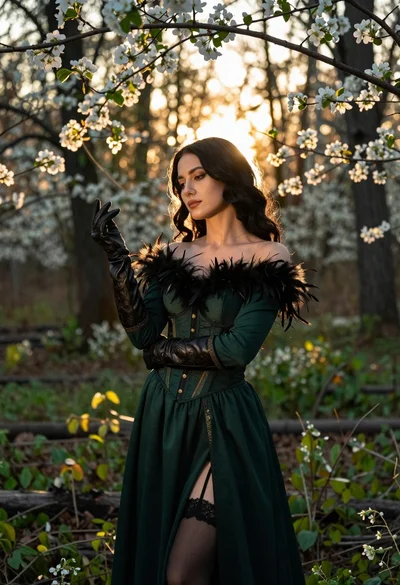
Woman in green gown stands in sunlit forest with blooming trees
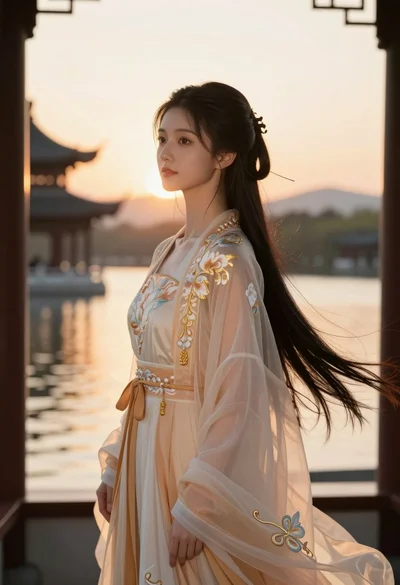
Young woman in traditional chinese gown on balcony at golden hour sunset