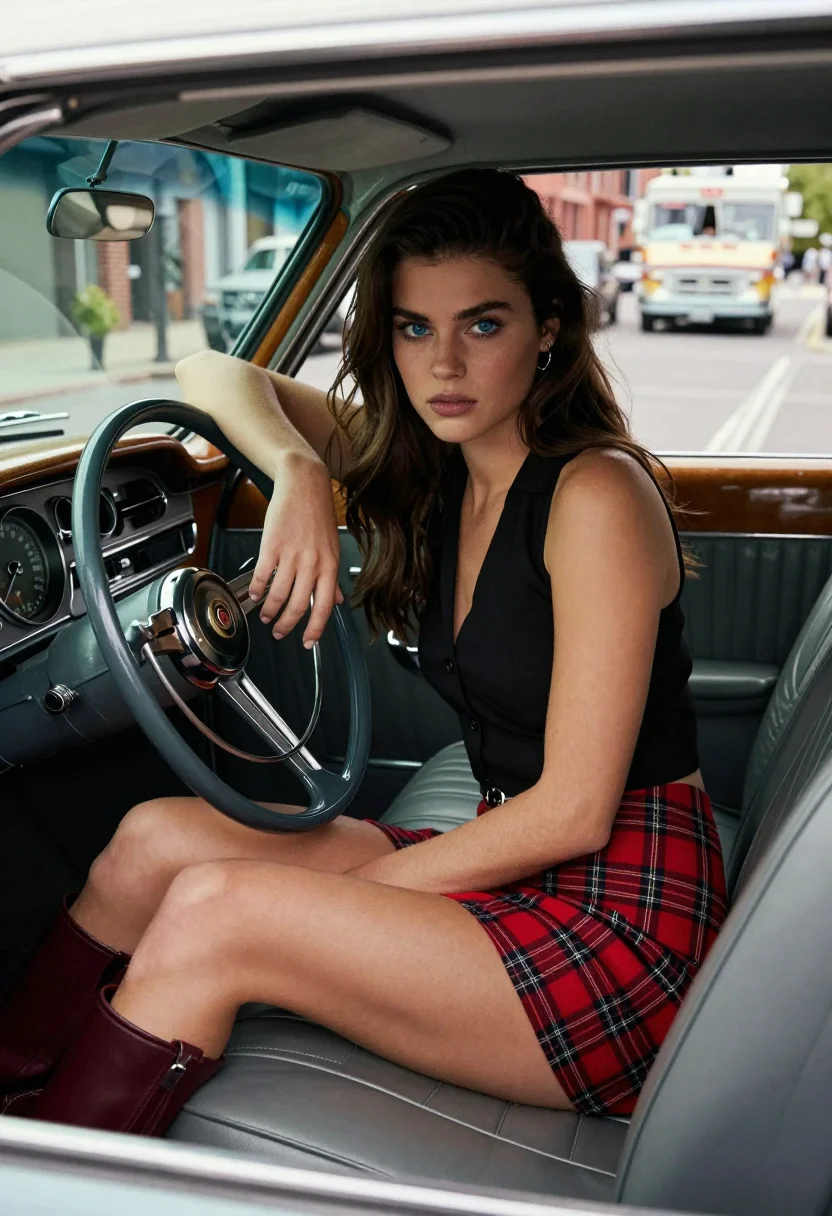
Young woman in vintage car wearing plaid skirt looking out at city
Prompt
A young woman with long dark hair sits in the driver's seat of a vintage car, looking directly at the camera with a serious expression.

Subject: A young woman with fair skin and long, wavy dark brown hair that falls over her shoulders. She has striking blue eyes and a neutral, confident facial expression. Her posture is relaxed yet poised as she leans back in the leather seat.

Clothing: She wears a black sleeveless button-up top tucked into a red plaid mini-skirt with a black grid pattern. On her feet are tall, dark maroon leather boots that reach mid-calf.

Action: She rests her right elbow on the steering wheel while holding it with her hand, leaning slightly back against the seat. Her gaze is fixed forward toward the viewer.

Environment: The interior of a classic car features polished wood dashboard trim and analog gauges. Through the open window, a city street scene is visible with parked cars, brick buildings, and an ice cream truck in the background.

Camera: Shot from outside the vehicle looking in through the driver's side window, capturing a medium shot that frames the subject from the knees up. The angle emphasizes the interior details and the subject's face.

Lighting: Natural daylight illuminates the scene from the left side, casting soft highlights on her skin and hair while creating gentle shadows inside the car cabin.

Style Details: High-resolution photography with a shallow depth of field that keeps the subject sharp while softly blurring the street background. The image has a warm color tone and a cinematic composition reminiscent of 1950s film noir aesthetics.
Description
This prompt is useful for creating vintage automotive editorials, character portraits set in urban environments, and retro-themed advertising campaigns. The combination of 'natural daylight' from the side, the 'polished wood dashboard trim,' and the 'shallow depth of field' directs focus intensely onto the subject while using the visible city street scene to ground the narrative within a specific time and place.
Suggestions
- Change 'red plaid mini-skirt' to 'tartan wool skirt' for a more authentic vintage feel.
- Swap 'analog gauges' for 'chrome dashboard details' to increase metallic shine.
- Adjust 'warm color tone' to 'muted sepia tones' for a stronger film noir effect.
Category
Tags
Brown HairBrunetteFair SkinFemaleMedium ShotOutdoorsRealisticStreet
Date added
July 12, 2026
Added by
PromptDexter Team
Related Prompts
More prompts with similar categories and tags.
Young woman in hoodie standing next to motorcycle on rooftop at night
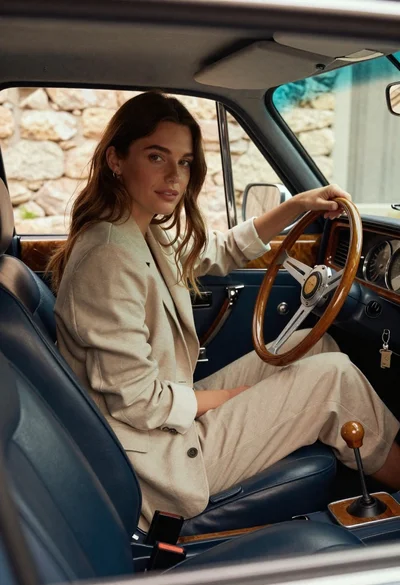
Woman in beige blazer sitting in vintage car driver seat

Young woman in sports bra sitting in car passenger seat at night
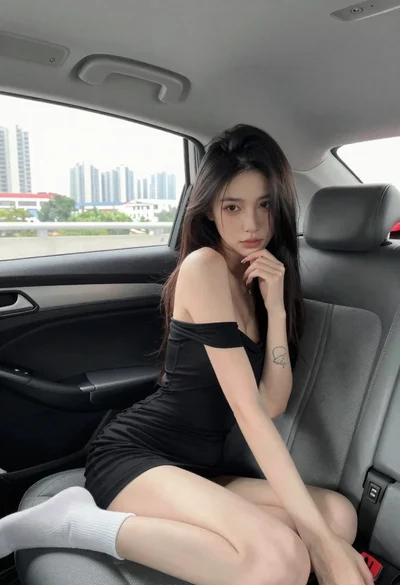
Young woman in black dress sitting inside car looking at camera
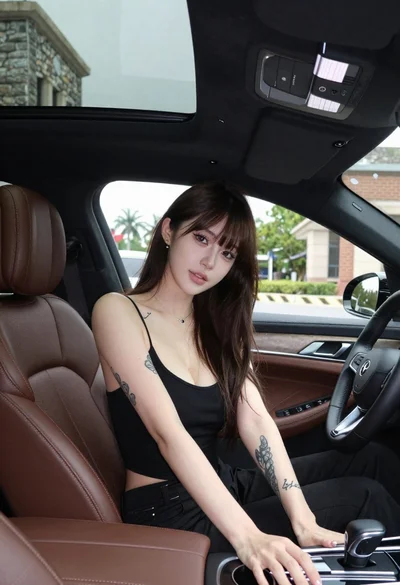
Young woman with dark hair seated inside luxury car looking at camera
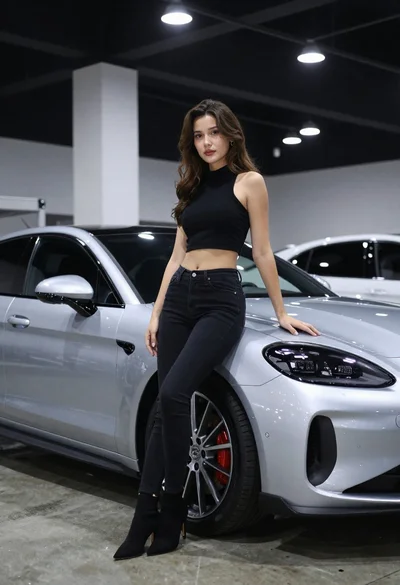
Woman leaning on silver sports car in showroom

Young woman with brown hair sitting inside car looking at camera
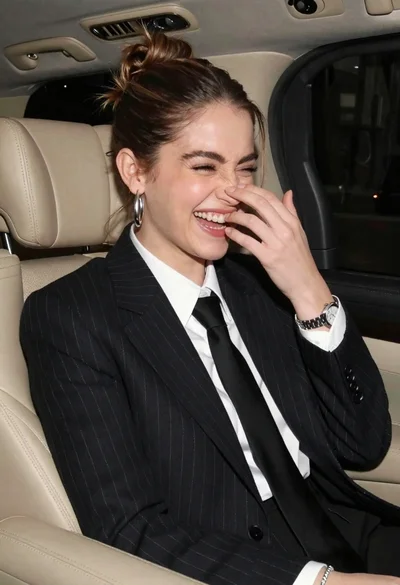
Candid medium close up of young woman laughing in luxury car seat

Young woman with black hair in white car at sunset beach
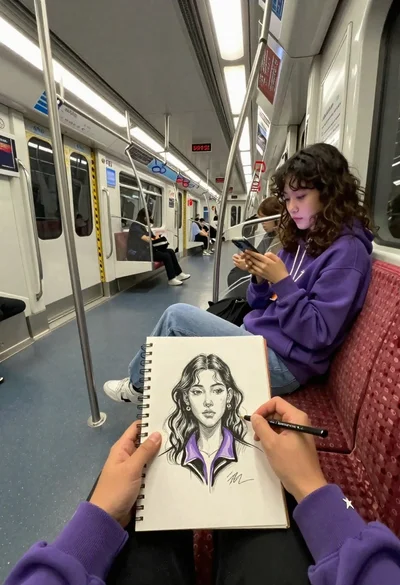
First person view of artist sketching woman on a subway train