
Young woman with dark hair seated inside luxury car looking at camera
Prompt
A young woman with long dark hair sits in the driver's seat of a luxury car, looking directly at the camera with a soft expression.

Subject: A young woman with long dark brown hair styled with a side part and bangs, fair skin, and visible tattoos on her left arm and shoulder. She wears a delicate necklace and small earrings.

Clothing: She is wearing a black spaghetti strap top or dress with a deep neckline that reveals significant cleavage, paired with black pants.

Action: She is seated in the driver's seat, leaning slightly forward with her left hand resting on the center console near the gear shifter, looking directly at the camera with a calm expression.

Environment: The interior of a high-end vehicle featuring brown leather seats and a black dashboard. Through the sunroof and windows, an overcast sky, a stone building, greenery, and a brick structure are visible outside.

Camera: Shot from inside the car looking slightly upward at the subject through the open sunroof, capturing the interior details like the steering wheel logo and center console.

Lighting: Soft natural daylight filtering in from the open sunroof and windows, creating gentle highlights on her skin and hair with minimal harsh shadows.

Style Details: High-resolution photography with a focus on fashion and lifestyle aesthetics, emphasizing texture of the leather interior and skin tones.
Description
This prompt is useful for generating automotive editorial content, luxury brand advertising campaigns, and sophisticated portraiture featuring an urban backdrop. The combination of 'soft natural daylight filtering in from the open sunroof' ensures gentle highlights on her skin and hair while preventing harsh shadows that would distract from the visible texture of the brown leather seats.
Suggestions
- Change 'black spaghetti strap top or dress' to a silk blouse for more luxury appeal.
- Specify 'bokeh effect through the windows' to blur the exterior elements.
- Adjust 'soft expression' to 'smoldering gaze' for a stronger editorial mood.
Category
Tags
Brown HairFair SkinFemaleIndoorsMedium ShotRealistic
Date added
June 19, 2026
Added by
PromptDexter Team
Related Prompts
More prompts with similar categories and tags.

Young woman in sports bra sitting in car passenger seat at night

Young woman in black dress sitting inside car looking at camera

Close up portrait of blonde woman in black top inside luxury car
Woman leaning on silver sports car in showroom

Young woman with brown hair sitting inside car looking at camera

Young woman in white top and floral skirt inside car window

Young woman in black outfit sitting inside car looking at camera

Young woman with brown hair in car seat holding coffee drink
Candid medium close up of young woman laughing in luxury car seat
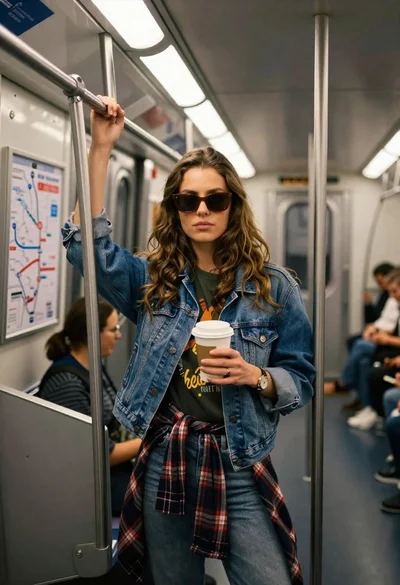
Young woman with brown hair and denim jacket inside a subway car