
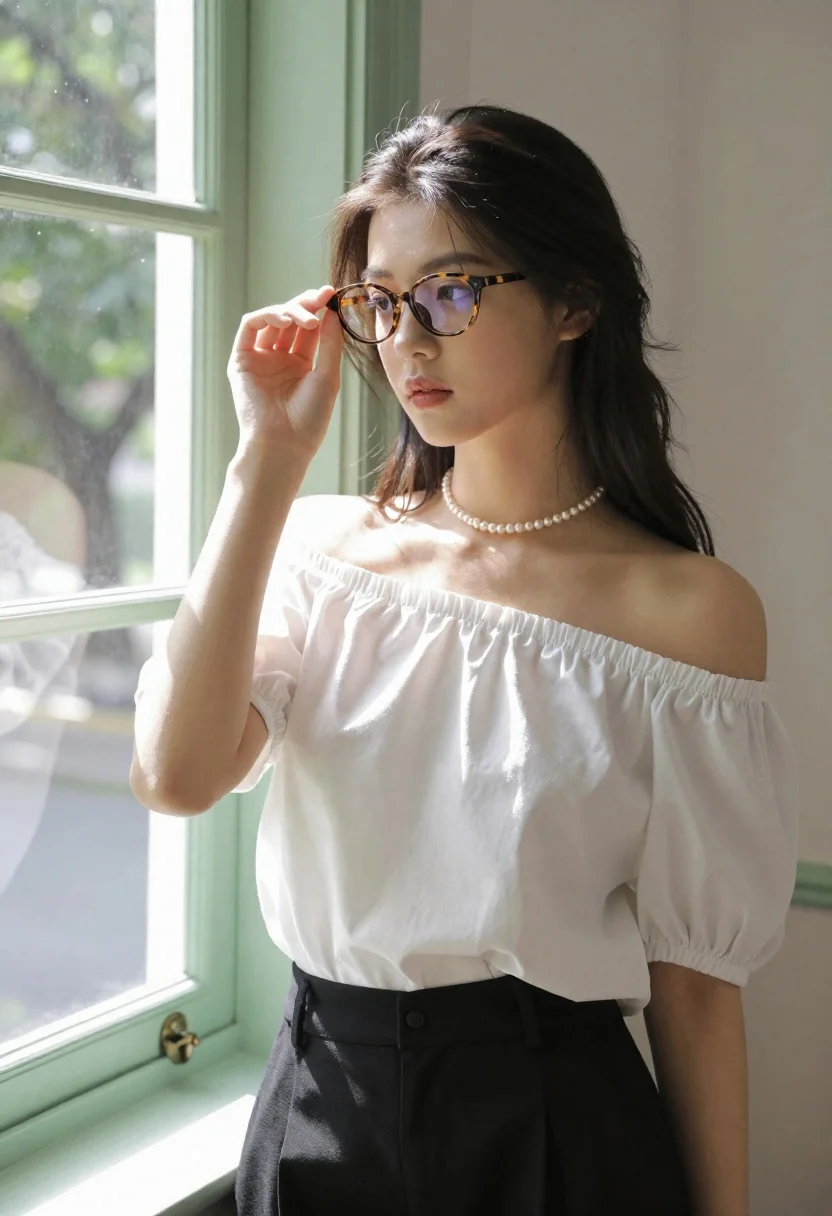
Young woman in white blouse adjusting glasses near sunlit window
Prompt
A young woman with long dark hair stands in a sunlit room, adjusting her tortoiseshell glasses with one hand while looking thoughtfully to the side.

Subject: A young woman with fair skin and long, dark hair that is partially pulled back, featuring loose strands framing her face.

Clothing: She wears a white off-the-shoulder blouse with gathered elastic cuffs at the sleeves and high-waisted black trousers, accessorized with a pearl choker necklace.

Action: She holds the frame of her glasses with her right hand near her temple, tilting her head slightly as she gazes away from the camera.

Environment: She stands next to a large window with light green painted frames, through which a view of trees and foliage is visible outside.

Lighting: Bright natural sunlight streams in from the left side, casting soft highlights on her shoulder and arm while creating gentle shadows across her face and clothing.

Camera: The shot is a medium close-up framed at eye level, capturing the subject from the waist up with a shallow depth of field that keeps the background slightly blurred.

Style Details: The image has a clean, high-key aesthetic with soft focus on the background elements, emphasizing the natural textures of the fabric and skin.
Description
This prompt is useful for creating intimate lifestyle portraits, editorial beauty shots focusing on thoughtful moments, and interior design mood boards featuring human scale. The combination of 'bright natural sunlight streams in from the left side' and a 'shallow depth of field' directs all focus onto the subject's expression and the texture of her blouse, preventing the detailed background foliage from becoming distracting.
Suggestions
- Change 'tortoiseshell glasses' to 'gold-rimmed reading glasses' for a different vintage feel.
- Swap 'light green painted frames' for 'dark wood window frames' to deepen the contrast.
- Adjust 'medium close-up framed at eye level' to 'head and shoulders shot' for more intimacy.
Category
Tags
Black HairFair SkinFemaleIndoorsMedium ShotRealistic
Date added
June 21, 2026
Added by
PromptDexter Team
Related Prompts
More prompts with similar categories and tags.
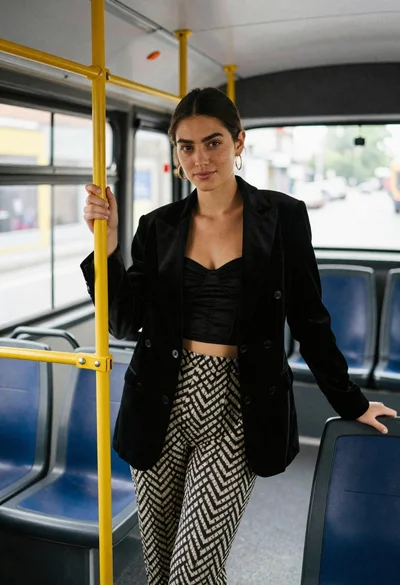
Young woman in black blazer standing inside public transit bus

Woman with black hair leaning indoors by glass railing in bright modern

Young woman in black crop top and cream trousers indoors looking over

Woman in black dress seated in dimly lit diner booth

Medium close up portrait of young woman wearing black top and sunglasses
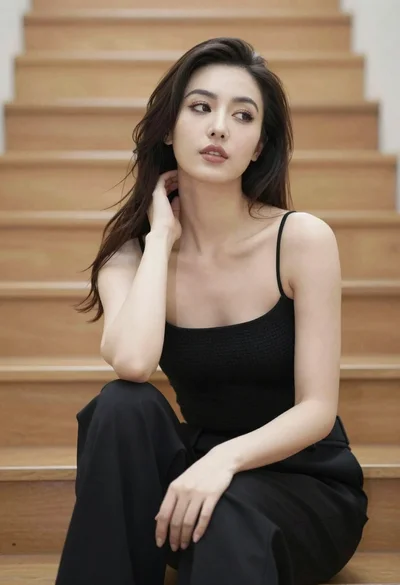
Woman with dark hair sitting on wooden staircase looking thoughtfully upward
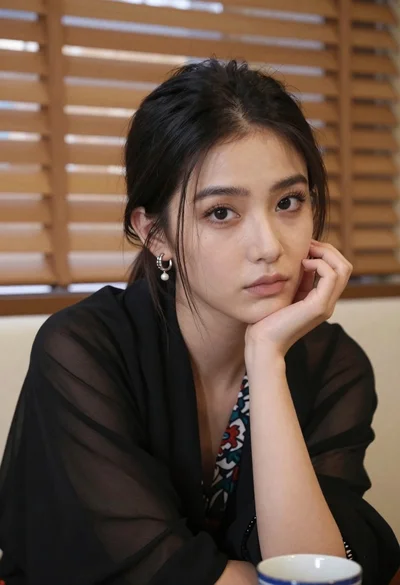
Closeup portrait of young woman with dark hair by window blinds

Monochrome portrait of woman with cat indoors
