Young woman in white crop top standing in concrete parking garage
Prompt
A young woman stands smiling in a parking garage wearing a white crop top and dark skirt with sunglasses on her head.

Subject: A young woman with long brown hair tied back, fair skin, hoop earrings, and a slight smile looking at the camera.

Clothing: She wears a white short-sleeved crop t-shirt with black trim around the collar and sleeves, featuring small red text on the chest, paired with a dark navy pleated skirt that has white stripes at the hem. A brown leather strap from a shoulder bag is visible across her torso.

Action: She stands facing forward with her head tilted slightly to the side, hands resting behind her back.

Environment: The setting is an indoor parking garage with concrete pillars and asphalt ground marked with white lines. Several cars are parked in the background, including a silver SUV, a black minivan, and a white van. Yellow traffic cones are placed on the ground near the edges of the frame.

Camera: The shot is taken from a slightly low angle looking up at the subject, capturing her full upper body against the depth of the parking structure.

Lighting: The scene is lit by diffuse overhead artificial light typical of an indoor garage, creating soft shadows and even illumination on the subject's face and clothing.

Style Details: The image has a candid, social-media aesthetic with natural skin tones and realistic textures.
Description
This prompt is useful for generating streetwear lookbooks, editorial lifestyle shots mimicking urban decay, and casual portrait content. The combination of 'diffuse overhead artificial light' and the 'concrete pillars and asphalt ground' grounds the subject in a specific, gritty environment while the 'slightly low angle looking up' ensures the full upper body composition feels imposing rather than merely documentary.
Suggestions
- Change 'white short-sleeved crop t-shirt' to 'oversized graphic tee' for more streetwear impact.
- Replace 'dark navy pleated skirt' with 'distressed denim cargo pants' for a tougher look.
- Adjust 'diffuse overhead artificial light' to 'harsh single fluorescent bulb' for higher contrast.
Category
Tags
Brown HairCasual WearFair SkinFemaleFull BodyLow AngleMedium ShotRealisticStreetwear
Date added
June 19, 2026
Added by
PromptDexter Team
Related Prompts
More prompts with similar categories and tags.

Young woman in pink camisole standing in sunlit rolling hills

Young woman with dark hair at wooden table in open air setting

Young woman in patterned dress looking back over grassy hills

Smiling young woman in maroon top standing outdoors with blurred background
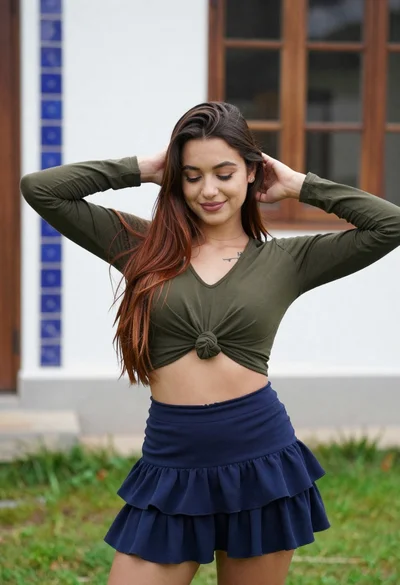
Young woman adjusting brown hair outdoors near blue tiled building wall
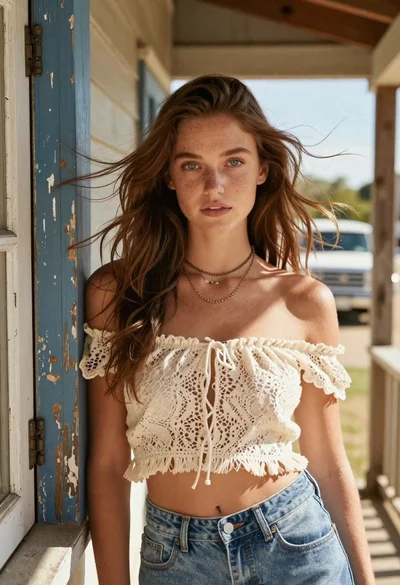
Young woman with brown hair on a sunlit rustic porch

Blonde woman in white top at indoor sports arena railing looking up
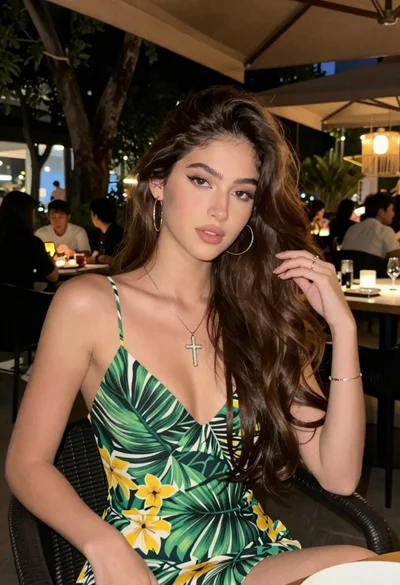
Young woman with brown hair sitting outdoors at night with tropical dress

Young woman in white top and floral skirt inside car window
Young woman in dark shirt standing in purple lavender field under cloudy