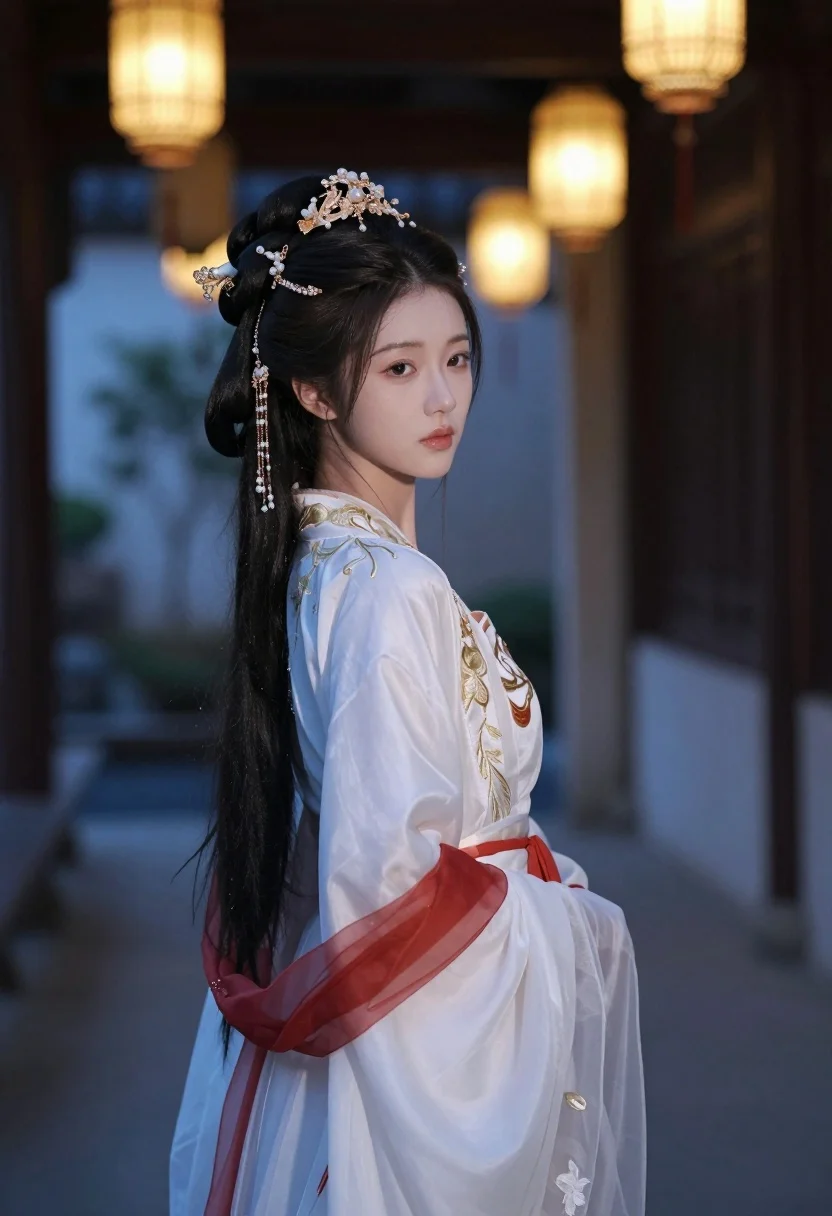
Young woman in white hanfu gown in traditional chinese courtyard setting
Prompt
A young woman with long dark hair styled in an elaborate updo adorned with intricate gold and pearl hair ornaments stands in a traditional courtyard.

Subject: A graceful young woman with pale skin, soft features, and a serene expression looking over her shoulder at the viewer.

Clothing: She wears an elegant white Hanfu gown featuring delicate gold embroidery on the bodice and sleeves, accented by a red sash tied at the waist and flowing sheer fabric.

Action: Her posture is poised and still as she gazes back with a calm, slightly melancholic expression.

Environment: The setting is a dimly lit traditional Chinese courtyard or corridor with blurred architectural elements in the background.

Lighting: Soft ambient light filters through hanging lanterns that cast a warm glow against the cool blue tones of the evening atmosphere.

Camera: Shot from a medium close-up angle with a shallow depth of field to emphasize the subject while keeping the background softly out of focus.

Style Details: The image has a cinematic, ethereal quality with high contrast between the warm lantern light and the cool shadows.
Description
This prompt is useful for creating historical costume editorials, atmospheric character portraits, and concept art for period dramas. The combination of 'soft ambient light' filtering through lanterns against the 'cool blue tones' establishes a dramatic chiaroscuro effect that highlights the contrast between the warm gold embroidery and the cool shadows, perfectly framing the subject's serene gaze.
Suggestions
- Change 'gold embroidery' to 'silver embroidery' for a cooler metallic tone.
- Add 'rain-slicked courtyard floor' to enhance reflections.
- Swap 'medium close-up angle' for 'full body shot' to better display the gown.
Category
Tags
BrunetteFemaleOutdoorsRealisticTraditional Wear
Date added
July 3, 2026
Added by
PromptDexter Team
Related Prompts
More prompts with similar categories and tags.
Fair skinned woman in teal victorian gown among roses and green leaves
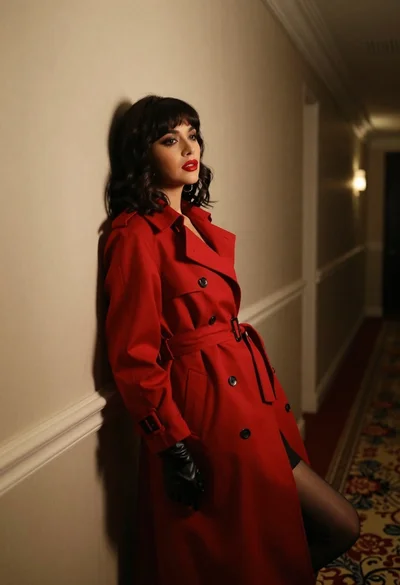
Woman in red trench coat leaning against hallway wall cinematic portrait
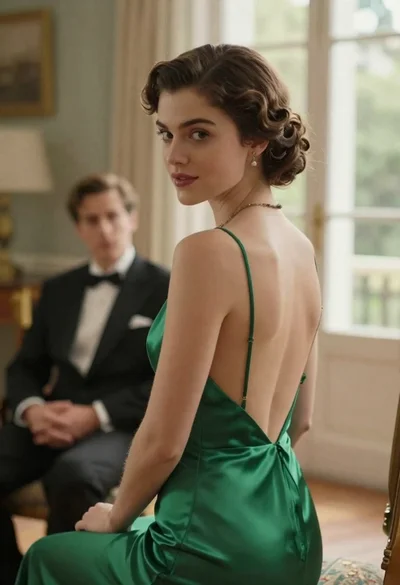
Woman in green dress looking over shoulder in bright ballroom setting
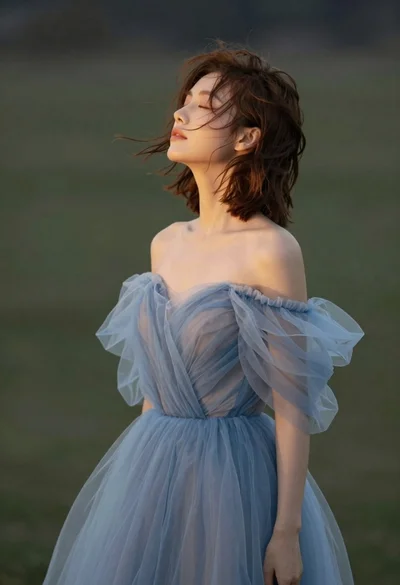
Young woman in blue tulle gown standing with eyes closed in wind
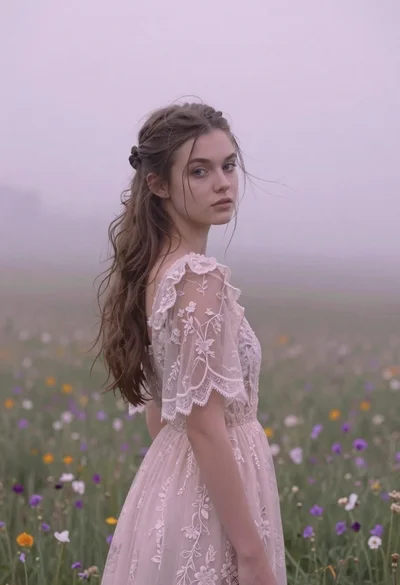
Young woman in pink lace gown standing in misty wildflower field
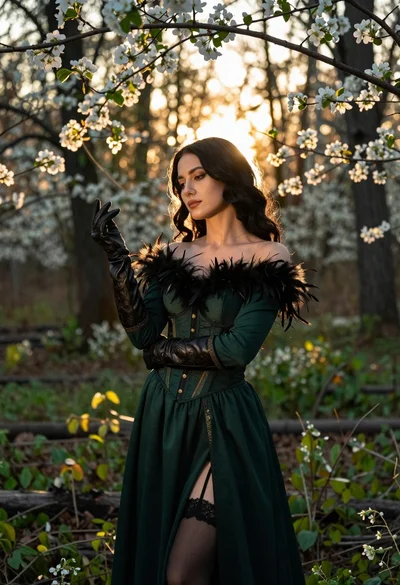
Woman in green gown stands in sunlit forest with blooming trees
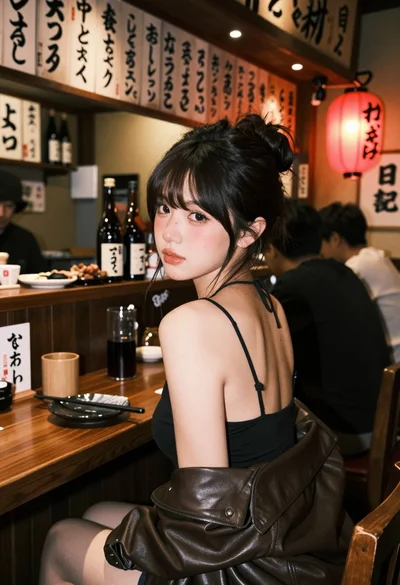
Young woman at wooden counter in dimly lit japanese izakaya bar setting

Low angle shot of woman in shimmering gold dress at crowded upscale
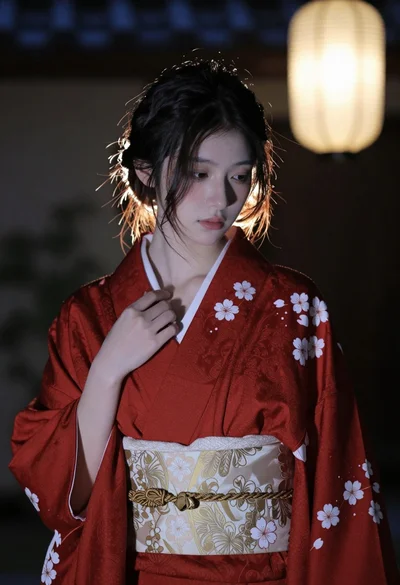
Young east asian woman in red kimono standing indoors with soft lantern

Young woman in red sweatshirt standing on blurred city street at night