

Young woman looking back over shoulder in dusty pink gown
Prompt
A glamorous woman with dark hair styled in a high bun looks back over her shoulder with a soft smile.

Subject: A young woman with fair skin, freckles across her nose and cheeks, and dark brown eyes looking directly at the camera. Her makeup features defined eyelashes and neutral pink lipstick.

Clothing: She wears a sophisticated dusty pink gown featuring a large bow detail on the upper back and wide straps that leave the mid-back exposed. The dress is paired with sheer black elbow-length gloves and a sparkling diamond necklace resting on her collarbone.

Action: She is captured in a three-quarter pose, turning her head to look back over her left shoulder while maintaining an elegant posture.

Environment: The background consists of a soft, out-of-focus beige wall on the left and a dark green textured area, possibly foliage or a hedge, on the right.

Camera: A medium close-up shot taken from behind the subject's shoulder with a shallow depth of field that blurs the background to emphasize her face and dress details.

Lighting: Soft, warm studio lighting illuminates her skin and the fabric of the dress, creating gentle highlights on her shoulder and hair while casting soft shadows.

Style Details: High-fashion photography aesthetic with sharp focus on the subject, rich color saturation in the pink gown, and a polished, elegant atmosphere.
Description
This prompt is useful for generating high-end bridal editorials, sophisticated portraiture for luxury branding, and fashion lookbooks emphasizing intricate garment details. The combination of 'soft, warm studio lighting' with the 'dusty pink gown' ensures that gentle highlights catch the exposed mid-back and necklace without creating harsh reflections, while the 'shallow depth of field' isolates her face against the contrasting beige and dark green background.
Suggestions
- Change 'dark hair styled in a high bun' to 'loose waves cascading over one shoulder' for more movement.
- Swap 'dusty pink gown' for 'blush silk gown' to alter the fabric sheen.
- Adjust 'medium close-up shot' to 'full body shot' to better showcase the bow detail.
Category
Tags
Brown HairFair SkinFemaleOutdoorsRealisticStudio
Date added
June 19, 2026
Added by
PromptDexter Team
Related Prompts
More prompts with similar categories and tags.

Woman in gold sequin slip dress looking over shoulder in forest

Woman in black dress by window overlooking ocean at golden hour

Smiling blonde woman in black dress at sports illustrated event backdrop
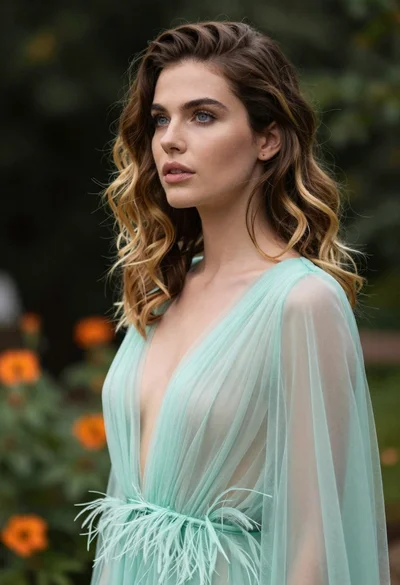
Portrait of woman with brown blonde hair in mint gown garden setting

Close up portrait of woman in champagne gown with brown hair
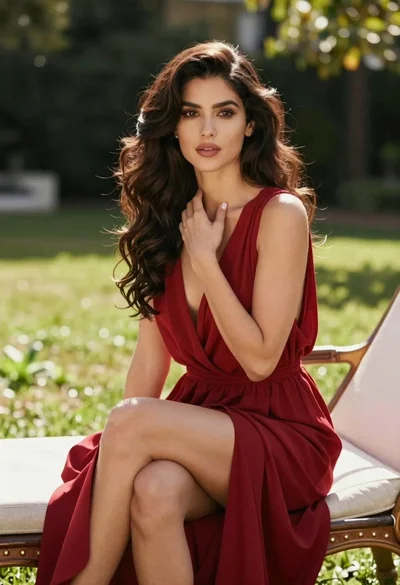
Woman in deep red dress seated elegantly outdoors on grassy lawn

Woman in rust gown posing on white step and repeat backdrop

Blonde woman reading at a cafe table with roses
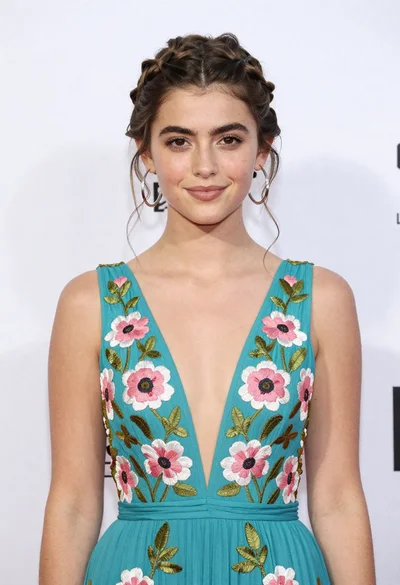
Portrait of young woman in teal embroidered gown against white backdrop
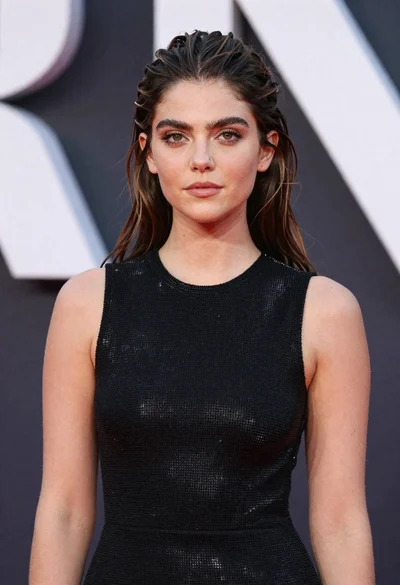
Glamorous portrait of young woman in shimmering black mesh top
