Young woman taking a mirror selfie in dimly lit modern interior room
Prompt
A woman taking a mirror selfie with a smartphone while standing in a dimly lit room.

Subject: A young woman with long, dark, wavy hair and fair skin, looking directly into the camera with a neutral expression.

Clothing: She is wearing a black bralette top and light beige or cream-colored loose-fitting pants with a drawstring waist.

Action: She holds a smartphone in her left hand up to a mirror to capture a reflection selfie, her body angled slightly towards the viewer.

Environment: The setting appears to be a modern interior space with dark walls on the left and a wooden floor. A doorway behind her reveals a bright outdoor area with greenery and a glimpse of furniture.

Lighting: Strong warm orange light illuminates her torso and face from the side, creating high contrast against the darker background and casting deep shadows.

Camera: The shot is a vertical mirror selfie taken at eye level, capturing the subject's reflection within a rectangular frame.

Style Details: The image features a high-contrast aesthetic with vibrant color grading that emphasizes the warm tones of the light source against the cool shadows.
Description
This prompt is useful for creating intimate personal blog posts, moody fashion flat lays, and character concept art depicting everyday moments. The combination of 'strong warm orange light' casting high contrast against the dark setting ensures that the subject remains visible while maintaining a dramatic mood, which is ideal for emphasizing texture in the 'black bralette top' over bright, even illumination.
Suggestions
- Change 'dimly lit room' to 'minimalist concrete loft' for a different architectural feel.
- Swap 'strong warm orange light' for 'neon pink glow' for a more vibrant nightlife aesthetic.
- Adjust 'light beige or cream-colored loose-fitting pants' to 'dark wash denim' to ground the outfit.
Category
Tags
BrunetteCasual WearFair SkinFemaleIndoorsMedium ShotRealistic
Date added
June 19, 2026
Added by
PromptDexter Team
Related Prompts
More prompts with similar categories and tags.

Young woman with dark wavy hair sitting in modern bright indoor living

Young woman in red velvet gown standing indoors against white wall
Young east asian woman in white tshirt sipping juice in modern kitchen
Young woman taking mirror selfie in black lingerie at bedroom
Young woman leaning over table in cafe with dessert and drink

Red haired woman in workshop with tools background
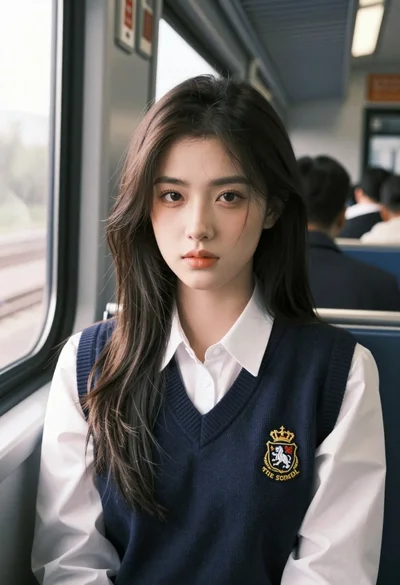
Young woman with dark hair seated by train window looking at camera
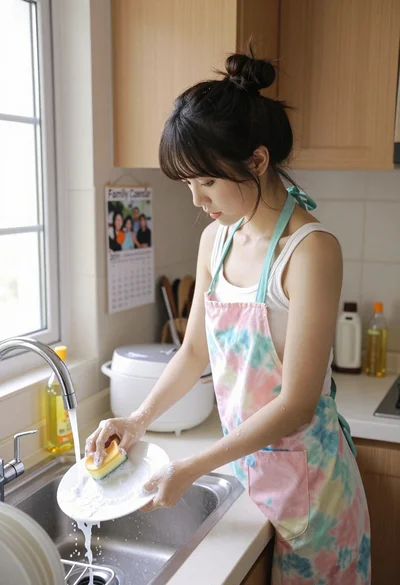
Young asian woman washing dishes at kitchen sink with bright daylight
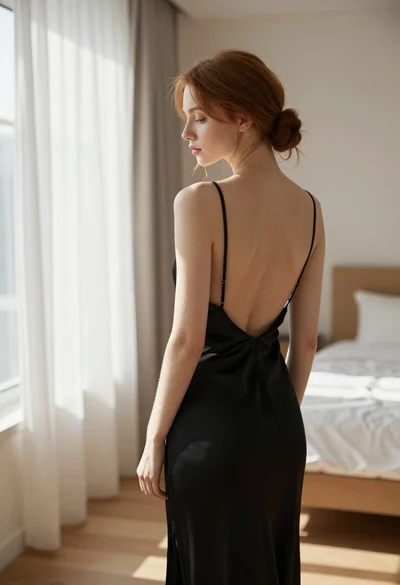
Young woman in black slip dress standing by window in bright bedroom

Young woman with dark hair wearing black sweater indoors in bedroom setting