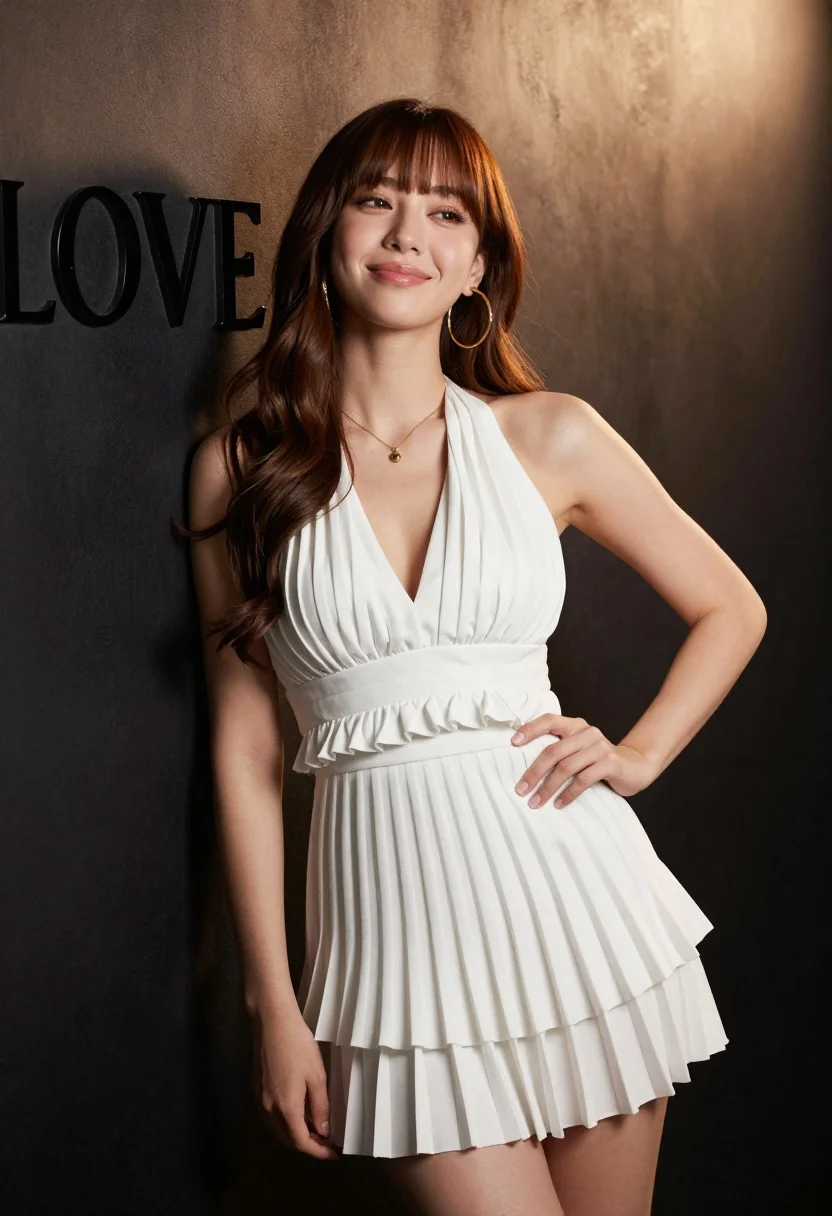
Young woman with brown hair in white pleated dress against dark studio
Prompt
A young woman with long wavy brown hair and bangs stands in a studio setting wearing a white pleated halter dress.

Subject: A young woman with long wavy brown hair featuring straight bangs framing her face, fair skin, and a soft smile looking slightly upward.

Clothing: She wears a white pleated halter-neck mini dress with ruffled detailing at the waist and neckline, paired with large gold hoop earrings and a delicate gold necklace with a small pendant.

Action: She stands leaning back against a wall with her left hand resting on her hip, posing confidently with a relaxed posture.

Environment: A dark textured studio wall serves as the background with soft lighting creating a spotlight effect from the upper right corner.

Camera: Shot with a medium close-up framing that captures the subject from the mid-thigh up, utilizing a shallow depth of field to keep the focus sharp on her face and dress while softly blurring the background.

Lighting: Dramatic studio lighting highlights her skin and hair with a warm glow coming from the upper right, casting soft shadows on the left side of her body and creating a polished high-fashion aesthetic.

Text/Graphics: The text "LOVE" is visible in dark lettering on the wall to the left of the subject.

Style Details: High-resolution commercial photography style with smooth skin textures, vibrant colors, and a clean composition typical of fashion editorial shoots.
Description
This prompt is useful for creating high-end beauty advertisements, intimate portrait editorials, and luxury brand lookbooks. The combination of 'dramatic studio lighting' casting soft shadows on the left side, paired with a 'shallow depth of field,' ensures that the focus remains intensely sharp on her face and dress while preventing the dark background from becoming a flat void.
Suggestions
- Change 'white pleated halter-neck mini dress' to 'ivory silk slip dress' for a different sheen.
- Swap 'gold hoop earrings' for 'pearl drop earrings' to soften the metallic contrast.
- Adjust 'upper right corner' lighting to 'overhead key light' for more dramatic shadow play.
Category
Tags
Brown HairFair SkinFemaleMedium ShotPortrait ShotRealisticStudio
Date added
August 5, 2026
Added by
PromptDexter Team
Related Prompts
More prompts with similar categories and tags.

Young woman in black graphic tshirt against white paneled wall

Portrait of woman in elaborate red feathered gown against vivid blue background

Blonde woman in cream sweater sitting on beige couch

Glamorous woman posing in shimmering two piece outfit against green backdrop
Medium close up portrait of woman with brown wavy hair in magenta

Fair skinned woman in black blazer against white studio wall
Glamorous young woman in red dress against warm orange studio backdrop

Woman in white corset top standing by grey wall and large window
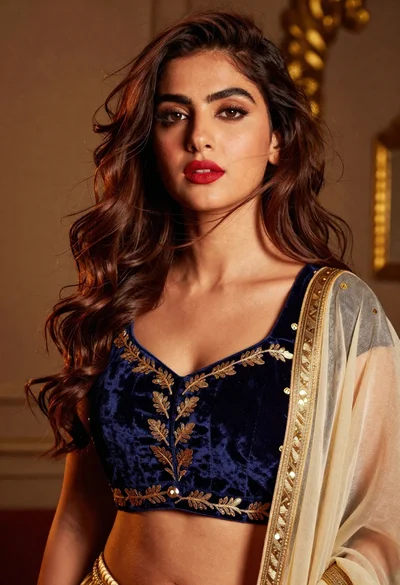
High fashion portrait of woman in navy velvet crop top studio setting
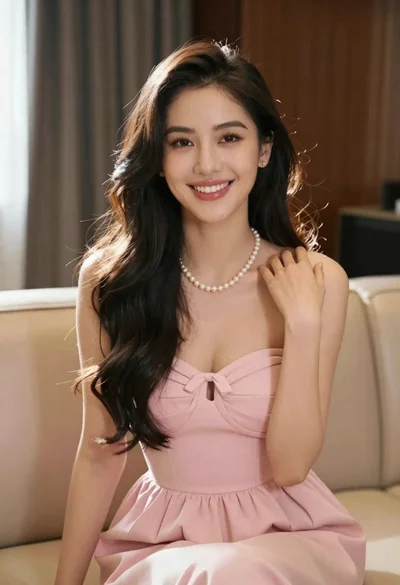
Smiling young woman in pink dress seated indoors with glowing backlight