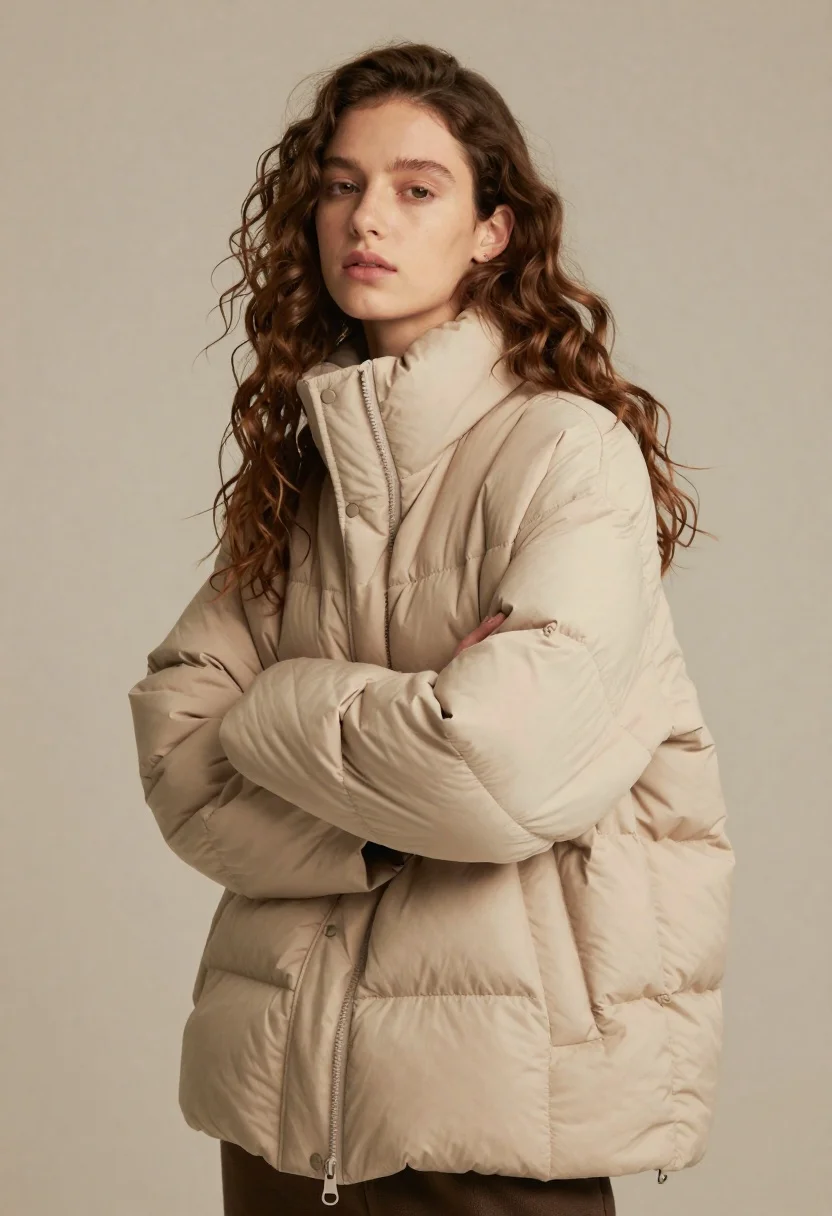
Young woman with brown hair wearing beige puffer jacket in studio setting
Prompt
A young woman with long wavy brown hair stands in a three-quarter pose wearing a beige puffer jacket.

Subject: A young woman with fair skin and long, voluminous wavy brown hair that cascades over her shoulders. Her facial expression is neutral and calm as she looks slightly away from the camera.

Clothing: She wears an oversized, quilted beige puffer jacket with a high collar that is turned up around her neck. The jacket features visible horizontal stitching lines creating padded sections, a central zipper running down the front, and snap buttons near the collar.

Action: Her arms are crossed in front of her chest, emphasizing the volume of the sleeves. She stands still with a relaxed posture.

Environment: A plain, solid neutral beige background that blends seamlessly with the jacket color to create a minimalist studio setting.

Camera: Medium shot framing the subject from the waist up, utilizing a soft focus on the edges and a shallow depth of field to isolate the figure against the background.

Lighting: Soft, directional lighting illuminates the left side of her face and body, casting gentle shadows that highlight the texture of the hair and the folds in the fabric.

Style Details: High-fashion editorial aesthetic with a muted, warm color palette dominated by beige and tan tones, featuring smooth skin textures and a clean, polished finish.
Description
This prompt is useful for creating minimalist fashion editorials, seasonal lookbooks focusing on outerwear, and portrait studies emphasizing texture. The combination of 'soft, directional lighting' highlighting the hair and fabric folds, paired with the 'plain, solid neutral beige background,' ensures that the focus remains entirely on the subject's silhouette and the tactile quality of the 'beige puffer jacket,' preventing any distracting environmental elements.
Suggestions
- Change 'beige puffer jacket' to 'charcoal quilted bomber jacket' for contrast.
- Adjust 'soft, directional lighting' to 'hard side lighting' for more dramatic shadows.
- Swap 'neutral beige background' for 'light concrete wall' to add subtle texture.
Category
Tags
Brown HairCasual WearFair SkinFemaleMedium ShotPortrait ShotRealisticStudio
Date added
June 19, 2026
Added by
PromptDexter Team
Related Prompts
More prompts with similar categories and tags.

Young woman in black graphic tshirt against white paneled wall

Blonde woman in cream sweater sitting on beige couch

Glamorous woman posing in shimmering two piece outfit against green backdrop
Smiling young woman in pink dress seated indoors with glowing backlight
Young woman in cream blouse leaning against rustic wood
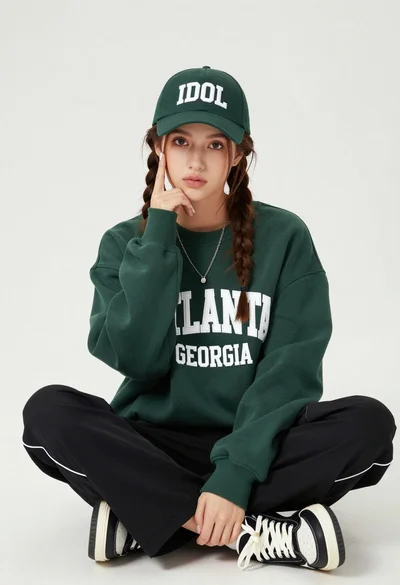
Young woman with braids sitting cross legged in green sweatshirt studio portrait

Young woman in white lace dress seated against soft floral backdrop

Portrait of woman with red hair in navy blouse and green skirt
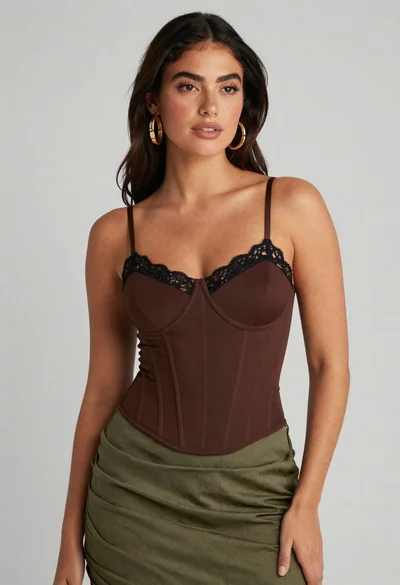
Confident woman in brown corset top and green skirt against gray background

Young woman seated on grey sofa against pink wall fashion portrait