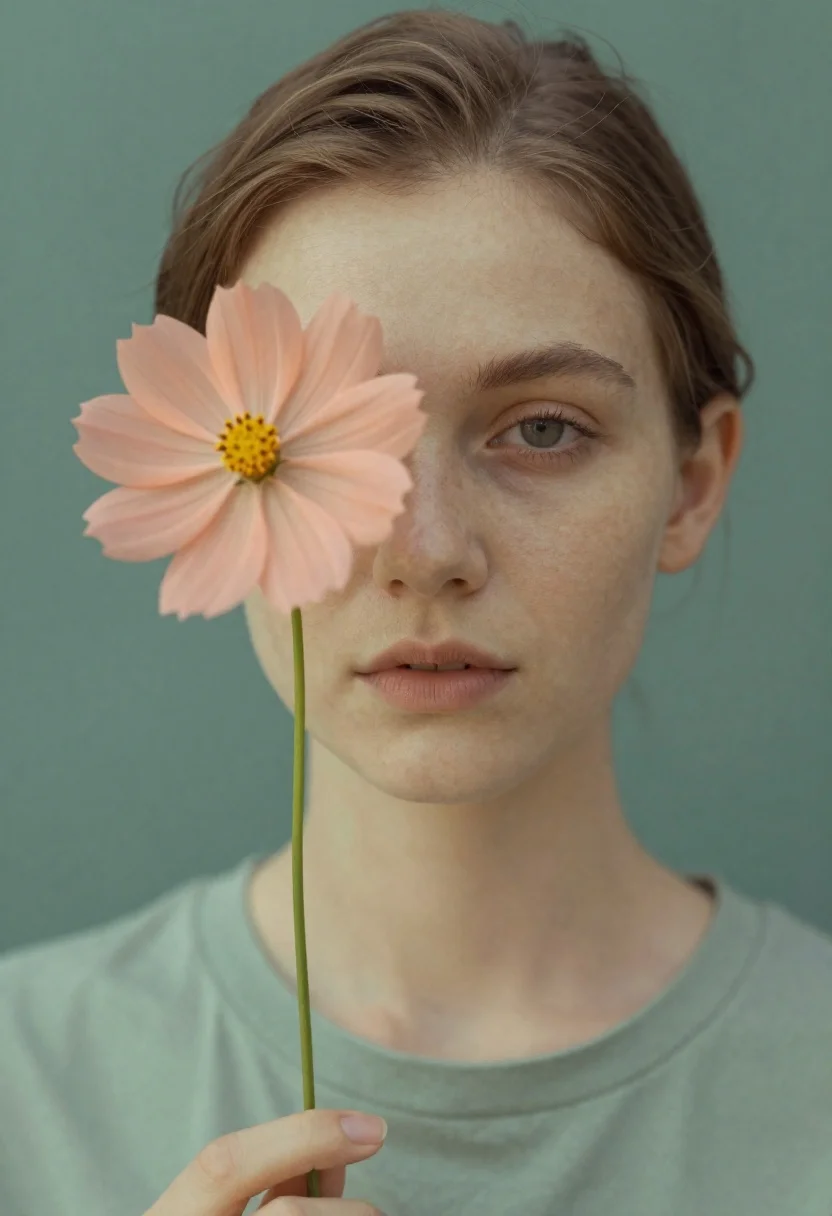
Fair skinned young woman holding peach cosmos flower near face
Prompt
A soft-focus portrait of a young woman holding a peach-colored cosmos flower that partially obscures her left eye and cheek.

Subject: A fair-skinned young woman with light brown hair pulled back from her face, featuring visible freckles across her nose and cheeks, and a calm, neutral expression with one eye clearly visible.

Clothing: She wears a muted sage green crew-neck t-shirt with soft fabric folds around the collar.

Action: The subject holds a single long-stemmed peach flower up to her face, creating a layered visual effect where the petals overlap her features; she gazes directly forward with a serene demeanor.

Environment: A solid, matte background in a muted teal-green tone that matches the clothing color palette.

Camera: Close-up framing focusing on the head and shoulders, utilizing a shallow depth of field to blur the edges of the face and flower slightly for an ethereal quality.

Lighting: Soft, diffused frontal lighting that minimizes harsh shadows, creating a gentle glow on the skin and emphasizing the pastel tones of the subject and flower.

Style Details: Dreamy, double-exposure aesthetic with a vintage film grain texture, muted color grading, and a soft-focus rendering style reminiscent of analog photography.
Description
This prompt is useful for creating ethereal portraiture, fine art editorial spreads, and dreamlike personal branding imagery. The combination of 'soft-focus rendering' and 'shallow depth of field' ensures the focus remains intimately on the flower and visible features while preventing harsh edges, which complements the gentle glow achieved by the 'Soft, diffused frontal lighting'.
Suggestions
- Change 'peach-colored cosmos flower' to 'pale pink peony' for a richer bloom.
- Swap 'muted sage green crew-neck t-shirt' for 'cream knit top' to brighten the palette.
- Adjust 'matte background in a muted teal-green tone' to 'soft dusty rose backdrop' for warmer contrast.
Category
Tags
Casual WearClose UpFair SkinFemaleOutdoorsRealistic
Date added
June 26, 2026
Added by
PromptDexter Team
Related Prompts
More prompts with similar categories and tags.
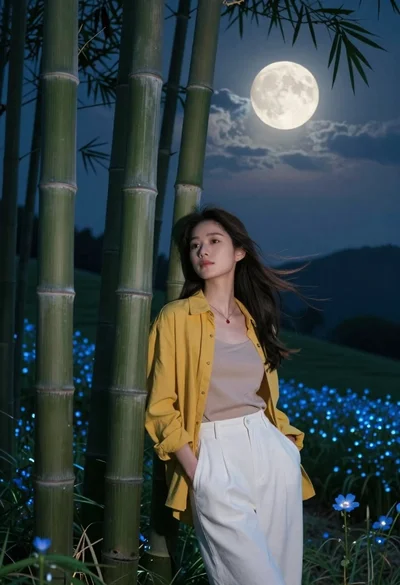
Young woman in mustard shirt leaning against bamboo under full moon
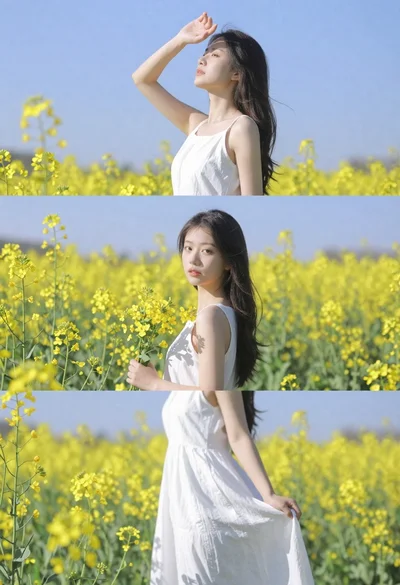
Woman in white dress standing in a field of yellow flowers
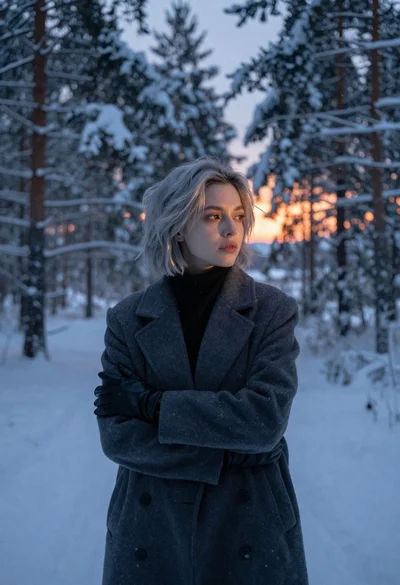
Young woman with short silver hair stands in snowy forest at twilight

Young woman with long black hair standing in dark environment with projected
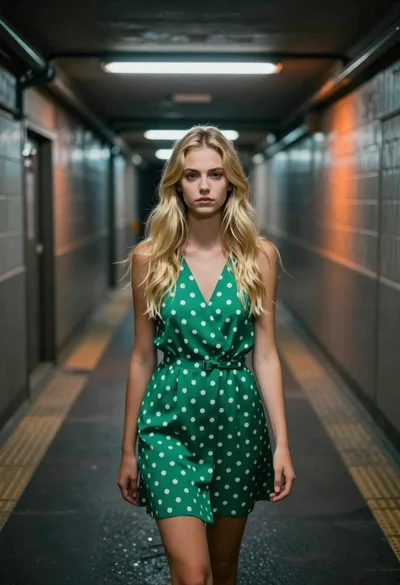
Young blonde woman in green polka dot dress standing in subway tunnel
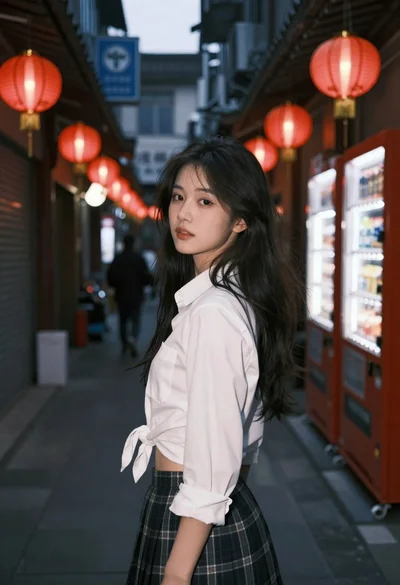
Young woman in white shirt and plaid skirt looks back over shoulder
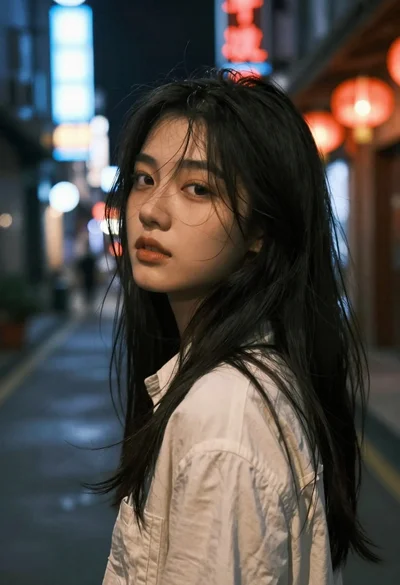
Close up portrait of young woman with dark hair looking back over
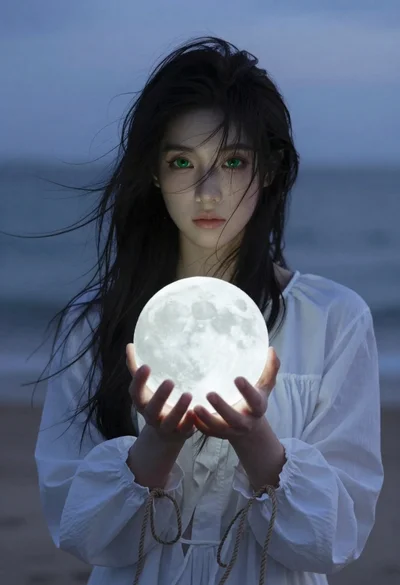
Mystical woman with black hair holding glowing moon at twilight beach
