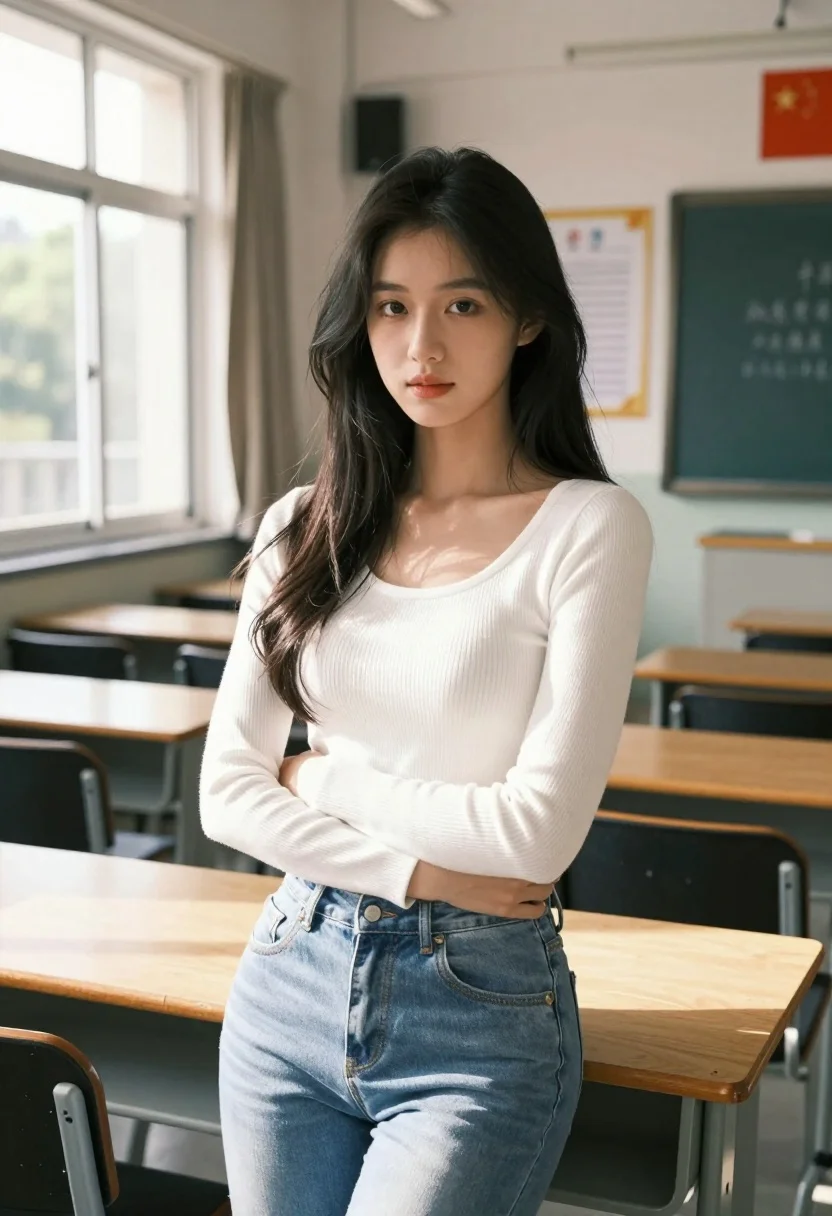
Young woman with dark hair standing in sunlit classroom by large window
Prompt
A young woman with long dark hair stands in a sunlit classroom, looking directly at the camera with a soft expression.

Subject: A young woman with long, wavy black hair and fair skin, wearing a white ribbed long-sleeve top and light blue jeans.

Clothing: She wears a fitted white ribbed knit sweater with a scoop neck and high-waisted light wash denim jeans.

Action: She stands facing the camera with her arms crossed loosely over her chest, leaning slightly against a wooden desk.

Environment: The setting is a classroom with rows of wooden desks and black chairs. Large windows on the left let in bright daylight, showing green trees outside. A chalkboard with Chinese characters hangs on the back wall, along with a red flag and a framed notice board.

Camera: Medium shot capturing the subject from the waist up, with natural depth of field blurring the background slightly to emphasize her presence.

Lighting: Bright natural light streams in from the left side window, casting soft highlights on her face and hair while creating gentle shadows across the room.

Style Details: The image has a clean, realistic aesthetic with high detail in fabric textures and skin tones, rendered in a photorealistic style with warm color grading.
Description
This prompt is useful for creating cinematic character portraits, lifestyle editorial spreads set in academic environments, and moody narrative stills. The combination of 'bright natural light streams in from the left side window' and the 'natural depth of field blurring the background slightly' directs focus entirely onto the subject while using the visible details like the 'wooden desks' to ground the scene in a specific, believable location.
Suggestions
- Change 'light blue jeans' to 'dark wash denim' for more contrast.
- Add 'anamorphic lens flare' to enhance the window light effect.
- Swap 'soft expression' for 'pensive gaze' to deepen the mood.
Category
Tags
Black HairFair SkinFemaleIndoorsMedium ShotRealistic
Date added
July 3, 2026
Added by
PromptDexter Team
Related Prompts
More prompts with similar categories and tags.
Blonde woman in teal slip dress leaning on elevator handrail

Young woman in beige mini dress looking back at camera on subway
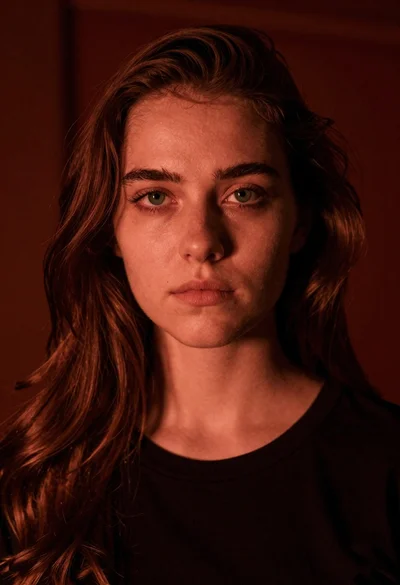
Closeup portrait of young woman with brown hair and green eyes in
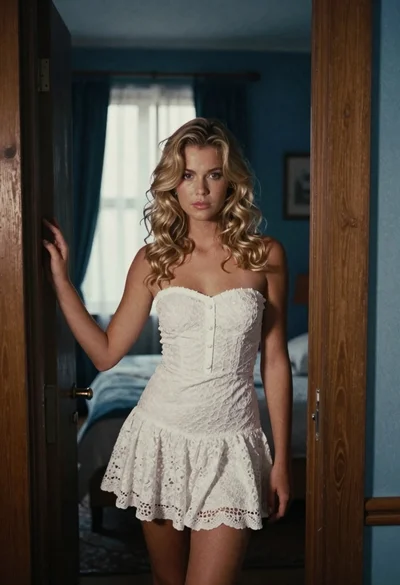
Young blonde woman in white lace dress standing in blue doorway

Young woman in white blouse leaning against beige wall near mirror
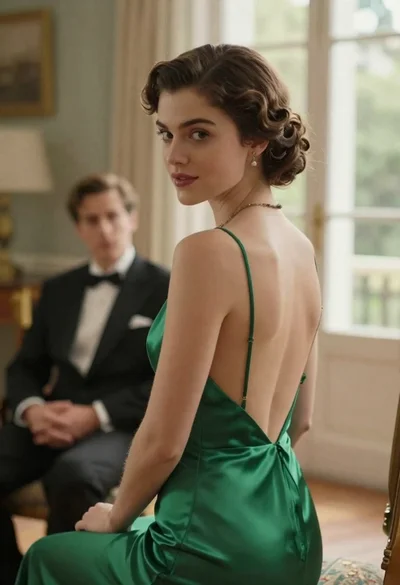
Woman in green dress looking over shoulder in bright ballroom setting
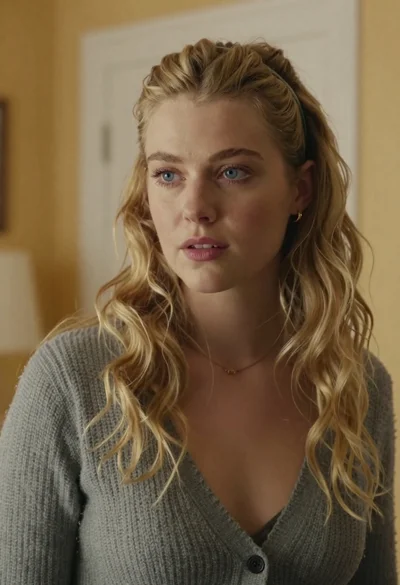
Medium close up portrait of blonde woman in grey cardigan indoors

Woman in green satin slip dress standing in sunlit elegant interior room
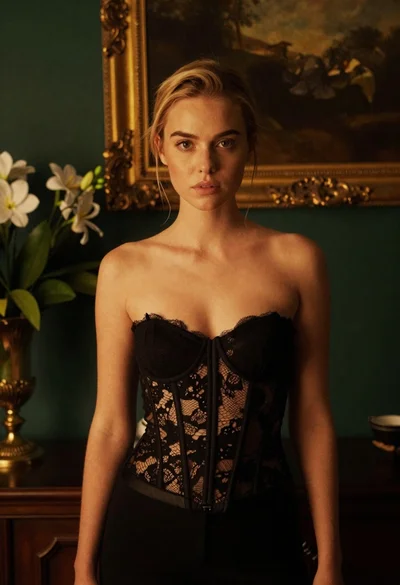
Blonde woman in black lace corset top against dark green wall
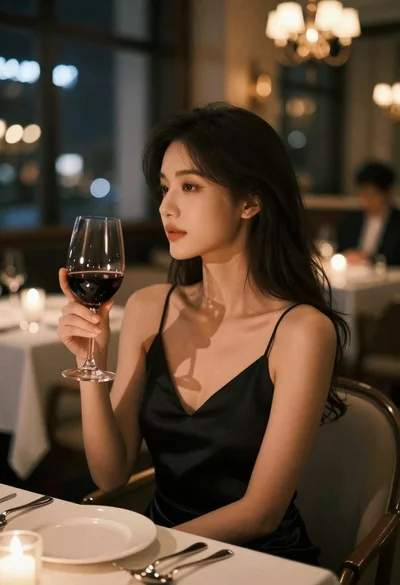
Contemplative young woman in black slip dress at candlelit restaurant table