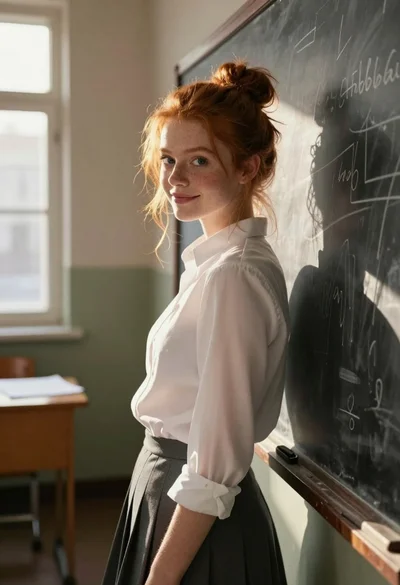
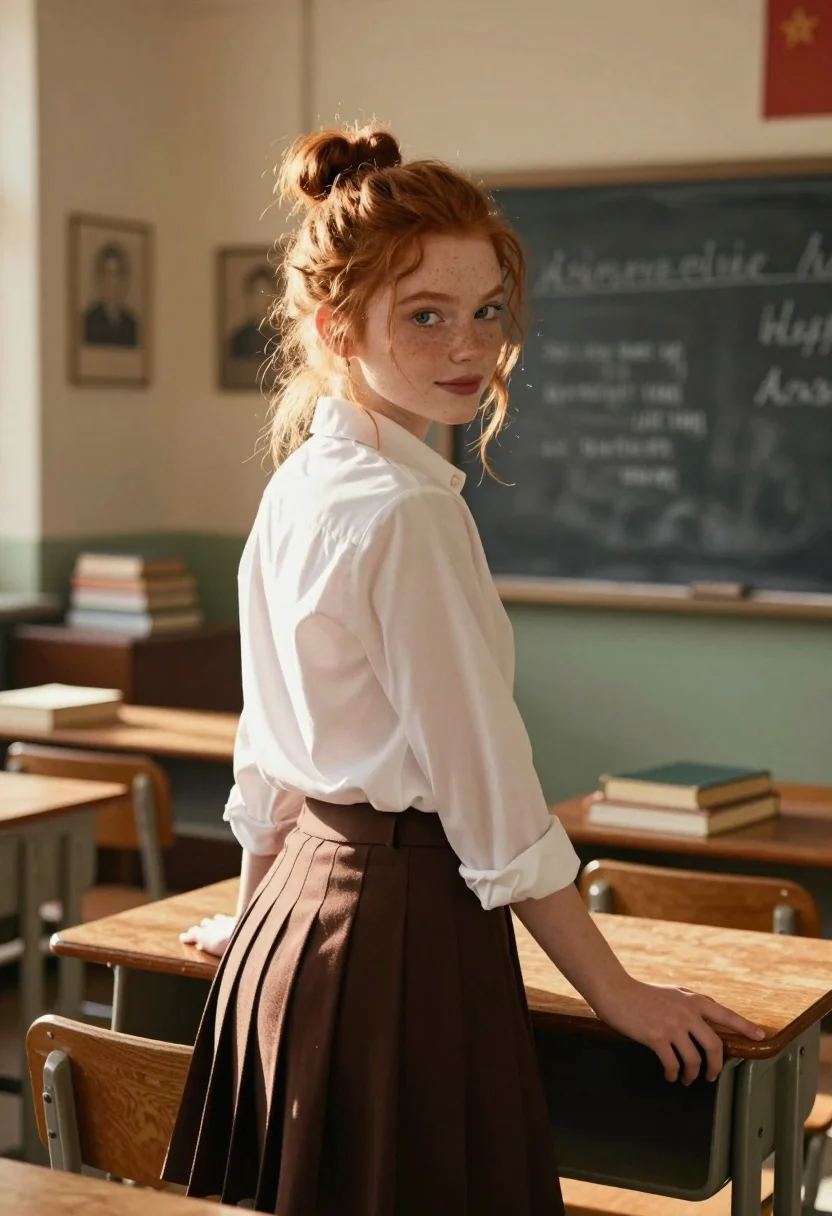
Young woman with red hair in white shirt leaning on wooden desk
Prompt
A young woman with red hair tied in a messy bun stands in a sunlit classroom, leaning back against a wooden desk and looking over her shoulder at the camera.

Subject: A young woman with fair skin, blue eyes, and freckles, wearing a white collared shirt and a dark brown skirt.

Clothing: She wears a crisp white button-down shirt with sleeves rolled up to the elbows and a high-waisted, pleated dark brown skirt.

Action: She leans back against a wooden desk with one hand resting on the surface and her other arm draped over the edge, turning her head to look directly at the viewer with a soft smile.

Environment: The setting is a vintage classroom featuring a large chalkboard with faint writing in the background, framed portraits on the wall, and stacks of old books on wooden desks.

Camera: Shot from a medium-low angle looking up slightly at the subject, utilizing a shallow depth of field to blur the background while keeping the woman sharp.

Lighting: Warm, golden sunlight streams through a window on the left, creating strong highlights on her hair and face and casting soft shadows across the room.

Style Details: The image has a cinematic, nostalgic quality with rich color grading, high contrast, and a slightly grainy texture reminiscent of 35mm film photography.
Description
This prompt is useful for creating academic portraiture, vintage lifestyle editorials, and character concept art evoking nostalgia. The combination of 'warm, golden sunlight' streaming from the left and the 'shallow depth of field' ensures that while the subject remains sharply focused against the rich background details like the chalkboard, the light sculpts her red hair and face with dramatic highlights suitable for cinematic storytelling.
Suggestions
- Change 'messy bun' to 'braided crown' for a more structured look.
- Swap 'dark brown skirt' for 'corduroy skirt' to emphasize texture.
- Adjust 'medium-low angle looking up slightly' to 'eye-level shot' for a more direct connection.
Category
Tags
Fair SkinFemaleMedium ShotOutdoorsPortrait ShotRealisticRed Hair
Date added
July 3, 2026
Added by
PromptDexter Team
Related Prompts
More prompts with similar categories and tags.
Photorealistic close up portrait of young woman with blonde hair
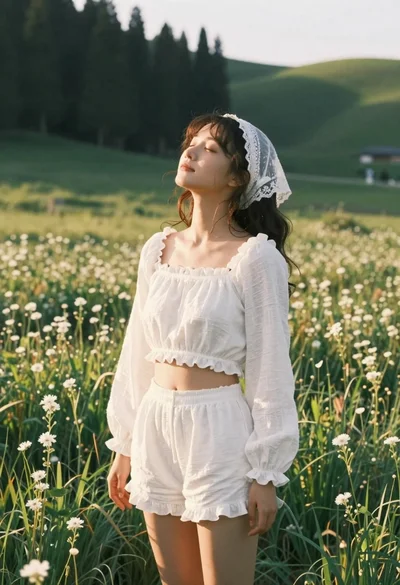
Young woman in white lace outfit standing in sunlit meadow
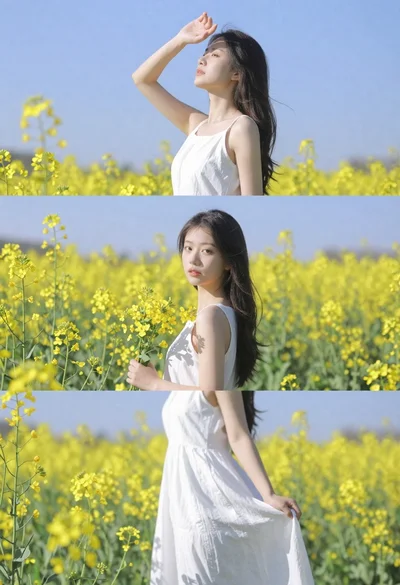
Woman in white dress standing in a field of yellow flowers
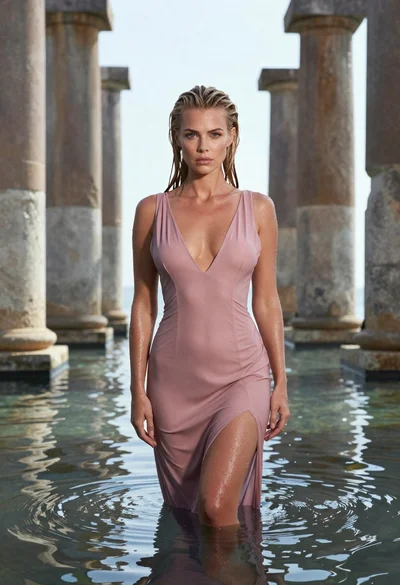
Woman in pink dress standing among ancient stone pillars in water

Woman in white dress holding lotus flower in shallow pool with fish
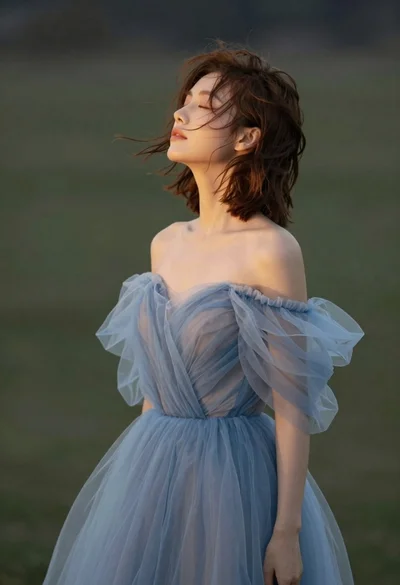
Young woman in blue tulle gown standing with eyes closed in wind
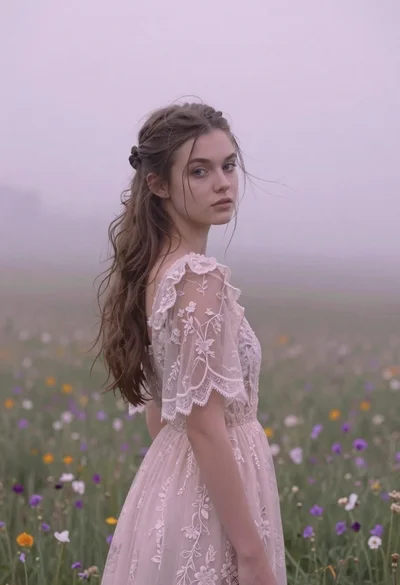
Young woman in pink lace gown standing in misty wildflower field

Young couple embracing in a lush rose garden during golden hour
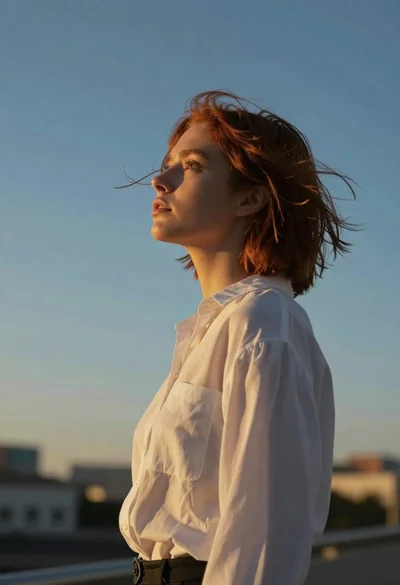
Young woman in white blouse stands in profile against blue sky at
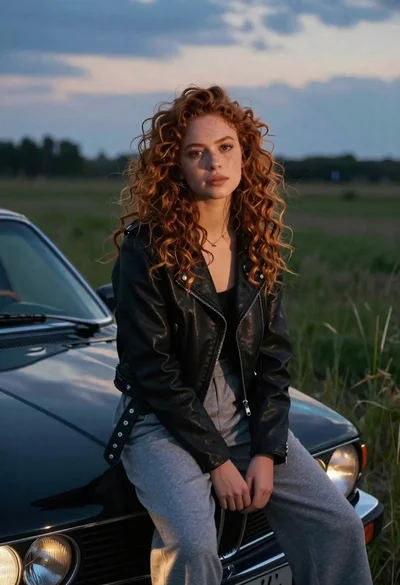
Young woman with curly hair sitting on a vintage car in a